
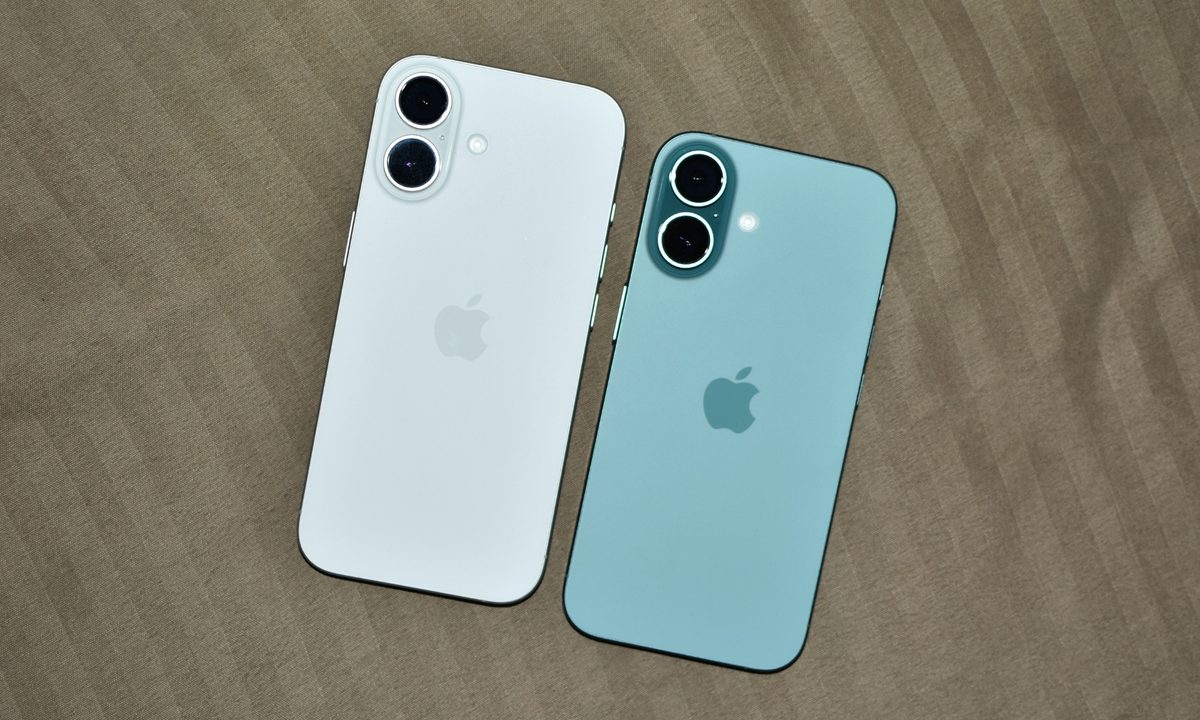
I was using the iPhone 17 when I picked up my iPhone 16 to look at an older video, and it led to an epiphany: nothing about the iPhone 16 felt any worse than its successor. It wasn’t any slower, the design didn’t feel dramatically different, and nothing about it screamed “old” or “outdated.” That feeling stuck with me for a few days.
Over the years, the smartphone industry has trained us to treat one year of upgrades (no matter how incremental) as something that should feel significant, but upon switching back to the iPhone 16 after using the iPhone 17 for over six months, I realized that wasn’t the case. We’re so stuck in finding the smallest changes in the spec sheet that we forget that a company’s product cycle isn’t a measure of obsolescence.
A phone that doesn’t feel outdated next to its predecessor
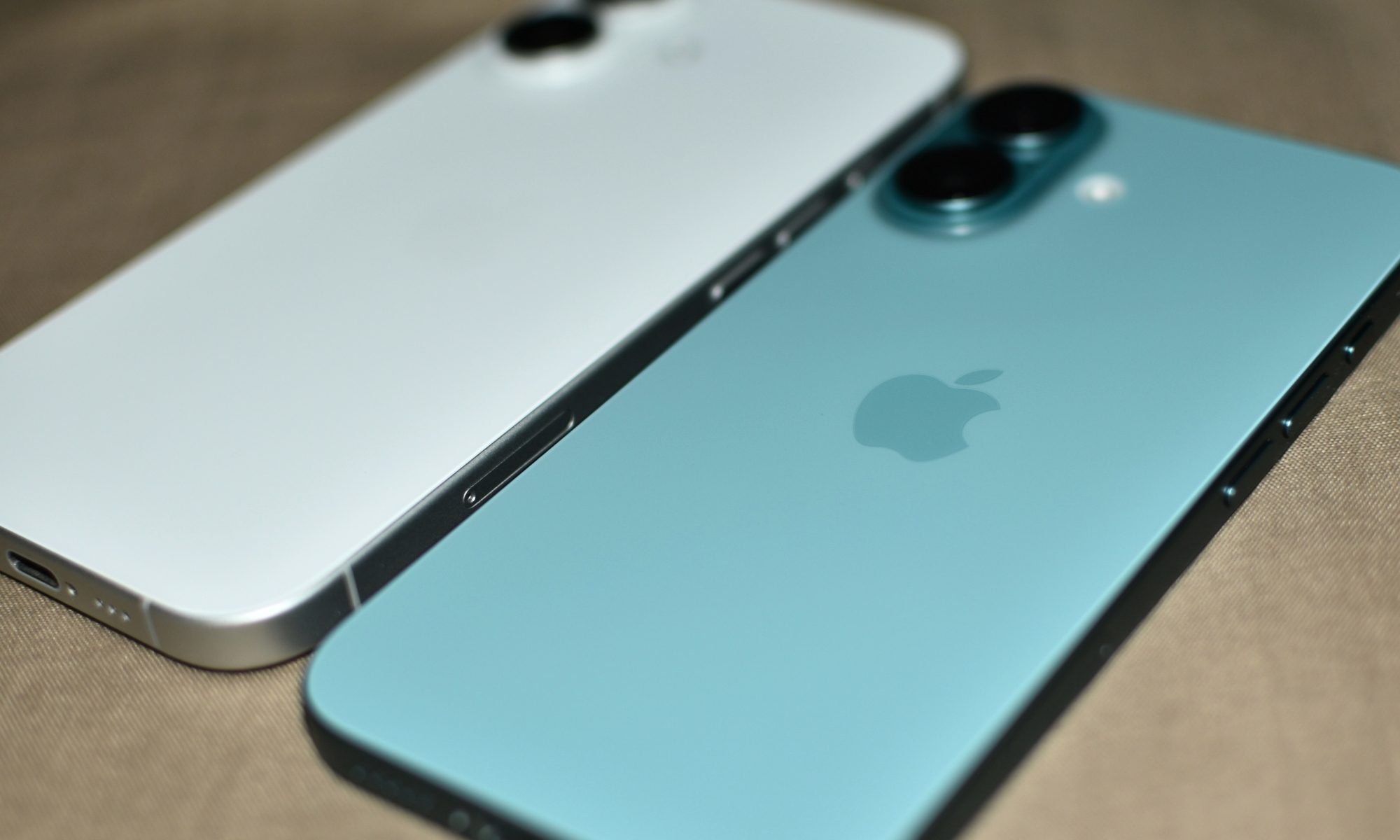
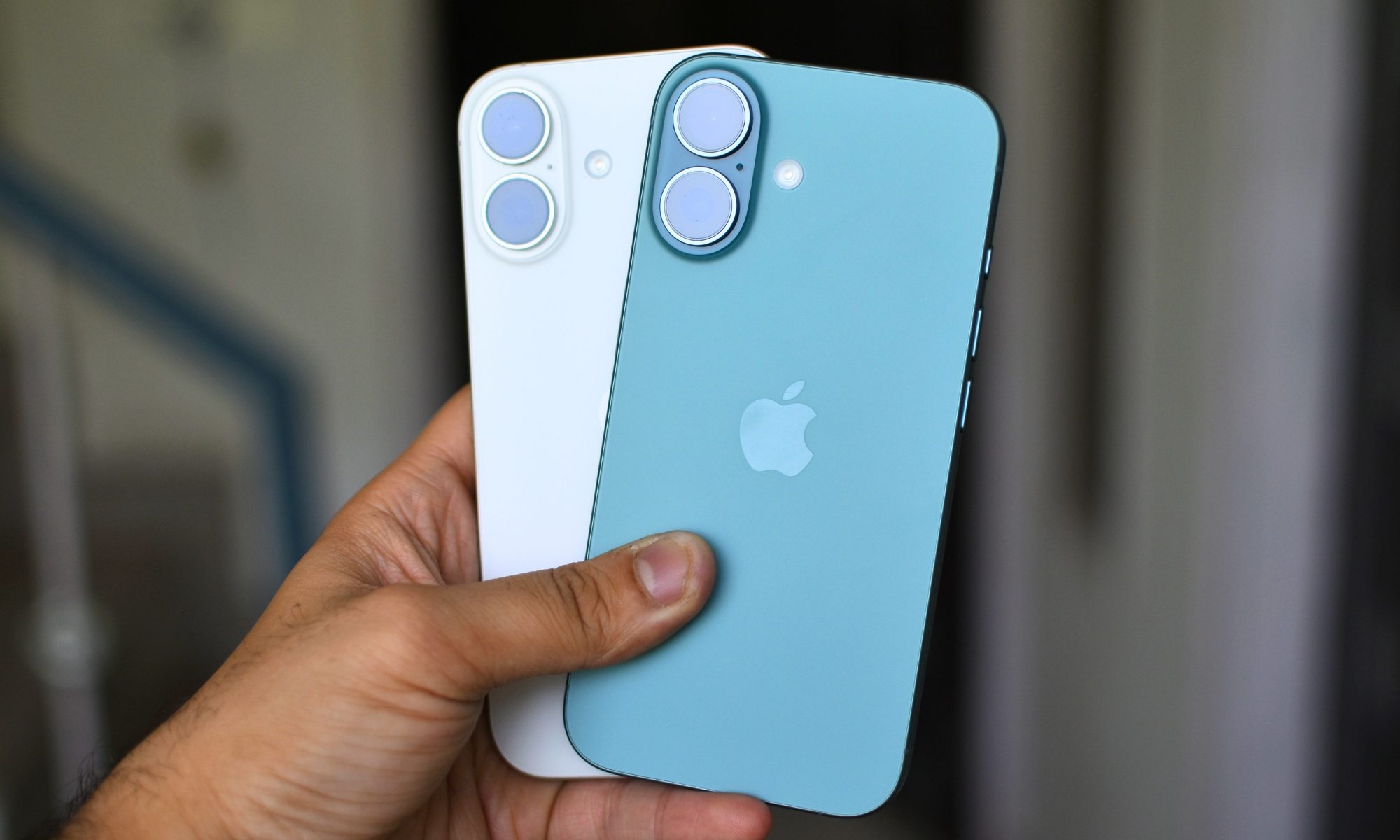
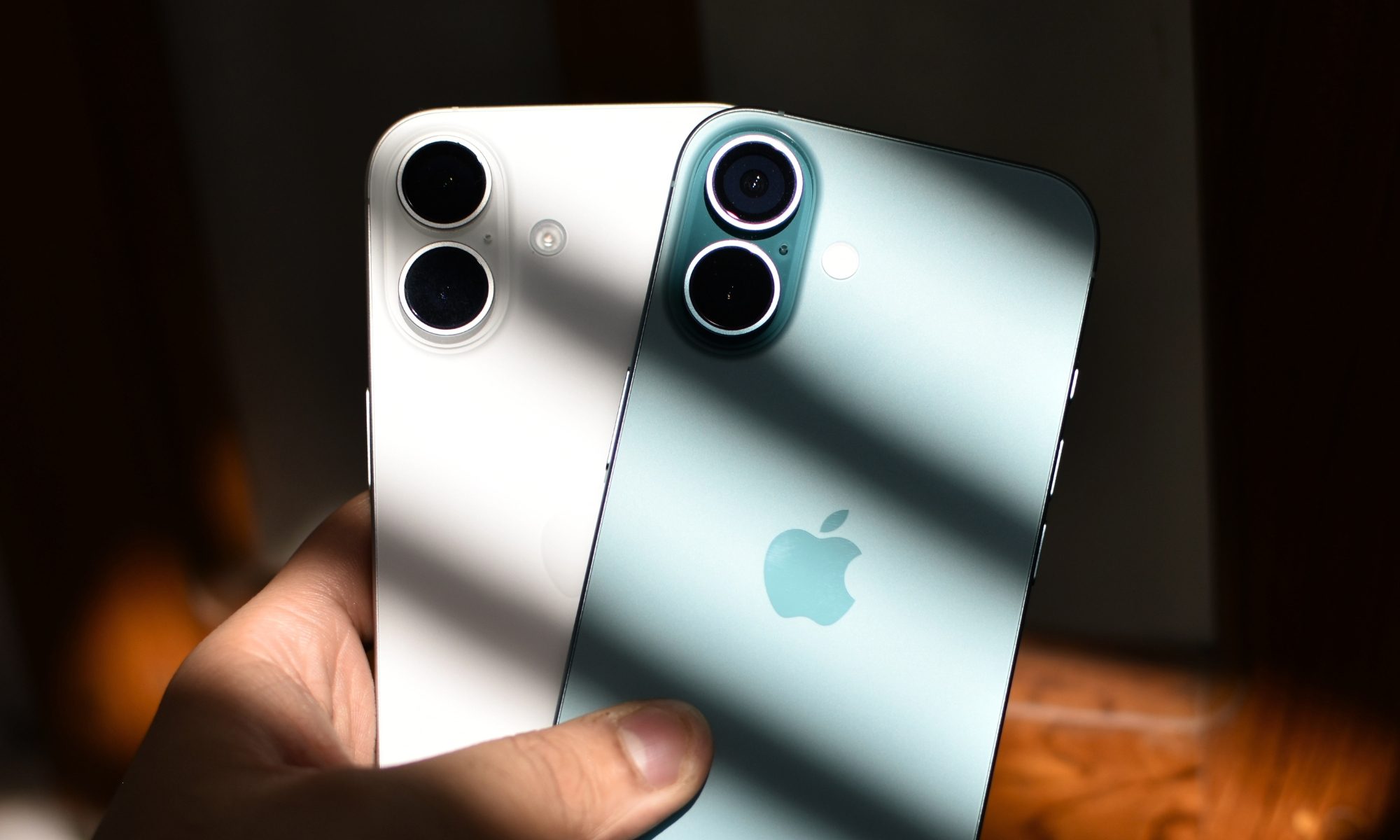
The moment I picked up the iPhone 16 (which was resting without a case in my drawer), I couldn’t help but notice its cool aluminum frame and the matte glass back in the Teal finish, and it brought a smile to my face. The next moment, I took out my iPhone 17 and held it side-by-side.
If you leave out the larger form factor (due to a bigger screen) and the different finishes, the iPhone 16 shares all its design elements, including the Dynamic Island on the front, the vertical camera layout on the back, and the buttons (including the Action button and Camera Control), with the iPhone 17.
And that’s when it hit me: the iPhone 16 doesn’t feel all that old, even next to its successor.
The chip gap isn’t as wide as the ProMotion display makes it feel
Over the next couple of days, I started using the phone as my daily driver, just to check whether there were any noticeable differences in the performance, and I came to a rather nuanced conclusion.
Had Apple equipped the iPhone 16 with a 120Hz ProMotion display, it would have felt as smooth as the newer iPhone 17. This is the reason why the Pixel 10a feels so smooth despite featuring a less powerful chipset.
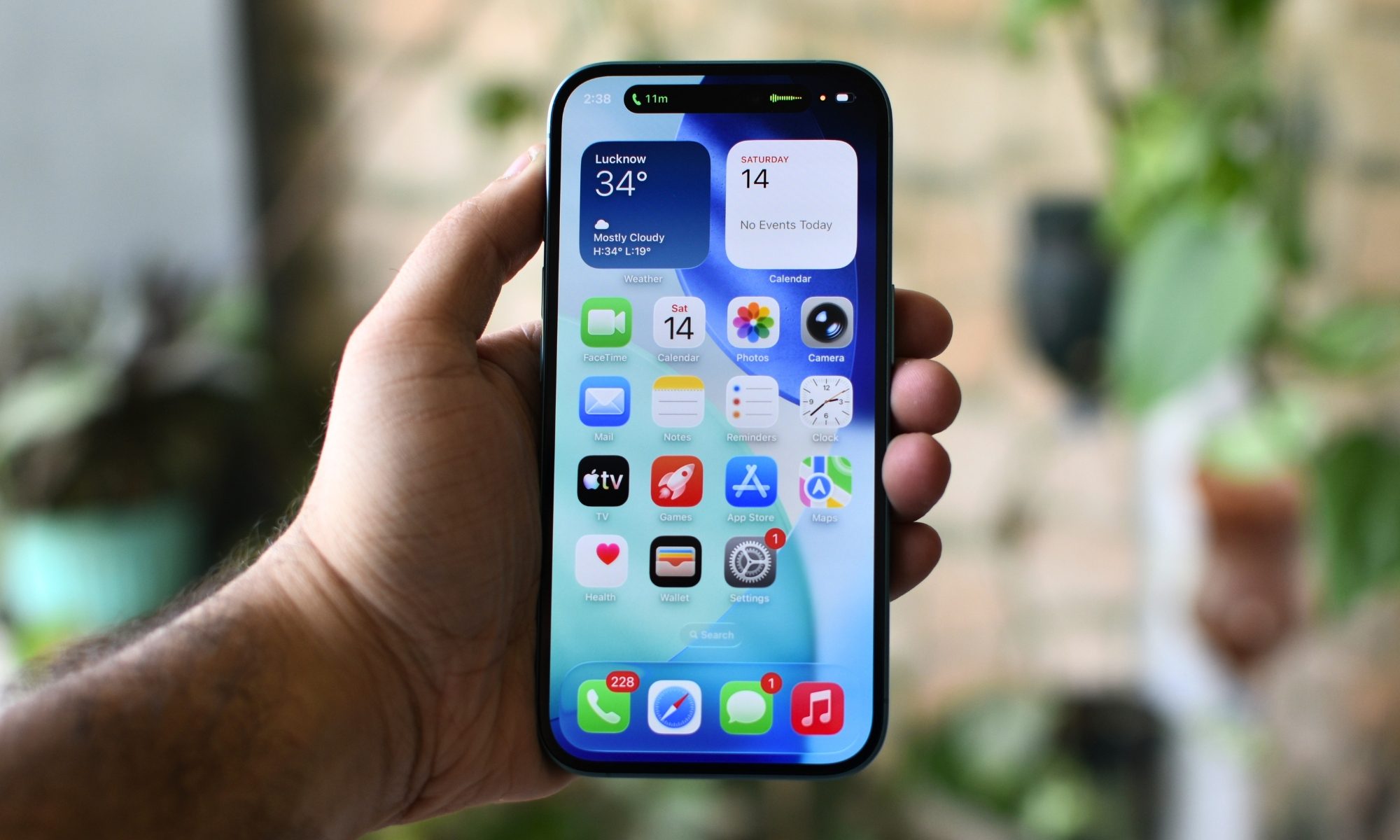
But even otherwise, in third-party apps that only support a 60Hz refresh rate, it was quite hard to differentiate between the phones in terms of performance (unless you time the export of the same video via a third-party editing app).
The A19 chip on the iPhone 17 is barely 8-10% faster than the A18 chip on the iPhone 16; that’s a difference most users will never notice with their day-to-day tasks.
4,000 photos later, the main camera still holds its ground
More importantly, both the phones fully support iOS 26 and run all the available Apple Intelligence features. Another major similarity between the phones is their primary camera.
I’ve taken over 4,000 photos and 800 videos on my iPhone 16 as a daily driver for months, and the 48MP holds up really well, even next to those from the iPhone 17. Color science and skin tones remain accurate, dynamic range rarely disappoints, plus there’s plenty of detail in pictures.
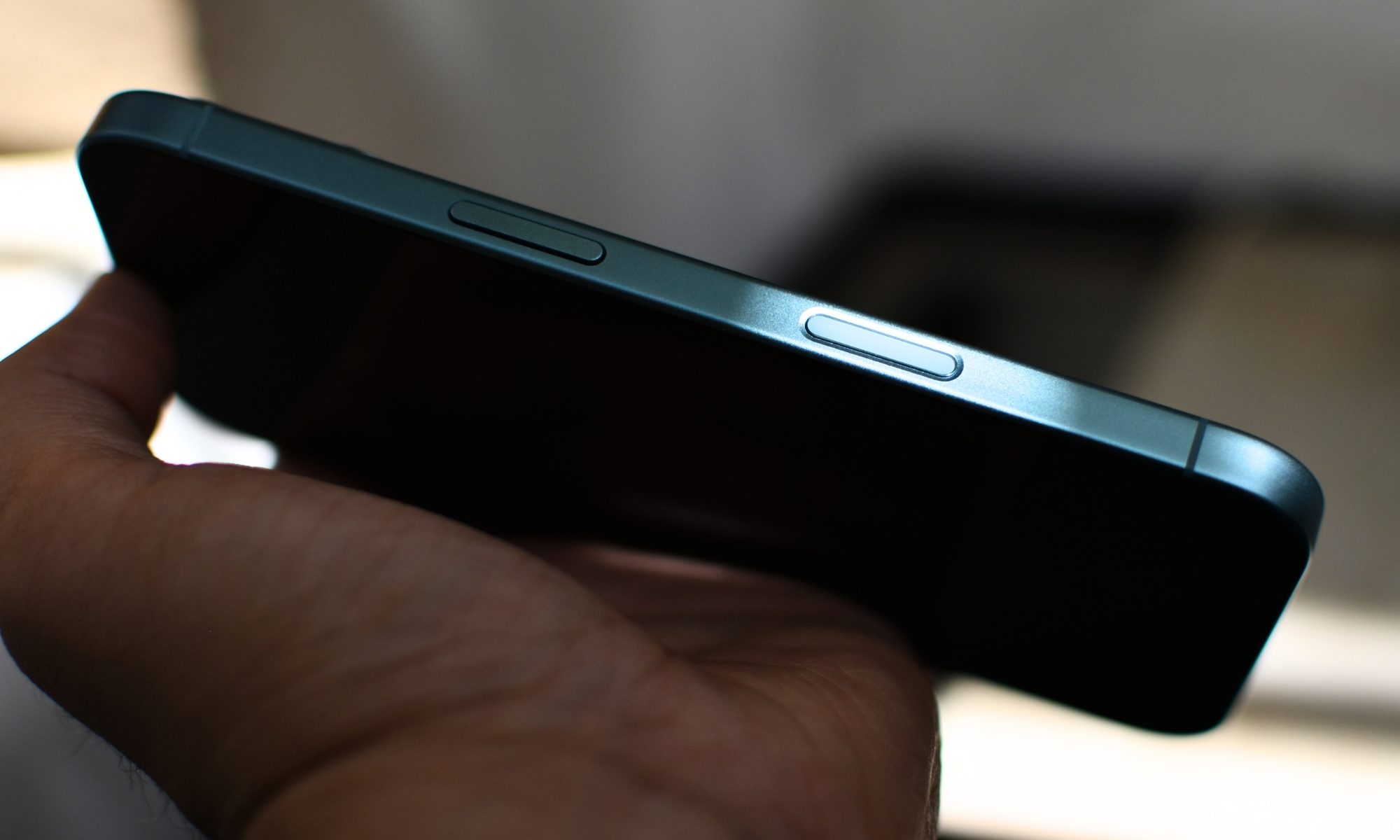
I’d say that the 12MP ultrawide and the 12MP selfie cameras sound like the iPhone 16’s weak spots, especially since Apple upgraded the camera hardware on the iPhone 17, but how much it bothers you depends on how frequently you use these cameras and for what purposes. What’s more important is that the iPhone 16 has a Camera Control button, something that I personally find very useful.
All-day battery and MagSafe convenience at an affordable price
The battery on my iPhone 16, even though it’s at 91% battery health, still lasts an entire day on a charge, and supports the same MagSafe accessories (wireless powerbank and wallet) I use with my iPhone 17. All these things made me realize how Apple’s latest iPhone is based on some useful but mostly incremental updates, and how the overall experience could feel awfully similar, barring a few things.
| iPhone 16 | What iPhone 17 Adds |
| 60Hz OLED display, 2,000 nits peak | 120Hz ProMotion OLED, brighter display |
| A18 chip, full Apple Intelligence | A19 chip, ~8-10% faster, better efficiency |
| 48MP main + 12MP ultrawide | 48MP main + 48MP ultrawide (major upgrade) |
| 12MP front camera | 12MP Center Stage front camera |
| 6.1-inch compact form factor | Slightly larger screen |
| MagSafe, same accessory ecosystem | Same MagSafe ecosystem |
| Camera Control + Action button | Same buttons |
| Full iOS 26 + Apple Intelligence | Same software, same AI features |
| All-day battery | Longer battery, better efficiency (A19) |
All these realizations, along with the fact that the iPhone 16 currently costs $699 for the baseline variant with 128GB of storage, made me arrive at a solid conclusion: the iPhone 16 isn’t last year’s baseline iPhone, but it’s this year’s most sensible iPhone, for most users who’re aware of the compromises and aren’t bothered by them.
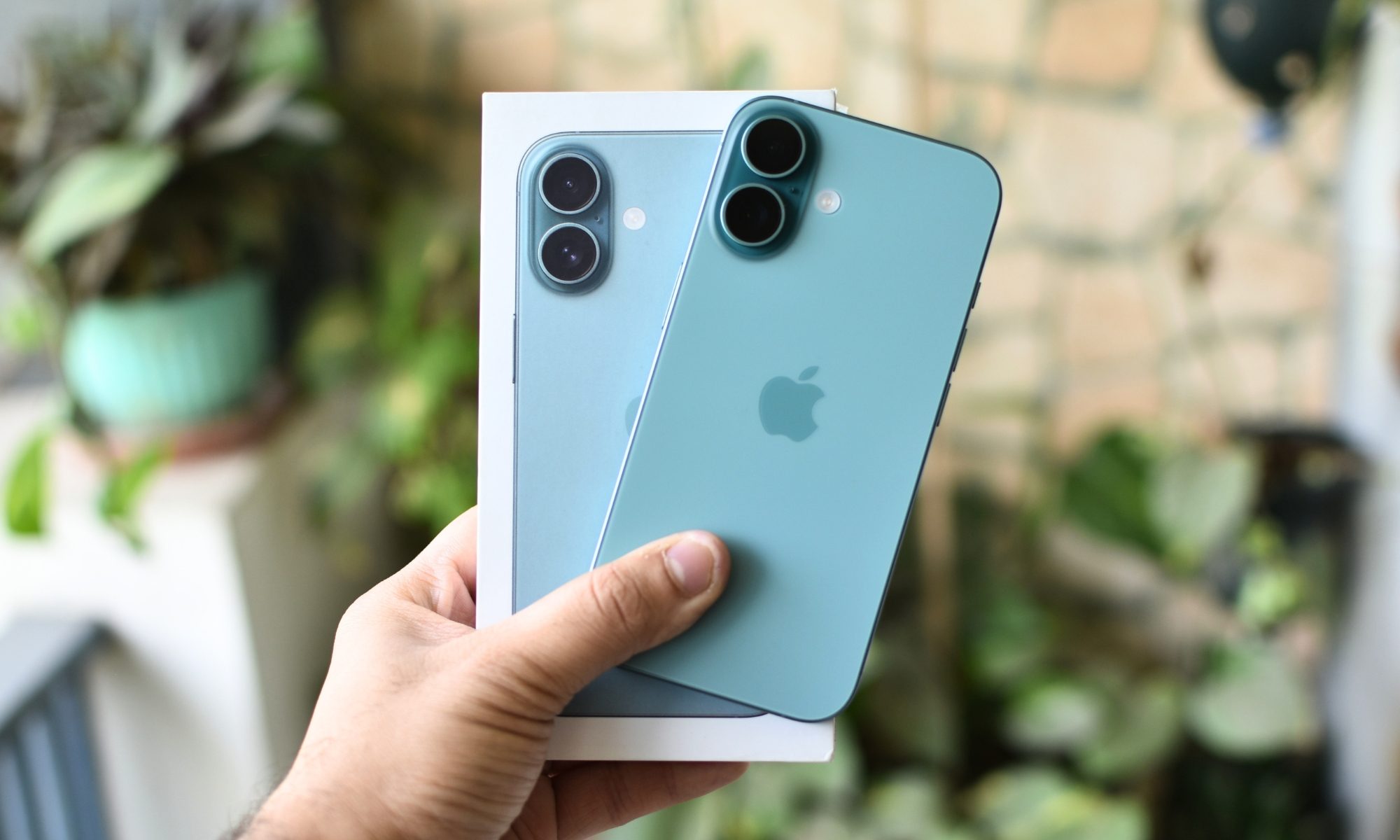
If you’re upgrading from an ancient Android phone, or an iPhone 11 or iPhone 12, the iPhone 16 could strike the perfect balance between a meaningful and affordable upgrade.
That said, there are some solid reasons why you still might want to upgrade to the iPhone 17. If a smoother 120Hz display, a brighter screen, better ultrawide and front cameras, and a longer-lasting battery matter to you, and you’re upgrading from a relatively newer model, like the iPhone 14 or iPhone 15, the iPhone 17 could provide a better sense of upgrade for you.



