
It’s a good time to be a photographer, whether you’re just starting out and really don’t have any idea what you’re doing, or if you’re a seasoned pro looking to try something new.
The gear is better than ever, making even entry-level bodies better than what the previous generation started out with. Software options make cataloging and processing your photos faster and less destructive, so you can revisit things for years and give old pics new life.
We’re at the time of year when I find myself on the sidelines at my high school alma mater, watching my eldest daughter’s high school games with camera in hand. Shooting high school games often is an exercise in frustration — high school stadiums just aren’t as well (or evenly lit) as college or pro fields.
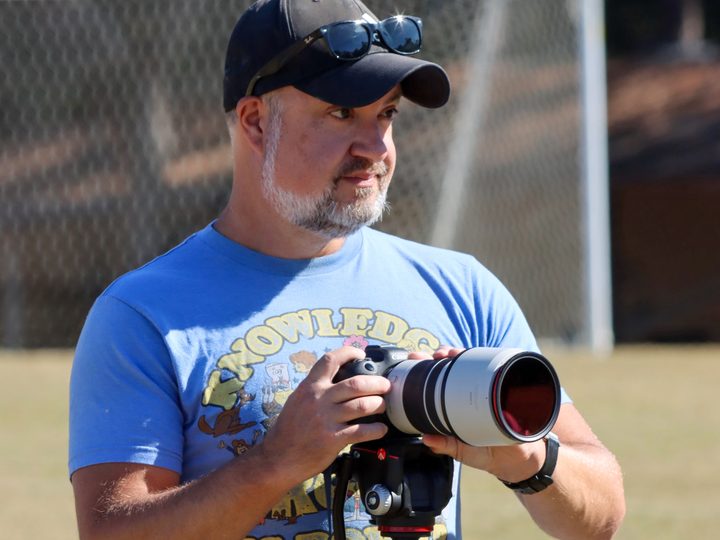
That’s where the improved hardware starts to help. I shoot with a Buy at Amazon , which would let me keep the faster shutter speeds (crucial for freezing the motion of sports photography) while using a lower ISO, which would get rid of a lot of the noise you’ll see in night shots. That better lens, however, costs about $2,800. That’s about a 75% jump.
But we can do a lot with software these days. For the previous two years, I used Adobe Lightroom to get things as good as I could. There was still a lot of noise in the photos, but they were usable.
As tends to happen when you mention out loud that you’re a semi-pro photographer, I’d begun to be inundated by ads and influencers for all sorts of presets and pre-recorded actions and other things that promise to magically make your photos better and your editing process easier and essentially turn you into the next Annie Leibovitz overnight. That’s an impossibility — you have to spend your time being bad in order to get better.
But there was one tool I definitely wanted to at least try out, just to test the claim. Topaz Labs was one of those companies whose adverts had been calling to me — specifically its DeNoise AI app, available for Windows and Mac. The selling point? “Eliminate noise while recovering real detail to get the best possible image quality in your high-ISO and low light photos.” My nighttime soccer pictures fit that definition.
Again, I’m skeptical about a lot of this stuff — particularly when you start seeing Instagram ads and influencer affiliate codes. And no amount of software is going to fix a photo that’s just bad from the outset. And I was about to add another layer of complexity to my editing process, and I’m no fan of editing. I want to get in and out as quickly as possible.

On the other hand, it’s got a free trial. So I didn’t really have anything to lose — except maybe many hundred more dollars on a more expensive lens that might not actually give me the result I was hoping for. (Contrary to what my brain often thinks, new gear isn’t always the answer.)
With the free trial installed, I went to work. And the results were nothing short of spectacular. I don’t know anything about the AI models involved (or if it is actually AI, for that matter), and I don’t really care. The simple fact is it took a noisy photo and cleaned it up far better than I expected. There are five models from which to choose — standard, clear, low light, severe noise, and RAW. You can preview them together to figure out which you like best, and then tweak things from there. (More processing isn’t always the answer you want, and a little noise never killed anyone.)

Or, as I often do after a couple of cold hours on the sidelines, you can just let the program do its things and call it a day. It’s your call, and you still have to figure out where to fit DeNoise AI into your workflow. (I let it batch process the exported jpegs at the end.) And it’s not always a quick process. I’ve seen it do its magic on a picture in just a few seconds, or upwards of half a minute. It just depends. So I run it and come back in a few, depending on how many shots it’s processing.
There’s no denying the end result, though. What I’ve ended up with is something I’m happier for parents to download and share, and I did it for less than $100.
I still want that f/2.8 lens, though.


