
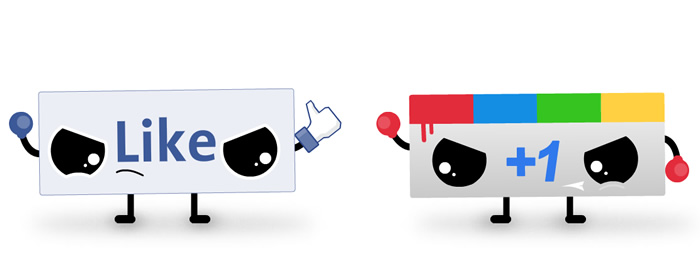
Without a mention last month, Facebook released a plugin in early July to provide a built-in graphical button and pop-up menu functions for sharing a page on Facebook. After adding the plugin, users can click the thumbs up button and a pop-up window appears which loads the Facebook Like button widget. Users can also right click on any webpage to bring up a menu for liking, recommending or sharing the content. There isn’t an option for Facebook’s Send button though, a function that allows users to send content to any email address as well as people on the Facebook friend’s list. A user doesn’t need to be logged into Facebook to get the button to work and there’s minimal setup to get started.
 Google also launched a plugin for a built-in +1 button. The button is installed in the top right hand corner of the browser, right next to the Facebook Like button is both plugins are installed. In order to use the button, the user needs to log into a Google account. After logging in, only a single click is needed to +1 a page. Google did not announce the plugin on the official blog and it’s surprising that +1 functionality hasn’t been seen in the continually updated versions of Chrome. While over 14,000 people have installed the +1 button (compared to around 500 for that Facebook Like button), building +1 into Chrome would reach millions of Chrome users upon the next update of the browser.
Google has made it clear that the +1 button isn’t being used to track user behavior when surfing the Internet. While Google retains some information about visitors for maintenance and debugging, there’s no categorization based on the personal details of the profile like name, age or gender. In addition, the information is deleted approximately two weeks after a user visits a site.


