WhatsApp on PC is supposed to be one of those basic apps that you wouldn’t normally think twice about. Just like its Android or iOS counterpart, it should serve as a reliable daily messaging tool to keep you in the loop with friends, family, and work.
You open it, reply to a message, drag in a file, maybe take a quick call, and move on with your day. But the current version of WhatsApp for Windows feels a lot like it’s fighting you in each one of these aspects.
Over the last few months, the app has become increasingly divisive among desktop users. Common complaints include laggy typing, slow startup, heavy RAM usage, chat sync issues, random logouts, and a broader feeling that the app now behaves more like a web wrapper than a proper Windows desktop client.
What are the biggest issues?
A lot of users seem convinced that Meta effectively replaced a more responsive native Windows app with a WebView2-based shell, and the complaints line up with what you would expect from that kind of shift. A recent Reddit post from late March described the current version as a bloated “web wrapper,” pointing to idle RAM usage nearing 2GB, visible input lag, heavier startup, and weaker offline behavior.
Most of these frustrations were reflected in my own experience with the app over the last few weeks. PC Gamer reported on the same transition and noted similar claims about significantly higher memory usage compared with the older UWP app. All of this is frustrating on its own—and considering how desktop messaging apps live and die on responsiveness, every little friction just makes the whole thing seem broken.
Another major headache is the reconnecting problem that has plagued the app for months now. Even if you have the app open, WhatsApp on Windows can go completely silent on you, and you’ll have to manually click on a “reconnect” prompt to receive messages again. This one makes no sense, since texting is an integral part of a messaging app.
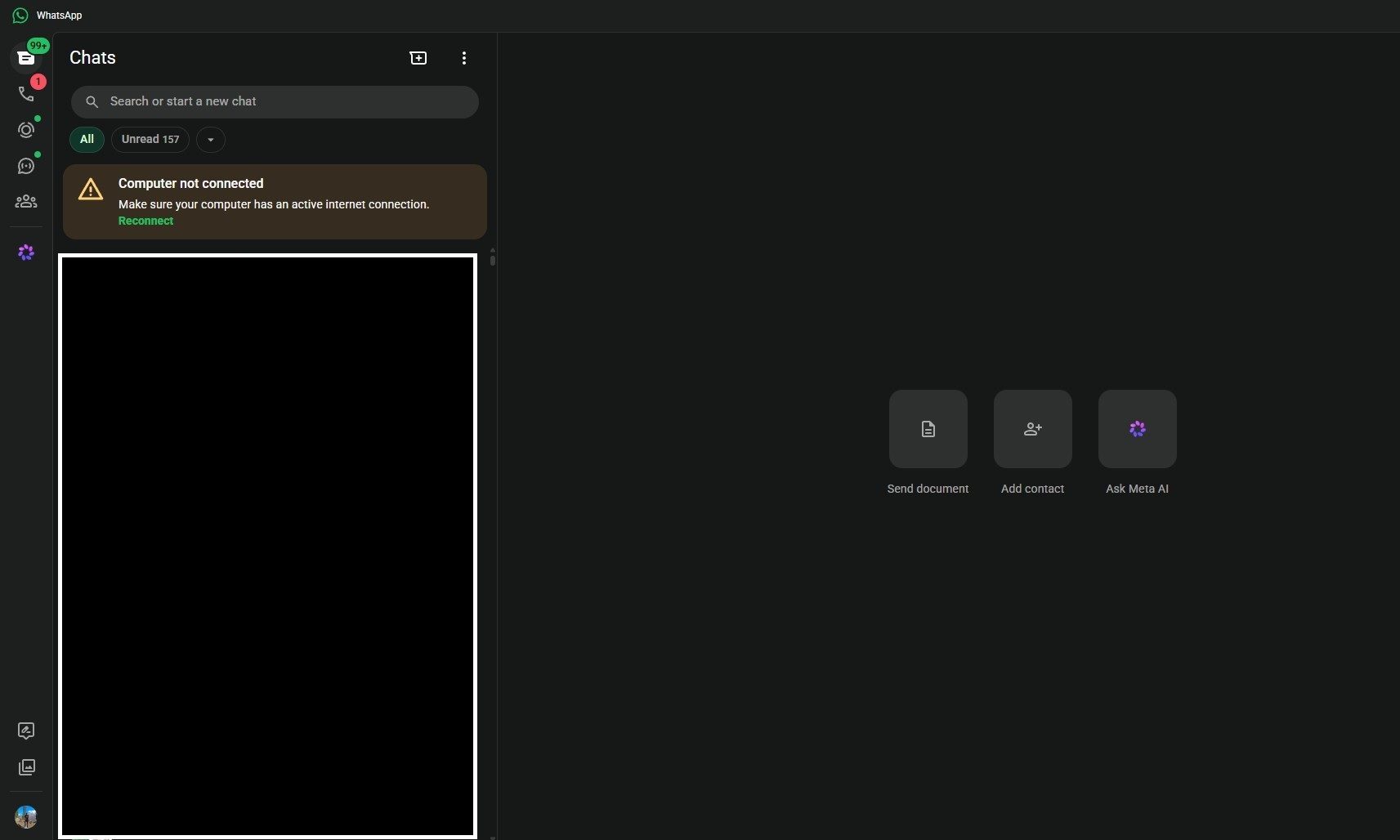
Users are tired of everything breaking
The user complaints are boringly consistent. They keep bringing up pain points like delayed typing, sluggish scrolling, slow loading, crashes, and frequent logouts that force them to relink the app and resync chats. There have even been instances of people being logged out “mid-conversation”.
Several commenters in those threads explicitly said they were going back to the browser or installing WhatsApp Web as an app because it felt more stable.
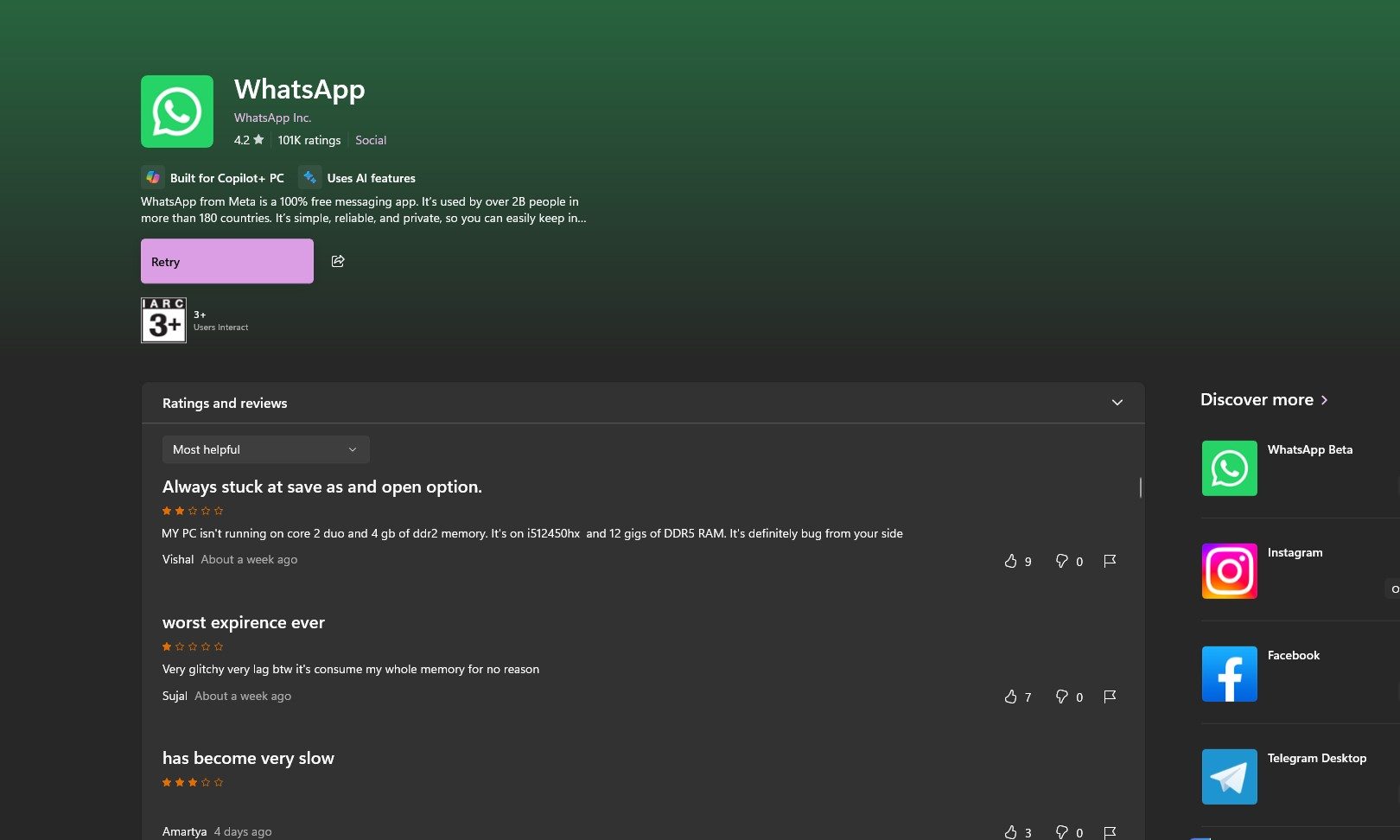
It’s almost like Meta doesn’t care
The current WhatsApp for Windows experience is a constant compromise. The app is heavier, slower, less native, and less reliable than it should be. And the worst part is that this is not some complicated creative tool or niche enthusiast software.
It is a messaging app, which is one of the most basic software people interact with every day. If WhatsApp on PC cannot reliably stay connected, stay quick, and work as intended, then it is failing the one job it absolutely had to get right.