
 The Tweetdeck app will soon be dunzo, and it may be time to accept the inevitable and move on.
According to the official blog of Tweetdeck—which was acquired by Twitter in 2011—the fallen Tweetdeck for iPhone, Tweetdeck for Android, and Tweetdeck AIR will cease their services and be pulled out from app stores as early as May this year. Facebook integration offered by the company will also stop working.
The reason behind this decision? They’d like to allot more time developing their web and Chrome apps since the trend steadily shows that more of their patrons use Tweetdeck on their computers rather than their phones.
Tweetdeck was a free app that came out as one of the most practical and well-liked tools for managing tweets. However, trendier and more elegant apps gradually infiltrated the market, causing Twitter power users to abandon the old-school and try newer ones armed with savvier features and interfaces.
If you are still hanging on to Tweetdeck’s memory, don’t mourn for too long—there are other fish in the sea. Any of these alternatives will do just fine in addressing your level of Twitter needs:
 I am a social butterfly! (HootSuite)
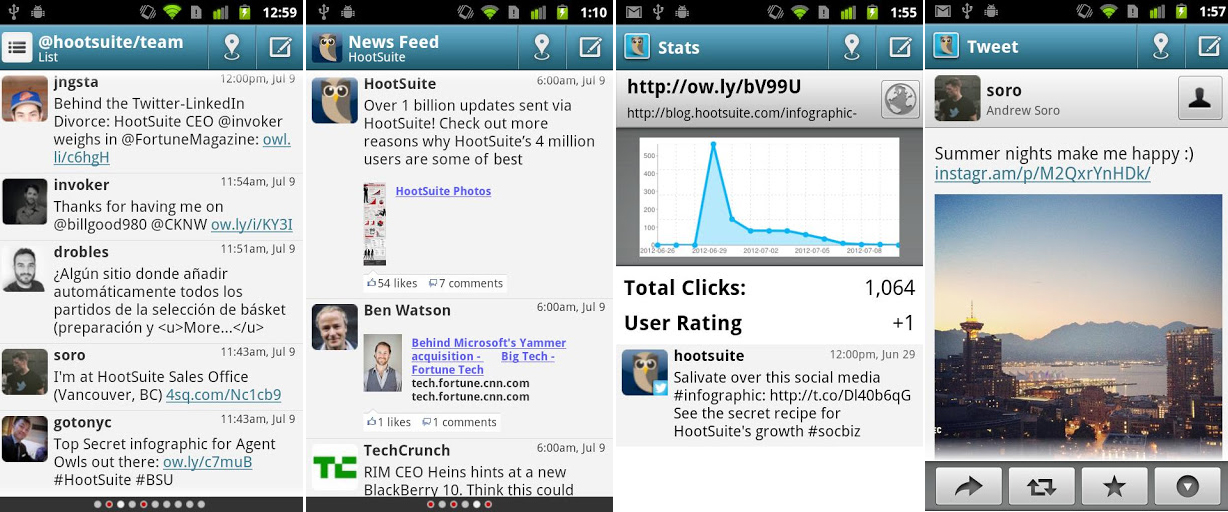
The highlights: Hootsuite has actually been around for quite sometime—long enough to acquire and maintain over 6 million users—and still remains one of the most used social media management tools to date. It allows you to simultaneously manage accounts on various social platforms. Free accounts are afforded a few advantages, including Hootsuite Conversations—a tool that allows you to easily collaborate with users in real time—and the ability to integrate a maximum of 5 social profiles to manage, including: Facebook, LinkedIn, Twitter, Google+ accounts, and more. If you don’t mind shelling out $10 every month, you can get a Hootsuite Pro account and enjoy Google Analytics and Facebook Insights integration that will help you keep track of how your tweets are doing. Furthermore, unlike Tweetdeck, it has a lesser probability of going kaput. For a clear sign of how well they’re doing look no further than its acquisition of Seesmic, another Twitter app contender, just last September.
Ideal user: Someone who likes to always have one keen eye on their Twitter feed
Supports: iOS, Android, and Blackberry
I want to try something fun and new! (Scope Beta)
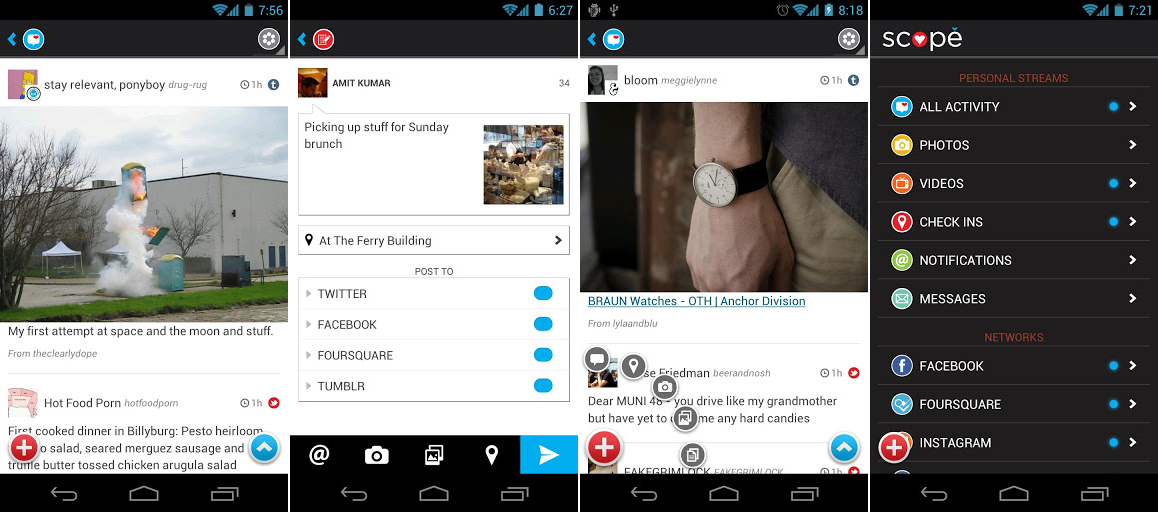
The highlights: Note the Beta in the name, because you’ll need to request an invite in order to use it. Once you’re in, you’ll be surprised to know that this free app does more than just manage your Twitter feed. Aside from having ample social network integration that includes Facebook, Foursquare, Instagram, and Tumblr, it also showcases a Flipboard-like feed that features “streams” that you may be interested in like Reddit. It’s got a great interface that will appeal to the trendy and graphic-oriented.
Ideal user: A casual Twitterer who likes simple visuals
Supports: Android, Blackberry, and Amazon devices
I don’t mind paying for something sleek and smooth! (Falcon Pro)
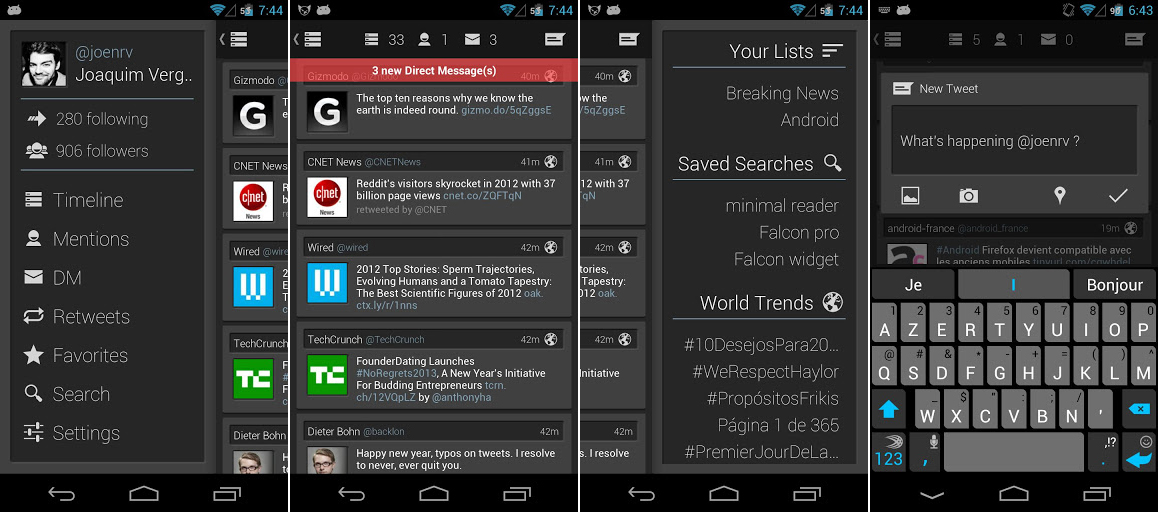
The highlights: Fast, fluid, innovative. That’s how the official website describes this Twitter app. The interface has no frills. Want to access your profile? Swipe left. Want to see your lists, starred contacts, saved searches, and trends? Swipe right. One touch gives you access to the basic Twitter view. It’s that simple. It has an integrated browser, so you don’t have to exit the app to view a link or a photo—a feature many would be willing to pay $1.96 for.
Ideal user: Someone who likes to keep things simple, optimized, and in the present (tweet scheduling is not an offered option for this app as of the moment)
Supports: Android
I want a smorgasbord of features! (Tweetcaster)
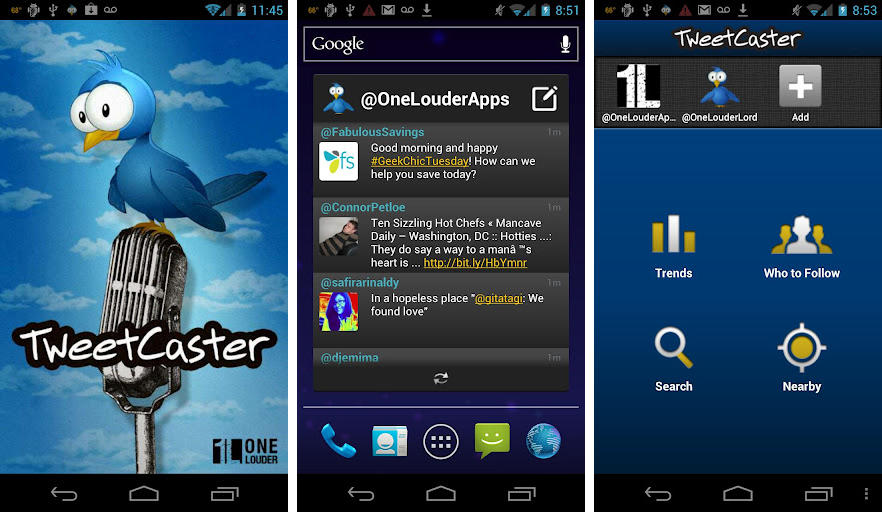
The highlights: There is a good reason this app has over 10 million users and is rated so high on the Twitter app charts. Be ready for a barrage of features! You can search within your own timeline or someone else’s rather than Twitter in its entirety. You can find easily which of your tweets are most retweeted, mentioned, and favorited. You can “zip” users and keywords from your timeline without actually unfollowing them. You can filter your timeline according to content (video, link, or photo). You have smart lists, photo effects, speak tweets, and an enhanced widget. There’s actually more (and the paid version has even more than more, if that makes sense), but this should be enough to convince you to experience this super powerful app yourself.
Ideal user: Someone who doesn’t get rattled by too many options
Supports: Android, iOS, and web
I want the official app! (Twitter)
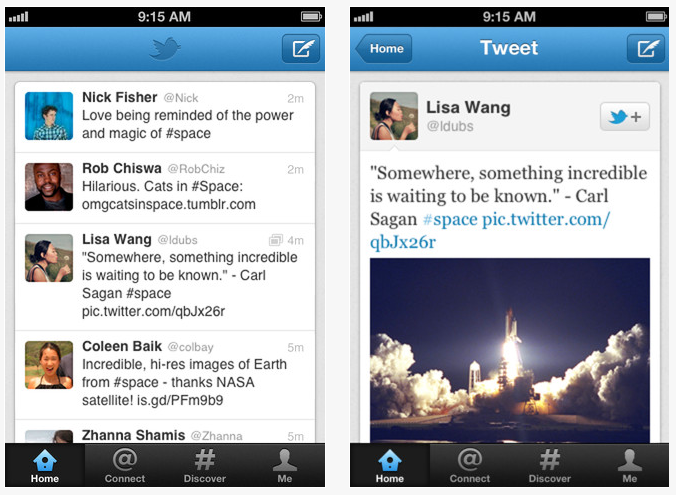
The highlights: Of course, you always have an option of keeping it within the family and going with what your mama gave you. Available on various platforms, the Twitter app definitely has everything you need to manage and monitor your timeline. Recent upgrades include a brand-new look, additional photo filters and editing capabilities, and better search functionality. Also, aside from improved autocomplete suggestions for topic searches, the app now has a built-in web browser that displays a link you clicked from your timeline.
Ideal user: Someone who doesn’t think it’s necessary to reinvent the wheel (when it works well enough)
Supports: iOS, Android, Blackberry, WIndows Phone 7, Nokia s40, web


