  1. Home
  2. Wearables
  3. News

watchOS 26.4 update is here and it quietly tidies up the Workout app

The latest watchOS 26.4 update makes the workout app feel a little more put together

Add as a preferred source on Google
Watch face on Apple Watch Series 11.
Nadeem Sarwar / Digital Trends

It’s raining updates today within the Apple ecosystem, ahead of the big yearly upgrades that will be introduced at WWDC 2026 in June. Aside from iOS 26.4 and macOS 26.4, Apple has also rolled out watchOS 26.4 update for its smartwatch line-up. Here’s everything that’s coming to your wrist.

No more extra steps with the workout, and a lot more fun along the way
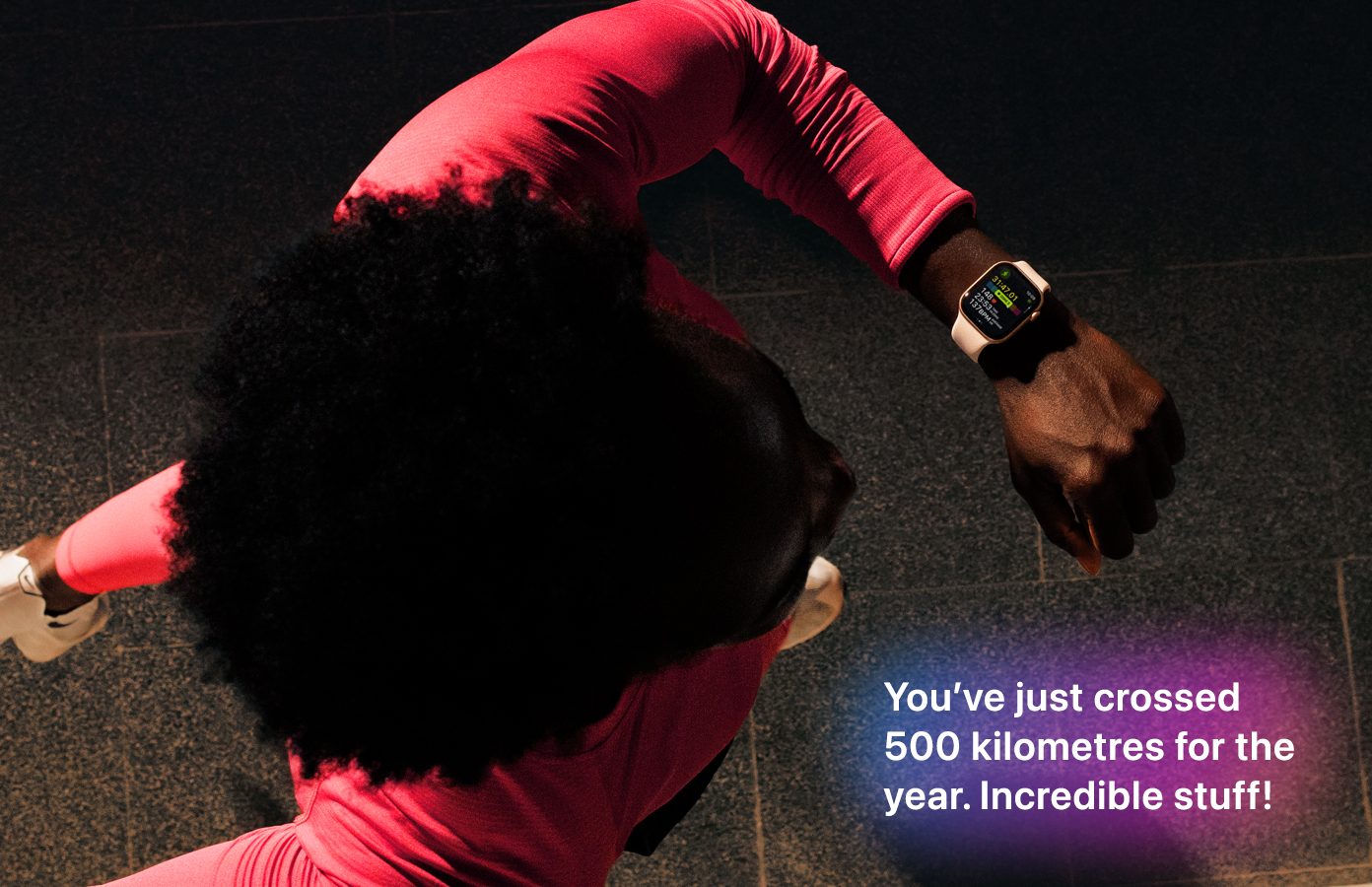
Workouts are the main reason I keep coming back to the Apple Watch, and this update finally makes that experience even smoother. The workout type icon is a clear, prominent entry point for each workout, and it just works the way you expect. Now, you can tap the workout type, and you’re in. This definitely changes how you begin your workout and it makes it much more straightforward.

Recommended Videos

On the contrary, Apple has also expanded the emoji keyboard with eight new additions. These include an orca, a trombone, a treasure chest, a hairy creature, a landslide, a ballet dancer, and a distorted face. That’s not it. Apple has also cleaned things up on the go, with bug fixes that make the overall experience smoother and much more reliable in day-to-day use.

How to get this update on your Apple Watch?
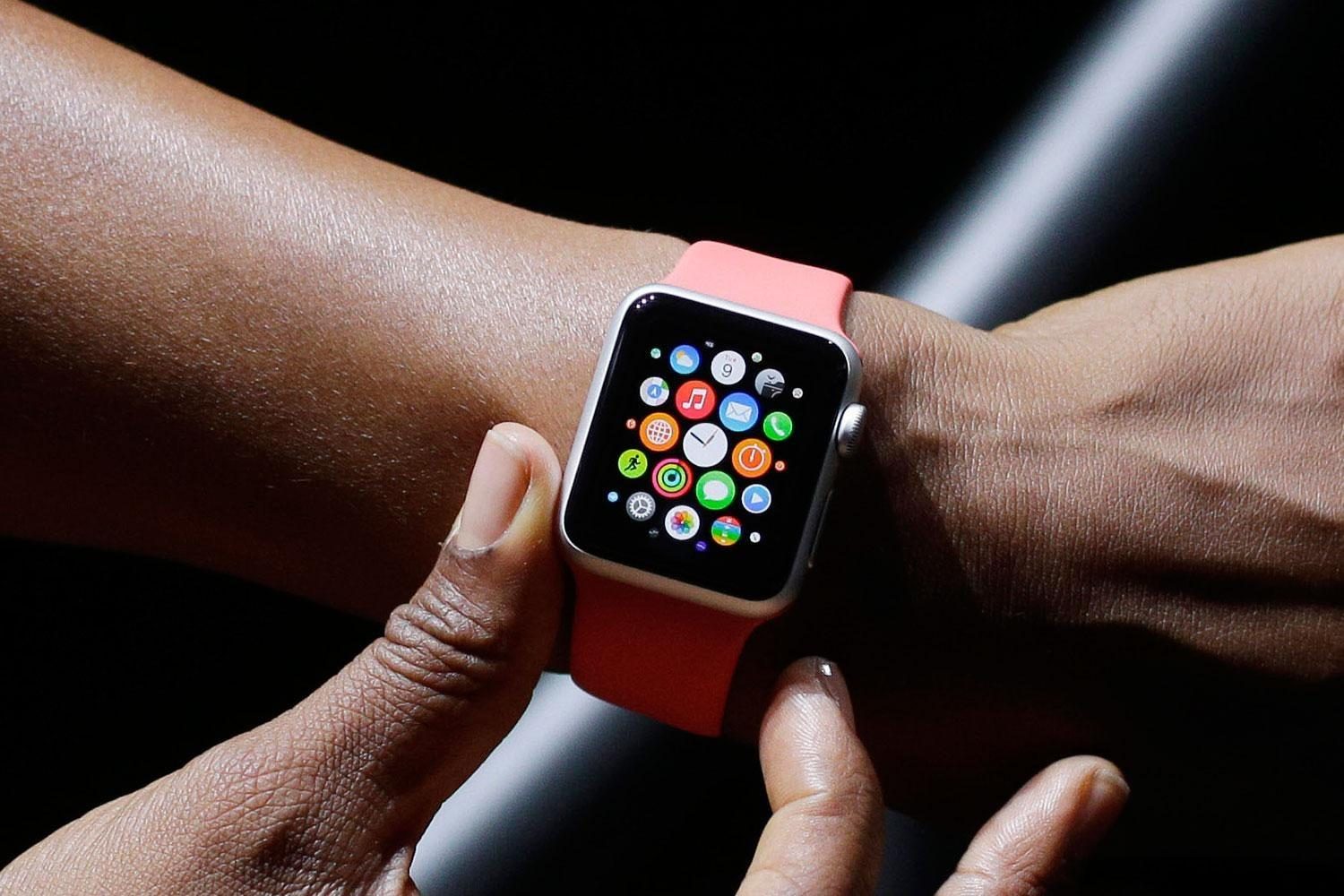
To install the watchOS 26.4 update on your Apple Watch, here’s how to go about it. Before you begin, make sure your watch is charged to at least 50% and is connected to a stable Wi-Fi network.

  1. Open the Settings app on your Apple Watch.
  2. Tap General, then head to Software Update.
  3. If the update is available, tap Install.

Once you start the process, enter your passcode and follow the on-screen instructions. After that, your watch will handle the rest. If you’d rather not update directly on the Apple Watch because of the smaller screen, you can do it through your iPhone instead. To do so, open the Watch app on your iPhone, go to General, then tap Software Update, and install the update if it’s available. As with the watch itself, make sure your Apple Watch is charged to at least 50% before you begin.

Shimul Sood
Shimul is a contributor at Digital Trends, with over five years of experience in the tech space.
Apple Watch could soon enable a new blood pressure sensing feature
Apple's new blood pressor notification feature under FDA review
Apple Watch Series 11 brings new insights like sleep score and signs of hypertension.

Apple Watches already have hypertension notifications, but the Cupertino giant may be working on another blood pressure-related feature that goes further than the alert system available today.

According to Digitimes, Apple has a new high blood pressure notification feature under review by the U.S. Food and Drug Administration. That wording is a little tricky because Apple already released hypertension notifications in September 2025 with watchOS 26. The feature works on Apple Watch Series 9 and later, and Apple Watch Ultra 2 and Watch Ultra 3, in supported regions.

Read more
Meta’s Ray-Ban Display now types messages from your finger movements
Neural Handwriting is a really cool feature, but Meta opening the Ray-Ban Display to developers is the quiet announcement that turns a clever wearable into a platform with immense possibilities.
Meta Ray-Ban Display and EMG Band.

Six months into its life, the Meta Ray-Ban Display is starting to look less like an experiment, thanks to what is arguably the most significant update Meta has ever pushed for the device. 

The headline feature is Neural Handwriting, which is now available to every Ray-Ban Display owner, having spent its early months in limited access for Messenger and WhatsApp users. 

Read more
Forget smart glasses, these earbuds can see, hear, and remember everything for you
Electronics, Headphones

Smart glasses have always felt a little awkward to me. Sure, they can play music, take calls, snap photos, and even throw notifications in front of your eyes, but at the end of the day, they’re still just tiny screens sitting on your face. Now imagine removing the screen entirely.

That’s exactly what this new pair of AI-powered earbuds is trying to do. Instead of showing you information, these earbuds are designed to quietly hear, see, remember, and respond to the world around you. And honestly, this might be one of the more interesting directions wearable AI has taken so far.

Read more
