
I fell in love with smartwatches when I got my hands on the first-generation Moto 360, a beautifully designed, gorgeous smartwatch running Google’s first OS for smartwatches. Since then, I’ve tried on and reviewed more than a dozen fitness wearables, including the Apple Watch SE and Amazfit GTR and GTS series. And with time, I’ve grown to absolutely dislike the product segment.
I gave up on smartwatches a few months ago, and here’s why I’m not going back any time soon (unless it’s for review purposes).
Data, data, and more data
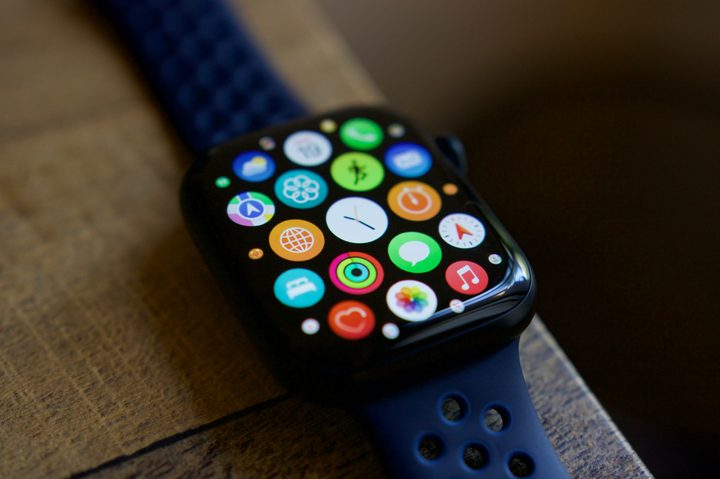
I used to wear my smartwatch to sleep. And my daily routine after waking up was to check how many hours of deep sleep I got. The habit sucked me first into the smartwatch and then into the app. I’d barely be awake, and instantly I’d be bombarded with data – light sleep, deep sleep, REM, and whatnot.
And once that was done, I became accustomed to checking out more fitness data — like the number of steps I walked the day before and how many calories I took in. In the first 20 minutes of the day, I was already sucked into a screen.

As if that’s not enough, every time I lifted my wrist to look at the time, I was again face-to-face with information overload. Lift your wrist to check the time? Here’s how many miles you’ve walked today. Ended the day without walking much? Oh, here is a feel-bad notification about how you missed your goal. Working on closing those activity rings? Here’s a badge for you.
Wearing a smartwatch is a vomit of data in your face. And most of the time, you don’t know what to do with that data.
Smartwatches might be helping some people stay fit or get in shape, but no amount of closing my rings or sharing fitness data with friends motivates me to exercise more. In fact, I became more irritated every time I saw one of my friends close their rings while I was sitting there gulping a big bite of pizza.
I don’t want to be always available to a gadget

Smartwatches were developed to be available to you when you need them and not vice versa. I noticed that the opposite was happening to me.
In a meeting and get a notification? Here, let me swipe right to dismiss it. Out with friends and get a ping on your wrist? It’s your boss, and he wants that assignment done tomorrow. Having dinner with family and get a spam call? Easy. Tap the red icon to end it.
There are two patterns here. Number one, not every notification is time-sensitive. In fact, I’ll go on to say that most of the notifications that you receive on your smartwatch aren’t time-sensitive. Notifications can wait. You mostly look at them on your wrist and swipe them away. Number two, these notifications are getting in the way of living your life in the present moment.
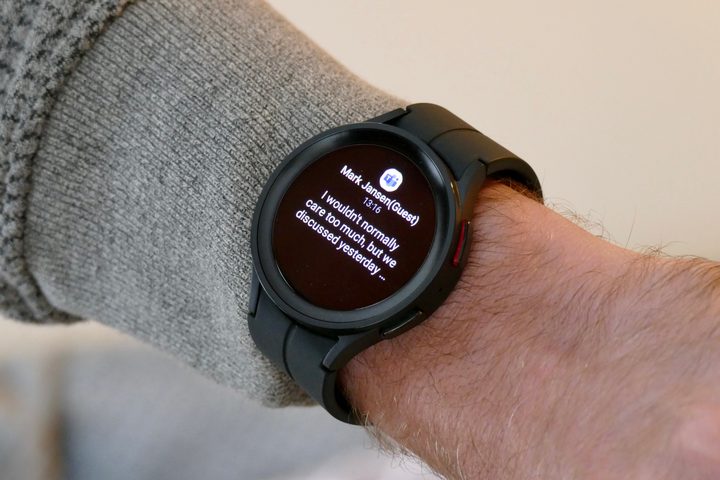
When I’m having dinner with my mom and dad, I don’t want my wrist to buzz. Let me have my meal in peace. Let me hang out with my friends without the need to constantly be connected to the virtual world after working hours. Let me be attentive in the meeting without being taken away from the conversation every few minutes.
It might sound cliche, but I’d very much like people to be present in what they’re doing in the moment — without being distracted by a little gadget buzzing on their wrist. For me, one out of 10 notifications might be time-sensitive and need my attention. In a bid to not miss that one notification, I was subjecting myself to nine useless notifications that distracted me from what I was doing in real life.
You can always wear a smartwatch and turn off the notifications. But did you really buy a smartwatch to do that? A fitness band would have sufficed.
Living a stress-free life
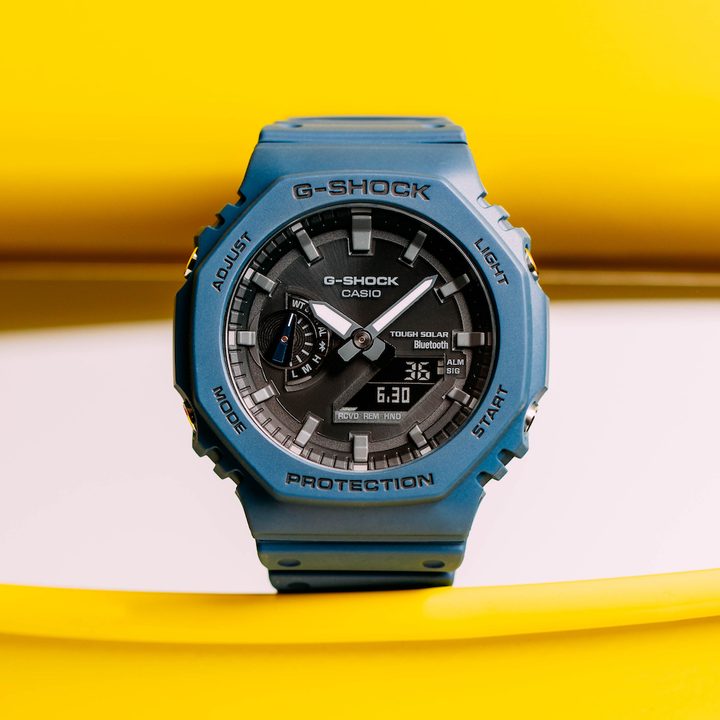
With such inconveniences, it was natural for me to get frustrated and give up on the form factor. I switched to the good old G-Shocks and Tissots of the world. I no longer have to wait a split second when I raise my wrist to see the time. When I want to check the date, I’m only looking at the information I need, and not the data the watch wants to feed me.
Now, my watch works for me — and that’s how it’s supposed to be. In the data-hungry world where we want to track every calorie intake and every step we take, sometimes it’s wise to take a step back and look at your choices. Are you always available for your smartwatch, or is it always available for you? If it’s the former, you know it’s time to give yourself a break from all the metrics and take out your dumb watch — just as I did.
There is something liberating about not being a slave to the data. I’m no longer in a rush to close the rings. I don’t need to track every calorie I take in. I don’t care about the amount of deep sleep I’m getting. But at the same time, I’m living a healthier life because the stress of data on my wrist is no longer competing to take up space in my mind. I’m living a happier life, and I have the lack of a smartwatch on my wrist to thank.



