
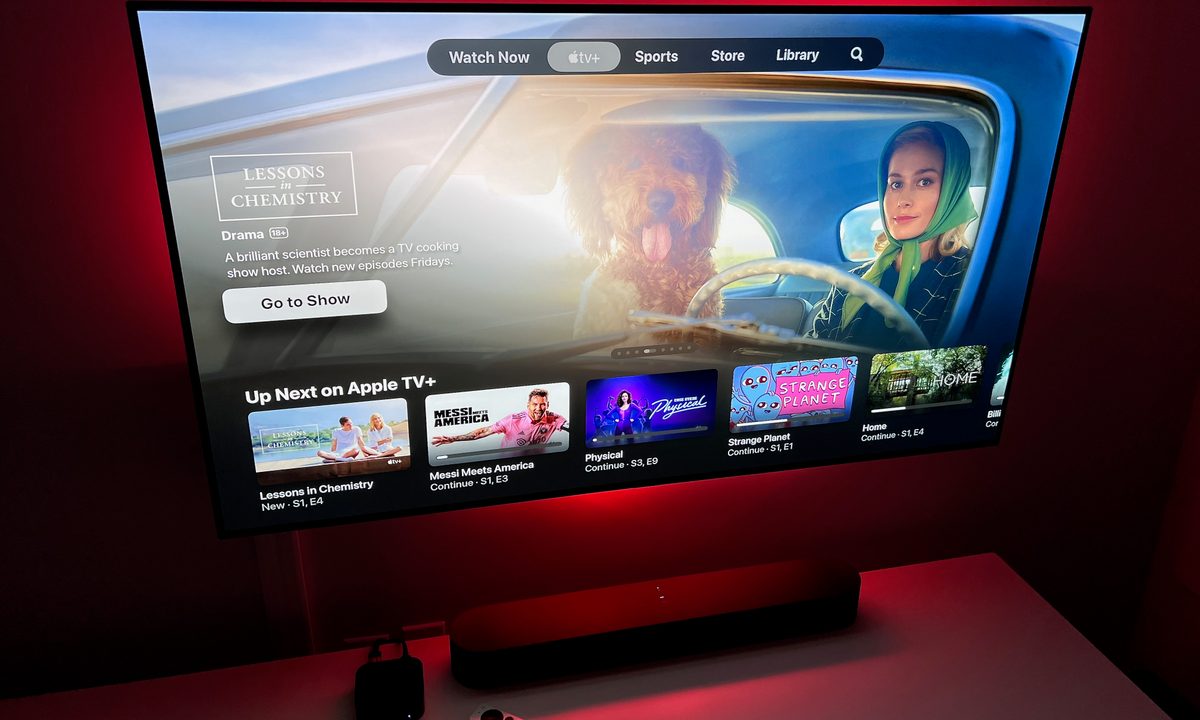
It’s been more than five years since the mighty Apple threw its hat in the video streaming service arena, and it’s pretty safe to say that things are going pretty well. With its award-winning movies and series, Apple TV Plus has proven that it has a place on your streaming device among the Netflixes, Hulus, and Maxes of the world, with films like Martin Scorsese’s Killers of the Flower Moon and compelling original series like Severance, Dark Matter, Silo, and Slow Horses.
But one of the best things about Apple TV+ remains its relatively low price compared to more expensive options like Netflix and Hulu. Just how much is Apple TV+, and how can you save even more on your subscription cost? Read on to find out.
How much is Apple TV+?
Apple TV+costs $10 per month. You can also opt to pay $99 for an entire year of service, saving you 15%. However, customers who purchased an Apple TV, iPad, iPhone, iPod Touch, or Mac can get themselves three months of Apple TV+ for free. So if you buy some new hardware now, you can use Apple TV+ at no charge. Plus, all new customers are entitled to a seven-day free trial to sample the lineup of movies and shows.
Another way to save some dough on an Apple TV+ membership is to bundle it into an Apple One subscription. When you start an Apple One membership, you’ll get to have Apple TV+ and a host of other Apple services free for one month. Month-to-month, the $20 Apple One Individual plan bundles Apple TV+, Apple Music, Apple Arcade, and 50GB of iCloud storage. The $26 Family plan ups the iCloud storage to 200GB and adds six users to the Apple Music subscription. At the top of the Apple One subscriptions is the Premier plan for $38. This tier adds Apple News+, Apple Fitness+, and ups the iCloud storage to 2TB.
How do you sign up for Apple TV+?
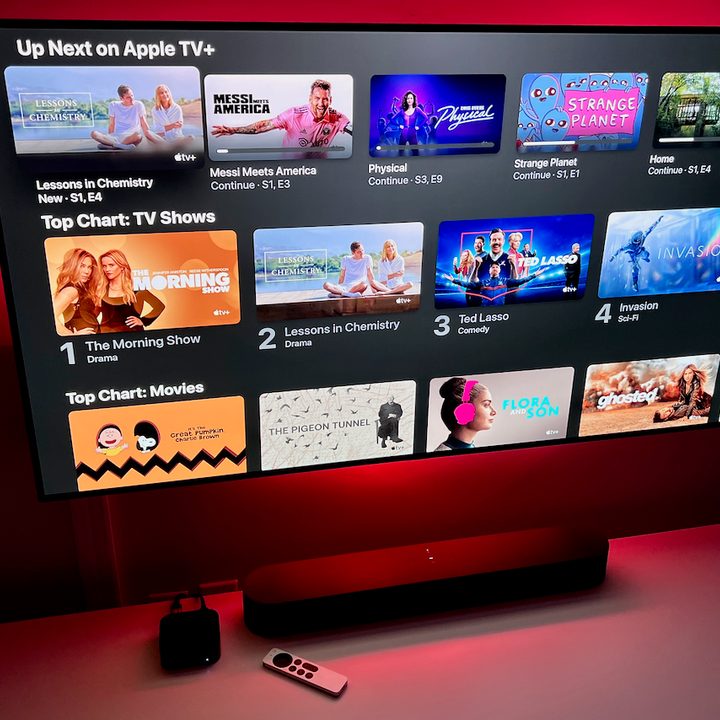
Signing up for Apple TV+ couldn’t be easier. You can register from within the Apple TV application for Apple TV HD or Apple TV 4K, iPad, iPhone, iPod Touch, or Mac. From there, follow all the various Apple TV+ prompts that’ll walk you through the process, which will end with you confirming you wish to subscribe to the service and your Apple ID being enrolled. You can also sign up by heading over to tv.apple.com using Chrome, Firefox, or Safari.
It’s worth noting that if you aren’t a fan of the service, you’re going to want to cancel your Apple TV+ subscription on the seventh day to stop it from auto-renewing into a monthly membership. You won’t be billed for the first week when you sign up — so if you registered on February 1, for example, your first payment wouldn’t be due until February 8. (To make sure a dime doesn’t leave your bank account, cancel by February 7.)
All new registrations are enrolled in the seven-day trial by default.
Eligible for three months of access? Here’s how to redeem it:
- Turn on your new iPhone, iPad, iPod Touch, Apple TV 4K, Apple TV HD, or Mac, and sign in with your new or existing Apple ID.
- Open the Apple TV application. Make sure your qualifying device is running the latest version of iOS, iPadOS, tvOS, or macOS.
- The offer should be presented after launching the application. If not, scroll down in the Apple TV+ tab.
- Tap Enjoy 3 months free. You might be asked to enter your Apple ID password or confirm your billing information for when the term is up.
What’s included with Apple TV+?
Apple TV+ is home to Apple Originals, all-new, ad-free movies and shows that have been commissioned by the curators at Apple HQ. All Apple Originals are available in a 4K Ultra HD resolution with support for Dolby Vision HDR. Most titles offer Dolby Atmos surround sound, too. Content can even be downloaded for offline viewing and with Family Sharing enabled, one subscription can be used to enjoy up to six simultaneous streams.
Where can you watch Apple TV+?
I mean, where can’t you watch Apple TV+? The service is available through the Apple TV application on all modern Apple hardware, including iPhone, iPad, and iPod Touch devices capable of running the latest operating systems, the Apple TV 4K and Apple TV HD, PCs and Macs running Chrome, Firefox, or Safari, as well as Sa range of Smart TVs. It can also be accessed using both Roku OS and Fire TV OS (think: Amazon Fire TV and Fire TV Stick 4K), too.


