

Apple’s iPadOS 15 is here. First unveiled at Apple WWDC 2021 back in June, it has now officially been launched to the general public. It boasts a number of significant improvements over iPadOS 14, including upgraded widgets, even more features for the Notes app, and greatly improved multi-app support to help you get more done at once with that big screen.
But the question is: How do you download and install iPadOS 15? Back in June, you had to download a public or developer beta, but now you can indeed download and install as you would any normal update. We explain how to do this in the following article, providing simple steps that will get you up and running with iPadOS 15 in no time at all.
Compatible devices
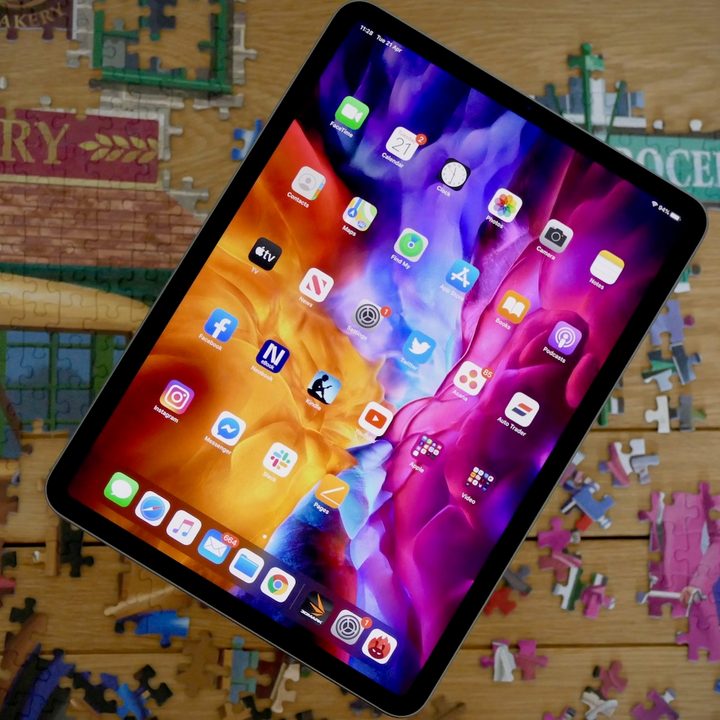
You will obviously need a compatible iPad in order to download and run iPadOS 15. Here’s the current list:
- iPad Pro 12.9-inch (5th generation)
- iPad Pro 12.9-inch (4th generation)
- iPad Pro 11-inch (3rd generation)
- iPad Pro 11-inch (2nd generation)
- iPad Pro 12.9-inch (3rd generation)
- iPad Pro 11-inch (1st generation)
- iPad Pro 12.9-inch (2nd generation)
- iPad Pro 12.9-inch (1st generation)
- iPad Pro 10.5-inch
- iPad Pro 9.7-inch
- iPad (9th Generation)
- iPad (8th generation)
- iPad (7th generation)
- iPad (6th generation)
- iPad (5th generation)
- iPad Mini (6th generation)
- iPad Mini (5th generation)
- iPad Mini 4
- iPad Air (4th generation)
- iPad Air (3rd generation)
- iPad Air 2
Back up your iPad
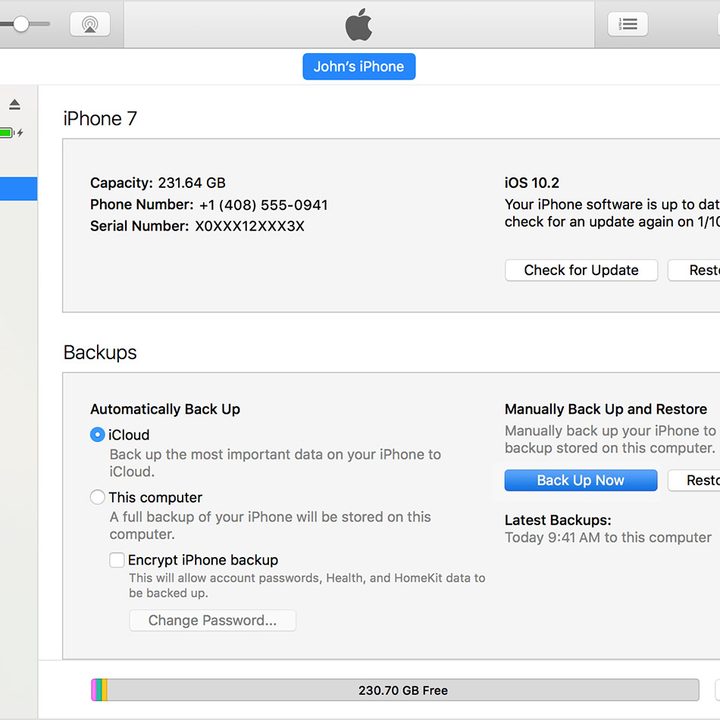
Apple devices may have a reputation for reliability, but it’s always a good idea to back up your iPad (or any other computer) before you update to a new OS. Here are three different ways to do it:
Backing up using iCloud
Generally, using Apple’s iCloud is the easiest was to back up your iPad before installing a new version of iPadOS.
- Connect to a Wi-Fi network.
- Head to your Settings app, select your name, and tap iCloud.
- Scroll down and tap iCloud Backup > Back Up Now.
The backing up process may take a few minutes. You can double check whether it has successfully executed by going to Settings, hitting iCloud > iCloud Storage > Manage Storage, and then tapping on your iPad.
Backing up on a Mac running MacOS Catalina
MacOS 10.15 Catalina famously killed off iTunes, which was what iPad or iPhone users had to use if they wanted to back up their devices through their Mac. However, here’s the new way of using your Mac to back up your iPad:
- Connect your iPad to your Mac (make sure your Mac is fully up to date before doing this).
- After tapping Trust This Computer or entering your iPad’s passcode, open the Mac’s Finder app and select your iPad from the sidebar.
- Hit the General tab, then hit Back Up Now.
Backing up on a Mac or PC with iTunes
Older Macs (with MacOS 10.14 Catalina or older) or Windows PCs can still use iTunes to create an iPad backup:
- Connect your iPad to your Mac or PC (make sure iTunes is fully up to date before doing this).
- After tapping Trust This Computer or entering your iPad’s passcode, select your iPad in iTunes.
- Choose Back Up Now.
How to download and install iPadOS 15
Here comes the easy part. To finally update your iPad to iPadOS 15, simply go to Settings > General > Software Update. Your iPad should tell you that iPadOS 15 is available, so just tap Download and Install to get the process rolling.
The update will first download. Once it has successfully downloaded, you’ll then need to confirm that you want to install it. You may have to insert your passcode, and you may also need to submit to new terms and conditions. Once finished, your iPad will begin installing the update, and once this process has finished, your iPad will restart, running off iPadOS 15.


