
You can find all sorts of comparisons if you search the internet for Microsoft Office versus Google apps. And these side-by-side comparisons are helpful if you’re deciding between the two productivity suites. If it comes to cost, many simply find Google’s free apps like Docs, Sheets, and Slides the obvious choice.
But if you’re like me and use these types of applications many, many times per day, or even for running a small business, you have to look at more than the price tag.
Here are the three main reasons that I choose to use and pay for Microsoft’s Office suite rather than use Google’s free apps.
Features
When it comes to the reasons we use these productivity applications, their features have to play an integral part. While Google does a good job at introducing new features regularly, its apps still miss several of the useful features that Microsoft provides.
While there are too many features to compare and list, let’s look at a few that stand out in Microsoft’s applications that are either limited or not available in Google’s.
Microsoft Word versus Google Docs
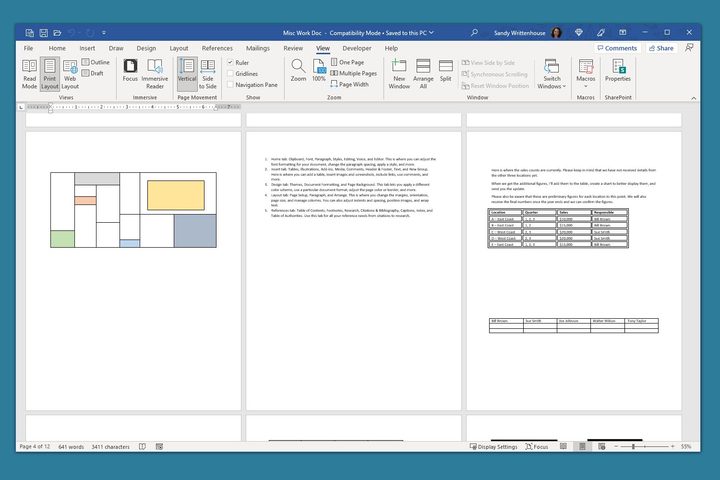
Video insertion feature: If you create more than simple essays or articles, you’ll appreciate the option to easily insert videos into your Word documents. You can add a video from your computer, the stock collection, or an online source like YouTube. Docs lacks the ability to insert a video.
Multiple viewing options: When you have a lengthy document, Word offers helpful ways to view that document. You can use vertical or side-to-side views and see multiple pages at once. You can also type, add, rearrange, cut, copy, and paste while using the multiple page view.
Mail merge, labels, and envelopes: As a full-featured word processor, Microsoft Word also gives you a mail merge feature (and helpful wizard tool) that you can use for physical pieces as well as emails. Plus, you can set up and print labels and envelopes, and connect postage software if needed.
Microsoft Excel versus Google Sheets
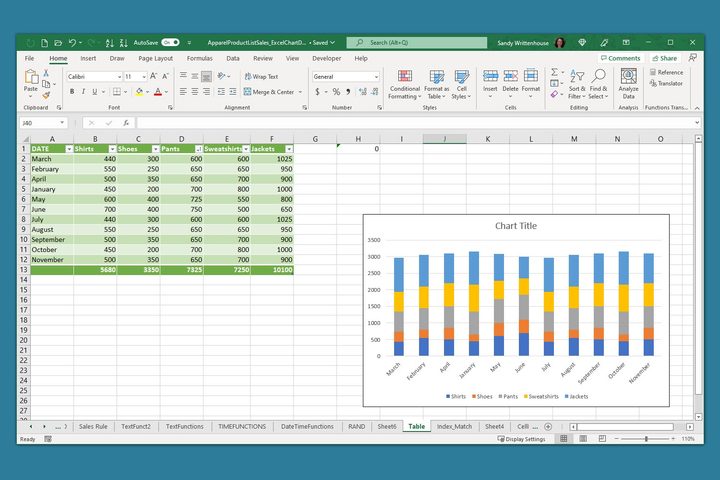
Data visualization options: For displaying data graphically, Excel offers many chart types that Sheets does not such as sunburst, funnel, surface, stock, and combo. In addition, you can create a chart template in Excel that you can save and reuse.
Tables, tables, tables: With Excel, you can easily convert data to a table which allows you to filter, sort, format, name for formula references, and manage as its own element within a sheet. Sheets does not offer a table feature, only a table chart which is limited in features.
What-if analysis tools: When you have a result you want to accomplish but aren’t sure of the best way to get there, you can use Excel’s What-If Analysis tools. With the Goal Seek, Scenario Manager, and Data Table features, you can easily see what you need to reach your financial goal.
Microsoft PowerPoint versus Google Slides
Audio and screen recording: You may want to narrate your presentation or capture your screen on a slide. In PowerPoint, you have both audio and screen recording options. Plus, Microsoft is implementing a live camera feed feature in the near future. Slides does not offer any recording options.
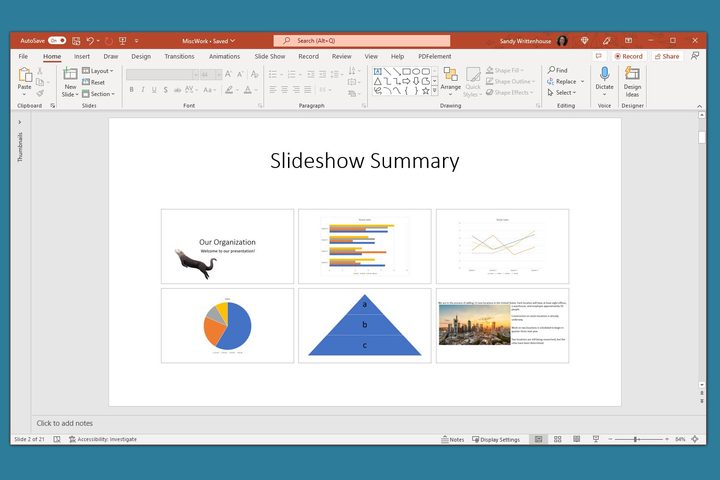
A summary slide: Like a table of contents in Word, a summary slide in PowerPoint contains images of slides you select that are directly linked. It’s more attractive than a textual table of contents in a visual presentation and makes navigating to other slides a breeze. Note: The feature is called Summary Zoom in PowerPoint.
Export options: Not every spot you want to present your slideshow can accommodate it. You might want to export your presentation as a video or even a GIF for a website or social media post. With PowerPoint, you can do this easily while Slides only offers image or document file types.
Overall features
Here are just a few additional features that Microsoft Office offers over Google’s suite.
- Granular control over formatting for fonts, images, charts, and layouts.
- A robust accessibility checker with recommendations and suggestions.
- A large and versatile template collection for each application.
Offline access

No matter where you live or work, there’s bound to be a power or internet outage at some point. Because the Microsoft Office applications have desktop versions, that makes them the clear choice. Google’s applications are only available via the web.
Knowing that you can work from anywhere, without an internet connection is also more attractive these days than it ever has been. Whether the beach, park, or a hotel that requires you to pay for internet, you can continue working with Microsoft Office’s desktop applications.
Familiarity
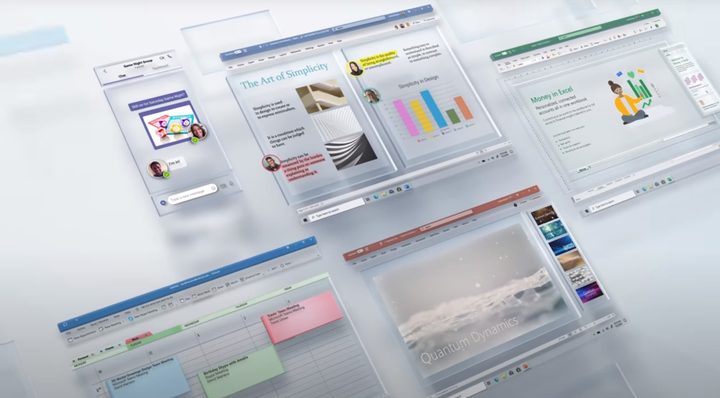
One final reason for sticking with Microsoft Office over Google’s apps is familiarity. It’s hard to get around the fact that familiarity ultimately plays heavily into my continuing loyalty to Office. Microsoft Word debuted on Windows in 1989, and I’m one who’s been using it since the 90s. The interface has changed over time, but never too much to make me look at other options.
Being comfortable with the applications you use is important. You want tools that you don’t have to stop and think about. You can simply click here, click there, and continue working. Familiarity with Microsoft Office’s applications is a true benefit.
All of this being said, I do use Google’s free apps in certain situations. After all, the sharing is super simple, the integration with other Google services is a perk, and places I work with use these tools because of the ease of access and price tag.
However, even after all these years, no matter which computer platform I use, I’ll remain a loyal Microsoft Office user. Yes, Word, Excel, and PowerPoint will continue to be my go-to productivity tools with Google’s apps as solid second choices.


