
Latency. It’s the invisible pain point of gamers around the world. Especially in the past few years, gaming has been about the lowest latency possible, as marketing ploys promising you’ll be a better gamer float around on everything from graphics cards to earbuds.
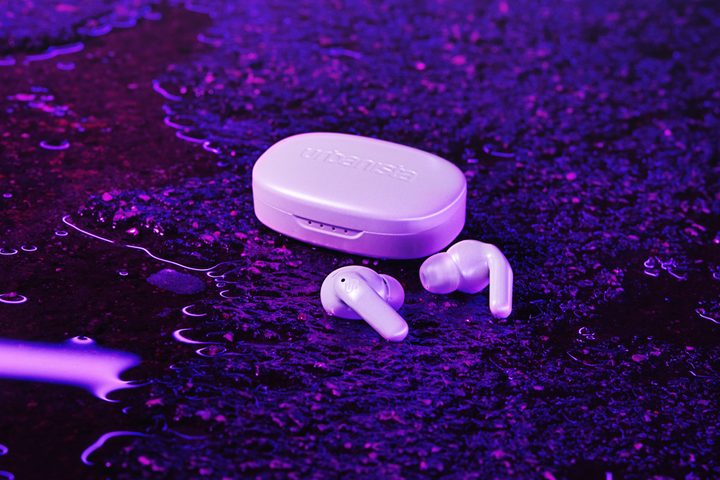
The latest example is the Urbanista Seoul, a pair of Bluetooth true wireless earbuds that come with a dedicated gaming mode for phones, not the traditional 2.4GHz low-latency connection you find on the best gaming headsets. I wanted to see if latency actually improves your gaming performance when mere milliseconds are on the line. And to my surprise, it does.
Testing latency in the real world
I could tell you that low-latency headphones made a difference to my gaming with some lofty anecdotal experience, but that’s not what I’d call hard proof. So instead, I devised a short test that could put some hard numbers on the differences between Bluetooth and low-latency gaming modes.
I played through the demo mission of the upcoming rhythm-based first-person shooter Metal: Hellsinger, switching off between Bluetooth and the low-latency connection between each run. I also ran the mission five times with my pair of wired Audioengine A2+ speakers to set a baseline, which is how I normally play games.
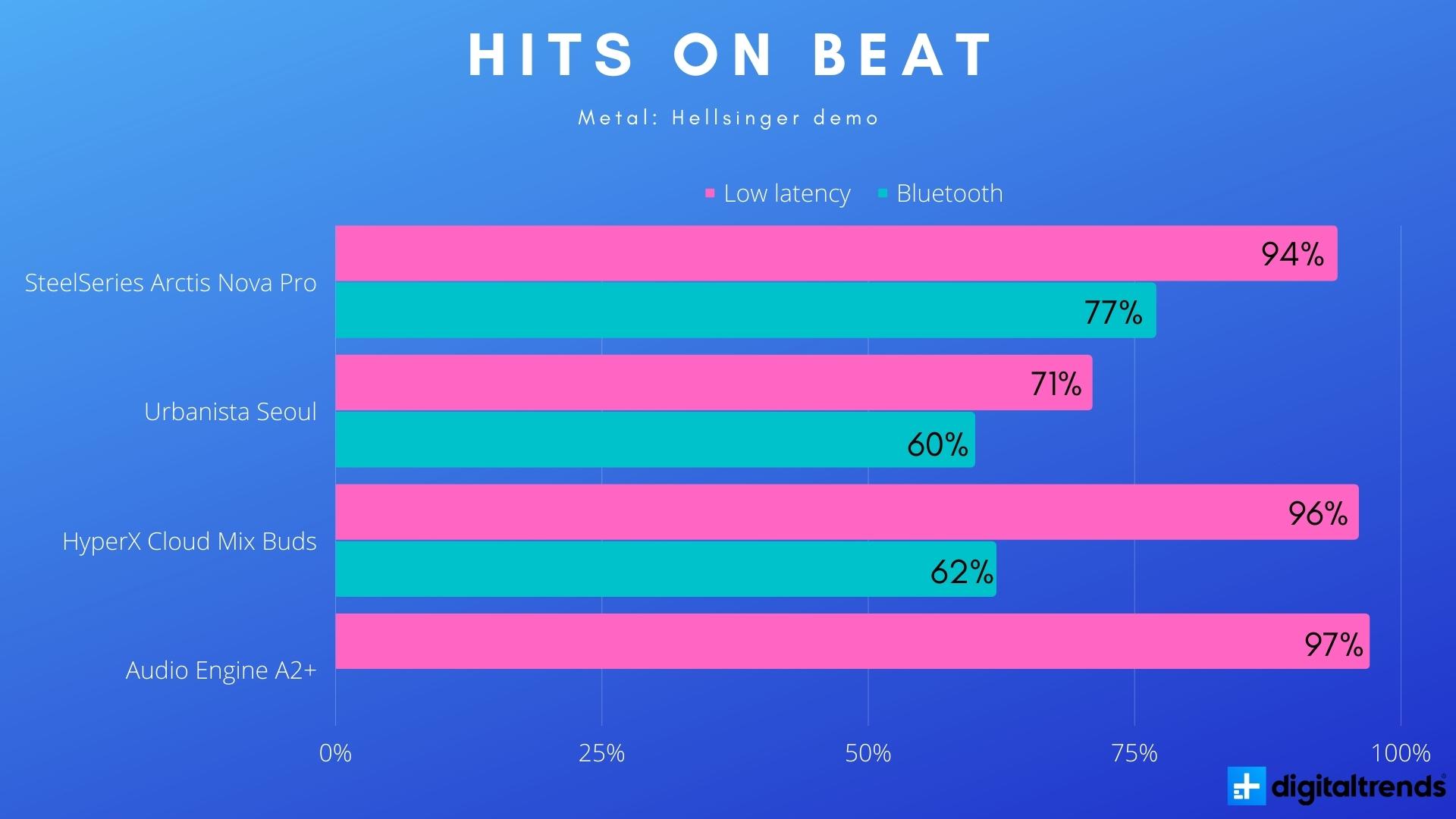
Instead of the overall score, which factors in things like your hit streak and headshots, I paid attention to the “hits on beat” metric alone. I didn’t use the game’s built-in latency compensation either to get as close of a comparison as possible.
Headphones and earbuds are all a little different, and they come with differences in latency. Instead of focusing solely on the Urbanista Seoul, I tested a few different gaming headsets with Bluetooth and low-latency connections:
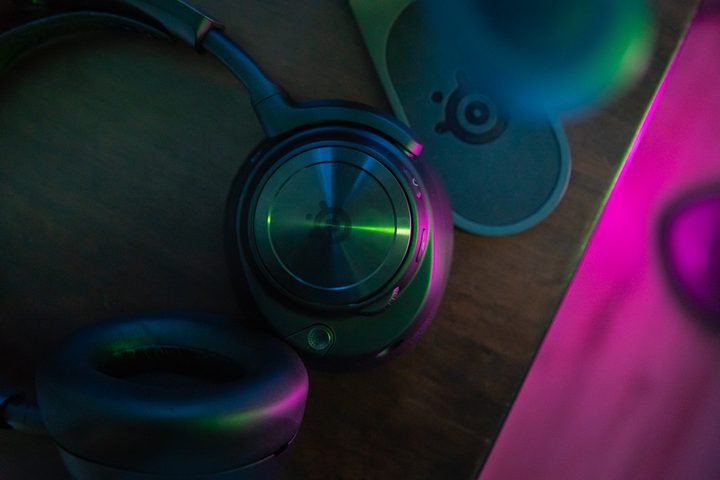
- SteelSeries Arctis Nova Pro Wireless (Bluetooth and 2.4GHz)
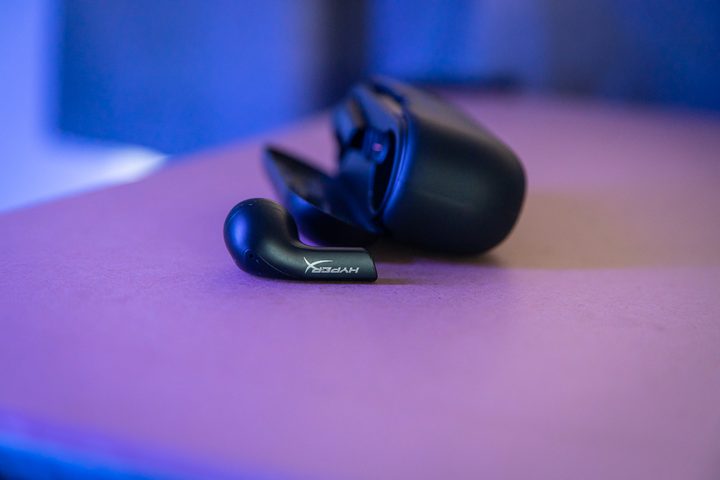
- HyperX Cloud Mix Buds (Bluetooth and 2.4GHz)
- Urbanista Seoul (Bluetooth and low-latency Bluetooth)
- Audioengine A2+ (wired)
I’m glad I tested a wide range of headsets because the results are clear: Low-latency connections make a huge difference in performance, even if it’s hard to spot that difference when you’re in the heat of battle.
How big of a difference does audio latency make?
How big of a difference does audio latency make? Around a 37% difference based on my testing. With my wired speakers as a baseline, I had a 97% hit rate. With the Urbanista Seoul connected over the default Bluetooth connection, that shrunk to only a 60% hit rate. What’s shocking is how consistent my results were across my runs.
As mentioned, I switched off between Bluetooth and low-latency connections each run, so these results aren’t just a case of getting better at the game (I fancy myself pretty good at the game at this point anyway). A proper 2.4GHz low-latency connection resulted in the best performance, nearly matching the score I got when running my wired speakers.
These connections are “latency-free” in that they don’t have any perceivable latency. Around 15ms to 20ms is what you’ll get off of 2.4GHz, which is fast enough that you won’t even pick up on any lag. Compare that to Bluetooth, which sits around 200ms of latency and can go even higher depending on what device you’re using.
The gaming mode on the Urbanista Seoul has 70ms of latency according to the company, and my results fall in line with that. Switching the gaming mode brought a marked improvement in the number of hits on beat, but it wasn’t as stark as a full 2.4GHz connection.
It’s good to look at the hard numbers, but I was able to notice a difference just by playing. Every time I switched from a low-latency connection to Bluetooth, it felt like all of my actions were being dragged through mud (not unlike the system latency challenge I took on a while back).
But,if I wasn’t testing them back-to-back, I wouldn’t be able to tell. Audio latency is tricky, especially when you factor in the research that suggests our brains will adjust processing stimuli to keep them in sync. If you strictly play on Bluetooth, it’s unlikely you’d ever be able to identify that it’s causing lag that’s impacting how you play.
Bluetooth works, but 2.4GHz is better
Lower latency is always better, but there’s definitely a limit to the amount of latency that’s important. For gaming headsets that are trying to get as close to a wired experience as possible, minimizing the latency to below 20ms is critical. But that doesn’t mean low-latency Bluetooth codecs like Aptx LL and gaming modes like the 70ms option on the Urbanista Seouls don’t improve the experience.
A massive factor here is the device you’re using, though. Although Bluetooth latency has improved significantly on recent Android devices, every phone, laptop, and desktop is a little different. Every headset is a little different, too, adding more complexity to the latency equation.
If you’re a gamer looking for low-latency Bluetooth headphones, options like the Urbanista Seoul will get the job done. But if you want the fastest, most stable audio experience across PC and mobile, it’s best to stick with a proper 2.4GHz connection.


