
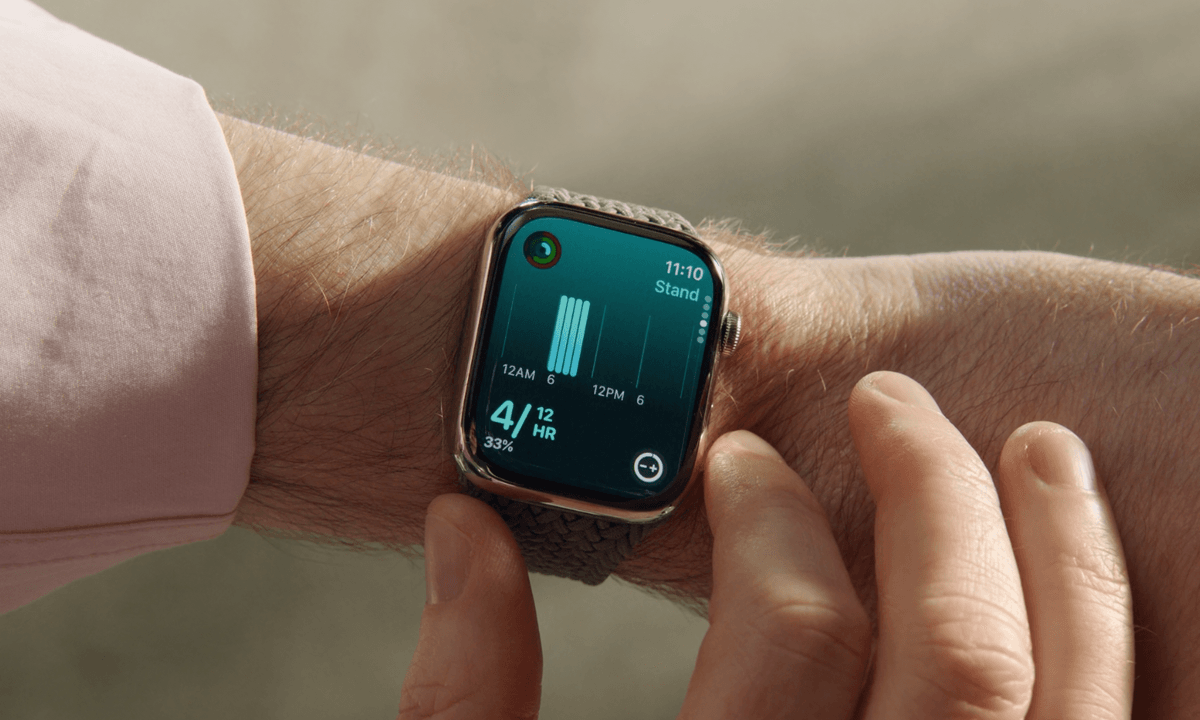

Apple's popular smartwatches are getting some exciting updates in watchOS 11, with a new Vitals app to keep tabs on your important health metrics, Training Load to help you optimize your workouts, and the ability to set more granular goals for your activity rings or even take a day off from closing them. New and expanded workouts include distance and route maps and improved pool swims,
Beyond health and fitness, watchOS 11 also adds Live Activities to your wrist in the Smart Stack so you can stay on top of sports scores or know when your Uber Eats delivery will show up. There's also several new widgets, a powerful new Photos face, and the ability to translate text by talking into your wrist.
Unfortunately, Apple is leaving some Apple Watch models behind this year; watchOS 11 is only available for the 2020 Apple Watch Series 6 and newer models. This includes the Apple Watch Ultra and Apple Watch SE 2, but leaves out the original Apple Watch SE since, even though that model was released the same year as the Series 6, it uses the older chip from the Series 5.
On the flip side, there's some good news for folks with the Apple Watch Series 9 and Apple Watch Ultra 2. This year's marquee health feature in the Apple Watch Series 10, Sleep Apnea Detection, is also coming to those two 2023 models, along with the new Tides app to help you plan your next surfing or kayaking excursion.
Note that you also need to be running iOS 18 on your iPhone before you can install watchOS 11 on your Apple Watch.

Back up your Apple Watch
The first thing you should do before installing any new watchOS update is ensure that you have a good backup of your Apple Watch.
You can find the instructions for this in our article on how to back up your Apple Watch.
While you won't be able to return your Apple Watch back to watchOS 10, this backup can still be restored onto a device running watchOS 11 if something goes wrong. It's also worth keeping an extra copy of that backup on your computer in case your Apple Watch fails entirely and you need to return to a new Apple Watch that's running watchOS 10. Since your Apple Watch backup is stored on your iPhone, you can do this by backing up your iPhone to a Mac or PC.

Install iOS 18 on your iPhone
Since your Apple Watch is basically inseparable from your iPhone, each major watchOS version requires a corresponding iOS version on the iPhone. This means that you won't be able to install watchOS 11 until your iPhone is running iOS 18.
Check out our guide on how to download iOS 18 on your iPhone for instructions on installing iOS 18 on your iPhone. Once that's done, come on back and continue to the next section.

Install watchOS 11 on your Apple Watch
Once your iPhone is running iOS 18, you're ready to install watchOS 11 on your Apple Watch. You can do this from your Apple Watch or your iPhone.
Step 1: Open the Watch app on your iPhone or the Settings app on your Apple Watch.
Step 2: Select General.
Step 3: Select Software update. The watchOS 11 update should appear.

Step 4: Place your Apple Watch on a charger and ensure it's in range of your iPhone and connected to Wi-Fi.
Step 5: Select Install now to begin installing watchOS 11.
It may take anywhere from a few minutes to an hour to download the update, prepare it, and then install it on your Apple Watch. If you like, you can continue wearing and using your Apple Watch while watchOS 11 downloads, but it has to be charged to at least 50% and be placed on and remain on its charger before the update will begin.


