
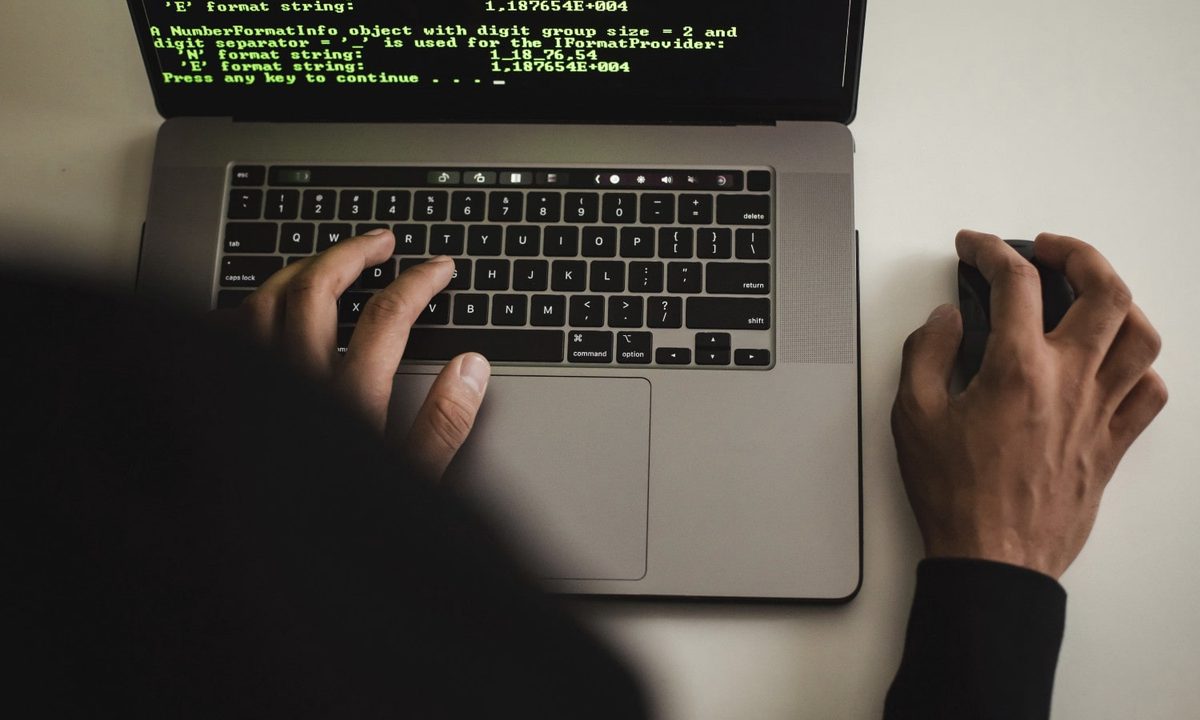
There’s a well-known myth that Macs are somehow invulnerable to viruses, phishing attempts, hackers and the like. You might have heard it before, or maybe you even believe it yourself. Unfortunately, it’s far from true. Because while Windows users face more threats than their Mac counterparts, that doesn’t mean that Mac users should get complacent.
That point has just been perfectly illustrated by a new phishing scam that is specifically targeting Macs. It’s so advanced, in fact, that LayerX Security, the firm that has been tracking the attack, has said that similar campaigns “have rarely reached this level of sophistication.”
On first glance, the attack sounds straightforward enough: the attackers launch a spoof pop-up window warning you that your computer is under attack. These popups appear on “typosquatted” websites — that is, malicious websites with URLs that are very similar to the real thing, such as one that deliberately misspells apple.com. They’re designed to look like the sites they’re impersonating so that victims don’t get suspicious and back out before it’s too late.

Many of us have seen popups like these and know to ignore them. But this attack goes a step further by using some nefarious code to freeze your browser window. The goal is to manipulate you into thinking that your browser really has been compromised — after all, it’s seemingly no longer working.
Once that’s done, the popups present a fake login window that is designed to steal your Apple Account credentials. Once you fill in your username and password, the hackers have access to everything locked behind your Apple Account’s protected front door. And if that doesn’t do the trick, the popups also display a phone number that the hackers control, which will connect you to someone who will attempt to steal your login credentials.
It’s a clever trick that could well fool an unsuspecting user. And interestingly, it’s one that has recently been adapted to specifically target Apple fans rather than computer users in general.
Targeting Mac users

Initially, this scam was aimed squarely at Windows users. Its phishing pages were hosted on Windows.net servers, which lent credence to the pages since their Windows.net URLs appeared to be connected to Microsoft.
However, Microsoft updated its Edge browser to combat this trick, and similar updates have rolled out to Chrome and Firefox. This stopped 90% of the attacks on Windows PCs, LayerX believes.
That didn’t put the hackers off, though. Since then, the attackers have shifted focus to the Mac, as Safari apparently has not been covered by the security updates. As a result, the hackers adjusted their campaign so that the popups now look legitimate to Mac users. For instance, the popups now claim to be an “Apple Security warning” and state that “MacOS has been locked due to unusual activity.”
That shows clearly that attackers are not afraid to target Mac users with their malicious campaigns. If macOS appears to be unprotected in some way, hackers will quickly adapt their tools to take advantage. As a Mac user, that means you need to be prepared.
How you can stay safe
If you’re concerned about your safety online when using a Mac, there are a few things you can do to stay safe. Firstly, always ensure you have correctly typed a website address before you visit it. This attack relied on misspelled web addresses being entered into your browser, so be sure that everything is as it should be before you hit Return.
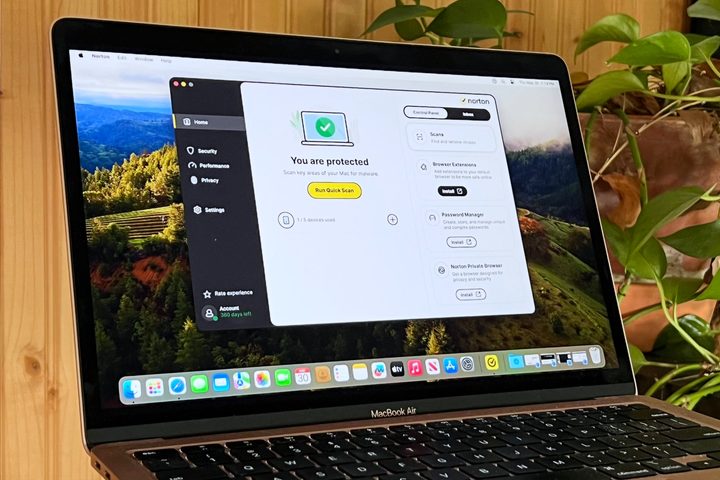
You should also install an antivirus app on your Mac, as many can detect this kind of phishing scam. Antivirus apps don’t slow down your Mac anywhere near as much as they used to, and there’s no compelling reason not to use one. The benefits far outweigh the drawbacks.
Next, if you see a popup claiming that your browser is infected, don’t panic. Hackers want to rush you into a decision before you can think straight. Take a breath and think about what to do.
That means you shouldn’t enter your account details into a suspicious popup window, and don’t call an unknown number claiming to be for a company’s official support team. If you need to contact Apple support, be sure to do it at the official, correctly spelled website.
And finally, remember that Macs are not invulnerable to hackers and phishing attempts. Stay on your guard online and you will stand a strong chance of staying safe.


