  1. Home
  2. Gaming
  3. How tos

How to use Apple Pay on PS5

Add as a preferred source on Google
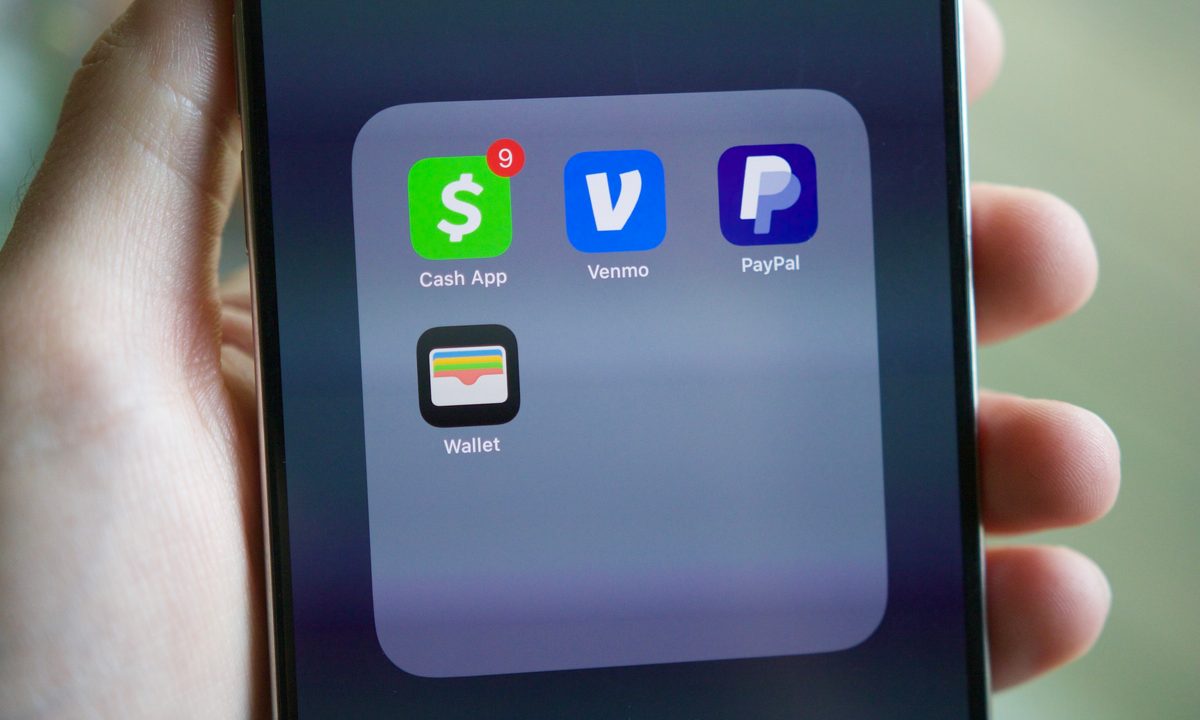
PayPal, Venmo, Cash App, and Apple Wallet apps on an iPhone.
Joe Maring / Digital Trends

If you want to get your hands on the best PS5 games as quickly as possible, grabbing them off the PSN is the way to go. This digital storefront has everything you could want, from multiplayer games to indie games. Of course, unless you're just downloading a free PS5 game, you will need to pay for your game. Previously, Apple Pay was only an option when making a purchase on the website or through the app, but now you can use it right on your console. Here's how it works.

Recommended Videos

Difficulty

Easy

Duration

5 minutes

What You Need

  • PS5

  • iOS with Apple Pay

How to buy PS5 games with Apple Pay

The only things required to buy any new game or add-on on your PlayStation 5 with Apple pay is a PS5 and Apple Pay. Apple Pay is only available on PS5, not PS4, so you can't use this payment method if you're still using the last-generation console.

Step 1: Find the content you wish to purchase on the PSN.

Step 2: Add it to your cart.

Step 3: Go to the checkout screen and select Apple Pay from the list of payment methods.

Step 4: Select Confirm Purchase.

Step 5: Your PS5 will now display a QR code you need to scan with your iOS device.

Step 6: After you scan the code, you can complete the transaction on your iOS device.

Using Apple Pay on the PS5 is just another way to easily pay for new content. It is especially handy if you would rather not store your credit card information on your console for security reasons.

Jesse Lennox
Former Digital Trends Contributor
Jesse Lennox covers all things gaming but has a specific interest in all things PlayStation, JRPGs, and experimental indies…
Roblox now offers age-based accounts for your kids with additional parental controls
Roblox Kids and Roblox Select accounts are now live worldwide.
Roblox-Kids-accounts-Parental-controls

Roblox just launched Roblox Kids and Roblox Select accounts globally, following a limited pilot last month in Australia, Indonesia, the Netherlands, and New Zealand.

These are dedicated account types for users under 16, and the idea is that child safety protections grow with the child rather than staying static.

Read more
Android 17 is about to make gaming on foldables way better
Person, Computer Hardware, Electronics

Google is giving mobile gamers a few new reasons to pay attention to Android 17. The next version of Android introduces features aimed squarely at gaming, with foldable phones among the biggest beneficiaries.

Among the highlights is a new foldable gaming mode that finally puts those larger displays to better use. Instead of stretching games across the entire screen and covering parts of the action with touch controls, Android 17 introduces a smarter layout designed specifically for gaming.

Read more
Xbox is reportedly closing the studio behind Hellblade merely days after showing off its next game
The Cambridge studio is hoping to find a buyer, but staff have already been told they can seek new work.
Senua screengrab

Xbox is reportedly closing Ninja Theory, the Cambridge, England-based studio behind the Hellblade series, according to The Verge. Sources familiar with the matter said the studio's staff were informed about the closure on Monday, just over a week after the studio appeared at the Xbox Games Showcase to announce Senua, a new entry in the franchise.

Part of a wider Xbox reset

Read more