There’s been a lot of talk lately about lossless audio, and that might have led you think that you need special equipment or an expensive streaming music service to get it. But that couldn’t be further from the truth. In fact, you probably already own everything you need to hear lossless audio.
So let’s take a quick look at what lossless audio is, and maybe more importantly, what it isn’t, and how you can listen to it.
What is lossless audio?
Simply put, lossless audio is any type of digital audio that hasn’t been processed using a lossy, destructive form of compression. Lossless doesn’t necessarily mean hi-res audio (though most hi-res is often lossless), and it doesn’t even mean CD quality (though the term CD quality is used, it implies audio that is lossless). And lossless isn’t a special format that belongs to any company or streaming service. Any streaming service that chooses to offer lossless audio can do so (we’ll talk about why some services don’t offer it, later).
Why does lossless audio matter?
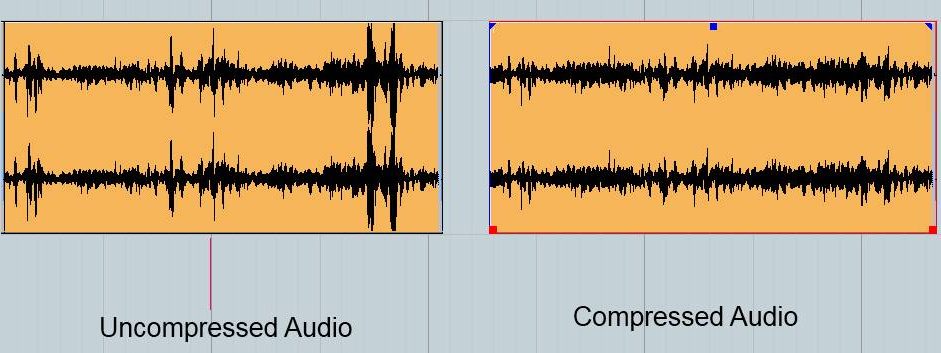
When audio is recorded and turned into huge collections of zeroes and ones in a studio, engineers use uncompressed forms of digitization. This means that every detail of the audio is captured digitally, at the highest resolution possible. This creates a near-perfect digital recording. Unfortunately, uncompressed digital audio is massive in file size, so it’s always compressed before it gets turned into a file that’s ready for distribution.
There are two kinds of compression. Lossy compression can make audio files truly tiny — up to a tenth of their original size. But to do that, it discards some of the original information. The best versions of lossy compression discard info in a way that most people wouldn’t notice. You’d never listen to good lossy compression and say “this sounds bad.” Lossless compression, on the other hand, makes a smaller audio file without discarding any of the information needed to recreate the recording on your listening equipment. I won’t get into the math behind it, but it works. However, there’s still no such thing as a free lunch: Lossless files are smaller than uncompressed audio, but still much bigger than lossy — often four times as large.
For those who want to know they’re getting the best possible listening experience, lossless is worth that tradeoff in file size.
How can I tell the difference between lossless and lossy audio?
The hope is that you’ll be able to tell the difference simply by listening to both, but realistically that may not be possible — especially if you’re listening in a noisy environment. The easiest way to tell is look at the audio file on your computer. If the filename ends in .mp3, .aac, or .ogg, it’s a lossy file. If it ends in .alac, .aiff, .wav, .flac, or several other extensions, it’s lossless.
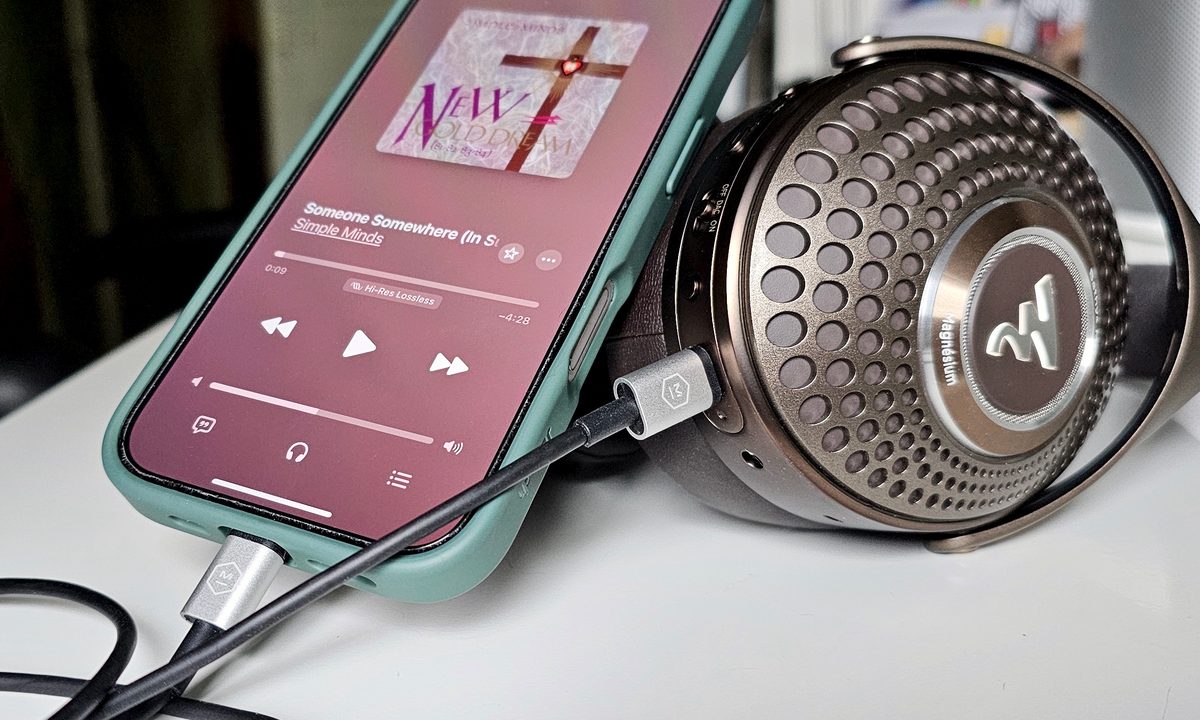
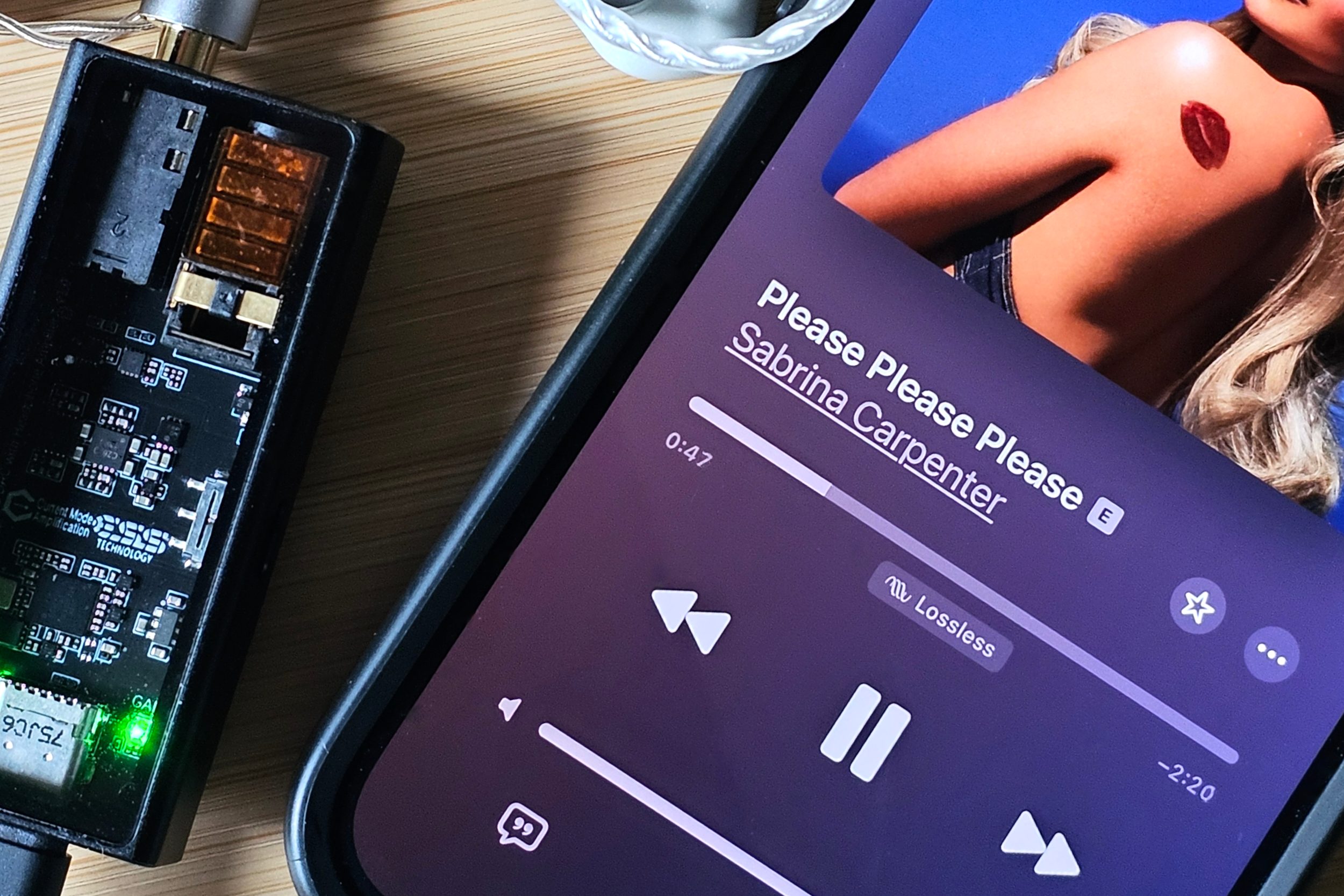
Since most folks listen to streaming music these days, you need to rely on some knowledge about the formats each service uses plus the display in your streaming app’s now playing screen. Apple Music, for instance, will show you an indicator when it streams in lossless, hi-res lossless, or Dolby Atmos. If you change the settings to reduce the amount of data it uses, these indicators won’t show up, which means you’re getting lossy compression.
Each music service has its own version of these labels and the ability to control the maximum quality used when streaming. However, not all services offer lossless. Spotify, for example, has so far resisted the lossless trend. Even with a premium subscription, Spotify only streams music using lossy formats.
How do get lossless audio?
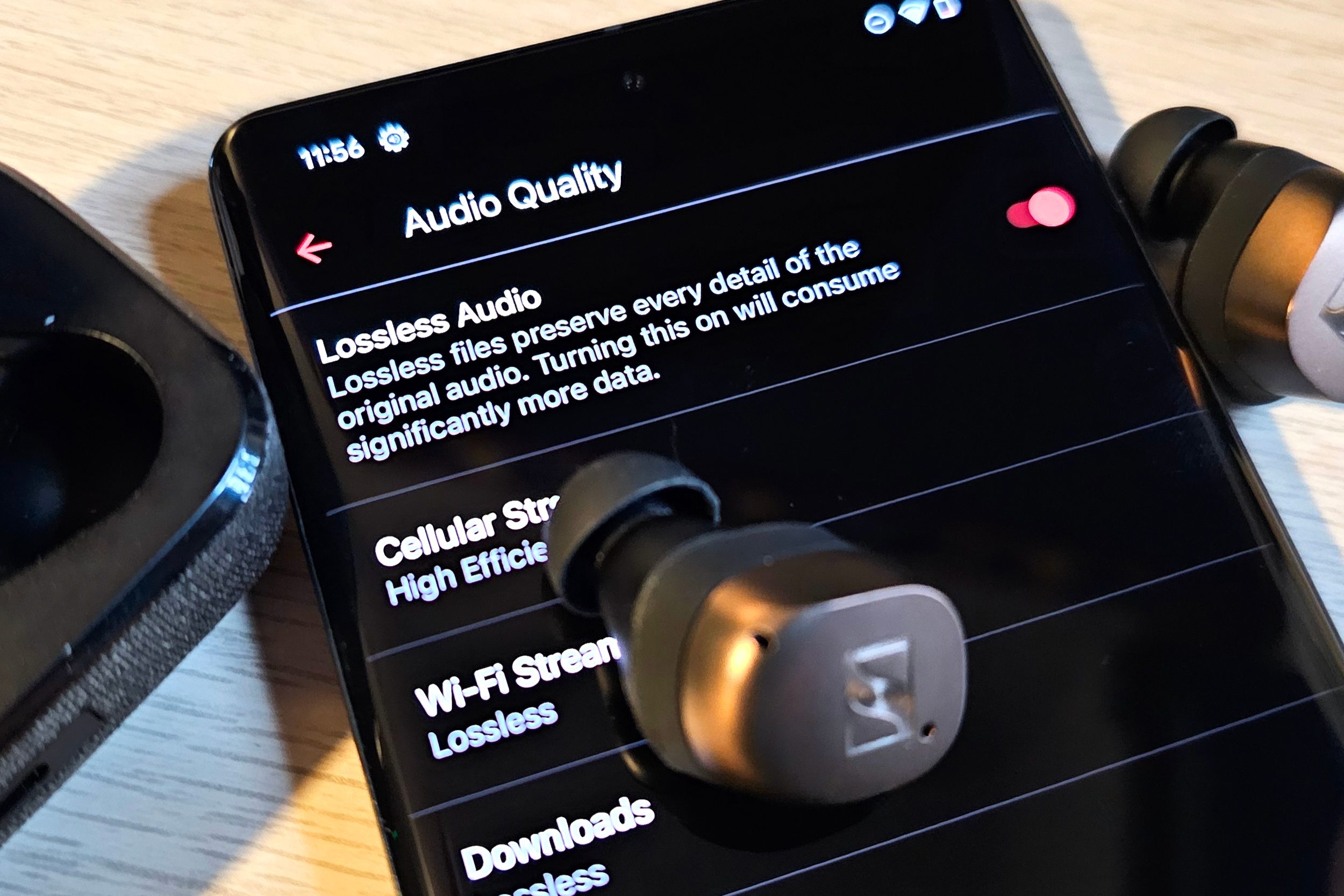
The first step to hearing lossless audio is making sure you have a source of lossless content:
- A streaming service that offers lossless audio
- A CD, SACD, or DVD-Audio disc and a working player
- Blu-ray or UHD Blu-ray with audio recorded in Dolby TrueHD or DTS-HD Master Audio
- Digital music files saved to your computer, phone, or portable music player, in one of the lossless formats mentioned above
The next step is to make sure you have a way to play that lossless content. Streaming service apps like Apple Music, Tidal, Amazon Music, and Qobuz all have built-in decoders that can transform lossless streams into something that can played on your phone or computer. For disc-based music, the CD or Blu-ray player performs the same task. For lossless music stored locally (perhaps ripped from a CD or purchased from a download site), you’ll need software that can decode and play it. There are many free apps that do this, regardless if you’re on a Mac, PC, iPhone, or Android.
Finally, you’ll need to make sure that you aren’t inadvertently introducing lossy compression because of your choice of headphones, speakers, or earbuds. As convenient as wireless listening is, even the most expensive Bluetooth headphones, earbuds, or speakers use some form of lossy compression when they receive that wireless stream from your phone or computer. There are some rare exceptions, like Qualcomm’s aptX Lossless codec, but even then, it can be hard to guarantee that the connection is truly lossless.
To ensure your lossless audio stays lossless, you’ll need:
- A wired connection between your disc player, amplifier, and speakers
- Wireless speakers that use Wi-Fi and receive a direct stream from a platform like Sonos or Tidal Connect, Qobuz Connect, or Alexa Cast, but not Apple AirPlay 2
- A computer or smartphone with a built-in headphone jack or,
- An external digital-to-analog converter (DAC), plus: wired headphones or earbuds
- Headphones that support USB Audio via USB-C
You probably already have what you need
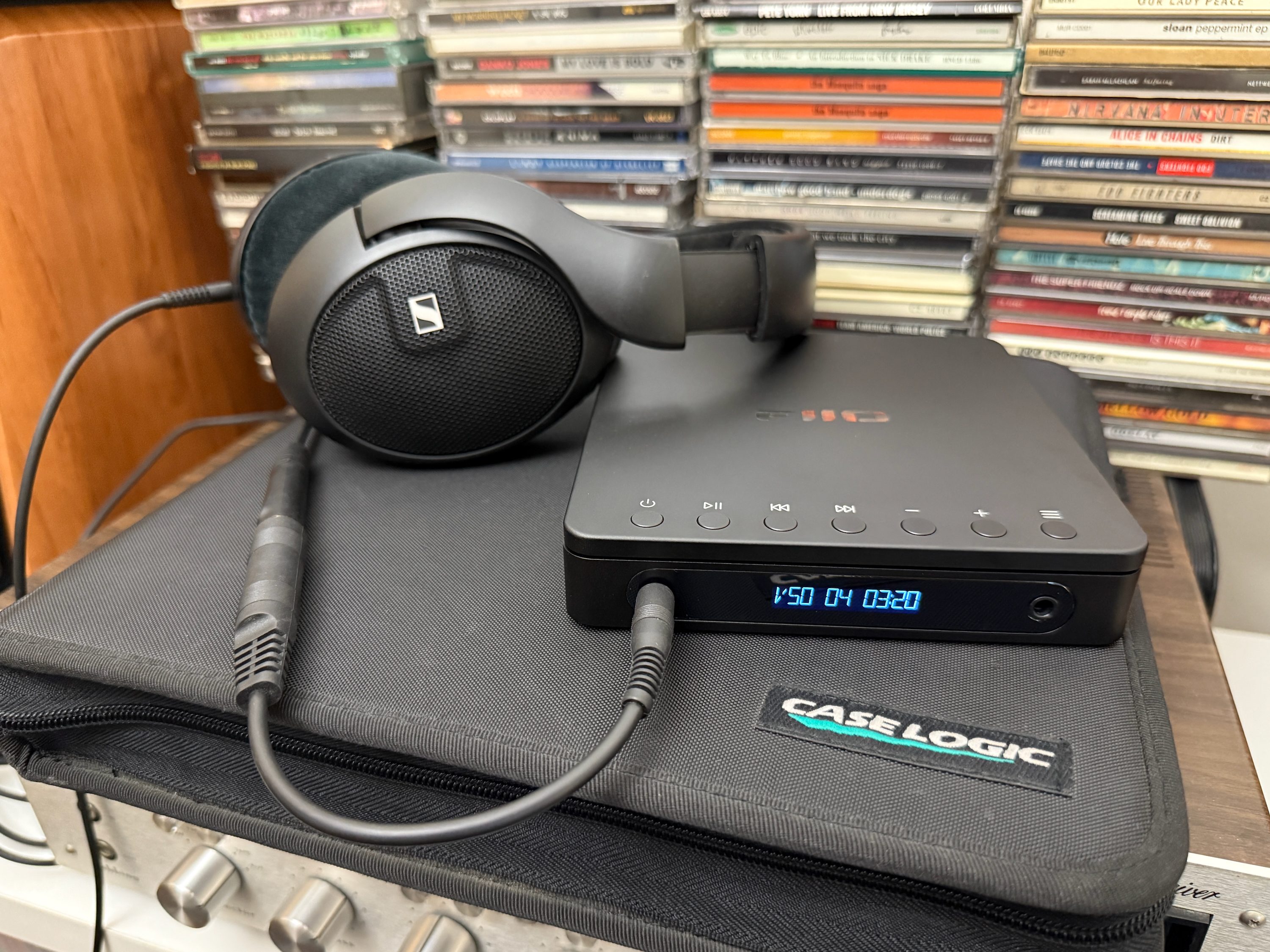
If you already own wired headphones or earbuds, plug them into your laptop or amplifier/receiver and you’re good to go. Even if you don’t have dedicated wired devices, most wireless headphone also come with a cable you can use for analog wired listening. Because most smartphones don’t have headphone jacks anymore, you’ll need to buy an external DAC if you want to use your wired headphones or earbuds. The good news is that as long as you aren’t fussy about getting audiophile-level hi-res audio compatibility, even something as inexpensive as Apple’s lightning- or USB-C-to-3.5mm adapter (typically $9-$11) will do the trick.
Gotchas to avoid
Here are a few things that can get in the way of lossless listening and should be avoided.
Apple AirPlay2: As noted above, your wireless speaker or soundbar may use Wi-Fi, and it may offer the ease and convenience of Apple’s AirPlay 2 for wireless streaming, but AirPlay 2 is not lossless audio compatible. It downconverts any audio to 256kbps AAC before sending it to the target speaker. As I said earlier, no one will hear 256kbps AAC and say “this sounds bad,” but it’s not the same as say, 1,411kbps FLAC.
Transcoded files: It may be tempting to simply run a lossy MP3 file through a converter and turn it into a lossless format like FLAC or WAV, but unfortunately, that doesn’t result in a lossless audio file. All you’ve done is created a much larger file that still contains no more information than it had when it was an MP3. There are ways to make lossy files sound better — Sony has an algorithm that called DSEE that can “restore” some of the quality that lossy compression loses, but it can’t magically put back the info that was discarded when the MP3 was created.
Dolby Atmos Music: This one seems really unfair. We’ve been led to believe that Dolby Atmos Music represents an entirely new way to enjoy music — one that is more immersive and cinematic. And though that’s true, here’s another truth: if you’re listening to Dolby Atmos Music via the three music services that currently support it (Apple Music, Tidal, and Amazon Music), you’re listening to lossy audio.
The reason is similar to Spotify’s reason for avoiding lossless stereo so far: lossless Dolby Atmos requires huge file sizes. Bigger files mean more bandwidth requirements and that adds up to higher streaming costs for the services. So instead of using the lossless Dolby TrueHD format to transport Dolby Atmos, these services use the lossy Dolby Digital Plus. Again, just like no one is going to complain that Apple’s 256kbps AAC sounds bad, you’re unlikely to mind how lossy Dolby Atmos Music sounds. But if you ever get a chance to hear lossless Dolby Atmos, I suspect you’ll agree it sounds better. You can get lossless Dolby Atmos Music as a digital download, or by buying music on Blu-ray (make sure it specifically says it has Atmos in TrueHD).