
I use AI every single day, so I needed something I could actually depend on, not just occasionally dip into. At some point, it became clear that if I wanted that kind of consistency, I’d have to pay for it. The real confusion started when I had to choose. It came down to ChatGPT and Claude. I’ve used ChatGPT for a long time, and it already understands how I think and what I need, which made it a comfortable choice. But the more I looked into what Claude could do, the harder that decision became. It wasn’t an obvious pick anymore.
I went back and forth for a while, weighing familiarity against capability. In the end, I decided to go with Claude. And in hindsight, I don’t regret that choice one bit.
The quiet joy of work that finishes itself
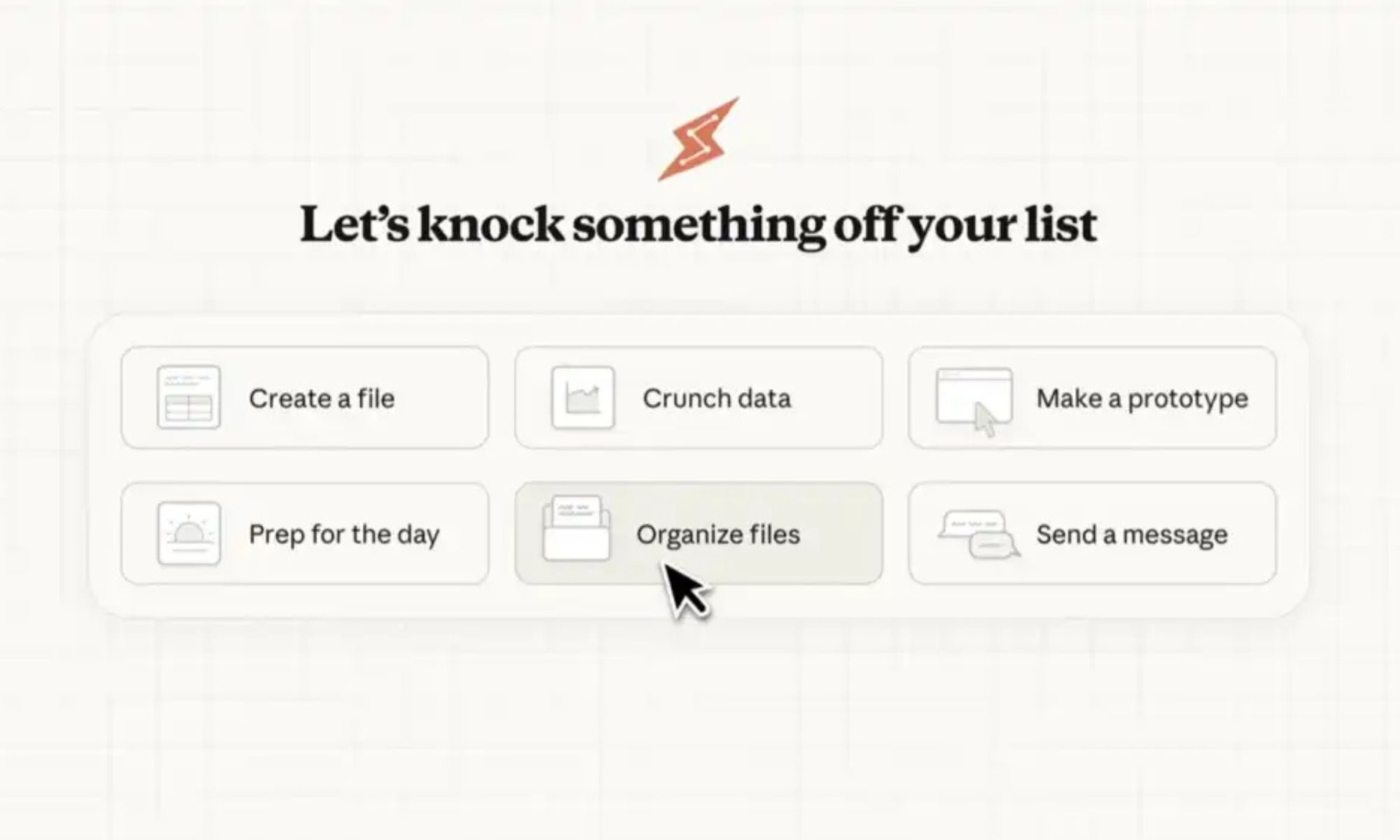
If I’m being honest, what finally pushed me to pay for Claude Cowork was automation — the one that quietly removes work from your day without constantly asking for your attention. A big part of my day used to be filled with repetitive, low-effort tasks. The ones you actually keep putting off, but they never really disappear. I handed those over to Cowork, and now they are just getting done. As long as I set things up with a clear prompt, it handles them daily without needing me to step in. It does ask for a few permissions to work properly, and I did hesitate at first. But it’s a one-time setup, and in return, it saves me time every single day. That trade-off feels more than fair once you start seeing it in action.
What stood out to me even more was how little supervision it needs. I’m not constantly checking in or correcting it. It runs in the background and handles the predictable work, freeing me to focus on what actually needs my time and attention. That shift is subtle at first.
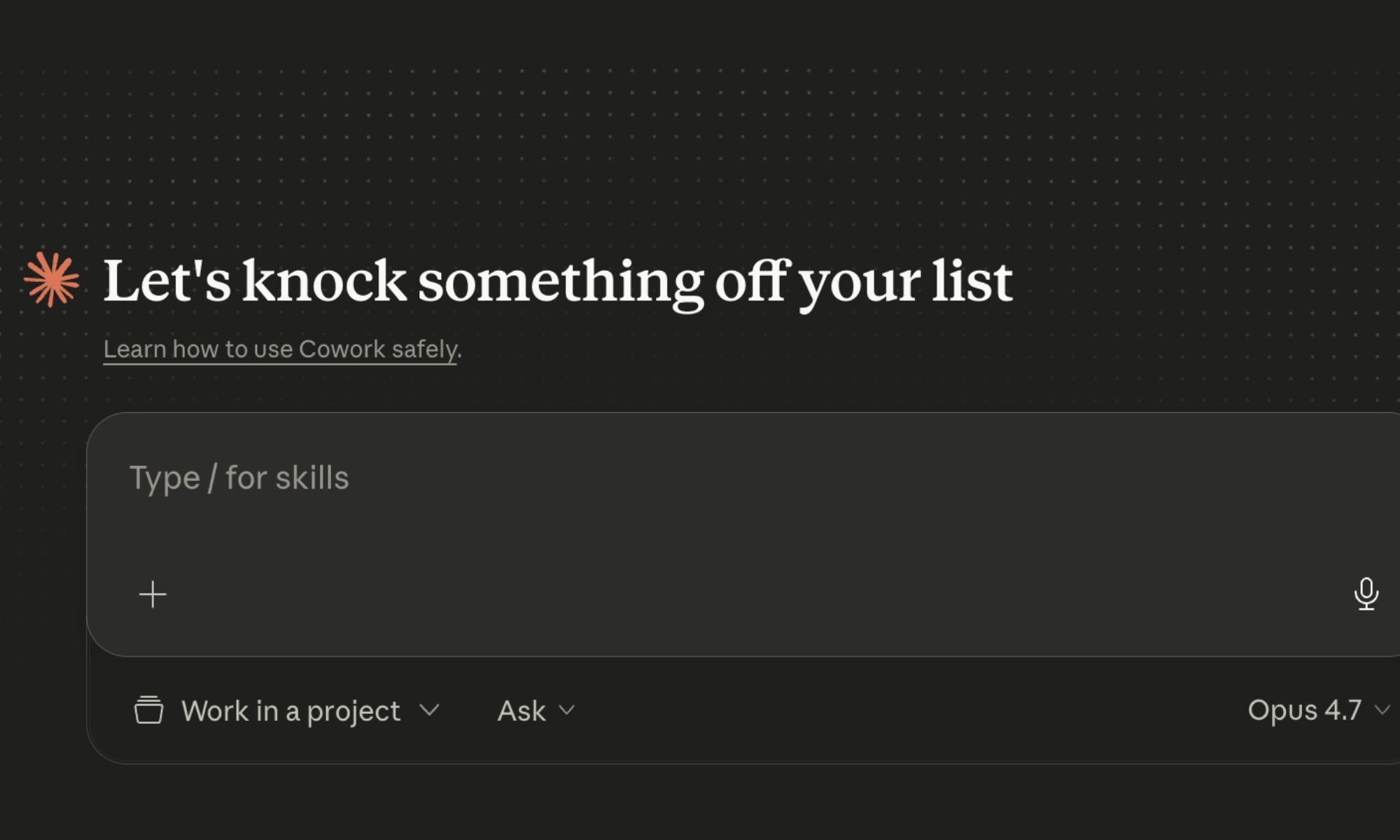
There was one moment recently that really put this into perspective for me. I had a folder on my MacBook with nearly a thousand videos. It was a complete mess — random filenames, duplicates everywhere, nothing easy to find. It had been sitting there for weeks because I just didn’t want to deal with it. I gave Cowork access, provided a simple prompt for what I needed, and let it do its thing. It went through everything, organized the files, renamed them properly, and removed duplicates. I didn’t have to micromanage or keep stepping in. I just had to be clear once, and it handled the rest.
That’s when I realized this — most AI tools are great when tasks are simple and clearly defined. But the moment things get even slightly messy, when there’s too much context or too many moving parts, they either oversimplify or struggle to keep up. Cowork feels absolutely comfortable in that mess. It doesn’t need everything to be perfectly structured. It works through it and, more importantly, takes a chunk of it off your plate so you can focus on the work that actually matters.
When your terminal gets a brain
Apart from Cowork, there’s another part of the experience that genuinely stands out: Claude Code. It’s best understood as a version of Claude that doesn’t just suggest things, but actually steps in and does them. It runs inside your terminal, which sounds a bit technical at first, but the interaction itself is simple. You just describe what you want in plain language. It could be something like “build a basic website,” “add a login system,” or even “explain what this block of code is doing.” From there, it gets to work. It reads your files, writes or edits code, runs commands, and even tests things without you having to manually piece everything together.
The easiest way to think about it is this — regular Claude in a chat window feels like texting a very smart friend who gives you instructions. Claude Code feels like that same friend sitting at your computer, actually using your keyboard and getting the work done while you keep an eye on things. That difference changes the workflow significantly. You’re no longer copying code from a chat and pasting it into your editor, then troubleshooting when something breaks. Instead, the loop becomes much tighter — you describe, it executes, and you review.
What makes it work is the amount of context it has access to. It can see your entire project, not just a snippet you’ve pasted in. That includes your files, structure, and even version history if you’re using Git. Because of that, its suggestions and changes feel far more grounded in what you’re actually building. It can also take real actions, install dependencies, run tests, and prepare commits. But importantly, you’re still in control. It doesn’t go off and make risky changes on its own. If something could potentially break things, it asks first. So, it feels less like an assistant you consult and more like one you collaborate with.
It doesn’t need perfect prompts to get things right
This is harder to put into words, but it’s probably the most important part of the experience. Many AI tools respond in a very literal way. You ask for something, and they deliver exactly that, but somehow still miss what you actually meant. The result is technically correct but not very useful. After a point, you find yourself over-explaining every prompt, trying to cover every edge case just so the output doesn’t go off track. It starts to feel like more work than it should be.
If I ask it to make a paragraph punchier, it doesn’t just trim words or shorten sentences. It understands that I’m talking about rhythm, flow, and impact. If I give it something rough and ask it to “clean this up,” it doesn’t just fix grammar. It figures out what I was trying to say, keeps that intact, and makes it clearer without draining it of personality.
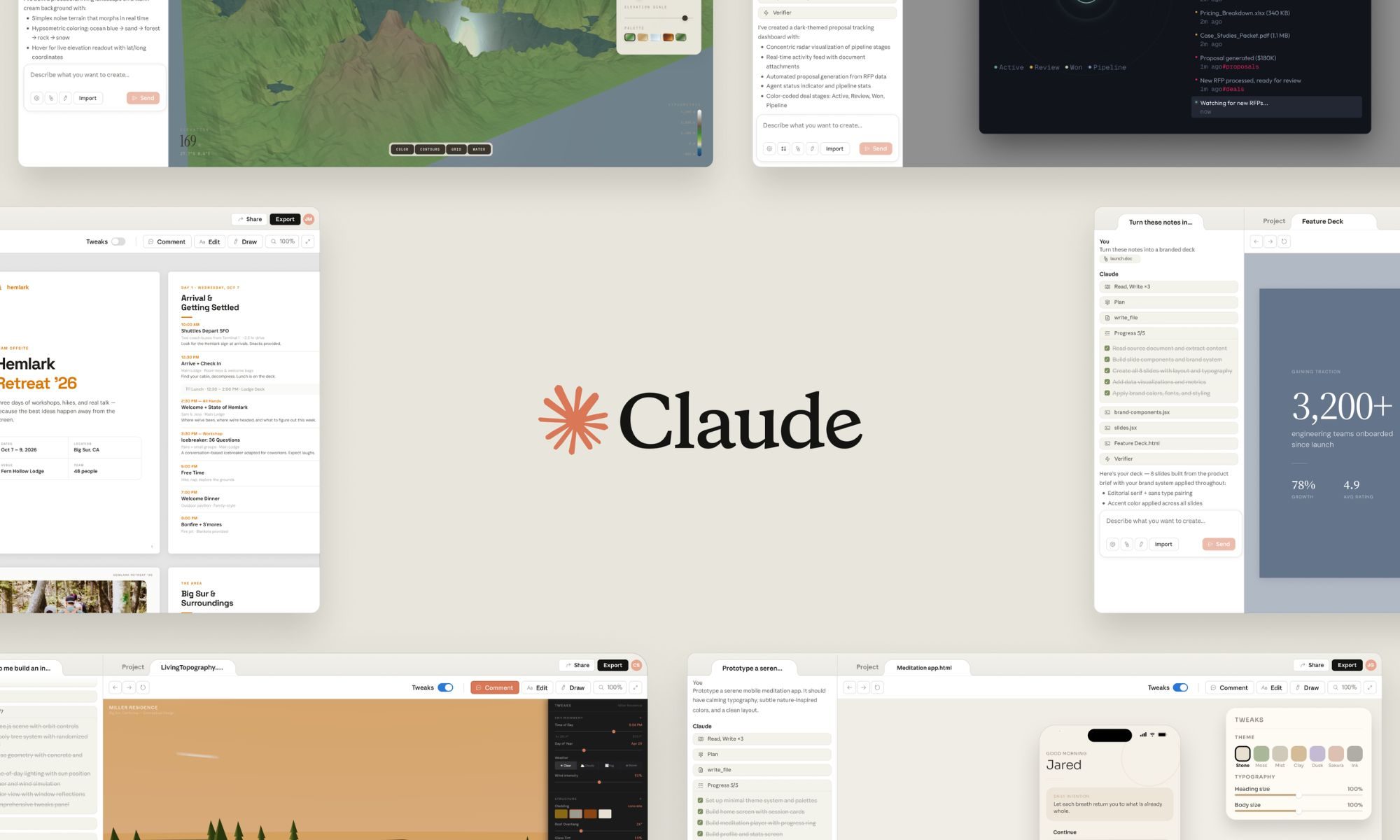
The same applies when the brief has layers. Sometimes there’s an audience you’re writing for, a tone you need to maintain, or a message you want to get across without spelling it out too directly. Claude seems to catch that subtext. The output reflects not just the words in the prompt, but the intention behind them. This changes everything. There’s a real gap between a tool that simply follows instructions and one that understands what you’re trying to do. One is something you use when needed, the other is something you start to rely on.
It really changed the way I work
If I had to sum it up, choosing Claude was about changing how work gets done. At first, the differences feel small. But over time, those small things start stacking up. You spend less time managing the tool and more time actually doing meaningful work. That’s really what stayed with me. Claude doesn’t just give answers or help you think through things. It takes work off your plate, understands what you’re trying to do without needing perfect instructions, and fits into your workflow without constantly demanding your attention.
And once you get used to that, going back to something that needs more hand-holding starts to feel unnecessary. It’s not perfect, and it’s not trying to be everything. But it does enough, consistently, in a way that feels reliable. And at some point, that reliability matters more than anything else.