

Not everyone finds Apple CarPlay useful; some drivers argue that it’s a massive distraction. If you want to plug your iPhone into your car without seeing CarPlay on your car’s infotainment screen, you’ll need to dive into the settings menu and disable the software. It’s a fairly straightforward process that shouldn’t take more than a few taps, regardless of the type of iPhone you have or the type of car you drive.
Adjusting iPhone settings

When the iPhone is first plugged into a CarPlay-compatible car’s USB port, the device will alert the user with a notification that asks if the phone should allow CarPlay to be active while the screen is locked. It might seem like saying “no” here will disable CarPlay, but it only blocks the system from connecting when the device is locked. To disable CarPlay from the phone itself, you will need to follow the steps below:
Newer iPhone models
- Open Settings.
- Choose Screen Time.
- Choose Content & Privacy Restrictions.
- Enable restrictions and then choose Allowed Apps.
- Disable CarPlay.
Older iPhone models
- Opening Settings.
- Choose General.
- Choose Restrictions.
- Enable restrictions and enter a passcode.
- Toggle the CarPlay option to Off.
It is also possible to temporarily disable CarPlay from the iPhone. To do this, select CarPlay in the Settings menu under General, choose the vehicle currently in use, and opt to disable/remove it from the list. This change won’t permanently remove the device’s ability to connect, but it will require the user to approve the vehicle for playback the next time the phone is plugged in. If the user opts against accepting CarPlay, the phone will only charge each time you plug it in. The ability to disable CarPlay is handy for a range of scenarios.
Vehicle settings
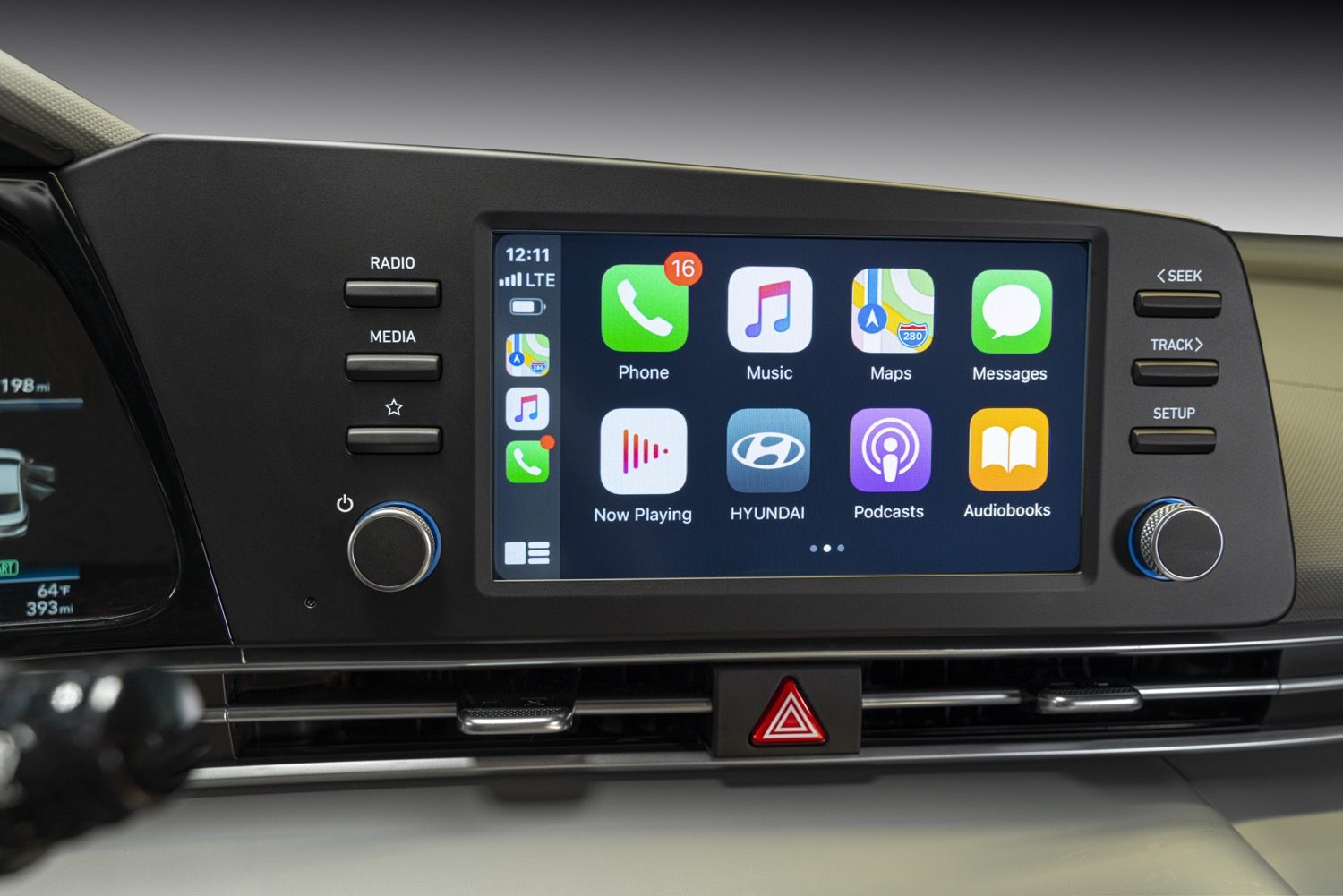
On the vehicle side of the equation, many automakers have included an option to disable Apple CarPlay. Ford, for example, has made it easy to switch off the functionality in its vehicles. The Sync 3 system in many late-model Ford models lets users disable CarPlay by choosing Preferences and then selecting the currently connected iPhone. The system will then allow the user to disable that phone’s CarPlay abilities.
Many other manufacturers approach this differently. If you have a late-model Jaguar, for example, it will ask you how you want your phone to interact with the infotainment system once it’s plugged it in. You can either choose to connect with CarPlay or sync music and phone calls using another technique. If you prefer, you can also have the system remember what you selected. This comes in handy when you want it to remain in place for longer than one vehicle trip. Sadly, there isn’t a model method for disabling CarPlay. We suggest contacting your automobile manufacturer or the local dealership directly to obtain more information on how to do this properly. It may also be wise to browse through your user manual, as it may include information that can provide you with a detailed step-by-step guide.
Fortunately, once you disable CarPlay, you can get it back. You can rest assured that you’ll always be able to undo the disable process. It’s also important to note that enabling or disabling does not hinder CarPlay’s quality of effectiveness. You can enjoy switching it on and off as much as you want. You don’t need to worry about any drawbacks or consequences. If you have a self-proclaimed DJ for a passenger, you can quickly disable CarPlay. Once they leave your vehicle, you can turn it back on and enjoy the songs you actually want to hear.


