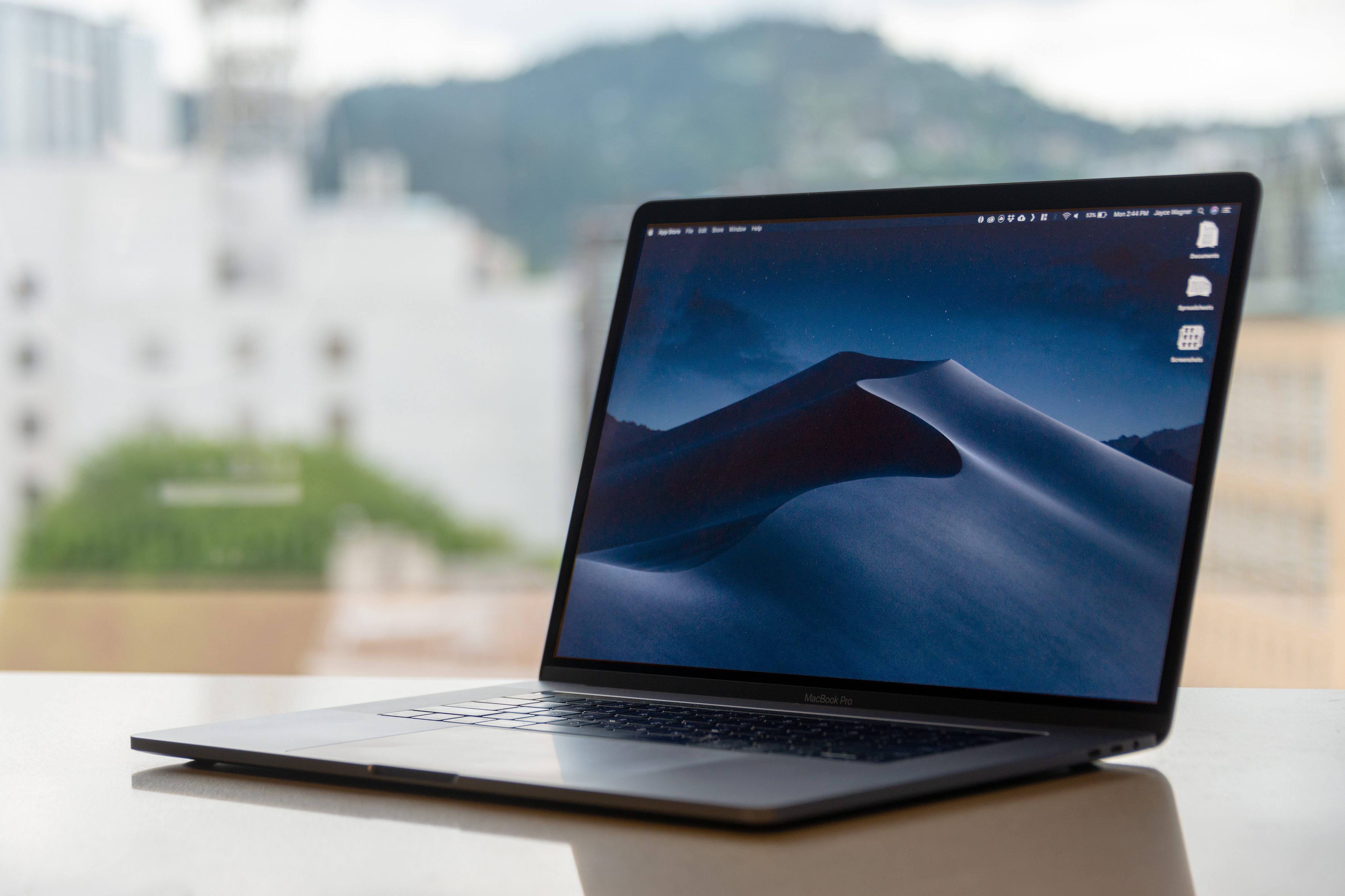
The newest release of MacOS is officially here: Mojave. It can be downloaded for free today in the Mac App Store, but you may be wondering what all is new this time around.
While Mojave isn’t an overhaul of MacOS by any means, it does have some interesting and convenient new features to poke around with. Here are the five most important you need to know about first.
MacOS falls to the dark side

Dark Mode is the headline feature of Mojave, and it’s one fans have been anticipating for many years.
With Dark Mode, it’s not just the menu bar or the dock that’s going black, but the darker theme is applied across the operating system as it’s applied to the chrome around your windows, the side bars, and even content inside the windows.
While Dark Mode can be manually switched on, it can also be applied automatically through a feature called Dynamic Desktops. Similar to how Night Mode can be automatically set on the iPhone and iPad with iOS, Dark Mode can also be timed to appear. MacOS can now automatically apply new desktop settings and views, including Dark Mode, through the day, so you can end your day with Dark Mode. The desert wallpaper even shifts to night, to emphasize the new mode.
New productivity tools like Stacks and Quick Look
 Desktop Stacks is a new feature that’s aimed at helping you manage desktop clutter on MacOS. Rather than have files and folders scattered all across the desktop, you can now toggle the settings in MacOS to automatically group similar files together into Stacks. Content can be grouped according to date, content type, and categories, like photos.
Essentially, Stacks are like folders that are automatically created on the desktop, and files that are dragged or saved onto Mojave’s desktop will automatically be moved into Stacks to keep things organized. Like folders, you can scrub through your Stacks to preview the content.
The MacOS Finder and Quick Look features are revamped to make it easier to get things done when you search for them. Quick Look has a new gallery view, which essentially turns it into a Photos app for your MacOS files, allowing you to make quick actions, like editing and marking up files. A new side bar shows the file details like the EXIF information for photos.
With Quick Look, you’ll also be able to mark up content without even having to open up apps. You can add signatures to PDFs, trim videos, and even rotate and crop images right from Quick Look.
Capturing screenshots tools and security in Safari
Taking a screenshot or adding a photo or scan to your workflow is now easier with Mojave. Thanks to the Continuity Camera, you can use your iPhone to capture a photo or insert a scan into your presentation with a simple click. A new screenshot menu allows you to capture a screenshot, which will show the preview in the corner. Launching that preview takes you into Quick Look, which displays markup menus. And now, you can also create screen recordings with the new screenshot tool. So long QuickTime!
Capitalizing off of recent data security scandals, like the ones that recently plagued Facebook, Apple also updated its approach to privacy on the Mac. Highlighting its efforts in this area, MacOS will now popup with warnings when a system app requires access to the camera and microphone, to your messaging history, and your Mail messages.
Safari has also been overhauled to reduce fingerprinting and tracking on the web. Now, the Mac will make it difficult for websites to identify you by using standard fonts, making all Macs look the same.
A revamped MacOS App Store

Lastly, Mojave includes a redesigned App Store for the Mac. The Mac App Store now borrows from the iOS App Store with a new Discover tab to surface new apps and a fresh look. Office 365 is now available in the Mac App Store, as well as Adobe Lightroom CC.
Though Apple has no plans to merge MacOS and iOS together, iOS apps will be coming to the Mac in a new way. Developers will have access to the new SDK to port their iOS apps to the Mac in 2019, and Apple will make it easy to make iOS apps feel natural on the Mac with keyboard and mouse inputs, windows that can be resized, scrolling, and support for various display sizes.
The first of these were made in-house: News, Stocks, Voice Memos, and Home. These apps have been ported from iOS over to MacOS as an example of how to utilize the updated APIs. These are welcome additions to the Mac App Store, which has been notably neglected over the years.