

Asus is going out on a limb with its new ZenBook Pro 15 UX580, introducing an innovative twist on the old-school touchpad. Called the ScreenPad, this new input device layers a touchscreen IPS LCD over the usual swiping surface, adding in some special functionality to make for a potentially more efficient and productive workflow.
But that’s not all the ZenBook Pro 15 has in its bag of tricks. It also sports the fastest notebook processor around, the very fast Core i9-8950HK that promises unparalleled performance. Is all of this enough to give it the edge over our favorite 15-inch notebook, the Dell XPS 15? Read on to find out.
Design

The ZenBook Pro 15 UX580 looks just like every other modern ZenBook, and that’s not a bad thing. It has the same attractive and iconic concentric circle swirl, the same rose gold diamond-cut chamfered edges, and the same quality build as so many recent ZenBooks. Only an unusually flexible keyboard deck mars what would otherwise be a rock-solid build. The bezels are small enough to give a modern look and feel, and the 0.75 inch thickness and 4.1 pound weight is competitive with the rest of the field. In terms of input, we found the keyboard to offer slightly less travel than some competitors, but with a snappy mechanism that’s comfortable for long typing sessions. And the ScreenPad is buggy out of the gate, but it still promises an innovative new way to control your notebook with a handful of special modes and dedicated apps and utilities.
Dell’s 2018 XPS 15 hasn’t changed much aesthetically over the last couple of years, and that’s not a bad thing — it’s just as conservatively attractive as always. It’s formed from machined aluminum and carbon fiber that create a robust and particularly comfortable laptop to use and carry around from site to site. Dell hasn’t engineered the thinnest notebook around, at 0.70 inches at its thickest point, and it’s not the lightest either at 4.5 pounds with a huge 97 watt-hour battery. Even so, it’s among the most diminutive 15.6-inch notebooks given its InfinityEdge bezels — which unfortunately mean the webcam is wedged below the display for an unflattering up-the-nose view. The keyboard is excellent, with sufficient travel an a precise and responsive mechanism enabling fast and accurate typing, and the Microsoft Precision touchpad is large and comfortable.
We like the ZenBook’s elegant look and feel, but the XPS 15 wins out for being completely solid and sporting a better keyboard. That innovative ScreenPad could sway things in the ZenBook’s favor, though, if Asus can work out the bugs and add some polish.
Performance
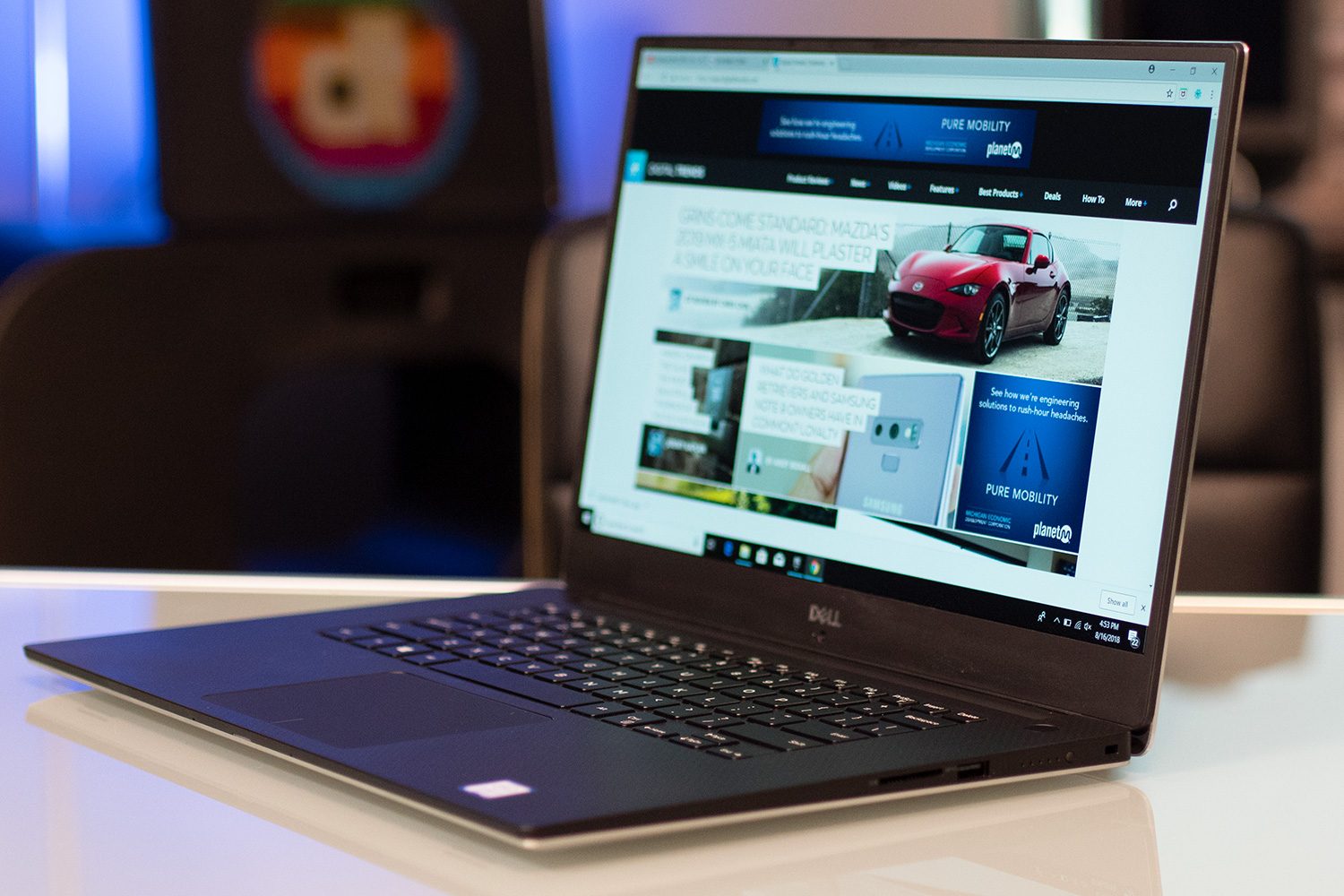
The ZenBook Pro 15 is built around Intel’s fastest mobile processor, the 8th-generation six-core, 12-thread Core i9-8950HK that runs at 45 watts and can ramp up to some insane speeds. It’s a fast CPU, but it also creates some heat that’s hard to manage. Ultimately, it’s faster than the more common Core i7-8750H, but not by much. Asus chose a competent PCIe solid-state drive (SSD) for the ZenBook Pro, which is neither the fastest nore the slowest we’ve tested, and that’s fed by some fast DDR4 memory. Finally, the Nvidia GeForce GTX 1050 Ti is a solid entry-level gaming CPU, and it allows the ZenBook to support some decent — albeit somewhat inconsistent — gaming performance.
The Dell XPS 15 uses the aforementioned Core i7-8750H processor, an 8th-generation 45 watt part that’s also powered by six cores and 12 threads. The Dell also enjoys a speedy PCIe SSD and high-speed RAM, which is paired with an Nvidia GTX 1050 Ti Max Q that punches slightly above its weight class when running some of today’s popular titles at 1080p and medium graphical details. The XPS 15 is plenty fast — almost as fast as the ZenBook Pro 15, in fact — but it also runs cooler and more quietly.
And then there are the displays. On paper, the ZenBook Pro 15 and XPS 15 should be equal. Both enjoy 4K UHD panels with wide color gamuts, and they both promise good accuracy and strong contrast. But Dell delivers whereas Asus kind of dropped the ball, with the former offering a more accurate display with significantly higher contrast and brightness. Dell also offers two options, Full HD and 4K panels aimed at being bright and colorful. Both the ZenBook and the XPS 15 offer great displays for productivity work, but the Dell is much better for professionals that care about color accuracy.
The XPS 15 wins out by being almost as fast as the ZenBok Pro 15 but doing so more quietly and without burning up. And its display is better, too.
Portability
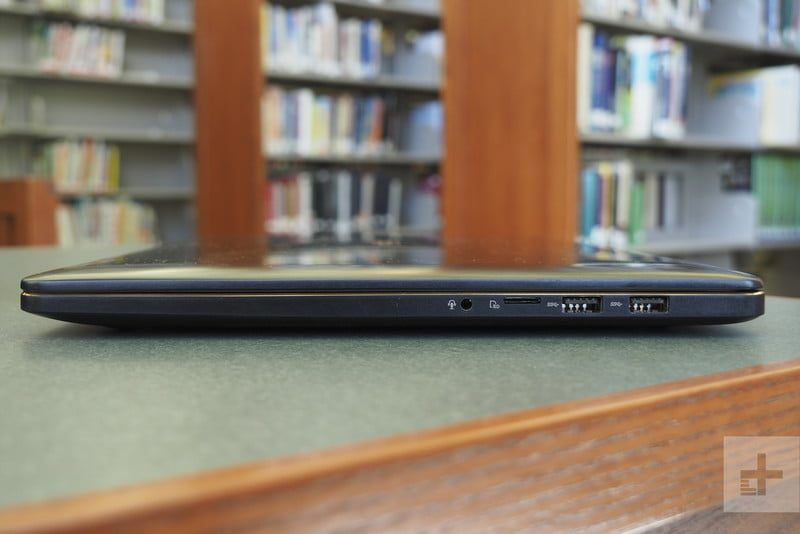
Given all that performance that’s packed inside a chassis that’s not the thinnest around, we expected Asus to squeeze in some serious battery capacity. Unfortunately, the company only managed to equip the ZenBook Pro 15 with 71 watt-hours, which isn’t a ton of juice for such a demanding CPU and high-resolution display.
For its part, Dell equipped the XPS 15 with a massive 97 watt-hours worth of battery capacity, helping to justify its higher weight. And Dell’s investment in batteries paid off. In our suite of tests, the XPS 15 outlasted the ZenBook Pro 15 by a wide margin. We tested the the Full HD version of the XPS 15, and it lasted for twice as long on our most intensive Basemark web benchmark test and almost three times as long when browsing the web and watching video. We suspect that the 4K version of the XPS 15 would last for “only” twice as long.
Both of these notebooks are large and solid 15.6-inch notebooks and so take up some space in a backpack. But the XPS 15 will last for a full working day and maybe even longer, whereas the ZenBook Pro 15 will leave you wanting. The Dell wins this round.
Conclusion
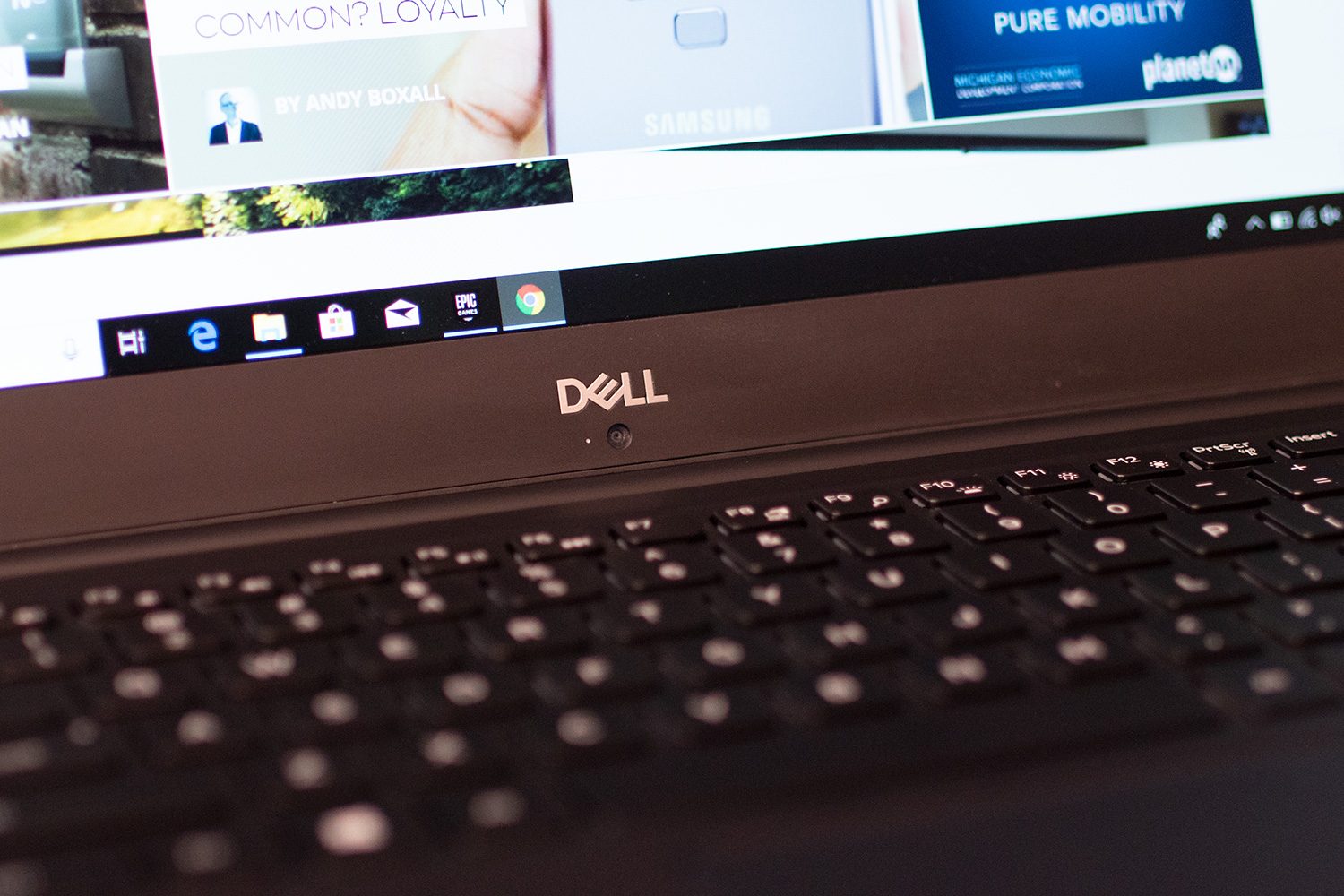
The ZenBook Pro 15 costs $2,300 for the Core i9-8950HQ, 16GB of RAM, 512GB SSD, 4K display, and the ScreenPad. You can also spend $1,800 for a Core i7-8750H and a normal touchpad. That makes it a premium notebook but still less expensive than the XPS 15, which comes in at $2,900 for the Core i9, 32GB of RAM, and a 2TB SSD. But you can also opt for a much less powerful configuration with Core i5 and 56 watt0hour battery for $1,000, giving the Dell a lower price of entry.
The ZenBook Pro 15 brings some innovation with its ScreenPad and some power with its Core i9. But the XPS 15 is almost as fast and its considerably more refined — and thus it’s the notebook we’d rather carry around with us.


