
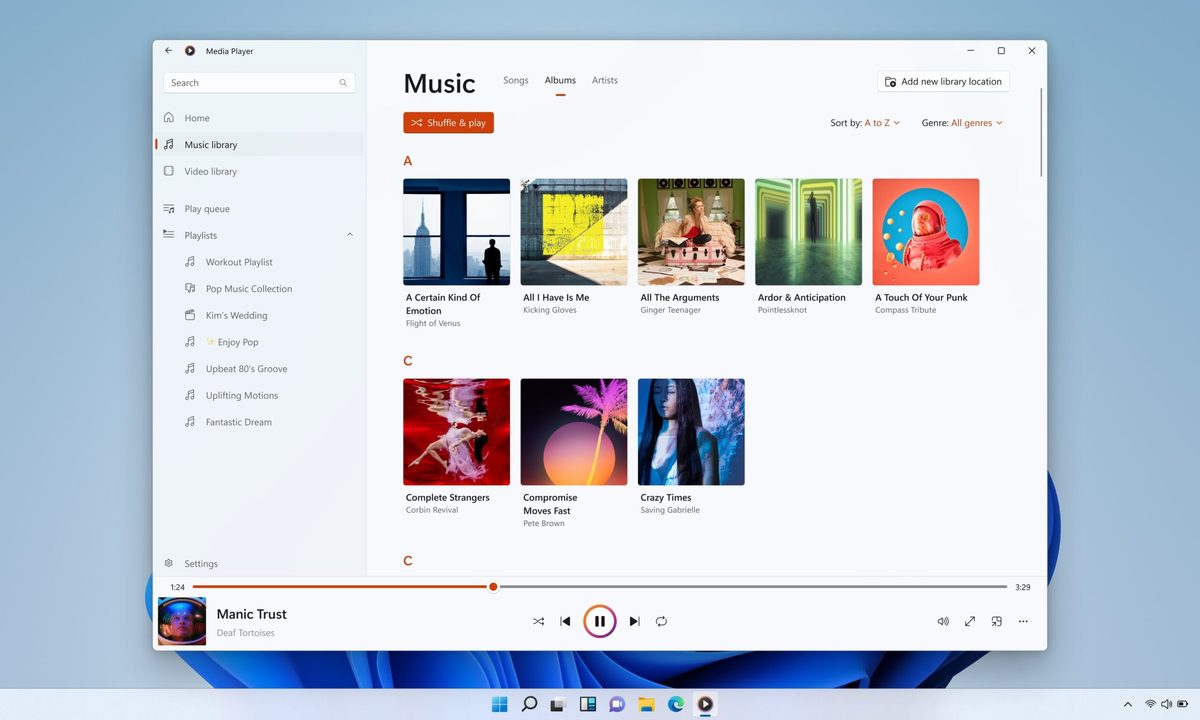
Microsoft has released a new Insider Preview update for the modern Windows 11 Media Player. However, the app is facing criticism after tests revealed it uses more memory and opens local video files more slowly than the classic 17-year-old Windows Media Player.
The update adds some useful fixes, including better captions, clearer codec errors, and improved file recognition. But the biggest complaints remain higher RAM usage and paid codec support for some common video formats. The update is not available to everyone yet. Media Player version 11.2605.14.0 has only arrived on Experimental Insider builds as part of Microsoft’s June 12 Insider Preview releases.

What’s new in Media Player?
The update brings several small but practical changes. Caption styling now follows Windows system caption settings, so users can adjust font size, color, and background from the operating system. Media Player also shows an indexing banner when it is scanning a fresh media library, which should make it clearer why some songs or videos are not showing up yet.
Microsoft has also improved file recognition to reduce playback errors, added clearer missing codec messages, blocked unnamed playlists, fixed a crash linked to play queue editing, and cleaned up some visual issues. These are useful fixes, especially for an app that ships as the default media player on Windows 11.
Why are users unhappy?
The problem is that these fixes do not address the biggest complaints. According to Windows Latest, the modern Media Player used around 377MB of RAM while idle, compared with about 103.4MB for the legacy Windows Media Player. The newer app also took longer to open a local video file in testing.

For a modern piece of software, this is a bad look. Opening and playing a local video should be one of the easiest things a media player does. If Microsoft’s newer app is slower at that than the version that shipped with Windows 7 nearly 17 years ago, something has clearly gone wrong.
The codec situation is another frustration. HEVC, also known as H.265, is now common on phones, including iPhones and many Android devices. But Windows users may need Microsoft’s paid HEVC Video Extensions app from the Store to play those files in Media Player. The extension costs $0.99.
There is some context here. HEVC is tied to patent licensing, and Microsoft has to account for royalties. Even so, the user experience is not great. Someone can shoot a video on a modern phone, move it to a Windows machine, and then be asked to pay extra just to play it in Microsoft’s own media app. Fortunately, Windows users are not stuck with that setup. Free alternatives like VLC Media Player and MPV can play HEVC videos without requiring Microsoft’s paid codec extension.
Windows 11 version 24H2 has also removed built-in AC-3 support, which can affect Dolby Digital audio playback. For now, the update shows Microsoft is improving Media Player, but the app needs to be faster, lighter, and less dependent on paid codec add-ons to win users over.


