
A great iMac deserves a great keyboard. Whether you prefer a trusty mechanical model, an ultra-slim invention, or all the customizable options you can find, we list the best MacOS-friendly keyboards so you can choose the ideal companion.
The standard Apple Magic Keyboard will do just fine, especially since it comes bundled with the iMac. However, the alternatives below offer some compelling options as well, especially if you’re in need of an affordable replacement or a higher-end model with mechanical switches. One of the best keyboards is the Buy at Vinpok keyboard since it is super thin and is a great travel keyboard.
The best keyboards for Mac at a glance
- Vinpok Taptek
- Logitech MX Keys
- Satechi Slim X3
- Macally wireless keyboard
- Logitech K750
- Das Keyboard 4
- Keychron K8
Vinpok Taptek
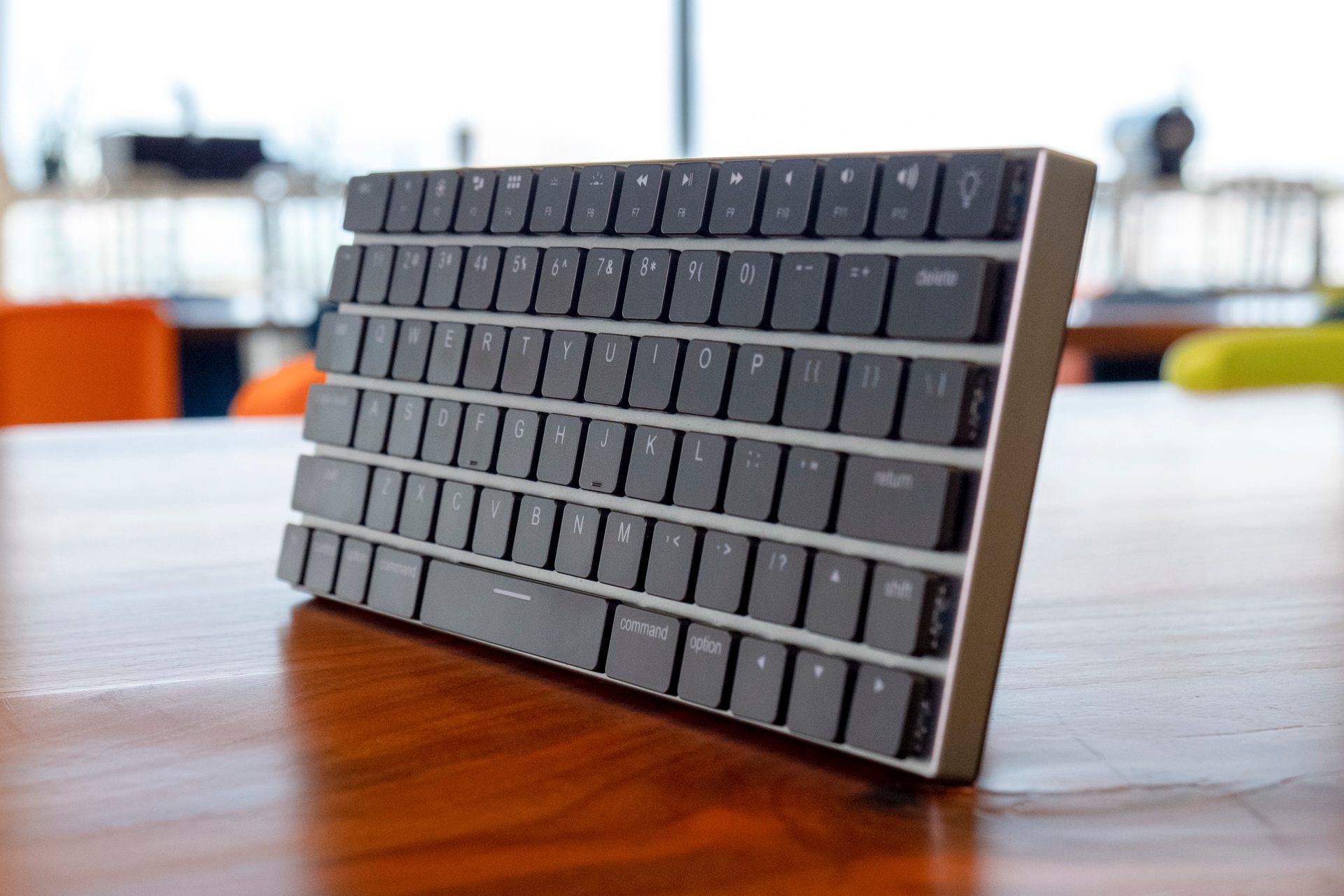

The super-thin Taptek is a great, compact MacOS keyboard born from a successful crowdfunding project. Measuring just 16mm thick (or thin), it’s ideal if you want a keyboard for your iMac that can easily travel with you.
This keyboard syncs with up to three devices using Bluetooth, so you can multitask across various platforms. It also physically connects to your iMac using a USB-C cable. Those itching for a little desktop bling may love the four levels of RGB backlighting and the associated 19 color effects.
You can now get the Buy at Vinpok keyboard on Vinpok’s website.
Logitech MX Keys
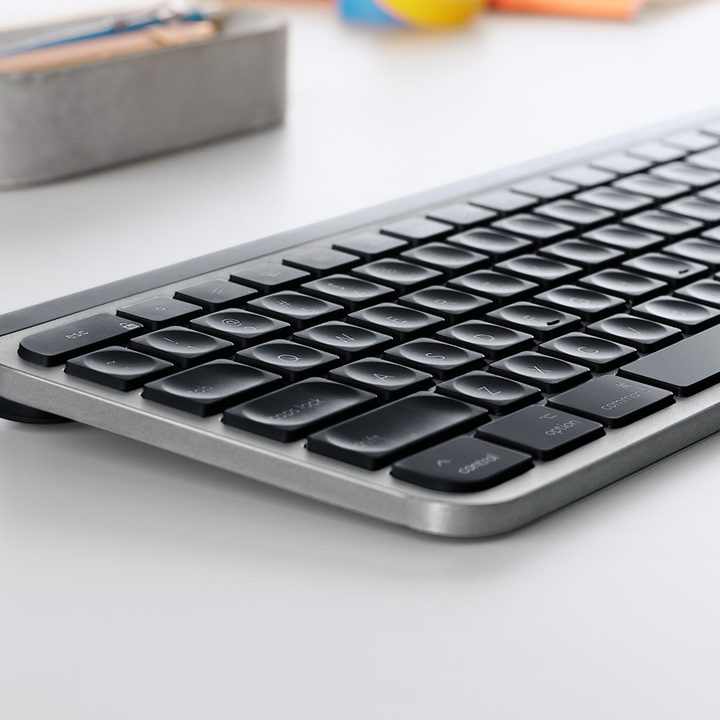
Logitech makes several high-quality keyboards. However, none work on Mac quite as well as the MX Keys. This keyboard is built from the ground up around MacOS and comes with a Mac layout.
The keyboard is built for comfort and stability, with slightly inlaid keys for a comfortable and confident typing experience. Combine that with keyboard’s ability to connect to three devices, and you have a keyboard designed for maximum productivity.
The backlit keys also have smart illumination that automatically adjusts the brightness based on the ambient light in the room. That helps save on battery life and improves key visibility when needed.
Plus, the keyboard charges with USB-C, which is always a plus.
If you want a keyboard that is on par with Apple’s own magic keyboard, the is the one for you.
Satechi Slim X3
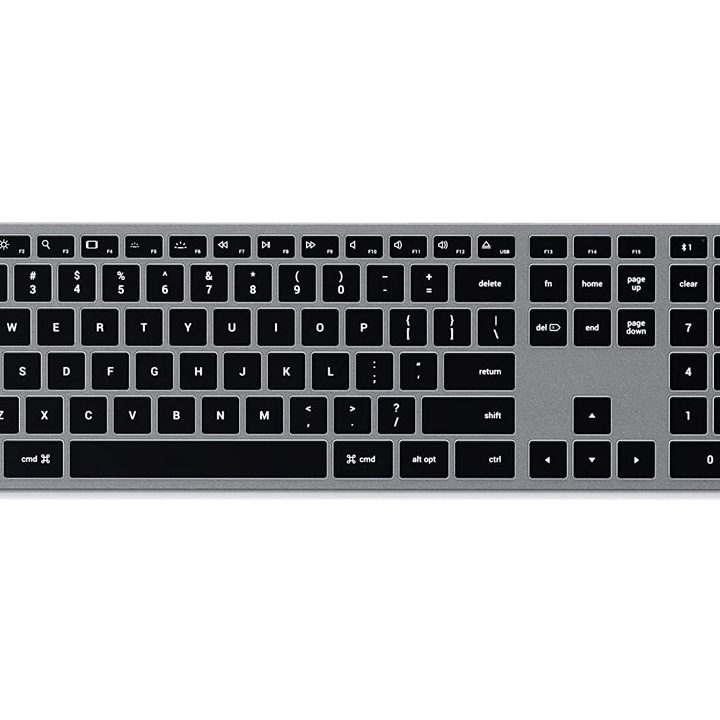
Satechi’s design adheres closely to Apple aesthetics while adding its own twists.
The Slim X3 charges via USB-C, and users can pair up to four Bluetooth devices for easy switching between your phone, tablet, and Mac. The X3 has hotkeys in the top right corner to make switching fast and convenient.
Several hotkeys reside along the top that target specific Apple-centric functions, like switching apps and loading Mission Control. Satechi also sells a version without the numeric keypad. Both rely on scissor-style key switches.
The is a great and affordable Magic Keyboard alternative.
Macally wireless Bluetooth keyboard
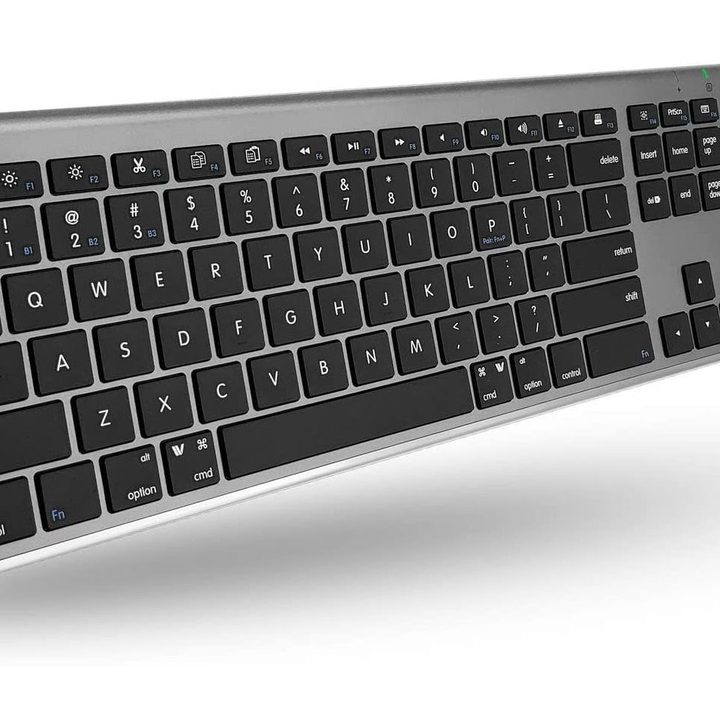
Macally’s wireless keyboard is a great alternative to Satechi’s model if you want a slightly different design and more features. This newer keyboard from Macally comes with all the same features as previous models, but with a more sleek and elegant design. That will help it fit nicely within your Apple work environment.
Like Apple, Macally uses scissor flexors for its thin keys, but you may find the Macally prices to be more reasonable, plus it can sync with up to three Bluetooth devices.
This provides 20 shortcut keys as additional preset keys. These presets include Apple-specific commands, iTunes controls, and other useful tricks for working on an iMac. The battery, rated for around three months on a single charge, takes around an hour to recharge via a USB cable.
Logitech K750 wireless solar keyboard
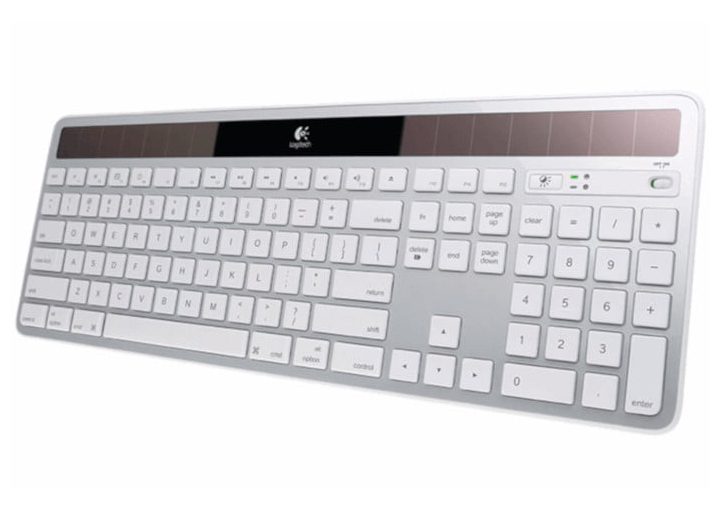
If you work by a window or in a similar situation, you shouldn’t need to worry about manually charging this keyboard’s battery, thanks to solar cells mounted along the top. Both the readout at the top right and the Logitech Solar App will show you how the solar charge process is going, too. A full charge lasts about three months.
Outside its unique solar power design, this keyboard features an ultra-thin design with Logitech’s popular concave keycaps. It also includes a numeric keypad, a volume dial, a hotkey for automatically activating the MacOS Launchpad, and more.
The relies on Logitech’s “Unifying” USB dongle that supports up to six devices connected simultaneously.
Das Keyboard 4
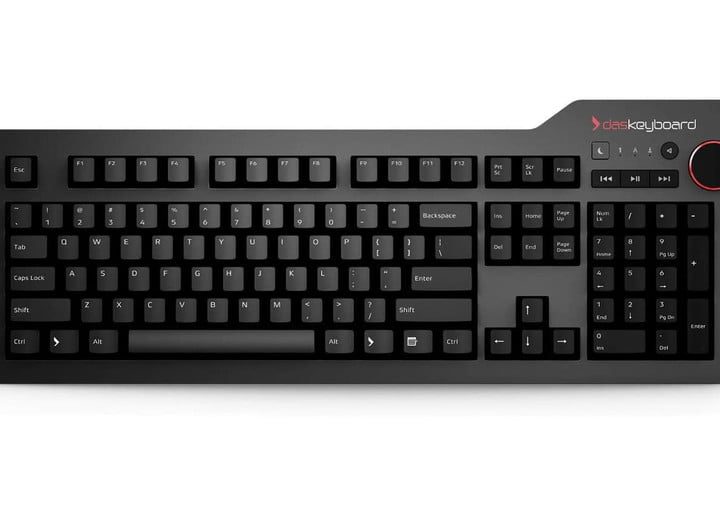

Das Keyboard offers dedicated MacOS keys for specific functions. You’ll also find a lavish media control dial in the top right corner for mastering your music. You can even remove the footbar and use it as a ruler (if you’re into that).
If you’re in need of a new party trick, the Ultimate version is available with entirely unmarked keys. It looks slick and is sure to impress your friends and coworkers. Just be sure you’re an expert typist before giving the Buy at Staples a try.
Keychron K8
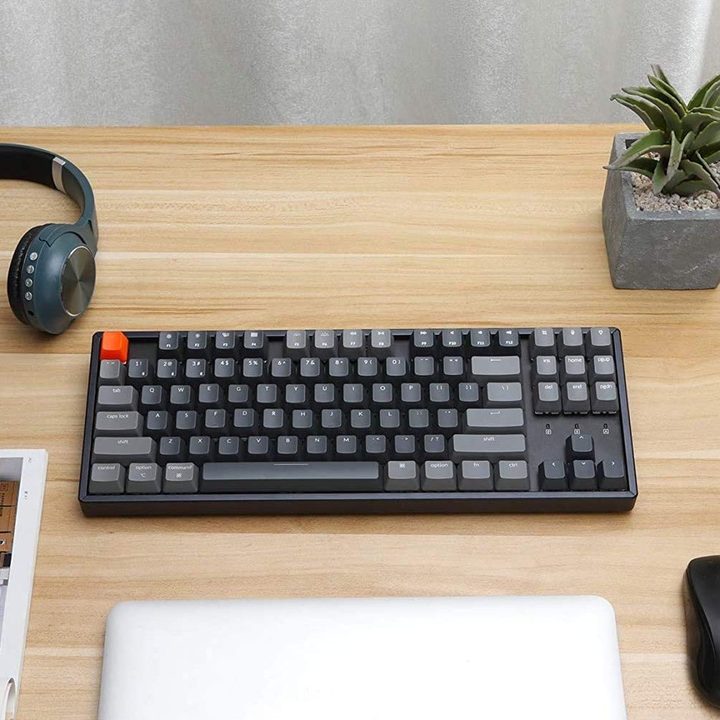

If you’re running out of space, the Keychron K8 is bigger than our previous pick, the K2. However, it is still compact and a great option for those with limited space. Keychron has multiple tenkeyless models that are suitable for any setup.
The Keychron K8 has 87 keys and features a full row of function keys with more added features all on one compact board. The keyboard still has the Home, End, Page Up, and Page Down keys and a full row of function keys. There’s also a key if you want to change the RGB lighting and a dedicated spotlight key and voice commands key.
You can pair the Buy at Keychron with up to three devices simultaneously, wirelessly, or wired with a USB-C cable. Luckily, users are given even more options when they order, like choosing the switch type, backlighting, and frame design.



