  1. Home
  2. Computing
  3. News

Google AI Studio can now build Android apps without you writing a single line of code

Google just made building real apps faster, cheaper, and more accessible than ever.

Add as a preferred source on Google
google ai studio logos
Google
Sundar Pichai stands in front of a Google logo at Google I/O 2021.
This story is part of our complete Google I/O coverage

Google AI Studio had already become one of the best tools for developers to turn ideas into working apps. At Google I/O 2026, the company announced a wave of updates that make it even more powerful, and honestly, more fun to use. Here’s a rundown of everything new.

Could this be the end of complicated Android dev setups?

Probably the biggest announcement is that you can now build native Android apps directly inside AI Studio without installing an SDK, setting up a local environment, or even owning a high-performance computer.
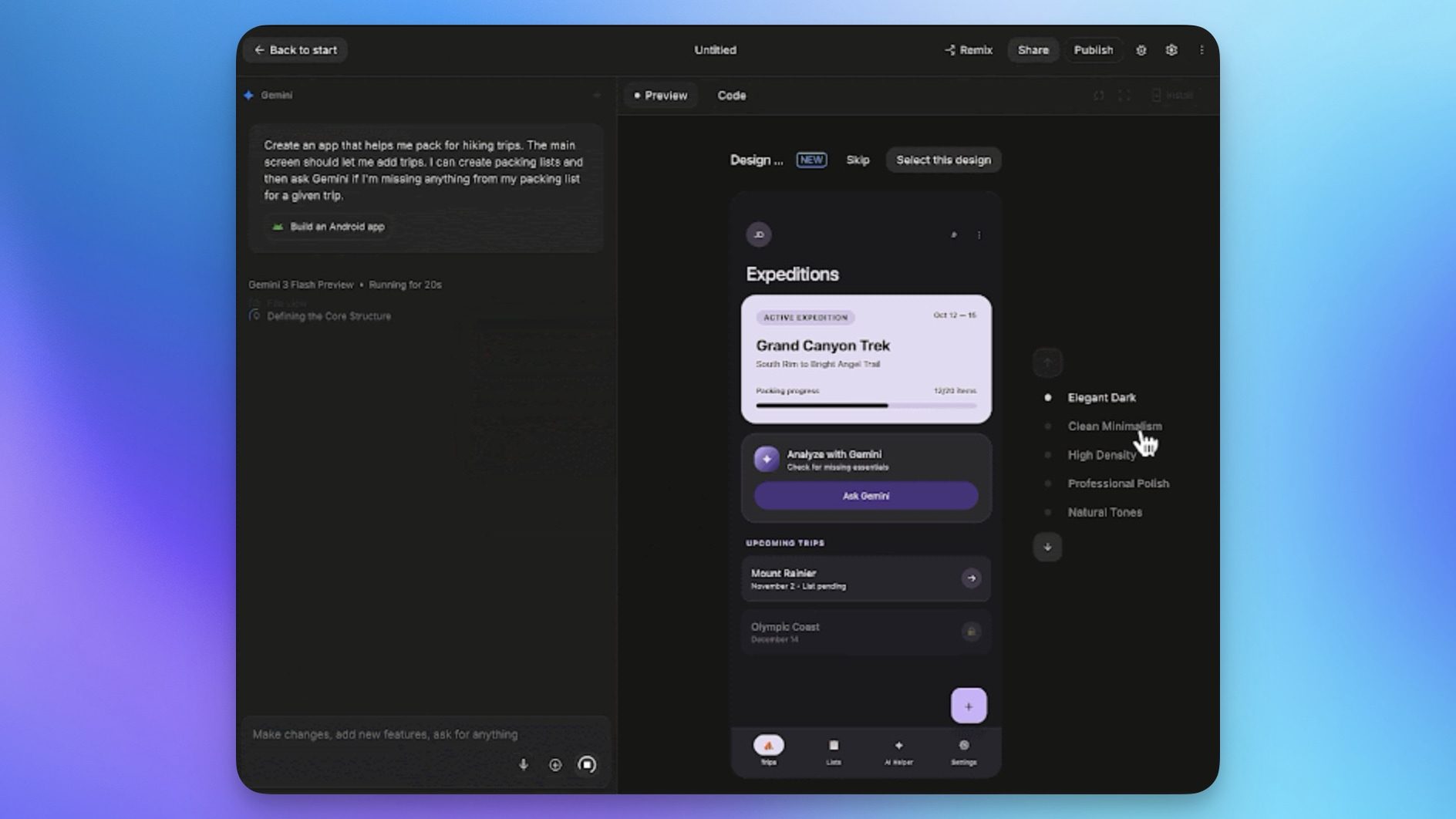
You can describe your idea, and AI Studio will generate production-quality code. From there, you can preview your app inside a browser-based Android Emulator or install it directly on your Android device. 

Recommended Videos

When you’re ready, you can publish to Google Play’s Internal Test Track with a single click by connecting your Play Developer account. This is a big deal because native Android development used to be intimidating and resource-heavy. Now, anyone can go from a prompt to a real app in minutes.

What else is new in AI Studio?

Google also added Google Workspace integration, so you can build apps that work directly with Google Sheets, Drive, and Docs data without switching tools. If you prefer local development, you can now export to Google Antigravity, with your conversation history and project files.

On the design side, AI Studio can now generate custom images on the fly using Nano Banana, and a new annotation tool lets you draw directly on the app preview to tweak components and generate new visuals.
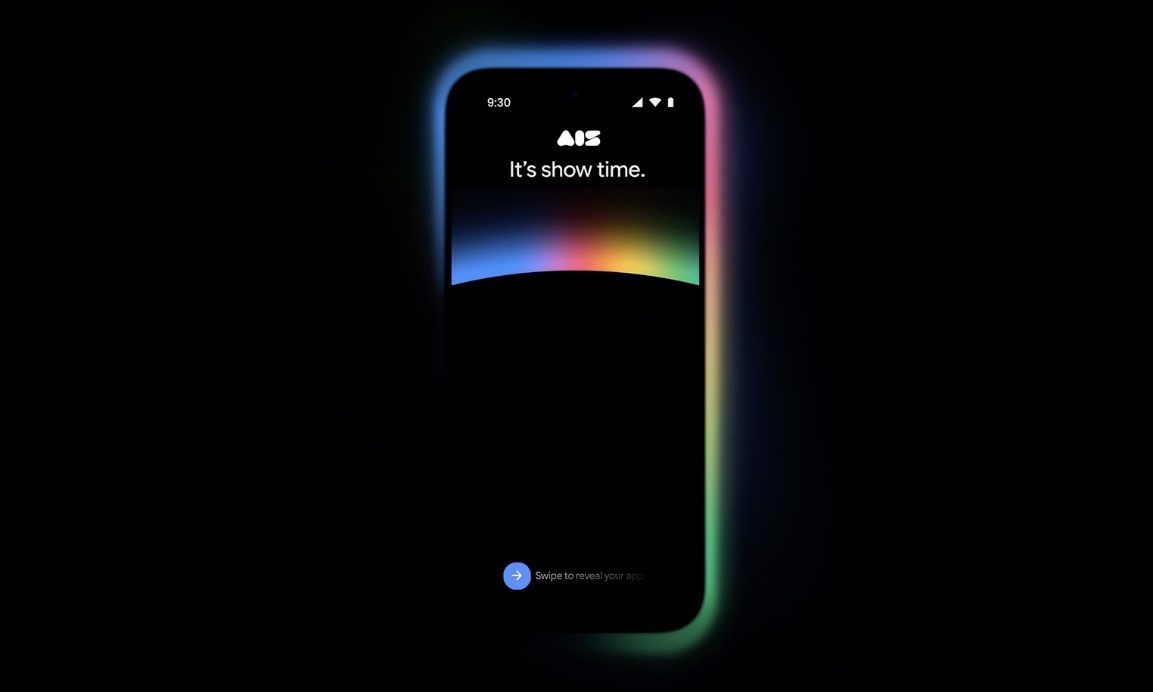
Finally, Google is launching a mobile app for AI Studio, available for pre-registration today, so you can build and iterate on apps from your phone.

Of course, you will still need a design and development basic understanding to create a good app, but the barrier to entry has been significantly reduced for all app builders.

Rachit Agarwal
Rachit is a seasoned tech journalist with over ten years of experience covering the consumer technology landscape.
What makes a laptop good for both work and entertainment?
Computer, Electronics, Laptop

This post is brought to you in paid partnership with HP.

The HP OmniBook X Flip is designed as an all‑day AI PC that adapts seamlessly from productivity to entertainment without switching devices.

Read more
Your Windows 11 PC can now natively run AI workloads, even if it lacks the Copilot+ badge
Windows 11 laptop on a table

For the better part of a year, Microsoft has been telling us that the future of AI on Windows belongs to Copilot+ PCs. If you wanted Microsoft’s most advanced local AI features, you needed a machine with a dedicated Neural Processing Unit (NPU). That was the deal. Now, Microsoft appears to be rewriting the rules.

According to updated documentation, Windows 11’s local Language Model APIs can now run on non-Copilot+ PCs, provided they have an Nvidia GeForce RTX 30-series GPU (or newer) with at least 6GB of VRAM. On the surface, this sounds like a developer-focused update. In reality, it could be one of the most significant shifts in Microsoft’s AI PC strategy since Copilot+ PCs launched last year. More importantly, it raises a question that has been lingering ever since the AI PC era began: Did we really need NPUs for all of this in the first place?

Read more
The Windows 11 June update makes your Start menu and Search feel much more snappier
Low Latency Profile is the first targeted fix Microsoft has shipped for shell responsiveness, and the June update brings it to every eligible PC rather than just Insider preview testers.
Windows 11 Laptop

If you’ve ever clicked on the Start button and watched the menu appear after a second or two, you already understand the problem Microsoft is trying to solve with its June 2026 Windows 11 update. 

The update (KB5094126) rolled out on June 9, 2026, for WIndows 11 24H2 and 25H2, and targets the shell responsiveness issues that have quietly frustrated users since its launch in 2021. The headline change is the broad rollout of the Low Latency Profile.

Read more