  1. Home
  2. Computing
  3. News

Digital Trends may earn a commission when you buy through links on our site. Why trust us?

Google’s Android PCs may ship with a barebones version of the Pixel Camera app

An early listing reveals Google's Desktop Camera app, which could debut on Aluminium OS devices.

Add as a preferred source on Google
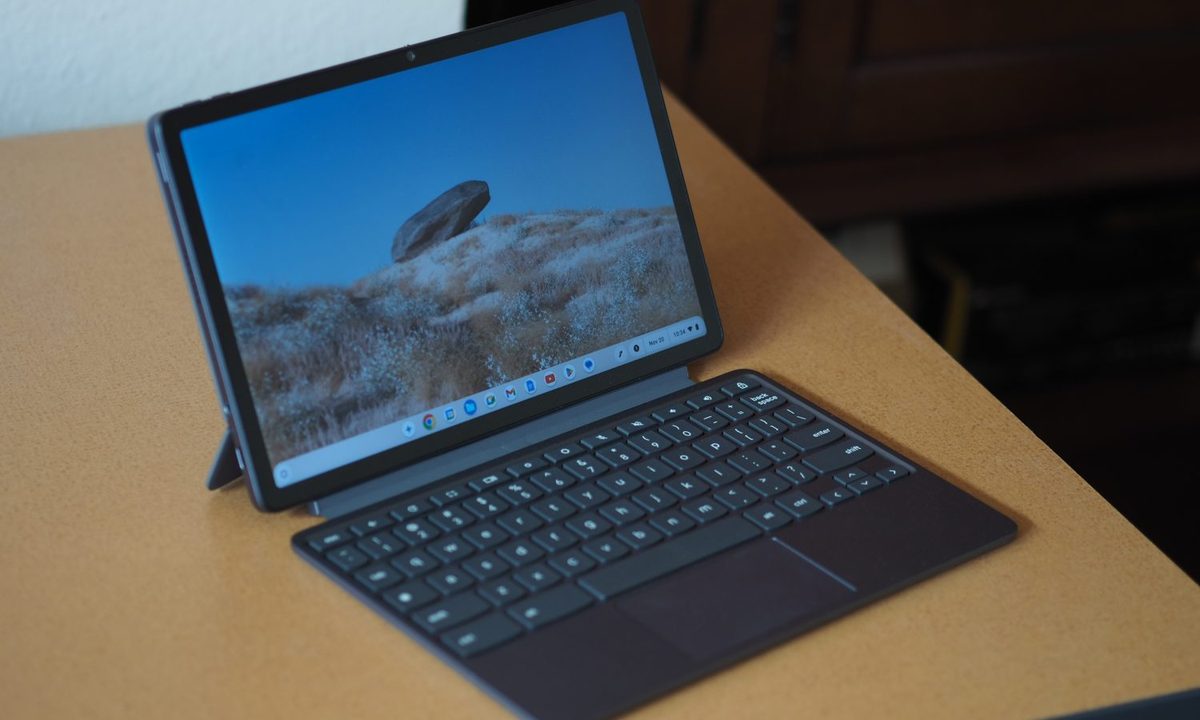
Lenovo Chromebook Duet 11 front angled view showing tablet and keyboard.
Mark Coppock / Digital Trends

Google is working on a new range of Android PCs powered by a new operating system called Aluminium OS. While the first devices are expected to arrive later this year, we have already caught a glimpse of the software running on an HP Elite Dragonfly 13.5 Chromebook. Now, a new report offers an early look at the camera app Google could bring to this desktop experience.

Android Authority has spotted the Play Store listing for a Desktop Camera app by Google, likely designed for the upcoming Android PCs. The app’s description refers to it simply as a “Camera app for desktop,” and the accompanying screenshots give us our first look at its interface.
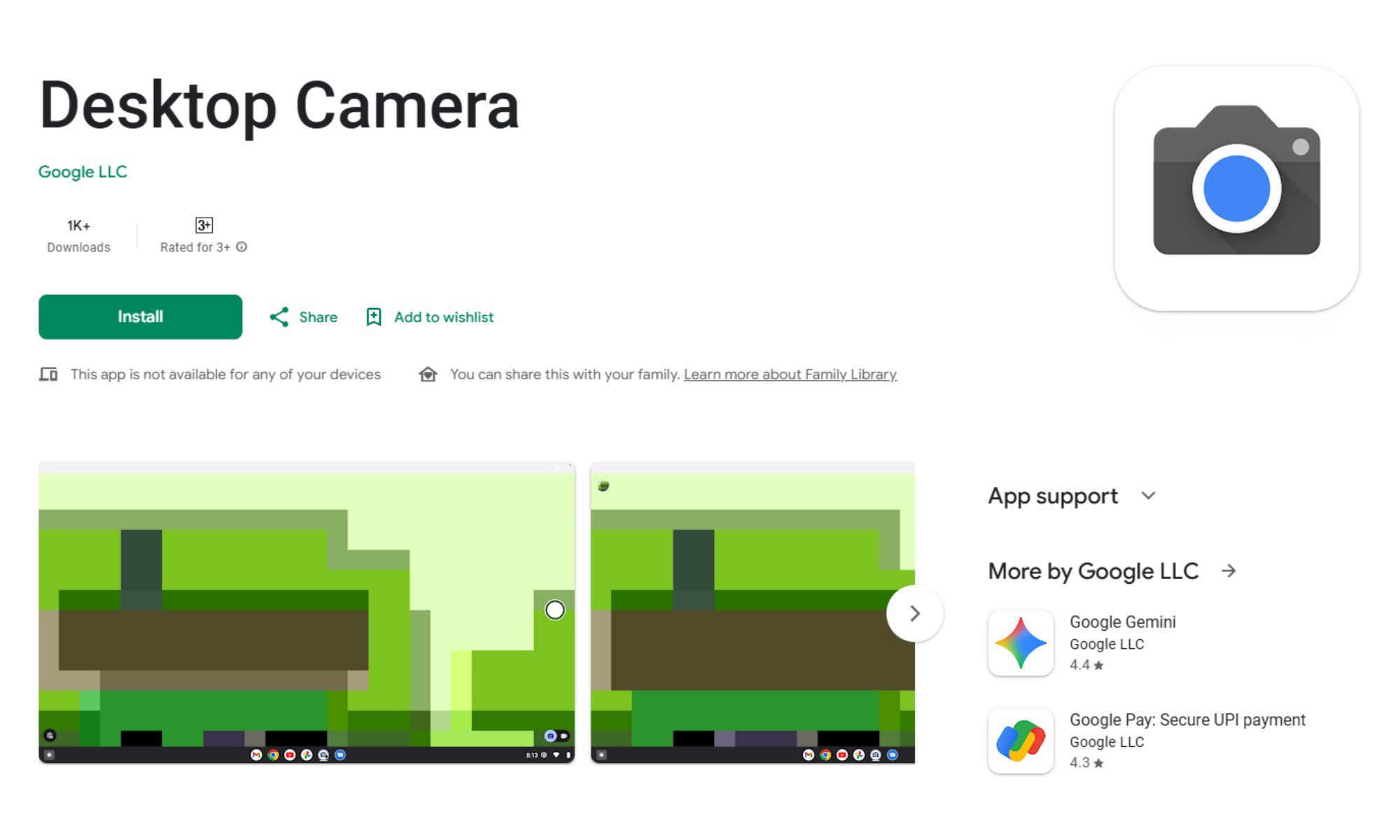
At first glance, the app shares quite a few similarities with Google’s Pixel Camera app. It has the same camera icon, shutter button, photo/video toggle, and settings menu button. However, the similarities mostly end there.

Google’s Desktop Camera app keeps things simple

Based on the listing, the Desktop Camera app lacks many of the advanced features found on Pixel phones, such as Night Sight, Portrait mode, etc. Instead, it seems built for straightforward photo and video capture, likely aimed at laptop webcams. This approach makes sense for a desktop environment, where cameras are typically used for video calls or quick snapshots, although Google could add more features before the app becomes available to users.

Recommended Videos

While it is still early days for Aluminium OS, the appearance of a dedicated desktop camera app suggests Google is actively filling in the gaps needed for a full-fledged Android PC experience. More details should emerge when the first Aluminium OS-powered laptops are announced later this year.

Pranob Mehrotra
Pranob is a seasoned tech journalist with over eight years of experience covering consumer technology. His work has been…
Microsoft Edge is about to get more frequent updates, but don’t expect more features
Starting with Edge 152 on August 27, Microsoft is cutting its release cycle in half, with smaller but more frequent updates for Stable channel users.
Microsoft Edge illustration official

Microsoft is accelerating updates to its Edge browser, switching from a monthly release schedule to a biweekly one. The change takes effect with Edge 152, due on August 27, and puts the browser on the same cadence as Google Chrome.

More updates, not more features

Read more
What makes a laptop good for both work and entertainment?
Computer, Electronics, Laptop

This post is brought to you in paid partnership with HP.

The HP OmniBook X Flip is designed as an all‑day AI PC that adapts seamlessly from productivity to entertainment without switching devices.

Read more
Your Windows 11 PC can now natively run AI workloads, even if it lacks the Copilot+ badge
Windows 11 laptop on a table

For the better part of a year, Microsoft has been telling us that the future of AI on Windows belongs to Copilot+ PCs. If you wanted Microsoft’s most advanced local AI features, you needed a machine with a dedicated Neural Processing Unit (NPU). That was the deal. Now, Microsoft appears to be rewriting the rules.

According to updated documentation, Windows 11’s local Language Model APIs can now run on non-Copilot+ PCs, provided they have an Nvidia GeForce RTX 30-series GPU (or newer) with at least 6GB of VRAM. On the surface, this sounds like a developer-focused update. In reality, it could be one of the most significant shifts in Microsoft’s AI PC strategy since Copilot+ PCs launched last year. More importantly, it raises a question that has been lingering ever since the AI PC era began: Did we really need NPUs for all of this in the first place?

Read more