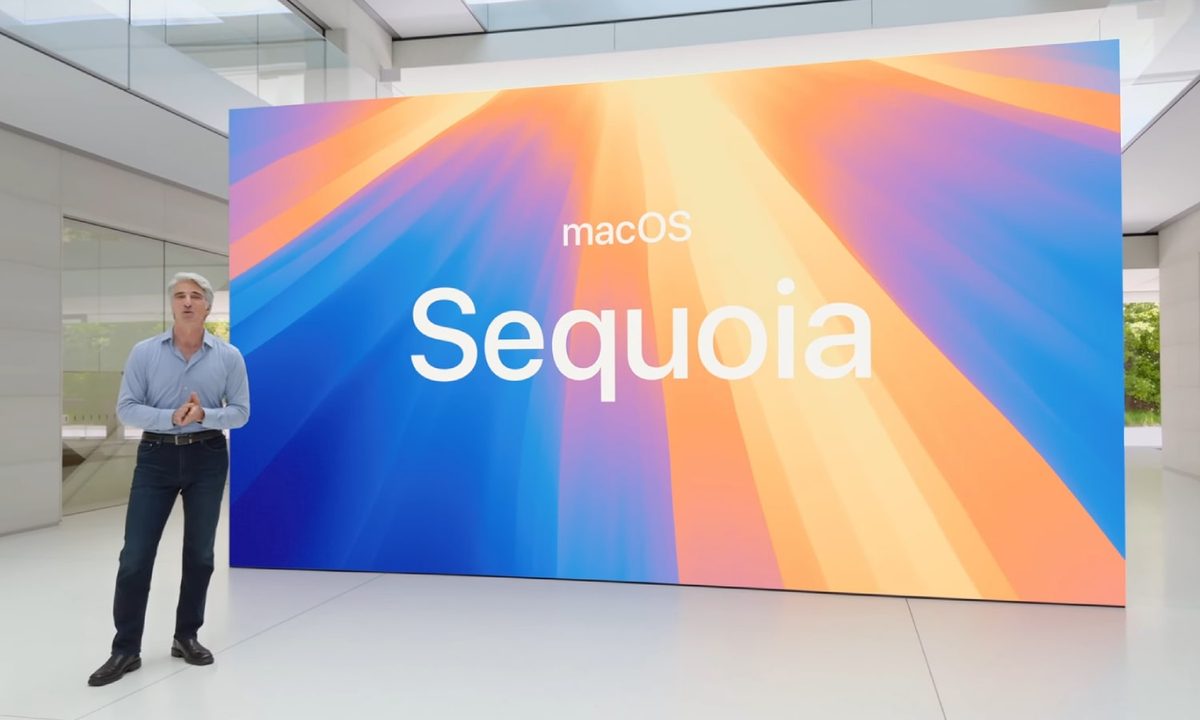
The second developer beta of macOS Sequoia is open for business and it includes Apple Intelligence features. It looks like anyone can try it out as long as you’re not in China. That includes people in the EU — even though the AI features might not launch there right away. The features available for testing include Writing Tools, Siri, Safari and Mail summaries, Smart Replies, Memory Movies, transcription features, Reduce Interruptions Focus Mode, and a few more. If you want to have a look yourself, here’s everything you need to do to download the beta and activate Apple Intelligence.
Before you start, make sure you’ve backed up your Mac with Time Machine so you can restore the previous version if anything goes wrong. You can also use a secondary device if you have another Apple silicon Mac lying around because beta versions can go wrong and you have to download them at your own risk.
The next step is to sign up for the Apple Developer Program, which is free and pretty quick to do. Note that this is a slightly different process from downloading public macOS betas, which requires signing up to the Apple Beta Software Program instead.
Once you’re signed up, head over to the Software Update tab in System Settings and click the information button next to Beta Updates. It should bring up a list of betas for you to choose from, but the one you want is macOS Sequoia 15.1 Developer Beta. Click done and it should appear in the Software Update tab with an Upgrade Now button for you to press.

At this point, you have the beta, but there are a few extra steps if you want to activate Apple Intelligence. This involves finding the Apple Intelligence & Siri tab in System Settings and:
- changing Siri’s language to English (United States)
- changing the voice to American
- setting your region to United States in the Language & Region section
- setting your primary language to English (US).
Your Mac will want to restart at this point, so let it do that and then head back to the Apple Intelligence & Siri section. Now you should have an option to Join the Apple Intelligence wait-list, so click that and wait for the notification saying it’s ready. It only takes a few minutes in most cases, but if things happen to be busy when you click, it could take multiple hours. Finally, just toggle Apple Intelligence on and then you can enjoy your shiny new AI features.
Remembe, these won’t be included in the initial Sequoia launch; they’ll be added later in the year with a separate 15.1 update. There are also some Apple Intelligence features like Genmoji and Image Playground that aren’t included in the 15.1 beta and we suspect they will come later. You have everything set up now though, so you can download future developer betas in just a few clicks.