  1. Home
  2. Computing
  3. How tos

How to get GPT-4 for free

Add as a preferred source on Google
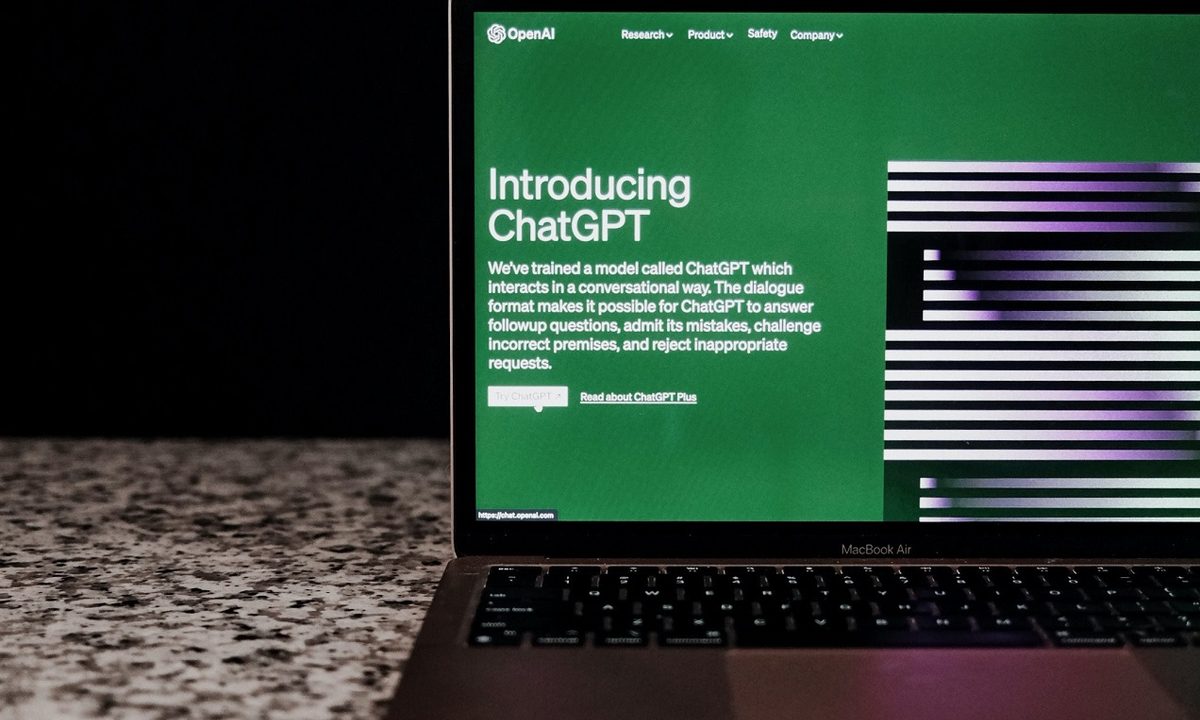
The ChatGPT website on a laptop's screen as the laptop sits on a counter in front of a black background.
Airam Dato-on/Pexels / Pexels

The GPT-4 language model OpenAI uses in its flagship ChatGPT chatbot, is a marvel of modern artificial intelligence (AI) development. But if you want to use it, you need to sign up for ChatGPT Plus, a $20 per month subscription tier.

Or do you? There are ways to use GPT-4 for free. There's not even much of a catch. It's just available for free elsewhere.

Here are the best ways to start using GPT-4 for free, right now.

Difficulty

Easy

Duration

5 minutes

What You Need

  • Desktop PC, laptop, tablet, or smartphone with web access

Windows 11 Copilot.
Jon Martindale / DigitalTrends

Microsoft Copilot

Microsoft has invested heavily in OpenAI and its ChatGPT chatbot. Part of that deal has seen Microsoft integrate the chatbot into its Copilot tool, which you can use natively as part of Windows 11, or through the Bing search engine.

If you're using Windows 11, simply select the Copilot icon in the bottom-right of the screen, or press the Windows key + C keyboard shortcut to launch it. Then you can begin chatting with it like any other GPT-4 chatbot. Alternatively, you can use Copilot through Bing by following these steps.

Step 1: Navigate to the Bing homepage using the Edge browser. (Download Microsoft Edge if you don't already have it.)

Step 2: Select the Copilot icon, then In the search bar that reads, "Ask me anything," type your question, and the latest GPT-4 model will answer it.

Windows 11 Copilot Bing.
DigitalTrends
Quora's Poe platform for AI chatting.
Image used with permission by copyright holder

Use Quora's Poe platform

Poe is Quora's AI platform that lets you play around with a range of different chatbot models. One of them is GPT-4.

The only downside to this is that GPT-4 does have limited daily uses on the Poe platform, so you may only be able to give it a handful of prompts before being locked out for the rest of the day. You can log in with another account, but that does make the process a little more complicated.

Step 1: Navigate to Poe.com and log in with your Quora account, mobile number, Google, or Facebook account.

Step 2: From the chatbots on the left-hand side of the screen, select GPT-4.

Step 3: Type in your prompt in the chat window at the bottom of the page, and you'll get a swift response from GPT-4.

Chatting to GPT4 on Ora.
Image used with permission by copyright holder

Chat with Ora

Ora is a platform for helping you make your own ChatBot, but you can also use it to chat to GPT-4 absolutely free. Sometimes if the service is busy, you are instead given access to GPT-3 only, so query the chatbot if you're unsure.

Step 1: Navigate to the GPT-4 page on Ora.

Step 2: Sign in with your account, or a Google account. Then, if you need to, navigate back to the GPT-4 page.

Step 3: Start typing your prompts to GPT-4 in the pane at the bottom of the window.

Note: Prompts are available on a first-come first-served basis, so if it's busy, you may have to wait your turn.

There are a few other ways to begin using GPT-4 for free, but these are the best. Want some tips on making the most of this new language model? Here's how to use GPT-4 to its fullest.

If these models scratch your GPT-4 itch, don't forget to cancel your ChatGPT Plus subscription, too.

Jon Martindale
Jon Martindale covers how to guides, best-of lists, and explainers to help everyone understand the hottest new hardware and…
Apple made Liquid Glass adjustable, which says plenty about Liquid Glass
The new slider is useful, welcome, and mildly hilarious after a year of Apple acting like transparent everything was the obvious future.
Text, Document, Business Card

Apple’s big glassy software future now comes with a way to make it less glassy. In iOS 27, users can adjust the translucency of the Liquid Glass effect, while macOS Golden Gate adds its own Liquid Glass controls under System Settings.

Liquid Glass is still alive across Apple’s platforms, still shimmering through menus and panels, still doing the elegant UI trick Apple clearly likes. The big visual bet has already earned a dimmer switch. After a year of treating translucency like the obvious next step, WWDC’s most revealing design update may be the one that lets people dial it back.

Read more
Windows 11 just fixed one of Search’s dumbest limitations, and you’ll wonder how you lived without it
One less character, one less annoyance every time you search your PC.
Person sitting and using a Windows Surface computer with Windows 11.

If you have ever typed two letters into the Windows 11 search box, paused, and watched nothing useful happen until you added more characters, you already know exactly why this Windows 11 update matters. 

Microsoft's June 2026 Patch Tuesday update, part of a release Windows Latest calls the biggest of the year (via Windows Latest), quietly fixes that. Windows Search can now find and prioritize files with as few as two characters, down from the old three-character minimum.

Read more
Brazil’s secret World Cup weapon taught the team when to ignore it
The data said he wasn't running enough. The footage said he was always in the “perfect tactical position.”
Soccer ball in net

Brazil has more World Cup titles than anyone, five of them to be precise, but after going through five straight tournaments without adding to that count, the team is leaning hard on data this time. 

Every player wears a sensor-packed "smart vest" tracking field position (via GPS), heart rate, and a stat called "player load," the same kind of numbers that your Whoop band or Apple Watch brags about, but tuned specifically for the sport.

Read more