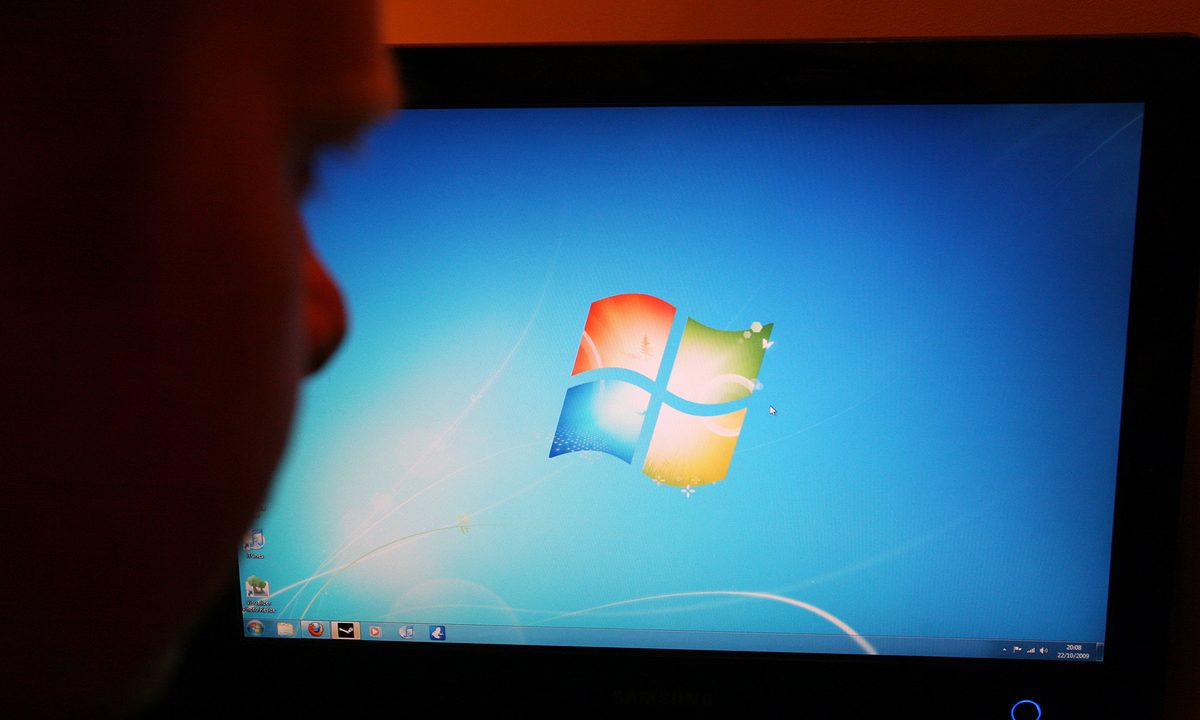
When Microsoft stopped supporting Windows 7, many computer users had a decision to make: Stay on Windows 7 or upgrade to Windows 10. If you’re one of these people and you need to upgrade, you should know you have a couple of ways to do it.
Whether you prefer to download Windows 10 or use a USB to install it, there are a few essential steps. If you follow the right steps, you can easily upgrade to the latest operating system.

Buy a Windows 10 license
The first step in this process is buying a Windows 10 license.
Step 1: See if you qualify for a free upgrade. Most Windows 7 users can no longer upgrade to Windows 10 for free, but you may qualify if you meet certain requirements.
Step 2: Browse your options. Most people will need to buy a Windows 10 product key through Microsoft or any other authorized retailer. Currently, you can buy Windows 10 Professional for the price of $200 over at the Microsoft Store. You also can find Windows 10 Home for less at $140. This is a nice option if you’re budget-conscious and don’t need features like Windows Sandbox or Bitlocker.
Step 3: Make your purchase.
Get a USB mailed to you, or make your own
If you’re choosing to buy Windows 10 through Microsoft, you’ll notice two options. You can download the OS to your machine as an ISO file, or you can choose the USB option.
Step 1: Consider USB. If going with the USB option, you will have a copy of Windows 10 mailed to your home. Using a USB is an excellent choice if your internet connection isn’t stable enough for the 4GB download.
Step 2: Or choose the download option. The download option, meanwhile, lets you create an installation media on a CD or USB so you can completely erase your hard drive, do a clean install, and upgrade to Windows 10. You also can double-click the ISO file to mount it and open the Setup.exe file in the folder to proceed.
Step 3: Tweak BIOS settings if using the USB option. Once the media is created, you’ll be able to tweak your BIOS settings so you can boot from the installer. Then, follow its step-by-step guide.
Step 4: Check your email. Regardless of which way you buy, you’ll likely get a product key in an email. If you’re interested in just upgrading your existing Windows 7 installation without having to erase, then continue to the next step. Doing so is a much simpler process and is a lot more foolproof.

Start setup and follow the on-screen process
The simplest method of upgrading to Windows 10 is to download and open the Windows 10 Media Creation Tool. Or, if you’ve purchased a Windows 10 USB, access the USB drive in Windows Explorer and click the Setup.exe file. From there, follow these steps.
Step 1: Look for Upgrade this PC Now.In both cases, you should notice that whenever the window is open, there should be an option that says Upgrade this PC Now. Click that option.
Step 2: Follow the prompts. If you’ve obtained the Windows 10 Media Creation Tool from Microsoft online, it will need to download Windows 10 first. If you’re using the USB, there won’t be a wait.
Either way, you’ll see a few prompts. One prompt will let you know about problematic apps or services that might conflict with Windows 10. It’s up to you to address these issues.
Step 3: Enter the product key that Microsoft emailed to you. Some users have said they haven’t had to do this. However, in most cases, you’ll need to input the key if it’s not automatically pulled from your Windows 7 machine.
Once you've finished setting up Windows 10, it's worth checking to see if you need to update your drivers.
If you miss the old look of Windows 7, you can always alter Windows 10 to look like Windows 7, but you can just as easily accept the new and improved version by investigating how to use Windows 10 in more detail.