AI is slowly taking over the world, infiltrating every element of our day to day lives. There are a ton of useful purposes for AI companions, whether it be image or video generation or helping speed up boring admin tasks like clearing up your email inbox and I’ve slowly become obsessed.
While artificial intelligence has made a positive impact in certain areas of my life, there are also some parts of my life which I just don’t want to deal with AI.
Let me paint a picture – something I think almost everyone can relate to. I noticed my electricity bill was increasing one month and I wasn’t entirely sure why so I decided to call up my supplier. As the automated voice on the other end starts to speak, telling me to press different buttons to speak to different departments, I followed the instructions and was then met with hold music.
Suddenly the automated voice of doom returned to tell me “You are number 57 in the queue.” Great. Instead of sitting in the queue for hours on end to speak to a person, I hung up and opted for the modern day solution… emailing customer service, this wasn’t an urgent matter after all.
As I emailed asking for details about this price increase, I was met with a response within 20 minutes, so much faster than waiting in a 57 deep mobile queue. However, the downside was that the response didn’t actually answer my question meaning I had to follow up not just once but 11 different times.
I kept pushing for an answer and I realized quite quickly that ‘Craig’ at the other end of the email chain was an AI chatbot – which hadn’t at all been clarified during my exchange. It began to repeat phrases over and over, seemingly stuck in a loop.
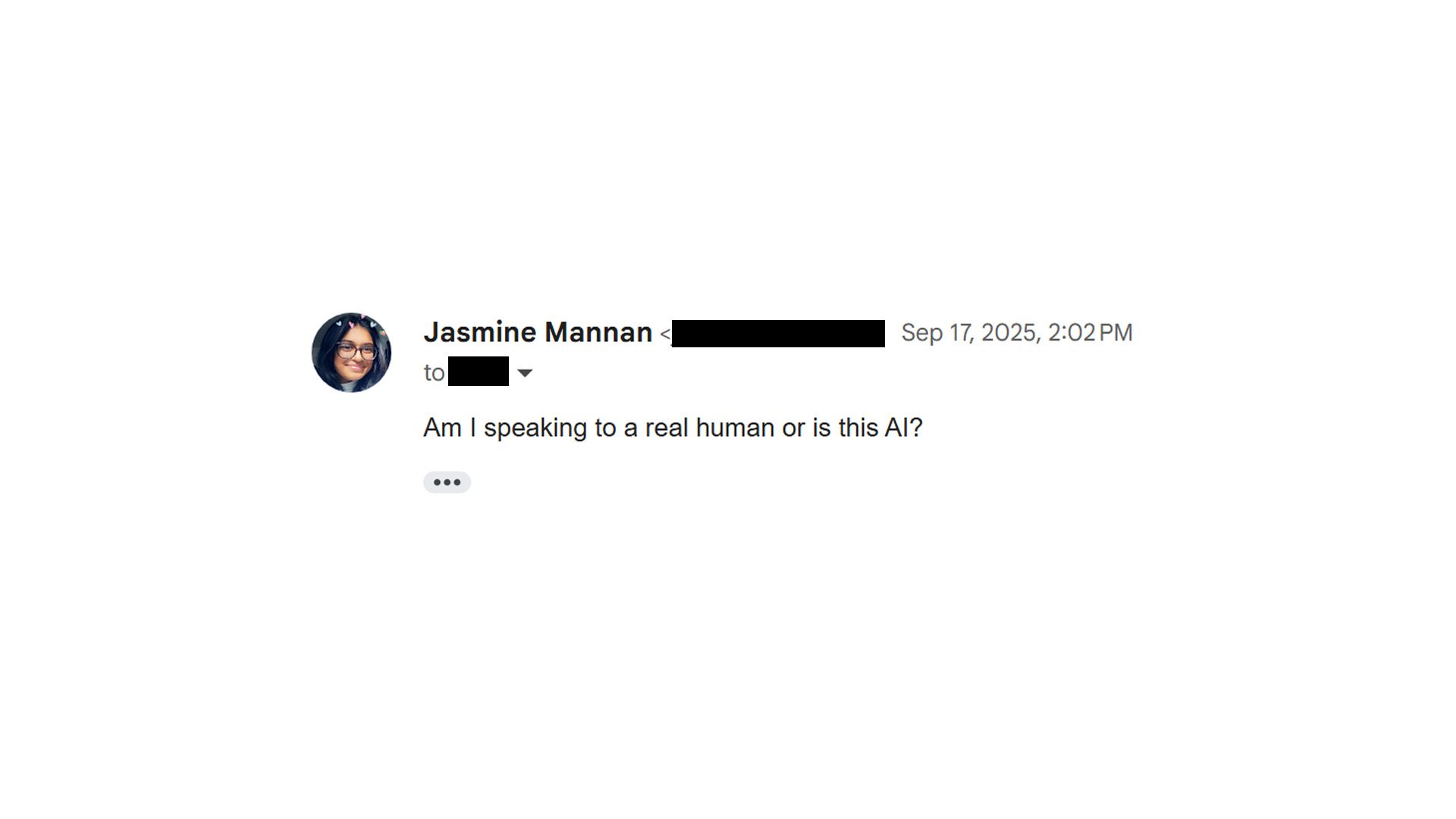
So I decided to straight up just ask “Am I speaking to a real human or is this AI?”. Within 8 minutes, my question was followed up with another email from a different person called ‘Mo’ who immediately answered my original question and clarified that I was speaking to a chatbot in my previous exchange which had led to my frustrating experience.
While I was glad that my question had been answered, it took so much effort to reach this conclusion and I felt even more annoyed that I had sent 11 emails which had seemingly fallen on deaf ears prior to this and it took me having to call out the usage of AI for a human to answer my email.
I’m quite lucky that I work with AI quite closely and can easily recognise hallucinations or AI looping, but this isn’t the case for many. Would they be able to notice that they’re speaking to an AI bot? Would they be able to call this behavior out?
Sometimes I can appreciate that AI chatbots are able to provide answers to simple questions but the bare minimum I feel like it should be clarified when you’re speaking to an AI bot and not a human being. I was entirely misled, with a human name being added to the bottom of the email and while I was able to recognise this, some other customers wouldn’t be able to and may be met with an equally frustrating experience.
Some companies ‘Help’ portals require you to use an AI chatbot before you’re even provided with a contact number to call up the customer service department and speak to a real person. This is a super convoluted experience and while companies may think this helps with the bottom line as it leads to less phone calls, all it actually does is put me off as a customer.
AI chatbots can be helpful at times but they should not be incorporated into customer service strategies, especially not deceptively or by force.