

Lenovo’s iconic ThinkPad has been its go-to laptop line for business users for years. But the company decided the ThinkPad might be too much for small business people who might want something that’s not quite so business-like. Therefore, it created the ThinkBook line, which melds consumer and business features for someone who’s looking for a mix of both.
But does the ThinkBook offer enough business features to out-business the ThinkPad? We pitted the ThinkBook 13s against the ThinkPad X390 to keep things moderately comparable, and in the end, we’ll let you know if the ThinkBook can stand in for Lenovo’s most iconic business laptops.
Design
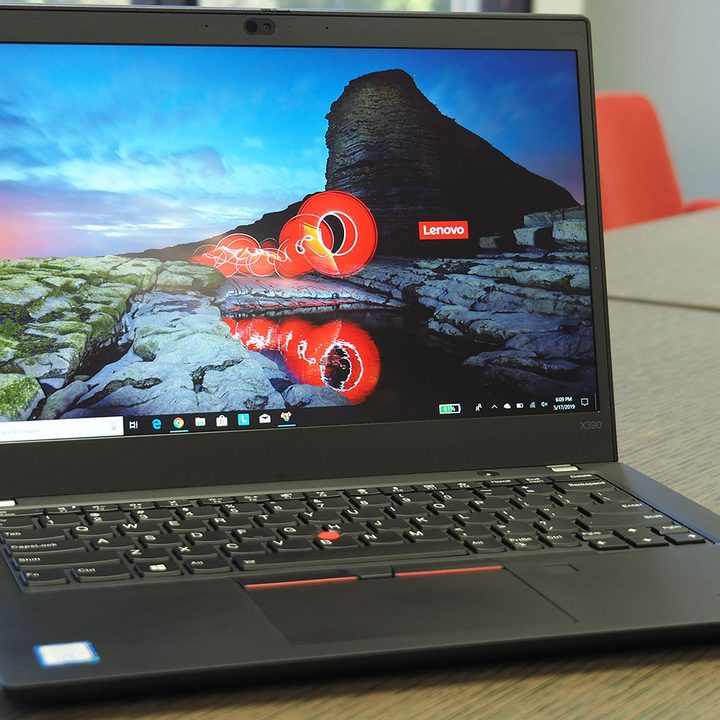
It used to be that you would have a hard time telling ThinkPads apart from a distance, and that’s not true with the new ThinkBook. While the ThinkPad X390 sports the usual black and red aesthetic that is so iconic for the ThinkPad line, the ThinkBook is much more in line with Lenovo’s IdeaPad consumer line. It’s a much more traditional all-metal look and does away with anything remotely resembling ThinkPad styling.
The ThinkBook also forfeits the soft-touch material that makes the ThinkPad X390 comfortable to hold, and it also doesn’t enjoy the same MIL-STD-810g military certification process. The ThinkBook 13s gives up most of that vaunted durability, keeping mainly just the spillproof keyboard. That gives the ThinkPad X390 the edge — it feels much more like it will take a beating and keep on running.
Both laptops are remarkably similar in size, with only fractions of an inch separating them in width and depth. That’s because Lenovo made no real attempt to join in the tiny bezel craze, and so both chassis are more substantial than many 13-inch competitors.
The ThinkBook 13s is a little thinner at 0.63 inches versus 0.69 inches, and it’s slightly heavier at 2.95 pounds versus 2.84 pounds. That’s quibbling, though — neither of these laptops looks as modern as they would if Lenovo had shrunk the bezels down, and neither are as small as the might have been either.
The ThinkPad X390 benefits from equipping the “real” ThinkPad keyboard that provides tons of travel and a very precise feel. The ThinkBook 13s’s keyboard is similar to the thinner but still snappy consumer line.
Both touchpads support Microsoft Precision touchpad drivers and work great, but only the ThinkPad X390 has the traditional ThinkPad TrackPoint nubbin in the middle of the keyboard and extra buttons. If you like the ThinkPad’s input options, you’ll much prefer the ThinkPad X390.
Finally, connectivity is another area where the ThinkPad X390 wins out. It offers two USB-C ports, one with Thunderbolt 3, an Ethernet connection (that requires an adapter), a USB-A 3.1 Gen 1 port, and a full-size HDMI port. It can charge via either USB-C port, a real plus. The ThinkBook 13s, on the other hand, is limited to two USB-A 3.1 Gen 1 ports, one USB-C 3.1 Gen 2 port (which will not power the laptop and, regrettably, lacks Thunderbolt 3 support), and a full-size HDMI 1.4b port. Worse yet, the ThinkBook 13s uses Lenovo’s archaic proprietary charger that resembles a USB port, and it will not charge via USB-C. Boo!
The ThinkPad X390 is more durable, has better input options, and is way better connected.
Performance
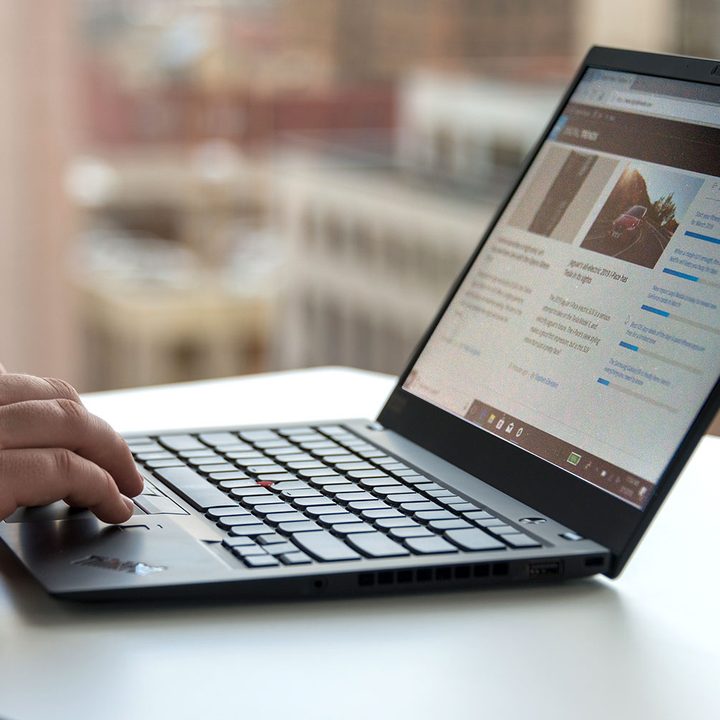
Both the ThinkBook 13s and ThinkPad X390 utilize 8th-generation Whiskey Lake quad-core CPUs, up to the Core i7-8565U. They both also use fast PCIe solid-state drives (SSDs). There should be no surprise then that their performance can be expected to be quite similar. Our review unites weren’t equally equipped, with the ThinkBook 13s running a Core i5-8265U and the ThinkPad X390 running a Core i7-8565U, but they both performed well. Neither laptop has discrete graphics, and so neither will be much of a gaming laptop.
In addition, both laptops are limited to 13.3-inch Full HD (1,920 x 1,080) displays, and while we found the ThinkPad X390 to have slightly higher contrast, the ThinkBook 13s had more accurate colors. We’ll call their displays a toss-up.
There’s little to distinguish these two laptops in terms of performance.
Portability

As we noted in the design section, these are very similarly sized laptops. Neither uses tiny bezels to create small chassis, but don’t be fooled — neither is a burden to carry around.
The ThinkPad X390 has a 48 watt-hour battery compared to the ThinkBook 13s with 45 watt-hours. Neither promises excellent battery life, and neither delivers. The ThinkBook 13s lasts about an hour longer on our web browsing test, but they’re close to equal when running the Basemark web benchmark and looping through our local test video.
These aren’t the smallest 13-inch laptops around, but their plenty small. But neither can guarantee you a full working day from a single charge of the battery.
The ThinkPad knows its audience
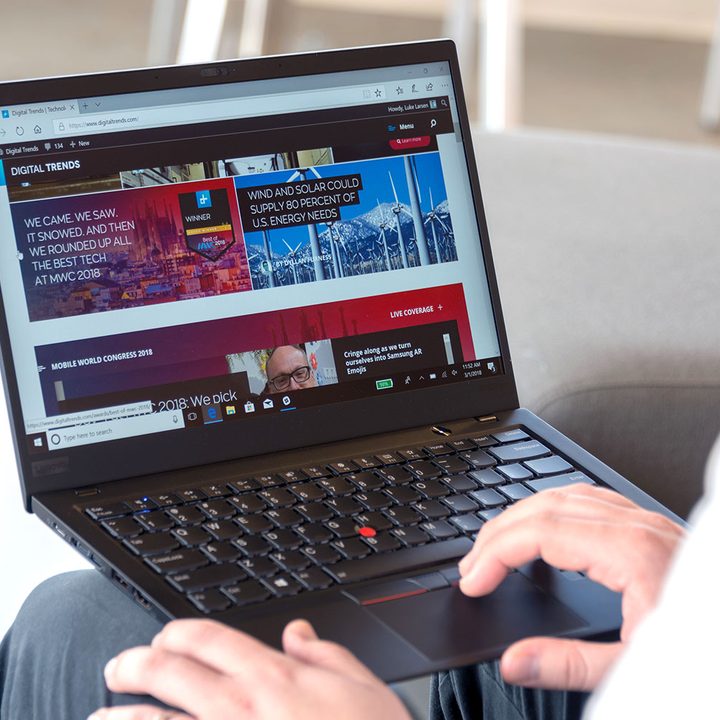
The ThinkBook 13s has one thing going for it: It’s priced more for consumers than for businesses. Our review configuration with a Core 5, 8GB of RAM, a 256GB GB SSD, and a Full HD display costs $773. You can upgrade to a Core i7, 16GB of RAM, and a 512GB and spend only $1,070.
The ThinkPad X390 is a bit pricier, coming in at costs $1,170 (on sale) for a Core i5-8265U, 8GB of RAM, a 256GB SSD, and an HD (1,366 x 768) display. You can max things out at $2,315 (on sale) for a Core i7-8665U, 32GB of RAM, a 1TB SSD, and a Full HD.
The ThinkPad X390 knows what market it’s aimed at, and it’s better built to meet its needs. The ThinkBook 13s is just too confused to win this shootout.
Lenovo ThinkPad X390 | Lenovo ThinkBook 13S


