
Apple devices are known for a lot of things: The “it just works” ethos, aesthetic beauty, closed software ecosystems, and, of course, premium price tags. However, one area in which they tend to perform only reasonably well in is battery life.
Laptops that can count extensive battery life among their feature lists include the Microsoft Surface Book 2 and the HP Spectre Folio. But just because those laptops are better at lasting longer on a single charge doesn’t mean MacBooks are terrible.
In fact, if you know which MacBook to opt for and configure it appropriately, you can eke out plenty of battery life for a full day of work or play on a number of Apple’s notebooks.
Other MacBook guides
- How to care for your laptop’s battery life
- The best MacBooks
- The best MacBook deals for 2020
- MacBook Air vs. MacBook Pro
MacBook Air
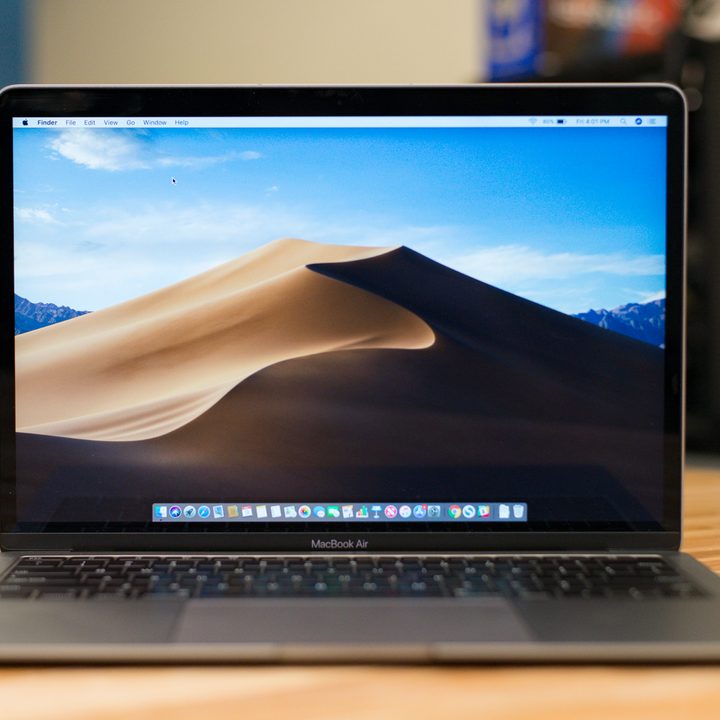
Apple’s MacBook Air has always been designed as a sleek, lightweight MacBook option that prioritizes portability and aesthetics over other aspects, like performance. However, in the current MacBook lineup, it’s proved to be the longest-lasting by both the specifications and our own testing.
When Apple refreshed the MacBook Air in March 2020, it updated the processor to 10th-generation Intel Core CPUs. Those chips made the MacBook Air not only more powerful but more conservative with its power usage. The Air comes with a 49.9-watt-hour battery, but how does that stack up in testing?
Apple claims that you can get 12 hours of Apple TV movie playback. In our MacBook Air review, we found that the modern MacBook Air was capable of playing 1080p video on a loop for 10 hours — around eight hours of web browsing.
You may be able to extend this further by keeping screen brightness low and background applications to a minimum. Configuration options are limited, but sticking to smaller storage capacities and memory will provide a minute benefit for extending battery life.
Apple also recommends keeping your device up to date and to avoid extreme ambient temperatures when using your MacBook Air.
MacBook Pro 16-inch
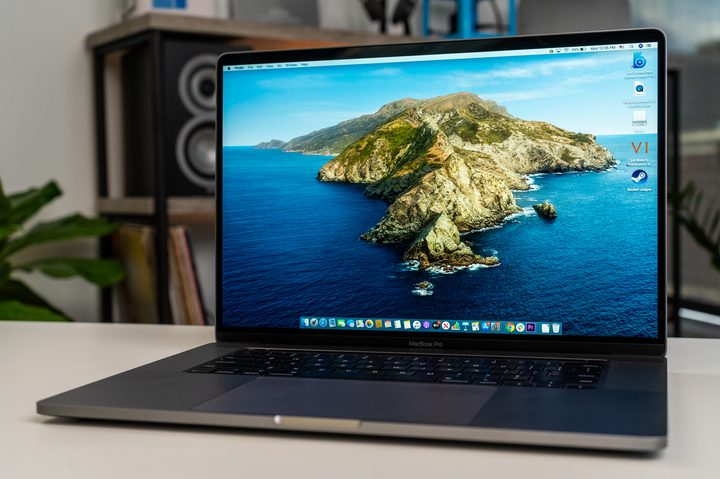
Apple’s MacBook Pro range is where the real heft and power can be found with all sorts of hardware options for those who need more grunt for their MacOS tasks. As far as MacBooks go, the battery life isn’t bad either, but you’ll want to choose specific models and consider your configuration to get the most out of it.
When Apple launched the MacBook Pro 16, it promised the biggest battery in any MacBook — a 100-watt-hour monster, in fact. Apple says this gives you an extra hour of battery life compared to the 13-inch MacBook Pro, providing 11 hours of web browsing or Apple TV video playback.
While that may pique your interest, the reality is it’s not quite as simple as saying a larger battery equals longer battery life. The MacBook Pro 16 contains much more powerful components than its smaller 13-inch sibling, which contributes to eating up the battery life.
In our testing, the MacBook Pro 16 lasted around five and a half hours in our regular daily workload, which included running dozens of tabs, streaming music in Spotify, and using Slack. That’s disappointing considering Apple’s promised 11-hour battery life. But it’s also not too surprising given the MacBook Pro 16’s higher resolution and beefier components under the hood.
Still, your mileage may vary, especially if you spec the MacBook Pro 16 for battery life. Choosing the Core i7 processor over the Core i9, or opting for a slightly lower-end graphics card, could help save your battery life.
But if you need more powerful components, seeing your battery life take a hit is a compromise you’ll have to consider.
MacBook Pro 13-inch (2019)

The 13-inch MacBook Pro managed over 10 hours in our video loop test when equipped with a Core i5 processor. In theory, it could last a full workday performing regular office tasks. Our estimation matches up with the 10 hours Apple says the Pro should achieve. It’s a decent option to consider if you want reliable battery life.
Depending on which configuration you choose, the MacBook Pro 13 has either a 58-watt-hour or a 58.2-watt-hour battery. To compare, the MacBook Pro 16 has a battery almost double the size at 100-watt-hours.
The 13-inch model seems capable of competing with the MacBook Pro 16 for longevity despite having a smaller battery size. While the Pro 16 has the higher-capacity battery, there are also more robust components that will drain the battery’s life. Battery size is just one measure of performance, so it helps to consider the bigger picture when making your selection.
The MacBook Pro 13 is also significantly cheaper than the MacBook Pro 16. The 13-inch version starts at $1,299, while the 16-inch version begins at $2,399. As we confirmed in our MacBook Pro 16 review: Its battery is 16% larger, but it doesn’t last 16% longer. Even more, the price is significantly more than 16% higher.


