
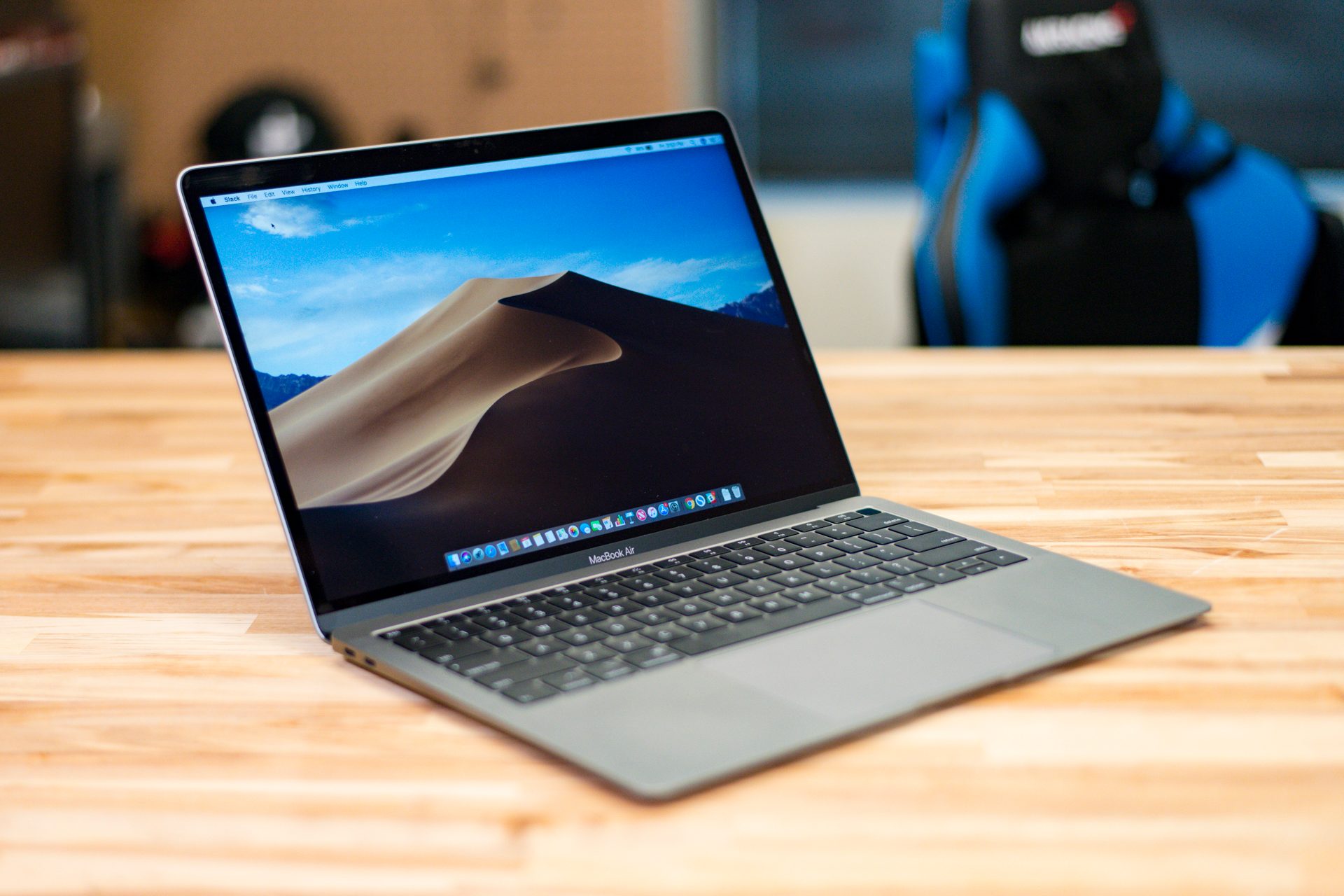
MacOS Mojave has been available for a while now, and as updates to the latest MacOS continue the pressure builds for users to make the switch, enjoy the new dark mode, and get the latest features.
If you haven’t downloaded the software yet, you can find it here at the Mac Store and start whenever you are ready. However, Mojave does have some strict compatibility requirements: This means you need a certain model of computer for Mojave to work properly. This could lead to disappointment if you excitedly boot up the download and then get a message that says, “This version of MacOS cannot be installed on this computer.” Ouch!
We’re trying to forestall this disappointment by explaining exactly what MacOS Mojave needs to download and run — and if your computer is qualified.
Mac models that work with Mojave
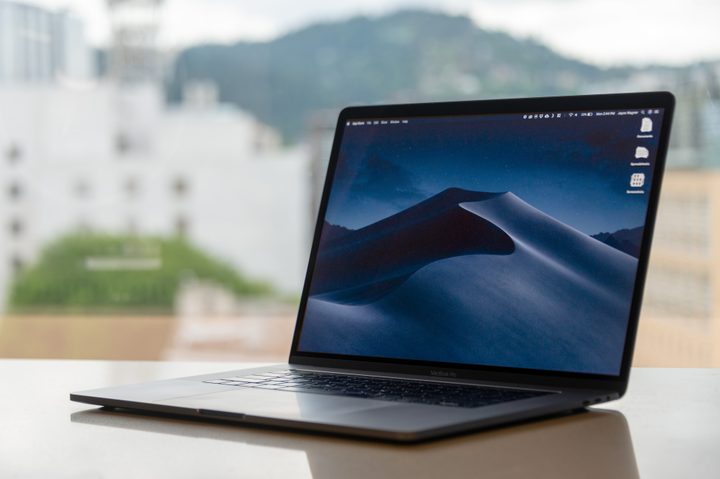
This is the big question, isn’t it? Is your computer too old for Mojave or not? Everything else is manageable, but if your Mac is too old, there’s not much you can do except prepare to buy a new computer. So let’s find out: Here are the different Mac models, and the cutoff date for compatibility with Mojave.
Note: You can find your model info and the age of your Mac at any time by heading to the upper left corner of MacOS, selecting the “Apple” logo, and then selecting “About this Mac.”
MacBook
MacBooks came to the compatibility game pretty late. You will need a MacBook from early 2015 or later to use Mojave. This is the most stringent compatibility requirement for all Mac models.
MacBook Air
If you have a MacBook Air from mid-2012 or later, you should be able to download Mojave without trouble.
MacBook Pro
Like the Air, a Pro model from mid-2012 or later should get along with Mojave just fine. If you’re using a MacBook Pro from before then, you’re out of luck.
Mac mini
There was a new version of the Mac mini introduced in late 2012. If you have this version, or the new 2018 version of the mini, then Mojave shouldn’t be a problem.
iMac
You will need an iMac from late-2012 or later to download Mojave. Compatibility problems may be a little more common with iMacs, since they tend to have strong longevity and you might find your model has been around for longer than you thought.
iMac Pro
Thanks to the iMac Pro’s relatively recent release date, all iMac Pros are compatibility with Mojave.
Mac Pro
It’s recommended that you use the Mac Pro from late-2013 or later for Mojave. However, mid-2010 and mid-2012 models can work if you have upgraded to a Metal-capable graphics card.
RAM and Storage space requirements

Model type is important, but don’t forget about storage requirements. Mojave adds quite a few new features and needs some extra space to download when you are switching over. If you’ve been using your computer for some time and don’t have much storage space left, pay close attention to these requirements. Mojave needs:
At least 2GB of memory. Shut down active applications and browsers before you start the download, and you should be fine here, barring any serious RAM problems.
12.5GB of available storage. In the “About this Mac” section there’s a tab for “Storage” that you can check to see what your current available storage is. If you don’t have enough, it’s time to start deleting media and apps that you don’t need.
Special old OS requirements. If you are still using Mac OS X Yosemite or an earlier Mac operating system, then you will need 18.5GB of available storage space. Your Mac has a lot of updating to do and new things to add, so more space is required if it’s been a long time since you’ve made any full OS updates (which can also put your computer at greater risk of security problems).
Don’t forget to back up your data!

If something goes badly wrong when you try to upgrade to Mojave, you might lose important data, and no one wants that. The best way to prepare is to back up that data. The easiest way to quickly back up a large amount of data is to use Time Machine and an external hard drive. If you only have a small amount of data on your Mac that’s really important, think about storing those files in iCloud instead to save time.



