  1. Home
  2. Computing
  3. News

Microsoft is backtracking on its Copilot key

Add as a preferred source on Google
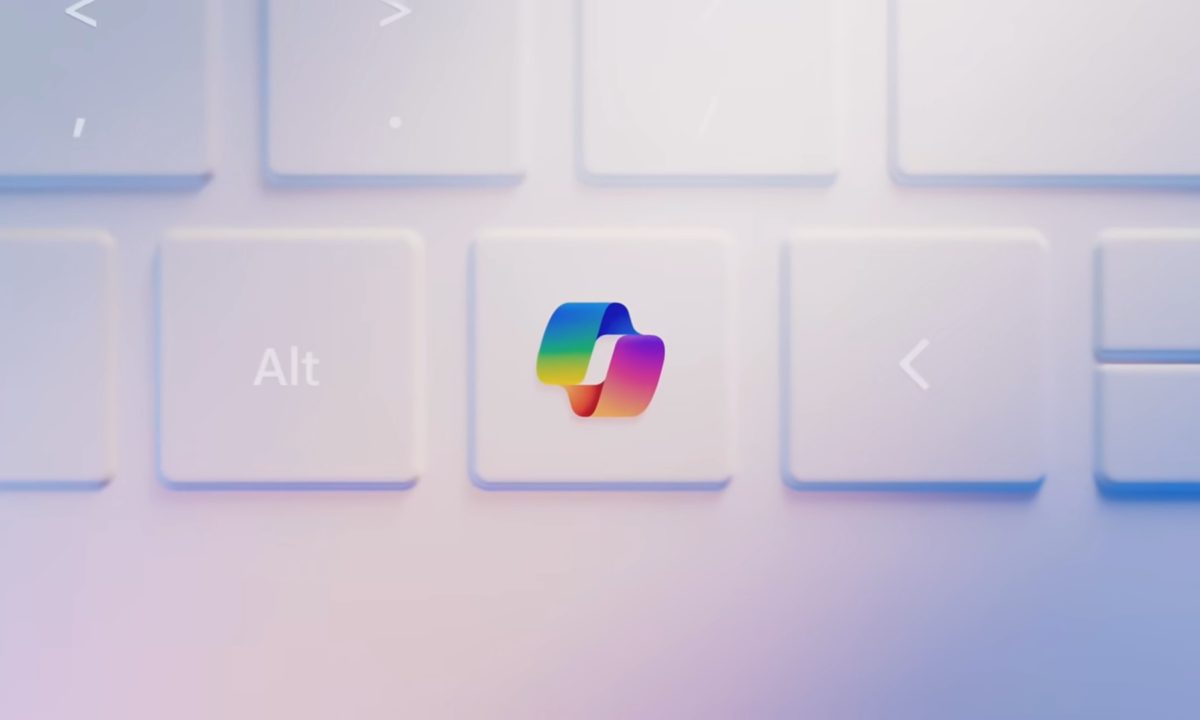
The Copilot key shown on a white keyboard.
Microsoft

The Copilot key was a big part of Microsoft’s initial push with AI PCs, but it didn’t exactly receive positive reception.

But now, in a Windows Insider blog post from earlier this week, Microsoft says users will be able to configure the Copilot key to open apps other than the Copilot AI assistant. This will be made first available to Insiders in the Release Preview on the 23H2 version of Windows 11. It was initially thought it would roll out in the Windows 11 Preview Build 22631.4387 build, but that’s no longer the case.

Recommended Videos

There is no exact date when eligible Windows users will enjoy the feature since Microsoft only said: “This feature will roll out to Insiders in Release Preview on Windows 11, version 23H2 at a later date and is not rolling out yet with this update.”

This is excellent news for those who want more control over the dedicated Copilot key appearing on a growing number of the best laptops.

However, it’s not as simple as it seems. The now-struck-through text mentions that you can do this if you’re signed into an MSIX package that ensures the app meets the privacy and security requirements needed to keep your PC safe. The MSIX apps have a new packaging standard that’s supposed to be more secure than the MSI and EXE ones, but there aren’t many of those available just yet.

When the feature does eventually become available, you’ll be able to customize the Copilot key by going to Settings > Personalization > Text input. Microsoft didn’t release a list of compatible apps to choose from, but hopefully, we’ll see something soon.

The Copilot key ruffled some feathers because it was the first time in almost three decades that a new dedicated key came on the scene — especially since it was merely a shortcut key.

However, it will be something you’ll continue to see on the new AI PCs with their powerful NPUs.

Judy Sanhz
Computing Writer
Judy Sanhz is a Digital Trends computing writer covering all computing news. Loves all operating systems and devices.
AI bots are a hit across the hotel biz, and if they feel creepy, you’re not alone: Study
Hotel booking chatbots are creeping out customers, but there's a simple fix that can make a difference.
Isometric Ai assistant and bubble speech, 3D illustration

If you have ever tried to book a hotel online and found yourself unsettled by the AI chatbot trying to help you, science has your back. New study from Texas A&M College of Agriculture and Life Sciences confirms that hotel booking chatbots are genuinely creeping people out, and it is actually hurting bookings.

What is giving hotel chatbots their creep factor?

Read more
Pope says AI must be disarmed and shouldn’t dominate humanity. We’re going the opposite way.
The Pope just dropped his first encyclical, and AI companies should probably read it.
Pope Leo XIV signing his first encyclical

Pope Leo XIV signed his first encyclical on May 15, the 135th anniversary of Pope Leo XIII's Rerum novarum. The document, Magnifica humanitas, was published on May 25 and addresses one of the defining challenges of our time: artificial intelligence and its impact on humanity.

The core message isn't anti-technology. The Pope is clear that technology is neither a threat nor inherently evil. However, he does say that technology is never neutral, because it takes on the values of those who build, fund, and control it. That's where things get interesting.

Read more
I built an offline Grammarly alternative and turned it into a Mac app without any coding
It lives in a browser tab. It's a Chrome extension. It's also a Mac app. Claude built it for me in all three flavors.
Grammarly alternative built using Claude.

I wrote this entire article while seated on an airplane experiencing unusually high turbulence. The software I used to spell-check and grammatically sanitize the draft was built at an airport. The language engine is running entirely on my Mac, fully offline, fixing all my typos and removing the double spaces while I mash the keyboard and sip a sugar-bomb coffee. 

Also, I don't know how to code. I didn't write a single line of code, and yet, the Mac software I am using right now looks classier and feels snappier than Grammarly ever did. Grammarly, if you don't know, is one of the most popular apps for spelling and grammar checking on the planet. So, how did I do it? I asked Claude. I narrated my wish, it asked my preferences, and in less than 30 minutes, I built myself a no-internet Grammarly replacement while also avoiding the "yet-another-subscription" curse.

Read more