
I am hopelessly allured by the idea of tablet computing. So much, that I have spent years trying to find productivity hacks on iPadOS and somehow made it work. When I tested the Asus ProArt PZ13 earlier this year, I realized that Windows has, after all those years of floundering, reached a new height riding atop Qualcomm’s Snapdragon silicon.
”It’s a fantastic, low-on-compromise tablet that punches far above the iPad Pro on productivity metrics,” concluded my experiment with the Asus slate, running a next-gen flavor of Windows on Arm. It seems Microsoft is finally ready to deliver the knockout punch, and in more ways than one.
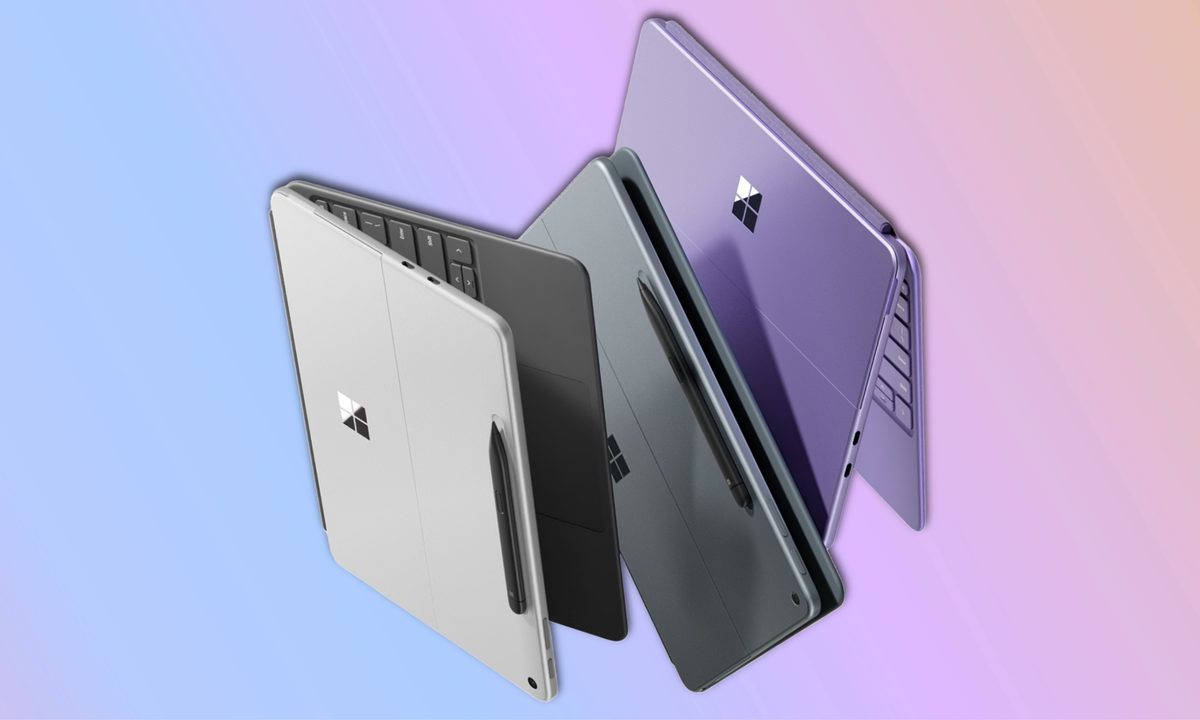
Earlier this month, Microsoft unveiled the 12-inch Surface Pro, a new tablet that brings the price down, jazzes up the looks, and serves a few surprises, both the good and bad kind. But overall, this one looks primed to become a head-turner for practical reasons.
Embracing the tablet mantra
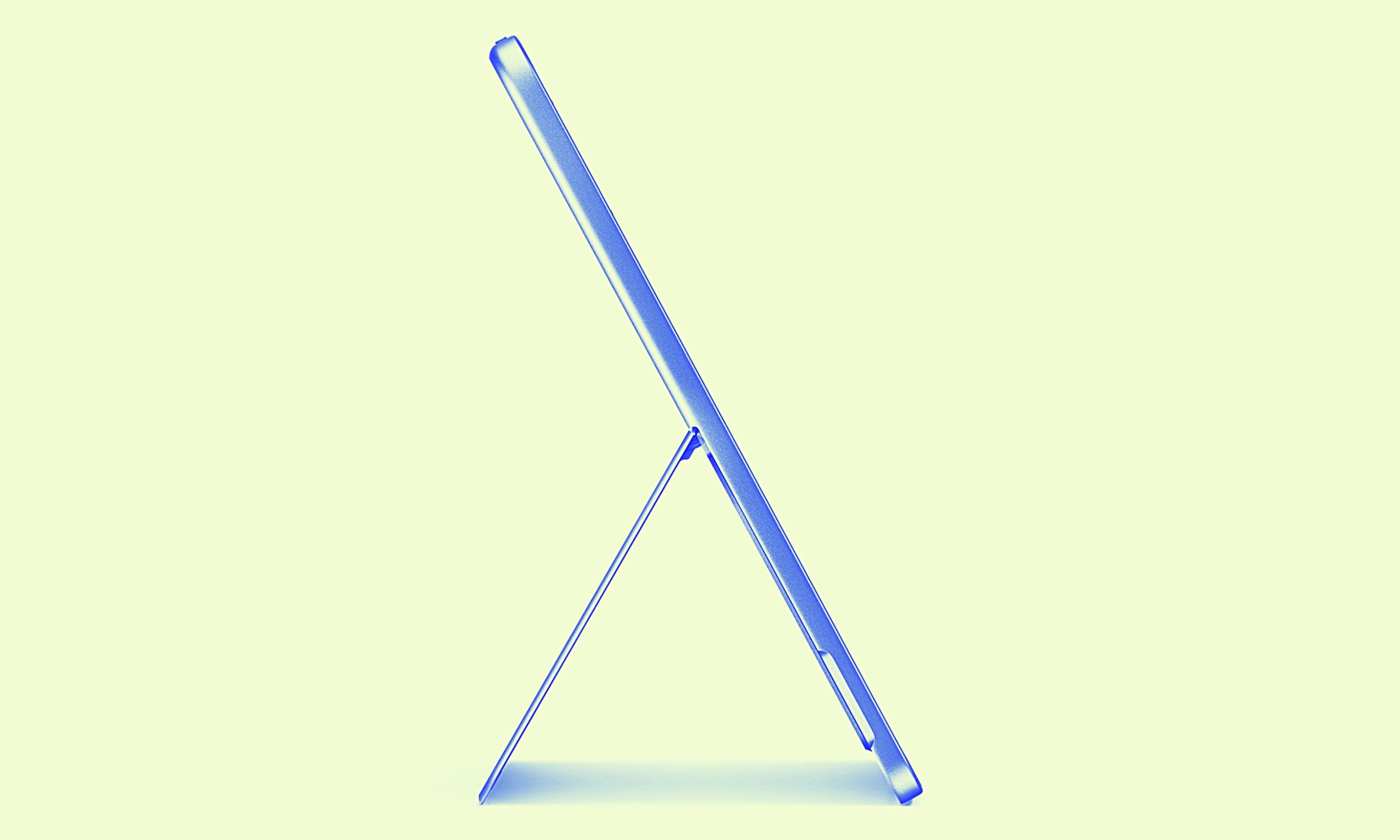
A tablet, above anything, is supposed to be light and compact. The 12-inch Surface Pro is going to stand tall for a few reasons. First, it falls squarely in the same category as the iPad Air, significantly lighter than the 11th Gen Surface Pro and the Asus tablet.
One of the biggest reasons I was reluctant to embrace alternatives such as Dell’s Latitude 7350 tablet or the Asus ProArt PZ13 was their weight and thickness. With the new 12-inch Microsoft slate and its 7.8mm thickness, I am getting something even slimmer than my iPhone 16 Pro.
Moreover, that svelte waistline leaves some room for slapping a protective case on, without making the slate look like a tank. That’s one of the core reasons I have stuck with iPads for a while, and I think the compact Surface tablet will finally find a place on my desk.
There is also a functional side to this form. For example, instead of just one USB-C port, you get two on this one. The proprietary charger is gone, and you get support for 45W charging, which is not too shabby for a tablet.

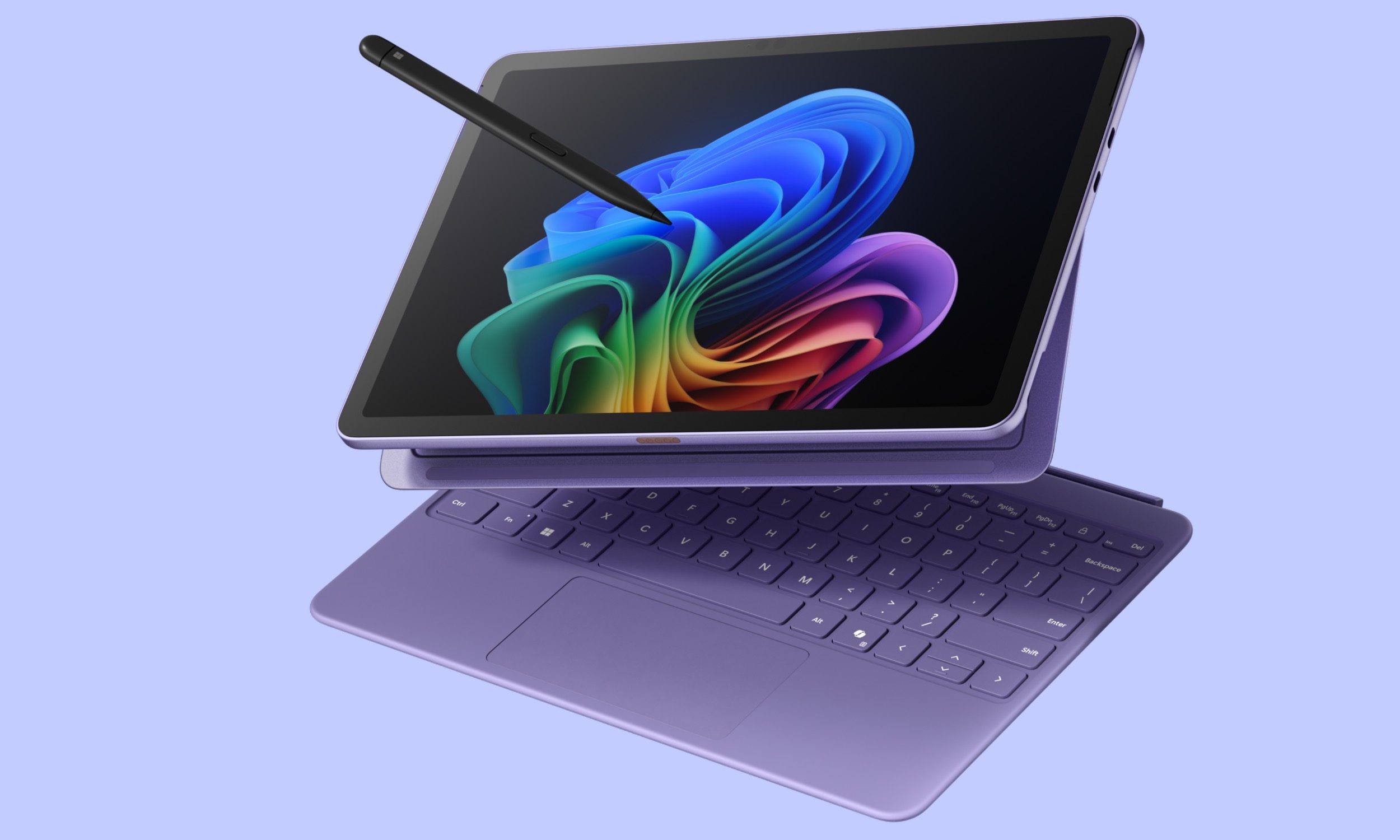
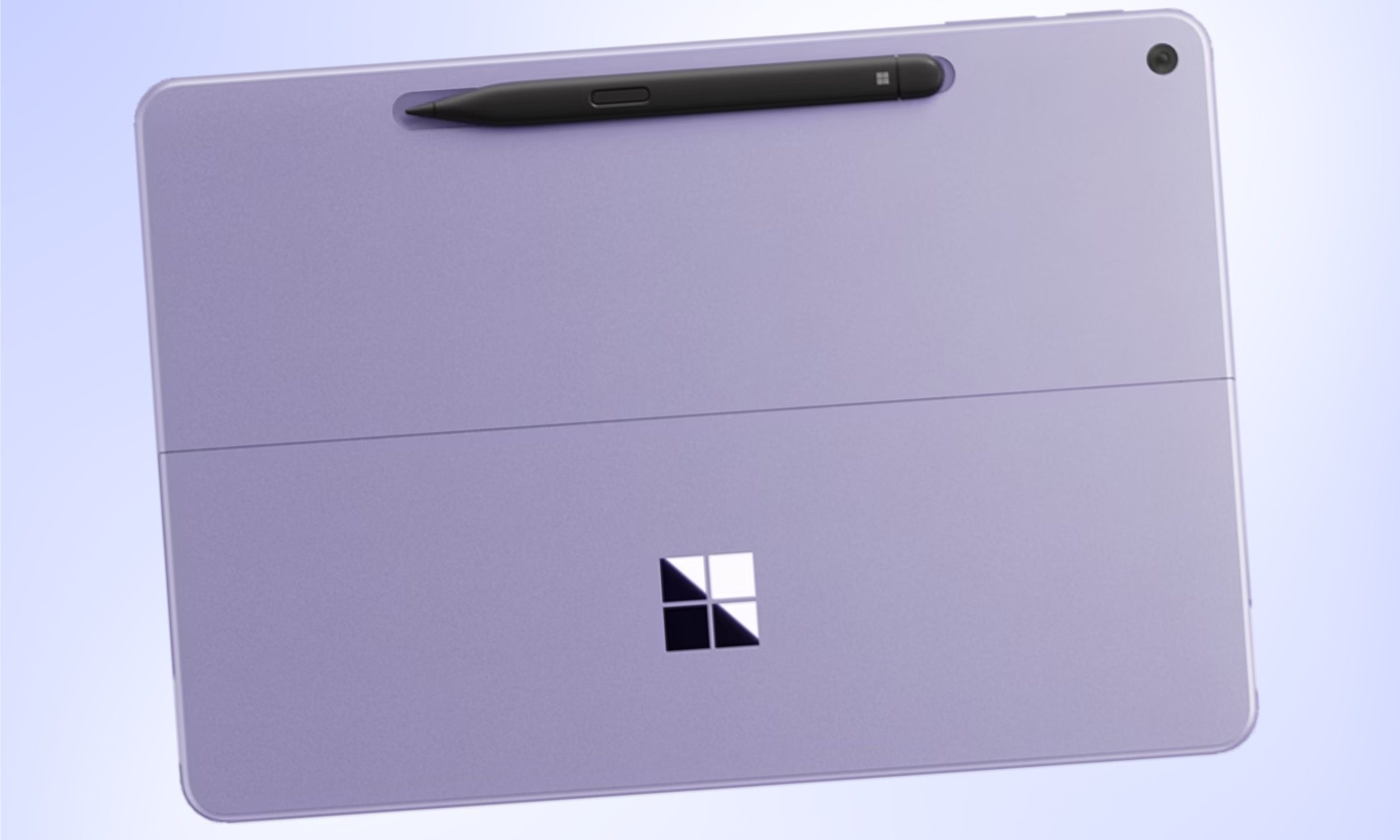
Microsoft has also made sure that if you aren’t lugging around the keyboard, you won’t risk losing the tablet. That’s because the new Surface Pro now has a groove at the back where the stylus is attached magnetically for charging, as well. On its larger sibling, the Pen rests within a cavity on the keyboard accessory.
Focusing on the performance side
One of the biggest challenges with sticking an average Intel or AMD chip inside a tablet is the power and thermal dilemma. Just how much firepower can you cram inside without the chassis turning into a stove, or the battery draining in a matter of a few hours?
Microsoft was well aware of the challenge, which is why it started experimenting with its SQ series processors developed in partnership with Qualcomm. The true breakthrough finally came aboard the Snapdragon X series processors, which balance performance and battery uptake quite handsomely.
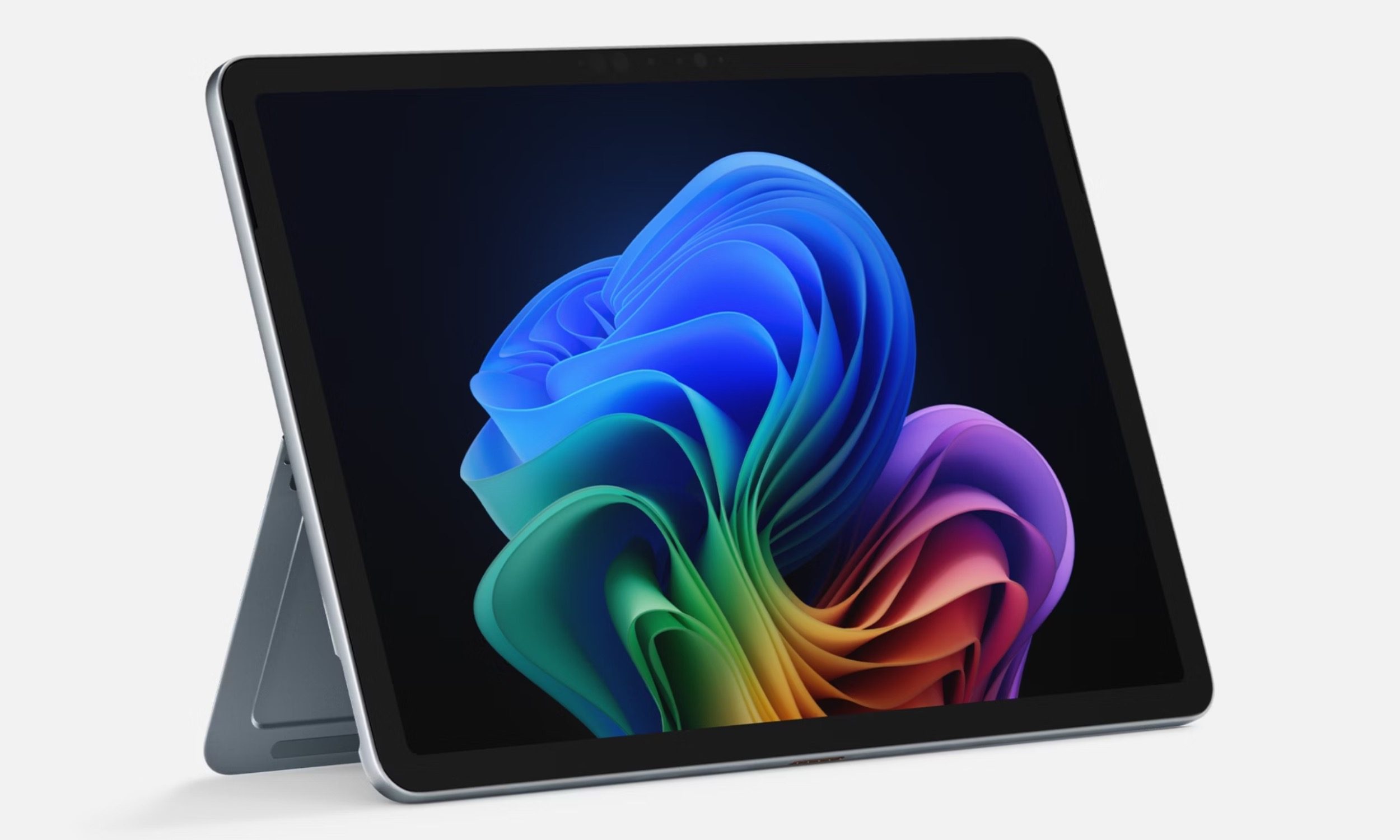
Microsoft has fitted the 8-core version of Qualcomm’s mid-tier Snapdragon X Plus silicon inside the 12-inch tablet. That’s a terrific processor, if my own experience with the Asus ProArt PZ13 is anything to go by.
On the Cinebench R24 benchmark, this silicon performed better than Intel’s Core Ultra 7 155H at single-core performance, and was quicker than Apple’s M3 silicon at multi-core workflows. On Geekbench, it was right up the same alley as the M3 and barely a few steps behind.
Furthermore, there is 16GB of RAM fitted inside the tablet. That’s more generous, for the price, compared to tablets in the mobile ecosystem. I just wish the storage was upgradable, at least via a microSD port.
It is far ahead in the NPU performance, but the Snapdragon X Plus still has a lot of ground to cover in terms of graphics grunt against Apple. It’s also worth noting that the fanless design of the new Microsoft slate will lead to some throttling under sustained load.
Yet, you’re not exactly buying a tablet to beat the MacBook Air in the first place. But it’s still surprising to see so much silicon potential in such a small and light tablet. I just hope that thermal engineering is up to the task.
A rewarding sum of good parts
Microsoft is touting 16 hours of battery life on the 12-inch Surface Pro, which is higher than even the 13-inch variant. The proprietary Surface Connect port is gone. On one hand, it’s good news from an e-waste standpoint. On the other hand, USB-C charging leaves you with one less port to play with.
Then there’s the display situation. I wish there were an OLED panel on this one, but then, you won’t get it on many tablets out there in this price range. To make up for it, Microsoft dialed up the refresh rate of the 12-inch screen to 90Hz, which is definitely a welcome change.
Now, I’ve never had a problem working with LCD screens on tablets. Apple’s iPad Air or older generation Pro slates are living proof that a smooth LCD panel won’t leave you with a bad experience. Microsoft has played a similar balancing act on the new Surface Pro by arming it with a high-refresh rate panel.
I also love the Windows Hello facial recognition system on the slate. Again, that’s a rarity on tablets in this price bracket, and I find it to be more convenient than a fingerprint lock. But more than just device unlock, it will come in handy with Passkey-based authentication for all your web log-ins and local chores such as accessing the Recall database.
Striking a value proposition

The 12-inch Surface Pro starts at $800, which is a fantastic value for a tablet in this price bracket. For a change, Microsoft’s keyboard isn’t going to cost a bomb either. At $150, it’s far cheaper than what you would pay for an iPad’s keyboard case.
Dell charges $249.99 for the keyboard that snaps onto its Latitude-series tablet. The competing Asus ProArt PZ13 includes a two-part detachable keyboard in the retail package, but the net bill soars to $1,100 for this one.
For a 12-inch tablet that costs $800, the latest Surface Pro serves a respectable silicon, some serious battery chops, a fast display, and a charmingly compact profile. I can totally imagine myself using this as my daily mobile workhorse.
This is the kind of no-compromise hardware-software bonhomie that I’ve always wanted on a tablet, and I can’t wait to get my hands on this one.


