
The new Quest Pro is the most premium VR headset that Meta makes, and it promises to increase your productivity while providing greater comfort. Meta CEO Mark Zuckerberg has said multiple times that headsets need to begin replacing the functionality of PCs and laptops — and this device certainly seems to be as close as we’ve ever been.
So, should you sell off your laptop in exchange for a $1,500 headset? Well, not so fast.
What the Quest Pro can do now
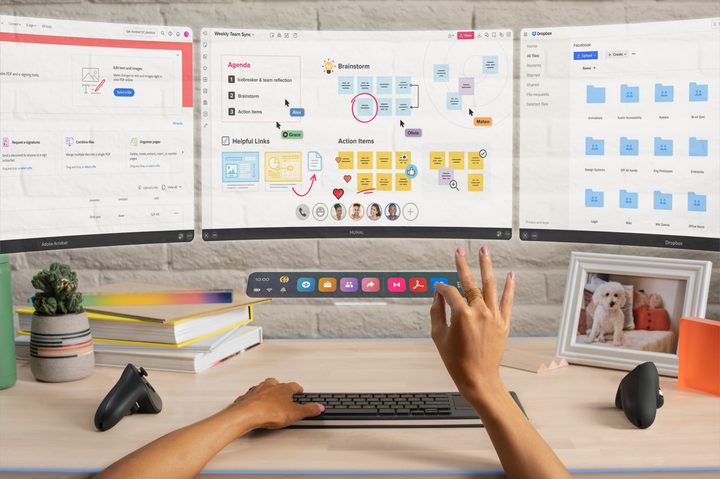
On day one, the Quest Pro should be able to open any website and handle most web apps. It can connect to a Bluetooth keyboard and mouse if you prefer, but you can use the included controllers or even just your hands to interact with the virtual objects that hover around you. While previous generations like the Meta Quest 2 might struggle with a large number of tabs or intensive websites, the Quest Pro features a 50% faster processor with twice as much memory to keep things running smoothly.
So many great services and powerful tools are now available online that a good web browser is sometimes all you need, as has been proven by the increasingly popular Chromebook. The Quest browser isn’t quite as robust as Google’s Chrome browser but it does run the same base code, Chromium. That means websites will display correctly and many web apps work fine, even on older Quest headsets. For example, Gmail, Google Drive, Canva, and Pixlr already work in the Quest 2 and won’t pose any problem for the Quest Pro.
Meta’s browser will store your passwords for you once you have them entered, but you can also use the Quest LastPass app to get instant access to the passwords you’ve saved from your laptop. Firefox makes a browser for Quest also, which is handy if you prefer not to share passwords with Meta and don’t use LastPass.
The Quest Pro can run all Quest 2 games and apps, including several creation tools such as a powerful 3D modeler called Gravity Sketch, a storyboard app (ShapesXR), an animation tool (AnimVR), and several paint apps (Paint VR, Tilt Brush, and SculptVR). There are quite a few productivity apps in Meta’s store and more are available via the third-party app store, SideQuest. Using a Quest Pro with the apps will be faster and easier than ever and multitasking should be a breeze since there is extra memory available for each app.

Visual creativity aside, virtual meetings are already well-represented in the Quest app store and will continue to grow. Meta’s own Horizon Workrooms, a meeting room-like spin on Horizon Worlds, provides a virtual presence that puts your avatar in a room with your colleagues. Spatial audio provides a cue to quickly recognize the speaker’s location just as if they were physically there.
Quest Pro expands this with more lifelike Meta avatars that match your facial expressions in real time. This opens up nonverbal communication that was originally lacking in VR meetings. While it may be debatable, Meta says that “attending” a Horizon Workrooms meeting while wearing a Quest Pro might actually be better than a video call.
Within a few months, Microsoft’s Office 365, Windows 365, and Teams will be available, unlocking a full selection of productivity tools that run in the cloud. Adobe has already made Acrobat live in the Meta store for PDF viewing and editing and Substance 3D, a professional modeling app, is already in progress.
Autodesk is working on Quest Pro support for The Wild, a collaborative extended reality design app. That means some of the biggest names in productivity software are investing resources in the Quest Pro.
What the Quest Pro can’t do yet
Meta wants to move beyond what’s possible with a laptop and explore a new type of productivity, but you still need to use your laptop with existing equipment and traditional apps.
The Quest Pro can’t control your 3D printer, for example, or run the special app required to generate the G-code instructions that guide its movements. Even connecting to an inkjet printer and importing photos from a camera will probably be difficult or impossible.
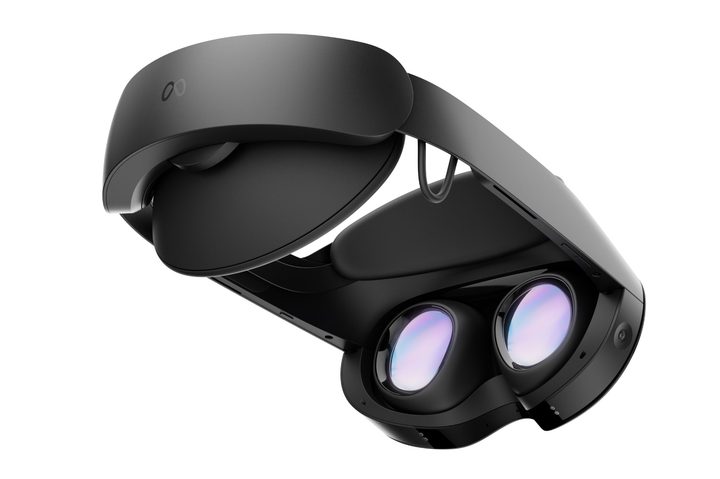
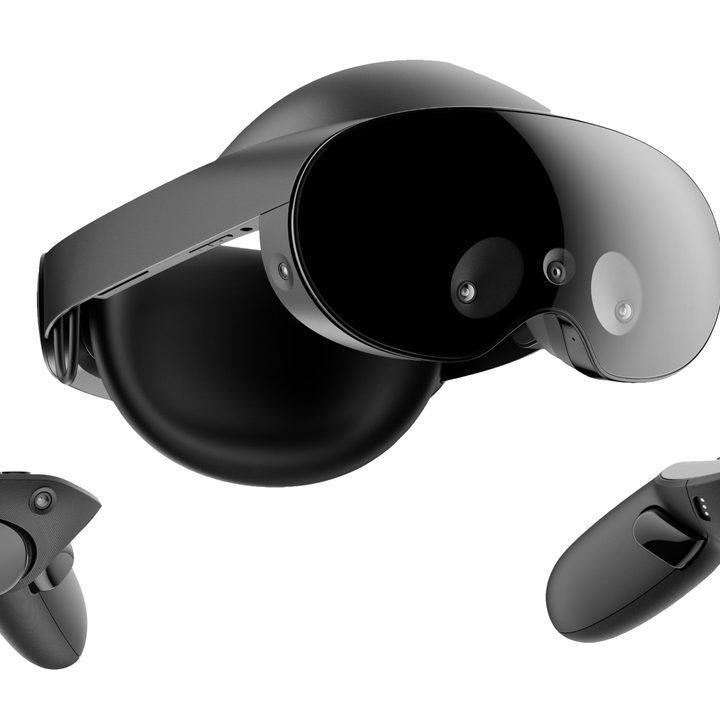
There is a USB-C port and underneath it all, Meta uses a specialized version of Android on its Quest VR headsets. That means wireless printing might be coming in the future and apps that connect to external devices are possible as well. It’s just a matter of getting developers to work on integrating that equipment.
Video editing might be possible with a cloud service, and that’s an area of rapid growth, with some amazing AI-enhanced, Stable Diffusion-like video possible with web apps like Runway. It remains to be seen how well the Quest Pro will handle such specialized browser apps. That’s one of the reasons you should hold onto your laptop even if you get a Quest Pro. It’s early enough that there are still plenty of unknowns. Some of these will be answered in our upcoming review of the Meta Quest Pro.
What might be coming in the future
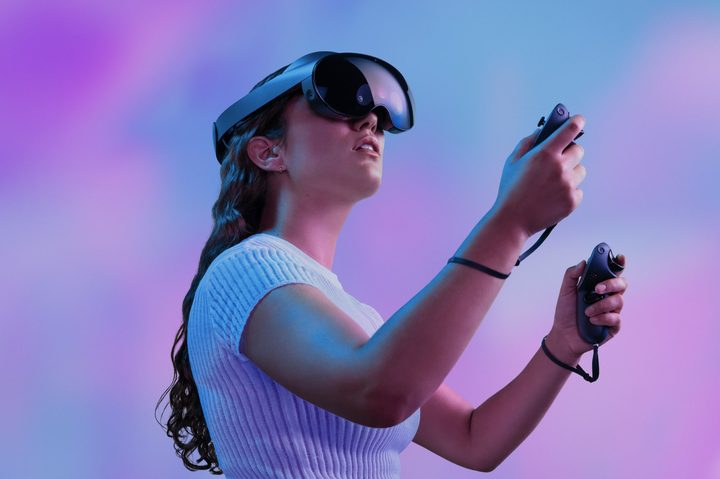
There are two possible futures for the Quest Pro. It could be a huge disappointment if there isn’t sufficient interest in the technology, and right now, that might be the biggest hurdle toward further investment. Meta is committed to building the metaverse, and it seems likely that there will be an ongoing effort to both inspire interest in and fund the development of the Quest Pro ecosystem. It might be a difficult decision, however, to push hard during an economic slowdown.
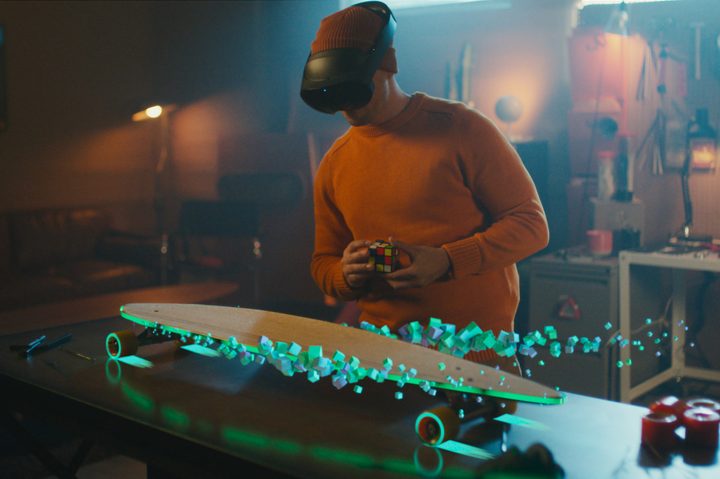
On the other hand, the Quest Pro could become the first in a long line of game-changing VR headsets that point the way to the future of computing. As Meta refines its mixed reality user interface on the Quest Pro, it’s simultaneously preparing for a future AR computing platform. That’s still years away, but it explains why the Quest Pro’s greatly improved color passthrough camera is so important.
The Quest Pro offers virtual reality (VR) and mixed reality (MR). VR is a completely computer-generated environment while MR brings a view of your actual surroundings into the virtual scene and mixes the two. Augmented reality (AR) is sometimes used to describe MR, but a more modern usage distinguishes it as an overlay of graphics onto what you see through glasses.

While an iPhone or Android phone can display a graphics overlay over a camera view, the Quest Pro is a much better proving ground for future AR devices. Being able to track your hand and head movements separately is more like what is expected from future AR devices. A smartphone provides only the device movement, which doesn’t really let developers experiment with the sort of innovative user interfaces that will be needed in our hands-free computer future.
Scientists and educators will be intrigued by the expanded possibilities as well. There are already several custom apps used for dedicated research purposes that are available in the Meta Quest App Store, and the Quest Pro is an ideal device for perceptual testing and interaction, with its eye-, face-, head-, and hand-tracking capabilities.
With so many new tools and possibilities opening up, it’s hard to imagine the Quest Pro failing. The higher price limits its value to consumers, particularly VR skeptics, but some interest from large corporations and organizations will be enough to justify the Quest Pro’s research and development costs.
Is the Quest Pro a laptop replacement?
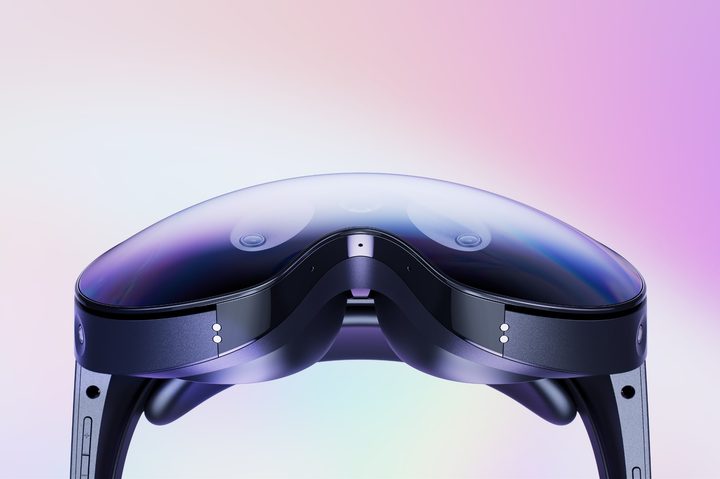
The bottom line is that the Quest Pro has a staggering amount of potential, but how far it will progress depends on third-party developers. Meta has partnerships with three of the most important productivity app developers that build the apps that drive most of the work being done outside a browser and on a laptop. For individual needs, however, you’ll need to rely on web apps or hope that smaller companies get on board if you rely solely on the Quest Pro as a computer.
That means you should hold onto your laptop unless you have some other backup computing device that can connect to printers and other accessories. If you have particular apps that you are required to use for work or school, make sure you have a device that can run any crucial software.
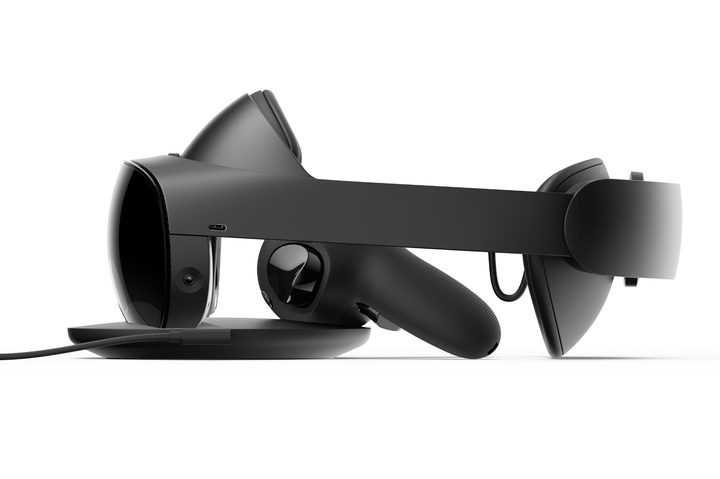
It’s worth mentioning that the Quest Pro’s official battery life is just two hours, but you can use it while plugged in with the included 6-foot USB cable. For intermittent use, the included dock makes it easy to keep it charged and ready for work.
The Quest Pro can connect wirelessly to your Windows PC and Mac, just like the Quest 2 does. Meta has Air Link and third-party developers like Virtual Desktop and Immersed provide powerful alternative solutions to connect to your computer as well. With access to your work or school computer from the Quest Pro, you’ll be able to handle every possible computer need without taking off your VR headset.
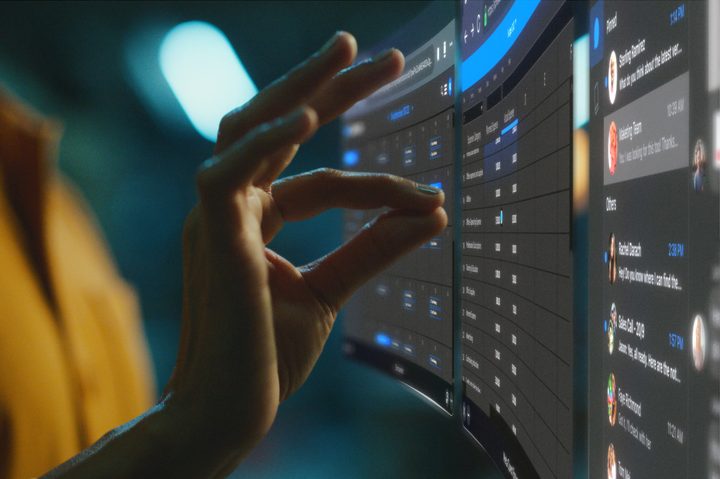
So, no, the Meta Quest Pro isn’t ready to completely replace your other devices but, depending on your needs, it might come close enough that you can get by with a tablet or a phone instead of a laptop as an alternate device for printing documents and running apps that haven’t arrived to the Quest Pro yet.
This is the very first stand-lone productivity-oriented mixed-reality headset, and there will certainly be gaps in the ecosystem. Just as the iPad took some time to mature, owners of the Meta Quest will need a degree of patience and acceptance as early adopters of this exciting new way of computing.


