

If you’ve taken the plunge and invested in Apple’s Vision Pro, you aren’t the type of person to settle for less than the best. As great as Apple’s spatial computer is, some accessories could make life easier and make using your Vision Pro more comfortable and productive.
Of course, Apple products work best together and you probably already own an iPhone, AirPods, and a Mac. If not, those should be at the top of your list. Your iPhone can record Spatial Video to capture memories in 3D and AirPods increase the quality of Spatial Audio, while a Mac expands the range of apps and capabilities for your Vision Pro dramatically.
Beyond those near-necessity devices, there are plenty of items that can have a big impact on how you use your Vision Pro. Let’s explore the growing list of Vision Pro accessories.
Apple Vision Pro Battery

A known limitation of the Vision Pro is battery life. Despite the surprisingly heavy external battery pack, you’ll only get about two to two-and-a-half hours of use if you’re not plugged into a charger.
An easy solution is to order a second official Apple Vision Pro Battery. For $199, you get a backup battery that lets you swap in a fresh battery, power it on, and get back to work for a couple of more hours, without recharging.
Unfortunately, there’s no hot-swapping, so it’s still better to plug in to recharge while you work, so you can remain tethered if you’re in the middle of a time-sensitive project.
Apple 30W USB-C Power Adapter
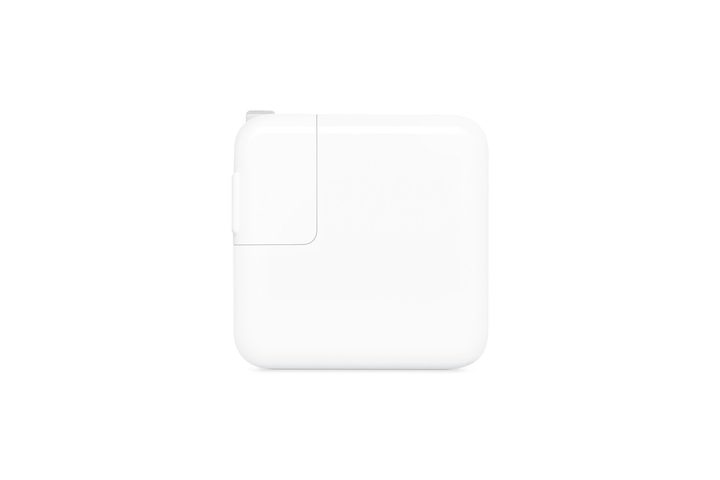
As a spatial computer, you’ll want to use your Vision Pro at the office, as well as at home, so charging it at both locations makes sense. An extra power adapter can keep your Vision Pro charged and ready for use anywhere.
Apple suggests the 30-watt USB-C Power Adapter for the Vision Pro ,and it’s also a great choice for topping up your iPhone, AirPods case, and iPad. A spare charger comes in handy and could be a lifesaver when you have to work late or want to finish up a long movie.
Apple Magic Keyboard
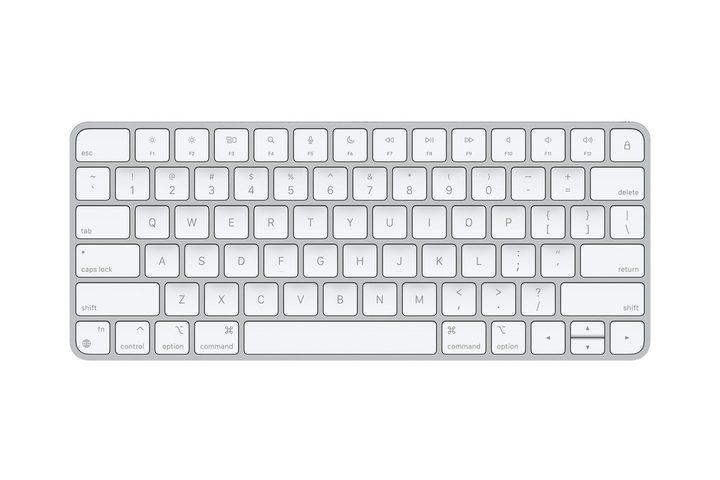
The Apple Vision Pro includes a virtual keyboard, but using it will slow you down significantly. At the moment, you have to use voice typing or peck out letters with your index fingers.
Apple might fix this in the future, and a swipe keyboard seems like an obvious answer. In the meantime, an external Bluetooth keyboard is the best solution.
You might already own a Magic Keyboard, but a second one dedicated to the Vision Pro only costs $99, could make you more productive, and will let you keep your first Magic Keyboard paired to the Mac or iPad you use it with.
Sony PlayStation DualSense Controller
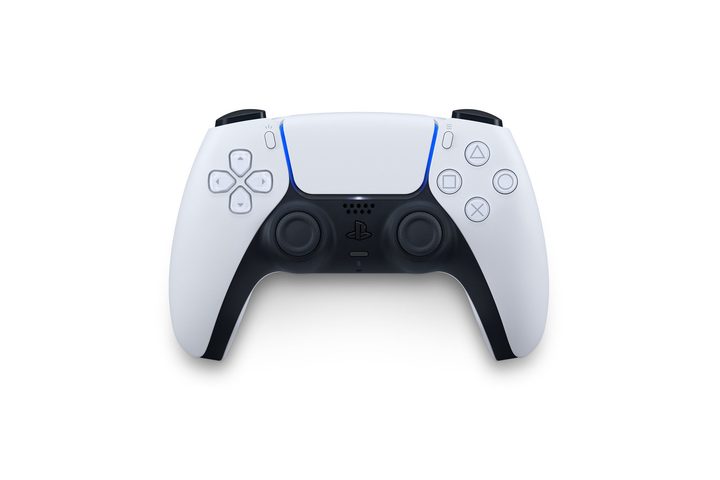
You probably didn’t buy a Vision Pro just for gaming, but you can spend hours playing a variety of engaging iPad games with an Apple Arcade subscription. You just need a controller so you can move your character, jump, shoot, and trigger special items.
The Vision Pro supports the Sony PlayStation DualSense Controller and Apple carries this product in its online store. The DualSense controller also works with your iPhone, iPad, Mac, and Apple TV, so you’ll get good use from this purchase if you do any gaming with Apple devices.
Apple Vision Pro Travel Case
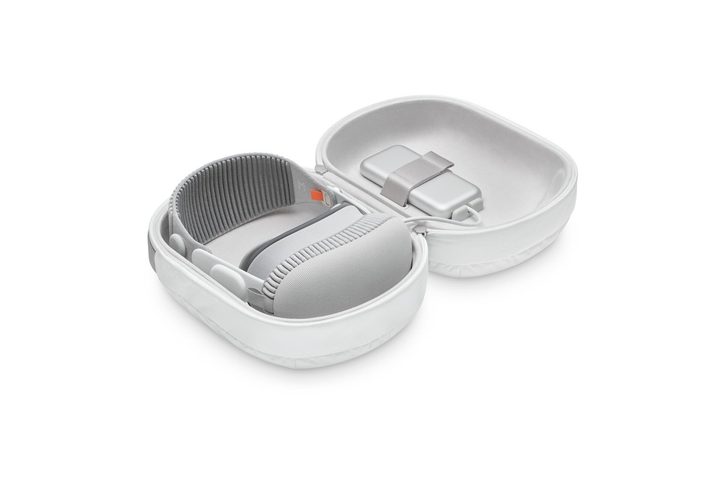
You’re going to want to take your amazing, new Vision Pro with you, right? You can do that safely with a case designed specifically to fit the device.
While Apple’s Travel Case is expensive at $199, it’s a perfect match for the Vision Pro.
Second Solo Knit Band
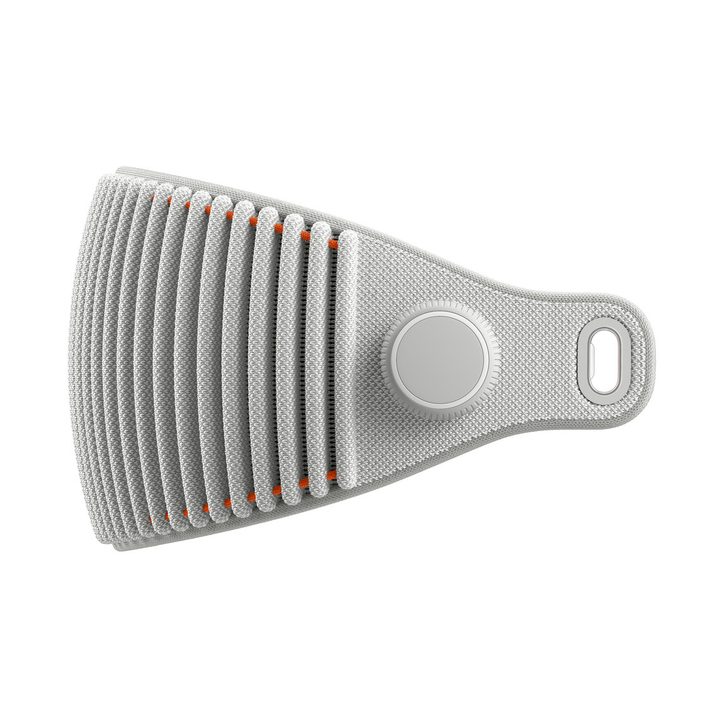
If your Apple Vision Pro doesn’t feel as comfortable as you’d like, try the Dual Loop Band that Apple includes in the box. If you need more support, you might want to experiment with attaching a second Solo Knit Band as a top strap.
It might sound crazy, but some people say it makes a big difference, extending the amount of time you can use the beautiful, but heavy Vision Pro. Check out the thread posted by Redditor grimdar for more details.
Since it goes over the top of your head in this configuration, the small or medium size might be best. Third-party comfort straps will arrive eventually, so if you don’t feel like spending $99 on a DIY solution, you can wait a few months for other solutions to appear.
More options
The Apple Vision Pro is so new that most third-party manufacturers are still scrambling to launch accessories. You can already find some products that claim compatibility, but it’s doubtful there has been enough time to test these low-cost alternatives to make sure they fit well and work without any issues.
Until we go hands-on with accessories or see enough reliable reviews to prove their quality, we don’t recommend wasting your time and money on unproven products. Your Vision Pro is too nice and expensive to take a risk with cheap knockoffs.
Within the next few months, there will be many more options. Check back here for the latest Vision Pro accessories to make your spatial computing experience longer-lasting, easier, and more comfortable.


