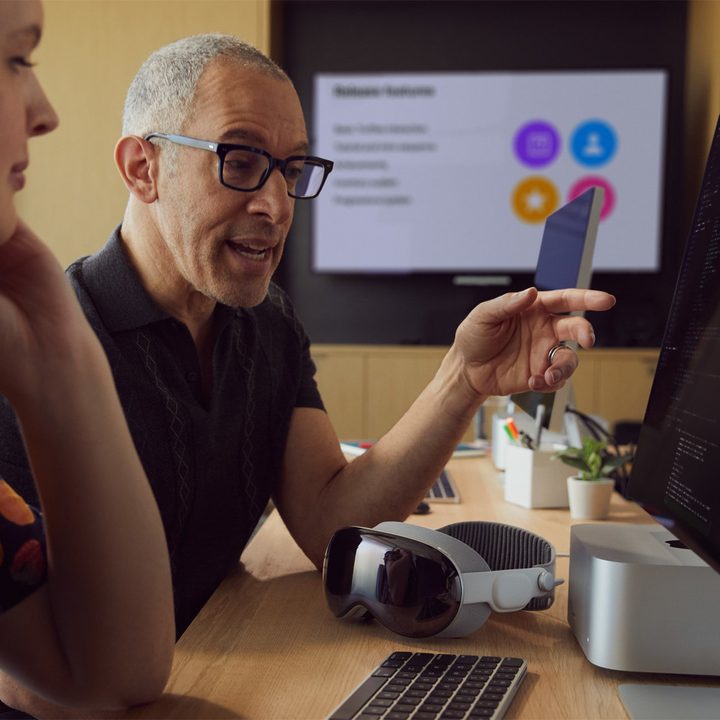
The Vision Pro is an exciting new headset that Apple calls a spatial computer, but you might be wondering if the computing really happens on this compact device or if it needs to connect to a computer or a phone for processing. That’s a fair question to ask since many AR and VR devices require a separate device for power and computing.
The Vision Pro and the Apple ecosystem

So, how does the Apple Vision Pro work, and what’s needed to use it as a spatial computer? The good news is this $3,500 device is complete right out of the box. You don’t need to buy an iPhone or a Mac to use it. It has an M2 processor inside, uses hand gestures for controls, and the entire operating system is self-contained.
This differs from some VR headsets that require the performance of a gaming PC with a fast, discrete graphics card to handle the processing demands of two high-resolution screens. For example, the Valve Index and Varjo Aero won’t work without a computer. There are other standalone VR headsets like the Meta Quest 3 that share more in common with the Vision Pro by using low-power processors like the Qualcomm Snapdragon XR2 Gen 2 chip.
Most smart glasses also need to be connected to a phone to enable all the features. The Ray-Ban Meta Smart Glasses can record video without a phone, but have to connect to answer calls, transfer images, and use Meta AI. Smart glasses like the Xreal Air 2 must be connected to a phone or other device to get power and a video signal.
Vision Pro with a Mac
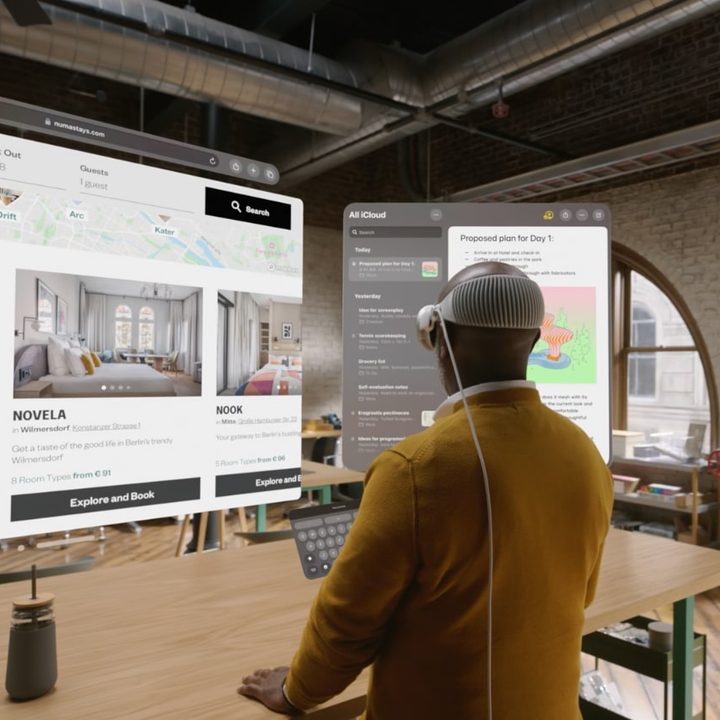
The Vision Pro is a complete spatial computer in itself, but it doesn’t run macOS. That means you might still want to connect your Mac or MacBook, especially for faster typing and productivity. Apple lets you see your Mac desktop in a Vision Pro window, like a remote desktop app. It can mirror the window, allowing you to control it fully — though you can’t extend the window as you would with an external monitor. As a sidenote, you can also opt for connecting a wireless Bluetooth keyboard instead.
So, if you’re using your Vision Pro and wish you could open an app that’s not yet available in the Vision App Store, you can still use it while wearing the headset by connecting to your computer. That means your headset can run iPhone and iPad apps, native Vision Pro apps, and macOS apps via your Mac.
The Vision Pro does require an external battery pack, which comes bundled with the Vision Pro.
If you do own other Apple products, you can get a head start on enjoying the Apple ecosystem. When you set up your Vision Pro, you can sign into iCloud to access your photo library, music playlists, contacts, and messages, just like you can on an iPhone or a Mac.