  1. Home
  2. Computing
  3. News

You can now turn PDFs into podcasts and slides with Adobe’s new AI feature

Adobe adds AI-powered document conversions

Add as a preferred source on Google
adobe-acrobat-generate-podcast-ppt-feature
Adobe

Adobe Acrobat now has a new set of AI-powered features that can transform documents into presentations and even audio podcasts, making it easier to consume and repurpose information.

These tools build on Acrobat’s existing AI Assistant, which was already capable of answering questions about documents, but now goes further by reshaping content into new formats. For users handling reports, research papers, or long PDFs, a new AI capability called ‘Generate’ can turn dense text into content that’s easier to scan, share, or listen to.

Turning documents into podcasts and presentations
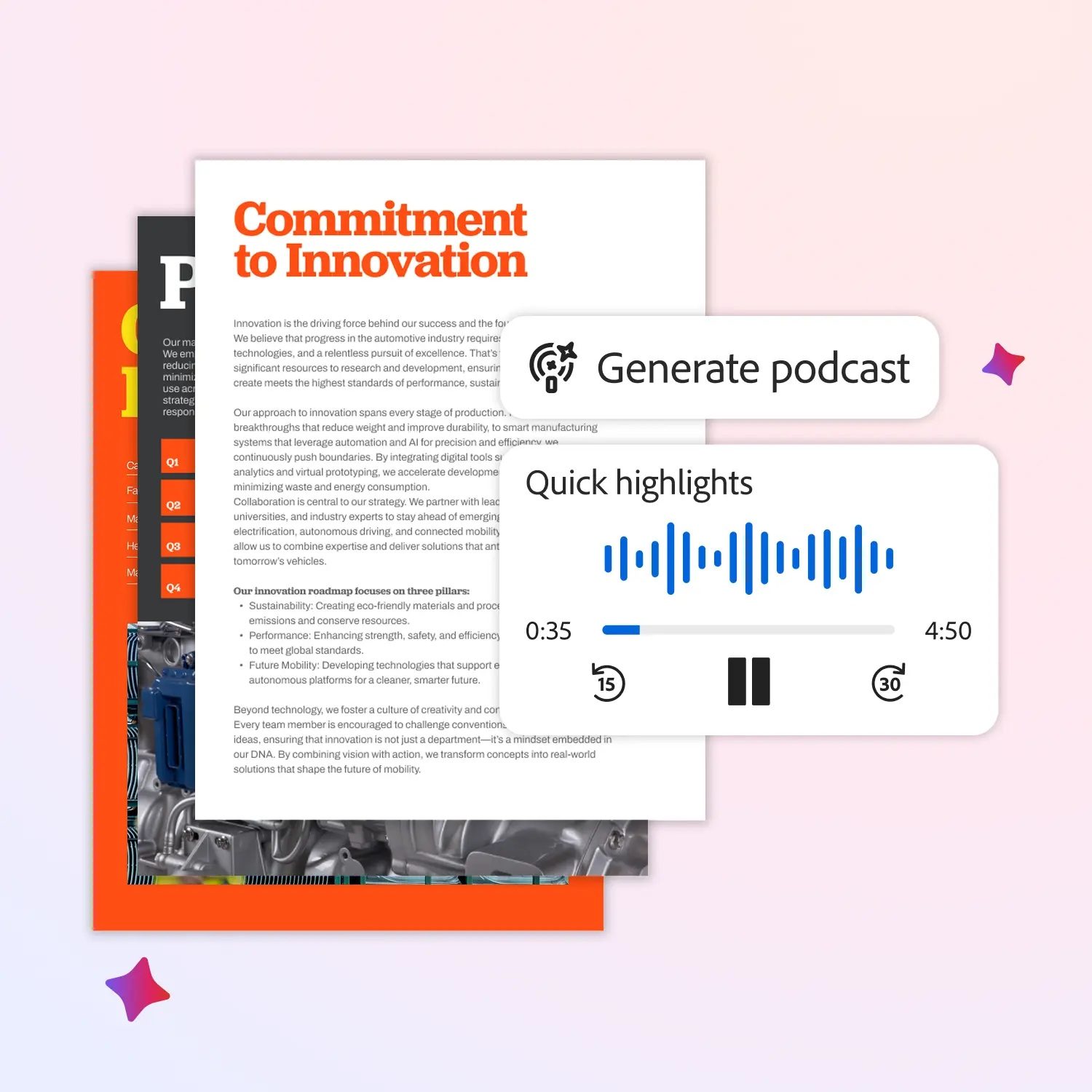
One of the most eye-catching additions is the ability to convert documents into audio podcasts, a feature we first saw on Google’s NotebookLM. Acrobat’s AI can summarise a document, structure it into a script, and generate spoken audio, allowing users to listen instead of read. It can help you catch up on material while commuting or multitasking, rather than sitting through pages of text.

Recommended Videos

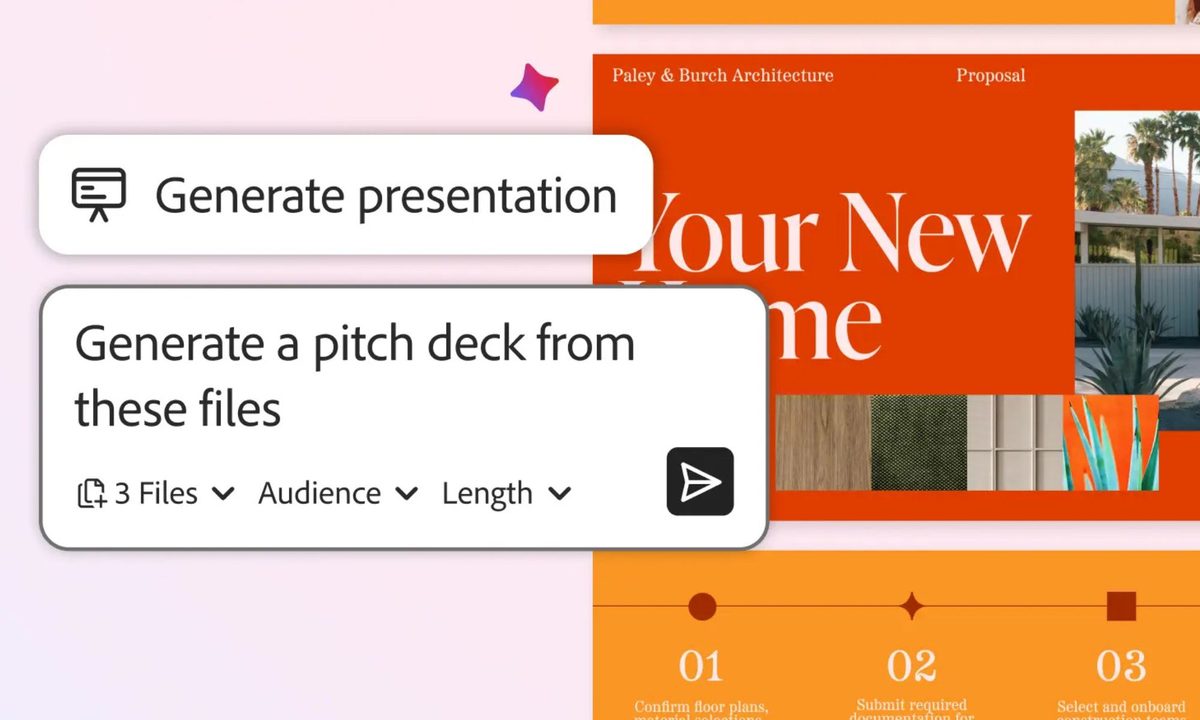
Acrobat can also generate presentations from documents, automatically pulling out key points and organizing them into slides. Instead of manually copying content into PowerPoint or Google Slides, users can let the AI handle the first draft, then edit or refine it as needed.
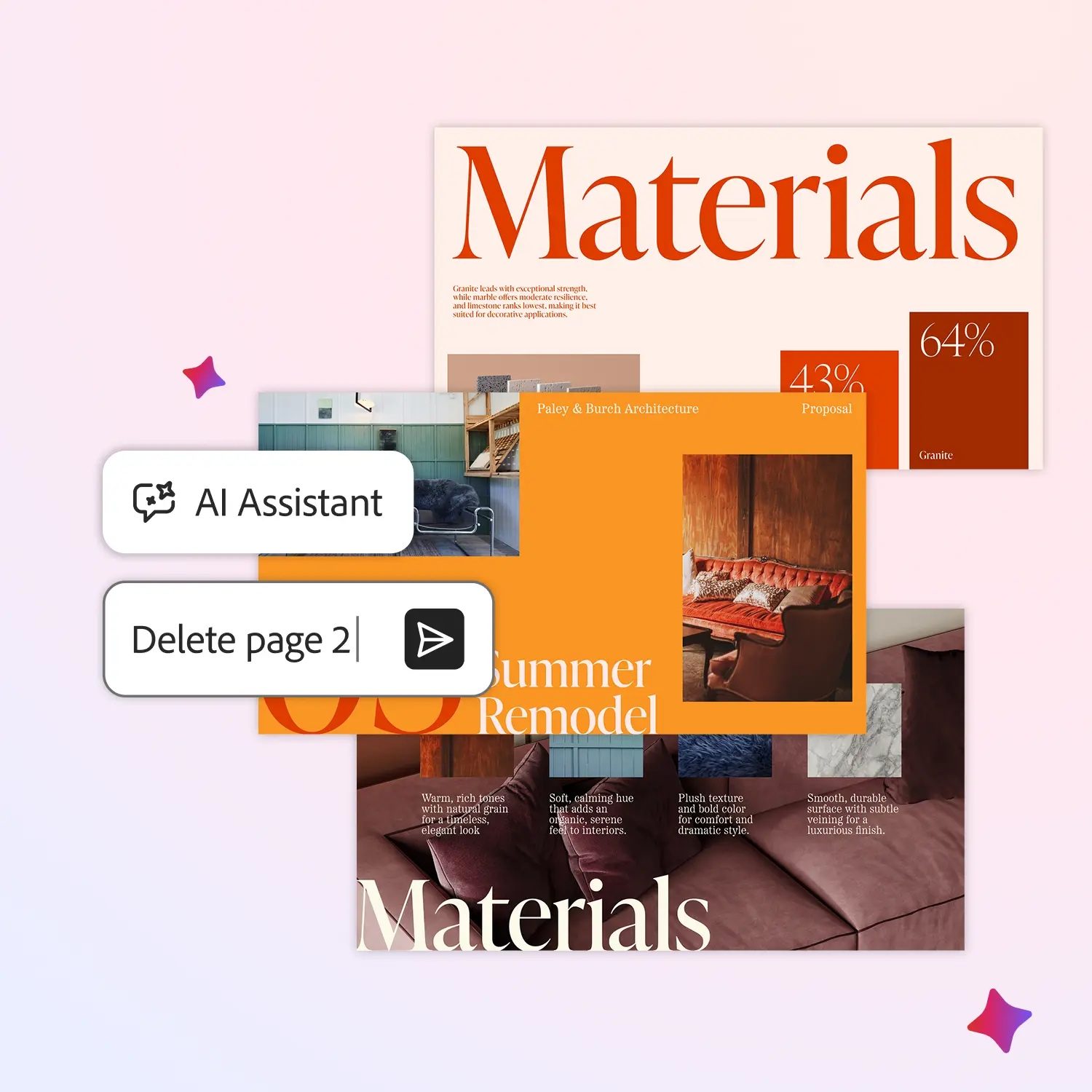
Adobe is also expanding how users edit PDFs using natural language. With AI Assist, people can ask Acrobat to rewrite sections, summarize content, or make edits through simple prompts rather than manual tools.

The update also improves how Acrobat understands document structure, making it easier to extract insights from complex files like contracts or technical reports. With AI now deeply embedded, Acrobat is shifting from a passive document viewer into an active tool for creating, learning, and sharing information in more flexible ways.

Adobe’s AI push isn’t limited to Acrobat, as new Premiere AI tools designed to streamline video editing workflows and the ability to use Adobe’s photo and PDF editing features directly inside ChatGPT are helping users work faster and more intuitively.

Manisha Priyadarshini
Manisha Priyadarshini is a tech and entertainment writer with over nine years of editorial experience.
Microsoft is retiring the Together Mode in Teams in favor of something cleaner and simpler
Teams is retiring Together Mode for layouts people may actually use
Computer, Electronics, Laptop

Microsoft Teams is retiring one of its more recognizable meeting features, and it might be for the best. The company announced that Together Mode is going away in Teams as Microsoft is shooting towards a simpler set of meeting layouts.

To recall, Together Mode was introduced during the pandemic-era video call boom, placing participants inside shared virtual environments such as auditoriums or classrooms. It was a cute idea at the time, but it never became the everyday meeting view for most people.

Read more
Experts are worried that smarter AI gets, the dumber we might become
Experts say chatbots can help research, but leaning on them too hard risks outsourcing the work that builds intelligence
OpenAI CEO Sam Altman during the Uncapped podcast in June 2025.

AI can now answer questions so quickly that the search itself can feel optional. That convenience worries the Royal Observatory Greenwich, which has warned that instant AI answers can weaken the curiosity, scrutiny, and source-checking behind real knowledge.

The risk hides inside the usefulness. Chatbots can help people test ideas, move faster, and find new angles, but a finished response can also cut users off from the messy trail that makes learning stick. When that happens, information arrives without the struggle that turns it into judgment.

Read more
Miss the old PC days? This website lets you experience Wikipedia like it’s Windows XP
This XP-style Wikipedia explorer turns online research into a nostalgia trip, while showing how much browsing changes when search takes a back seat
File, Webpage, Person

Wikipedia has an unofficial new front door, and it looks like a desktop from a very specific era of family PCs, school labs, and chunky blue title bars.

Developer Sami Smith has built a browser-based Windows XP Wikipedia explorer that turns categories into folders and articles into documents. It’s playful, slightly inefficient, and more interesting than another AI search box bolted onto the web.

Read more