
If you come into Stalker 2: Heart of Chornobyl expecting your previous experiences with shooters to carry you through the game, you’re in for a rude awakening. This is still an FPS, but it is more of an immersive sim and hardcore survival game than anything else. You will need to adopt a very different playstyle to survive in The Zone, which is filled with mutants and bandits all ready to end your journey in a flash. The game expects you to learn its most important lessons the hard way, but you can avoid a lot of that frustration by picking up these essential tips and tricks for Stalker 2 before you dive in.
Save a lot and often
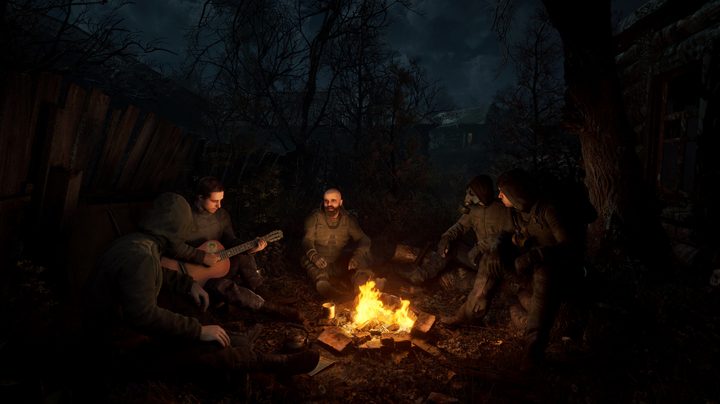
This point cannot be understated. Saving in Stalker 2 should become a reflex after doing almost anything. If you make it to a town, save. After you manage your inventory and are about to go back out into danger, save. If you hear a nearby confrontation you want to investigate, save. After you survive a gunfight, save. This isn’t just because death comes so fast and you can end up losing quite a bit of progress, but also because Stalker 2 is a bit buggy, and backing up your save might end up saving your playthrough.
Stalker 2 will auto-save from time to time, but it does so very sparingly and shouldn’t be relied upon. Instead, we suggest rotating at three to five save files at minimum.
Focus on two weapons
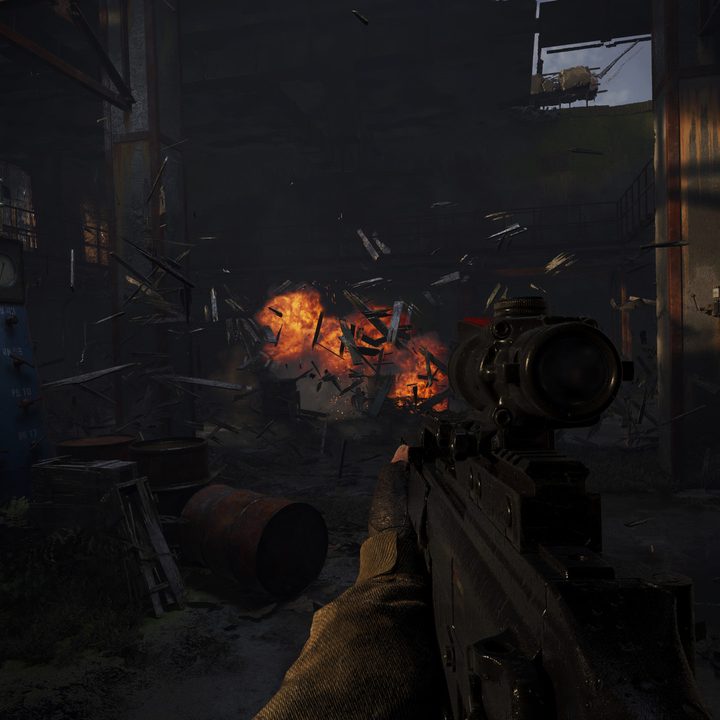
Inventory management is going to take up a ton of time and attention. You have a limited inventory, both in terms of size and weight, and there is not much you can do about it except learn better ways to maximize your space. Trying to carry more than two primary weapons will end up pushing you over the weight limit very fast if you want to bring along enough healing items, food, drinks, and ammo for each of your guns. Plus, you need to always try and save space for valuable loot you pick up on the way.
Sticking with just two weapons lets you focus what ammo you bring and which guns you want to invest your limited cash on upgrading and maintaining. Repairing your equipment’s durability costs a ton of coupons, and letting them degrade will lead to them jamming during a fight.
Always pack some alcohol and snacks
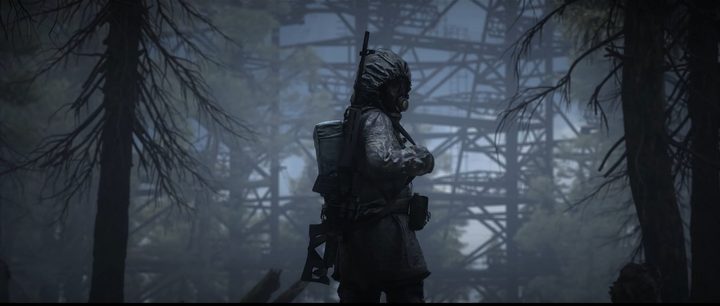
Radiation is everywhere in Stalker 2. There’s no way to fully avoid it, especially since some towns even expose you to low levels of it at all times. You can withstand a bit of radiation before it becomes a problem, but it won’t dissipate on its own and eventually will start draining your health or outright killing you. There are special radiation medicines to clear it up, but those are rare and expensive. A more reasonable way to cure your radiation is through beer and vodka. For whatever reason, getting your buzz on will lower your radiation levels quite a bit, though will make you hungry.
Canned food, sausages, or even bread in a pinch are worth adding to your inventory before a trip. Going hungry will slow you down and possibly even give your position away if your stomach growls too loud. Food also has a very minor healing effect as an added bonus.
You’re never safe
Unless you pause the game, Stalker 2 is always running. Never open your map, check your inventory, or loot an enemy unless you’re certain it is safe because the game is not paused when any of these menus are open. Even using your quick-select wheel only slows the game down. If you need to do any inventory management, save, but also try and find some shelter so no animals, storms, or bandits happen upon you while you’re busy.
Pick your battles
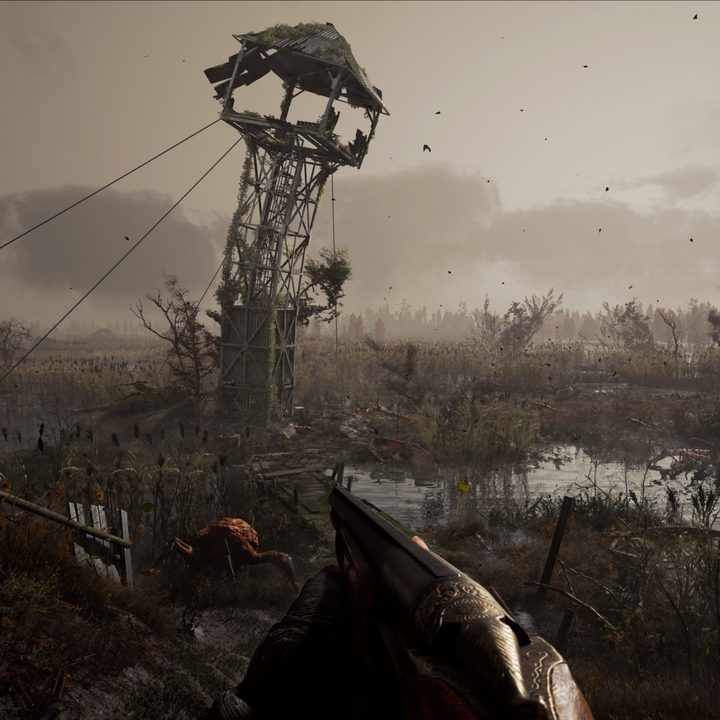
Just because you see an enemy doesn’t mean you need to fight. In fact, avoiding fights or using stealth is often the better option. At best, a firefight is going to cost you a ton of ammo and healing items. At worst, well, you die. Even if you do win, enemy bandits aren’t going to be holding all that much valuable loot in most cases so you will probably end up spending more resources than you get back. Animals and mutants don’t drop anything so there’s no benefit to instigating a fight with those.
Save your coupons for upgrades
Coupons are the main currency in Stalker 2 and are harder to come by than in most other RPGs. The only two ways to really earn them are to sell things or complete missions, and even then you will not find yourself with excess coupons often. Obviously, you should make sure you’re always stocked up with healing items and ammo first, but don’t buy new guns or gear from shops if you can resist. You can find most things out in the world if you’re patient and thorough.
Instead, use your coupons on upgrades and repairs. We mentioned weapons jamming before, but your gear will also wear down and eventually stop applying its resistances over time. Save your cash for repairs and add more benefits to the gear you like rather than trying to buy anything new you see.
Stay out of storms and keep your eyes and ears open
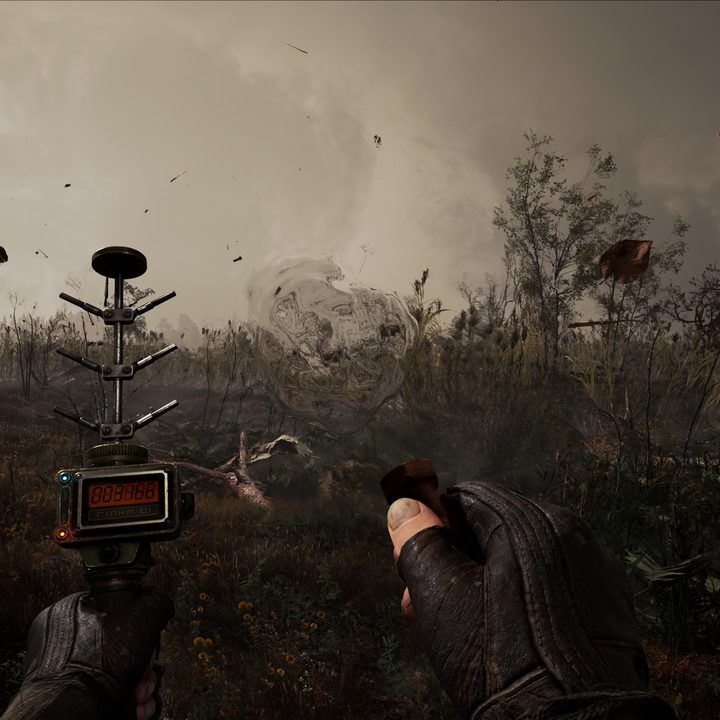
If there’s one thing Stalker 2 doesn’t fully convey early on it is just how deadly the storms can be. If one kicks up near a town, you will see all the NPCs go for cover, but it isn’t only because they want to stay dry. Storms will not only cause random lightning strikes that could kill you if you’re not careful but the rain is often just as deadly. You won’t know until it’s too late, but it will wear away your gear’s durability and, once it’s gone, rip through your health in a matter of seconds. It can happen so fast that you may not even understand what’s happening. If a storm is out, find any cover you can and sit it out.
Storms are one thing, but you also need to keep your ears perked for two important sound cues: your Geiger counter and the beeping of an anomaly. The Geiger counter will warn you when you’re getting too close to a highly radioactive area. Now, sometimes you might be forced to go through areas like this, but they should be avoided if at all possible. Hearing the beeping of an anomaly is far more deadly. You don’t get an auditory warning about one until you’re basically on top of them, and most are nearly invisible to the naked eye. You will need to be extra aware of shimmers, floating particles, and electrical static in the air while exploring. Walking into one can cause massive damage, so do your best to spot them or be ready to stop on a dime if you hear a sharp beep.