
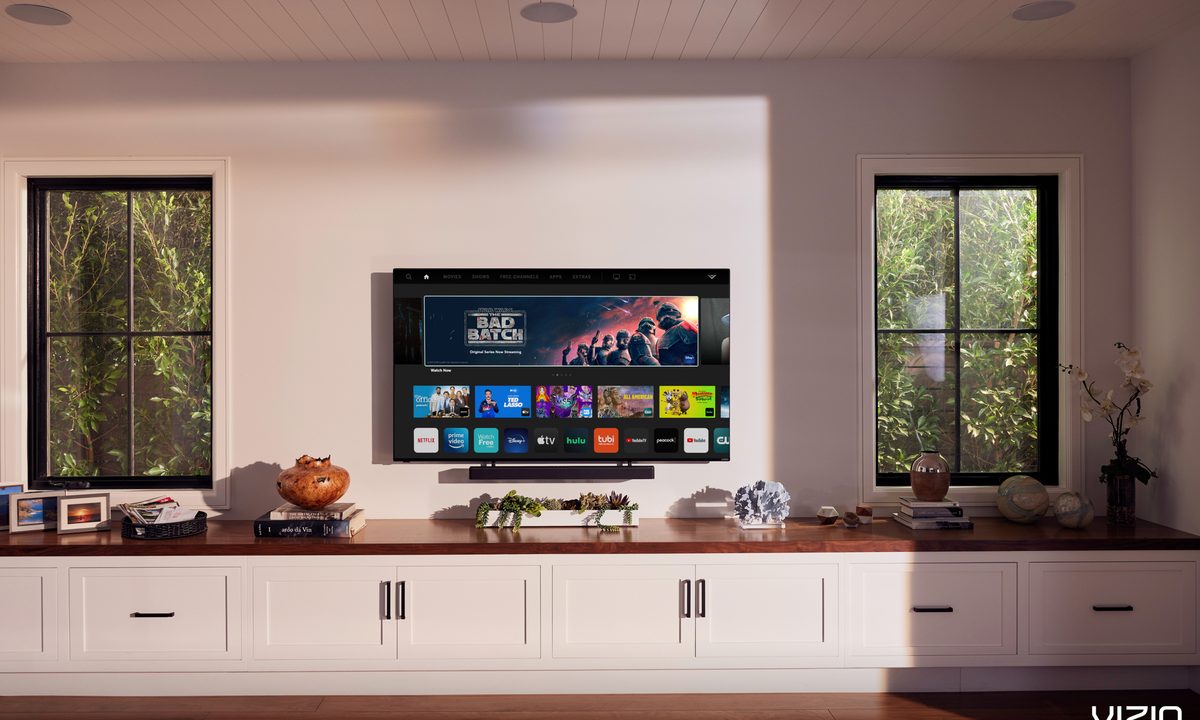
Sizing up a TV can be more complicated than it first appears — from diagonal measurements to counting bezels or the depth needed for cable connections, there are several important things to consider with how to measure a TV. But if you’re interested in buying a new set and are trying to sort out the perfect TV size for your room and needs, or you’re planning on selling or relocating a current TV model, you’ll need to know accurate sizes. Before you pull out the measuring tape, here’s everything you need to know!
Measure the screen diagonally
How are TVs measured, anyway? When you see the touted size spec on a TV’s tag or in one of our write-ups, that size is always referring to the diagonal measurement, spanning one corner to its opposite. These diagonal measurements allow for universal comparisons between TV display sizes regardless of other factors, which is why they are so common. However, they should not be mistaken for the horizontal, side-to-side size of the TV, which will be shorter than the diagonal length — for example, a Buy at Amazon might measure 56 inches wide. On average, you will find that most TV sizes will be roughly 10 inches shorter than the listed diagonal screen measurement.
If you are selling or trading in a TV or want to get a new TV that’s the size of your old one, then measuring the diagonal length is an important place to begin. Starting at a bottom corner and measuring up to the opposite top corner is quick, easy, and will give you that all-important number.
Important note: Diagonal measurements are sometimes rounded up. If your diagonal measurement comes up half an inch short or so, don’t hesitate to round up to a full number. Diagonal measurements may also include the frame of the TV, although this can vary.
Check product dimensions
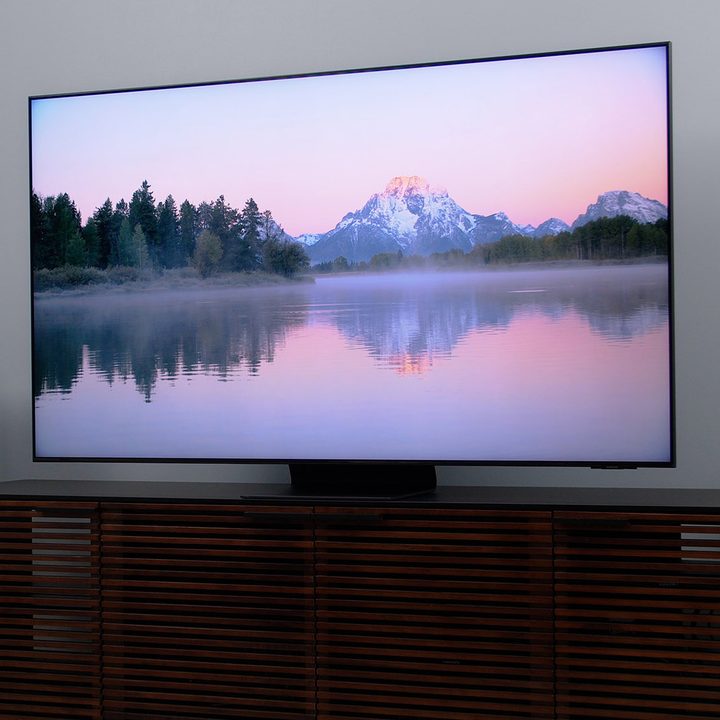
While the diagonal measurement helps with general analysis and comparison, accurately measuring TV size requires a bit more. Next, you should check the product dimensions, which will spell out height, width, depth, and other important specs related to the overall size of the TV. Dimensions should be located on any TV box, sales tag, or product page. If you’re shopping on Amazon, for example, you can find dimensions in the Product Information section, under Technical Details.
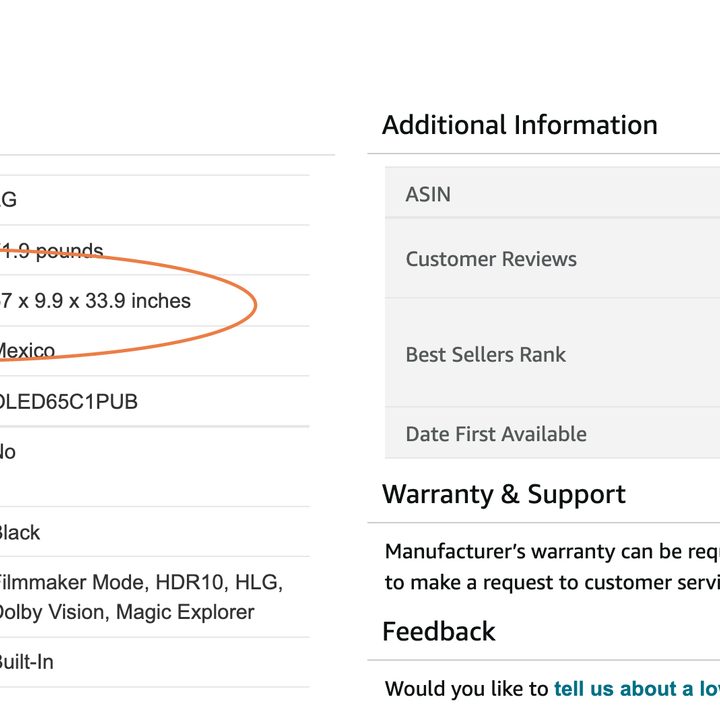
Product dimensions include two important factors that can’t be overlooked when sizing a TV. First, it will usually include the stand as part of the height measurement. It’s difficult to get the stand measurements any other way, and it’s vital for making sure a TV will fit in a particular space (unless you are mounting it on a wall). Second, it will include the bezels, or the borders that surround the TV panel. Bezels these days are typically very thin, but they still add to the size, and the product dimensions will reflect this.
Always provide full dimensions if you are selling or donating your TV. If you are buying, use the dimensions to measure your space (a bit more on this below).
Double-check the depth
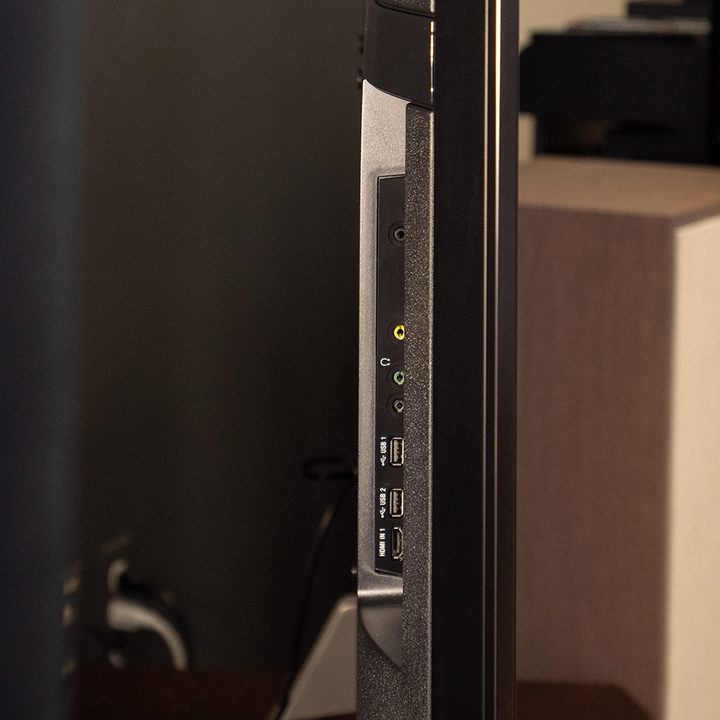
Don’t forget about depth! Today’s TVs are very thin, but TV stands are much less so and will need enough room (typically around 6 inches, but it can vary) when you are setting up. Here are several important things to note when calculating depth:
- Cables for HDMI connections, HDTV antennas, and so on can take up extra room behind your TV. It may not be a lot of room — and the ports are typically positioned to make cable management easier — but some extra space back there is very helpful when setting up your entertainment system. You may want to add a few inches to your measurements for this.
- If you have a soundbar, optimal placement is usually directly in front of the TV. That will also add to how much depth you’ll need to manage both the stand and the speaker.
- If you are planning on some sweet accent lighting behind the TV, make sure you have space. This isn’t usually a problem for the size of your TV, but you may need extra power strips or space to work in the back.
- Wall mounting is always an alternative that will cut down on how much depth space you need. Just make sure to do it safely!
Compare the TV size to a home theater space if necessary
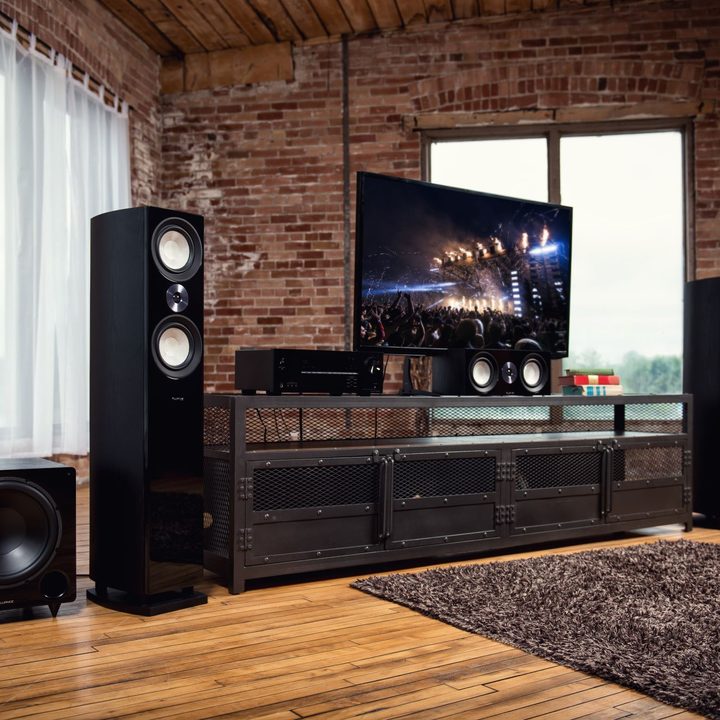
If you are buying a new TV or moving an old one, this is the time to take out the tape measure and start measuring your home theater space, including some extra room for depth as needed.
If you are fitting the TV within a space enclosed on all sides or if you’re fitting a screen between some tower speakers or other home theater speakers, check that there are at least a couple of inches of room between the edges of the TV and the side walls. This is necessary for maneuvering the TV into position, and if a TV is too large, you may not be able to easily install it in that space even if it technically fits. With all your measurements complete, you should have no problem getting the TV in the right position.
Get an app to help
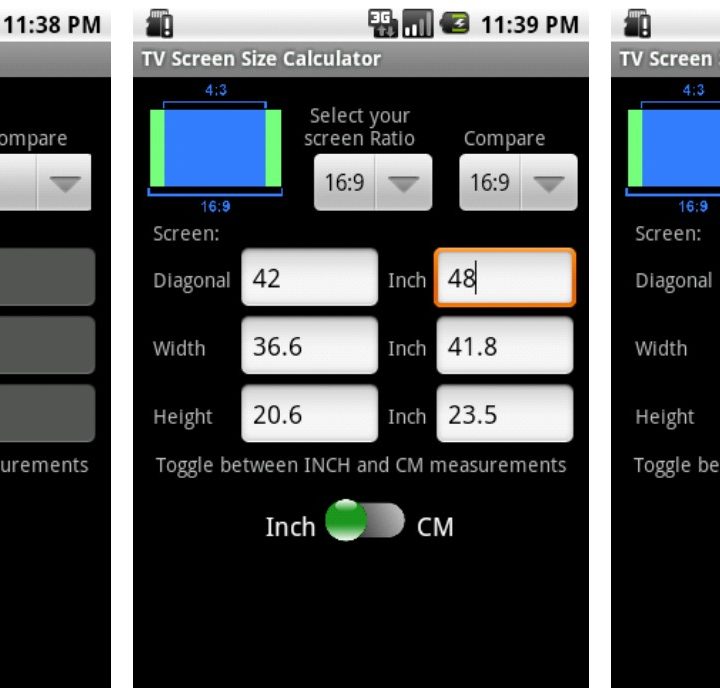
You can also recruit apps to aid you with some calculations if you’d prefer a little help. Quite a few measuring apps are available to give you some estimates to start with, like the Tape Measure app from Apple or Android’s Ruler app. You may also want to check out the TV Screen Size Calculator on the Google Store, which allows you to put in measurements like diagonal size and ratio, then helps calculate other important measurements too. A good ol’ analog tape measure will always do in a pinch, though.
Now that you’ve got a better idea of what size TV you need for your space, you can confidently start shopping for the best TV and the best speakers to complete your dream home theatre.



