On today’s episode of You Asked: Can you remove a light scratch from a TV screen? When should you get your TV calibrated and how much will it cost? Why does YouTube look better on your phone than your TV?
Don’t fix that TV screen scratch
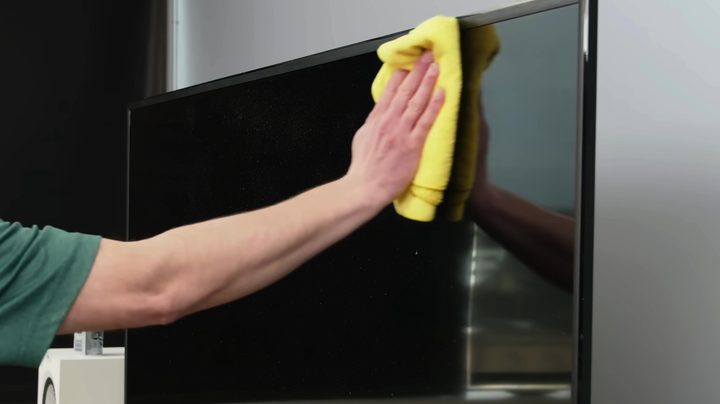
This first question hurts a little bit, or might give you that yeeeeesh feeling.
Charles in Texas writes: I was building a media shelf and one of the support poles fell and scratched my LG C3. After I calmed down from a righteous fury at myself, I checked to see what, if anything, could be done. Most seem to agree that using any sort of scratch-minimizing agent such as poly watch, toothpaste, or even Vaseline would ruin the anti-glare coating and make a nearly imperceptible scratch from a distance much worse. Is there a safe way to further minimize this scratch?
First, I’ve been there. And I understand the full range of emotions Charles experienced.
Second, and let me make this loud and clear for everyone else who may have scratched their TV screen, either minimally or significantly: Do NOT try to “repair” this scratch. TV screens are not like cars. You can’t sand one down and restore the clear coat using a polishing compound. Anything you do to try to mitigate that scratch is basically guaranteed to make it worse. At best, you won’t notice an improvement. Don’t touch it. Please don’t try.
If the scratch is more or less imperceptible from a distance, that’s good. The nagging knowledge of its existence — the thing that makes you see that scratch right now — will subside in time. I’ll bet that in about three or four months you’ll go days without thinking about it. That may seem impossible right now, but check me on that. I look forward to hearing back from you around July 4.
To calibrate or not to calibrate?
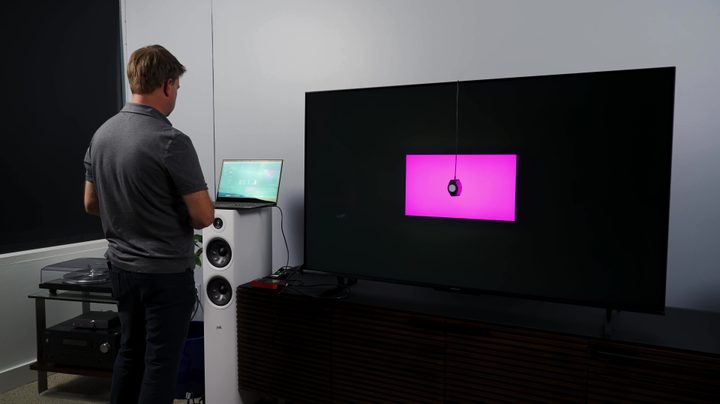
BullyBeef wrote in thanking Chris for his LG essential settings help and also asked: Do you still recommend getting a professional TV calibration? I’ll be getting my LG C4 83-inch OLED soon. I will be doing the tweaking myself for best color accuracy using the remote, but just wondering how much difference it would make after getting a professional calibration. Is it even worth it?
Thomas writes: How much does a calibration cost in the US? Do any of the stores that sell the TV offer proper Calman calibration?
Let’s first answer the question about calibration costs.
After reaching out to a couple of professional calibrator friends, here’s what I learned. Assuming it’s a local call (i.e. not hours of travel time), the service could range from $400 to $600. It could cost less or more depending on various factors, including the particular TV to be calibrated. Some TVs take longer to calibrate than others. You may also want several different picture modes calibrated for different use scenarios, which can take longer and cost more.
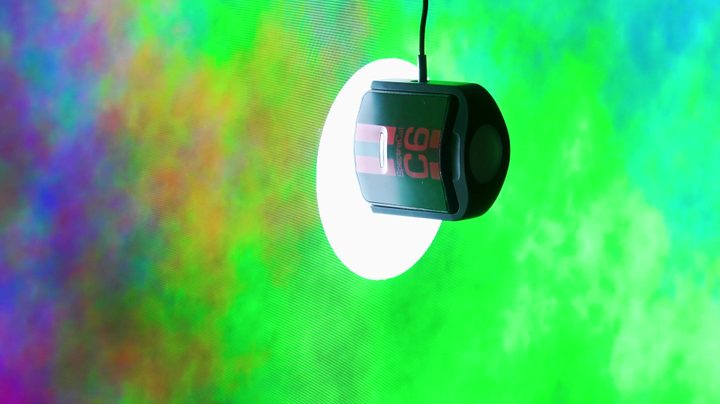
The bottom line: For a real cost estimate, ask the calibrator for their rates based on the nature of the job and the distance required to get to you. (Meanwhile, that range above should give you a good idea.)
Should you get a TV calibrated, and is it worth it? This depends entirely on your needs and wants:
If you need your TV calibrated for professional reasons, this is an actual need and the decision is made for you.
If you’re a super enthusiast who wants to know you’re getting the most accurate picture possible so your TV represents the content you watch as authentically as possible — and lacking that peace of mind will grind your gears — then your compulsion makes the decision for you.
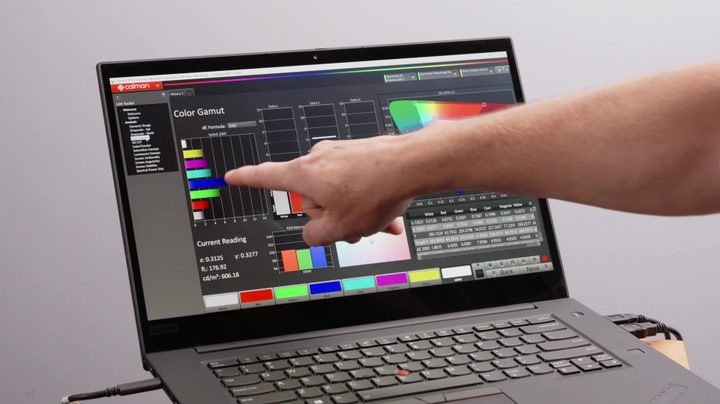
If you think you need to get your TV calibrated because your watching habits are all over the place — sometimes during the day in a bright room and sometimes at night — and you want the best picture for all scenarios and with the least amount of fuss, a calibration can help. However, if you’re in that camp, or if you’re just worried the built-in picture modes will be too far off from what you should be getting? First check into reviews for the TV to find out how close to accurate it gets in its most accurate picture modes.
If you’re worried a TV can’t possibly look amazing without a professional calibration, buy a TV that is well-rated for having a very accurate picture without professional adjustment. In every review, I talk about how a TV measures up to that kind of standard. It’s probably worth spending more on a TV that doesn’t need to be serviced rather than spending less on the TV and then adding calibration costs.
Now, sometimes TVs do quirky things that you can’t iron out yourself, and a calibration consultation can confirm if that issue can be handled. I recommend calling an ISF-certified calibrator who can supply positive reviews of their work. Like finding a great mechanic, finding a good calibrator takes research and asking around. (If you are a professional calibrator with more information about how customers benefited from a calibration, let me know).
YouTube looks better on my phone?
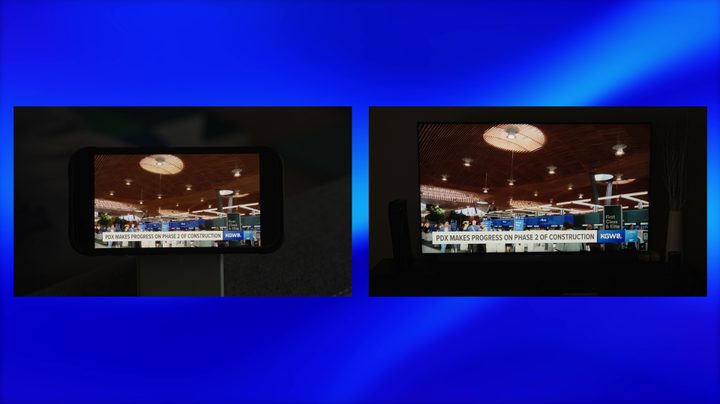
Trevor in Wisconsin writes: Recently I noticed a stark difference in streaming video quality using different devices connected to the same network. When watching low bitrate content like YouTube TV on my Samsung S90D (or any other TV), I see a lot of macro-blocking. When I watch the same content on my iPhone 14 Pro, the video quality issues seem to disappear and the video seems clearer than I’ve seen on any TV. I know there can be a difference in video quality between high-end and budget TVs, mainly from their processing capabilities, but is there that much of a difference between the processing capability of my TV vs. my phone, or is something else going on here?
Something else is going on here.
The screen resolution of your iPhone 14 Pro is 2556 by 1179 pixels, which is nowhere close to 4K. When watching a 16:9 aspect ratio video on an iPhone in landscape mode, the width gets cut down because black bars are placed on the sides. In that mode, the video is not as wide as your phone — 2092 by 1179 pixels — and that’s just barely above 1080p.
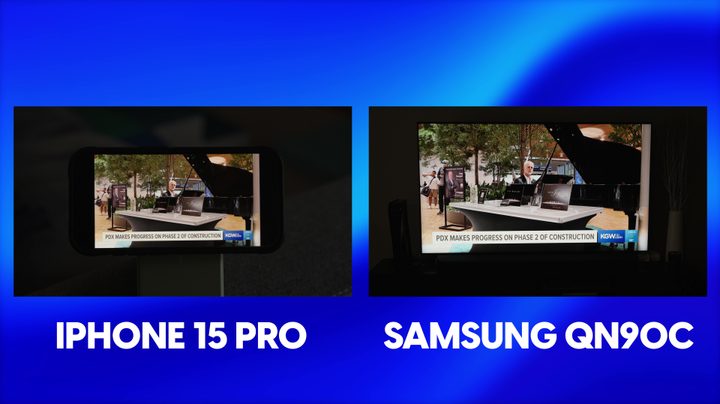
This means we’re looking at the difference between 1080p on a tiny screen and maybe 4K on a big screen. If you’re watching 4K content on YouTube TV, you would likely notice less of a difference between the 4K presentation on your TV and the 1080p presentation on your phone. However there will still be a difference because the bitrate for 4K tends to be lower relative to the resolution than the bitrate for 1080p, again relative to the resolution.
Most of the content on YouTube TV is not in 4K, however. A lot of it is in 720p, and maybe 1080i. The upscaling jump from 720p to 1080p is much easier to pull off than the upscaling jump from 720p to 4K, and that 720p to 1080p jump is also easier than 1080p to 4K.
Toss in the fact that the pixel density for your phone is around 460 ppi vs. around 67 ppi for a 65-inch 4K TV … that’s a recipe for a YouTube TV video that looks much crisper and sharper on your phone than it ever will on your 4K TV.