  1. Home
  2. Phones
  3. News

Android 17’s native app lock may also hide notifications from locked apps

Google is quietly refining a native app lock system in Android 17, with new clues revealing how locked apps will behave across notifications and system UI.

Add as a preferred source on Google
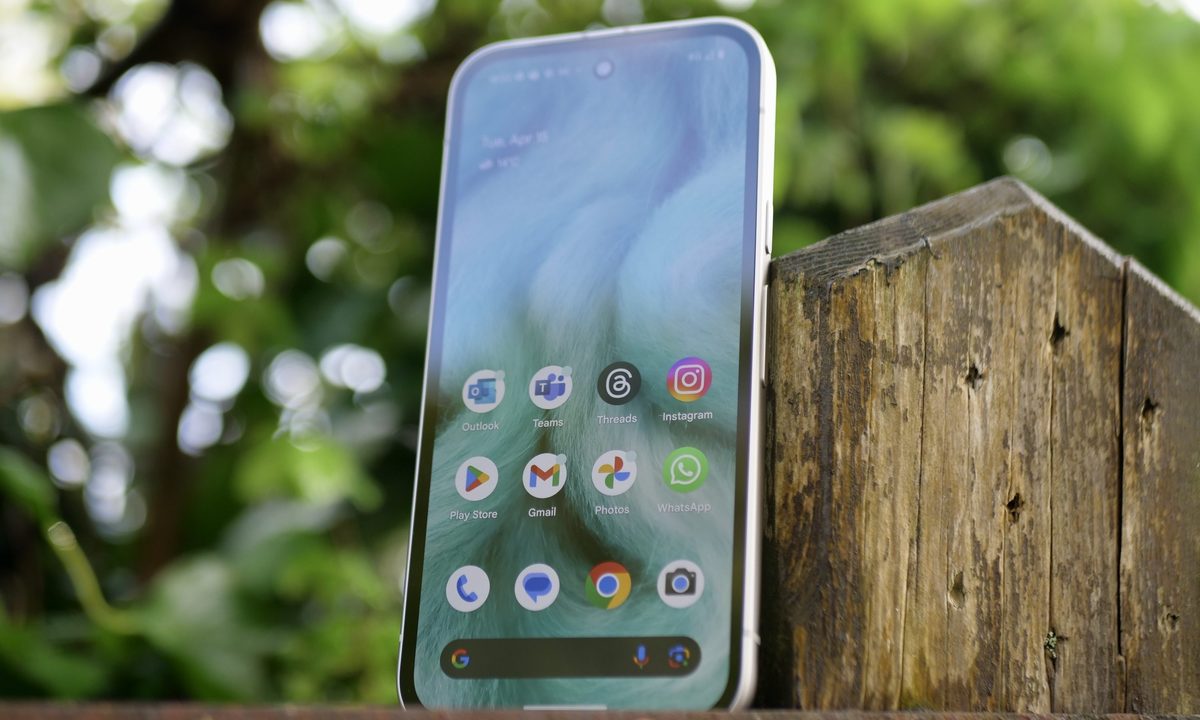
The Google Pixel 9a's screen.
Andy Boxall / Digital Trends

Fresh leaks from Android 17’s Canary build suggest that Google is actively working on how notifications behave for locked apps. According to a new Android Authority report, notifications from apps protected by the operating system’s native app lock feature will still appear, but without the key information.

For instance, if someone has locked WhatsApp, and there’s a new message while your phone is sleeping, a new notification from the app should still show up on the device (either on the lock screen or as a bubble at the top of the screen), but the message and the chat shouldn’t be visible.
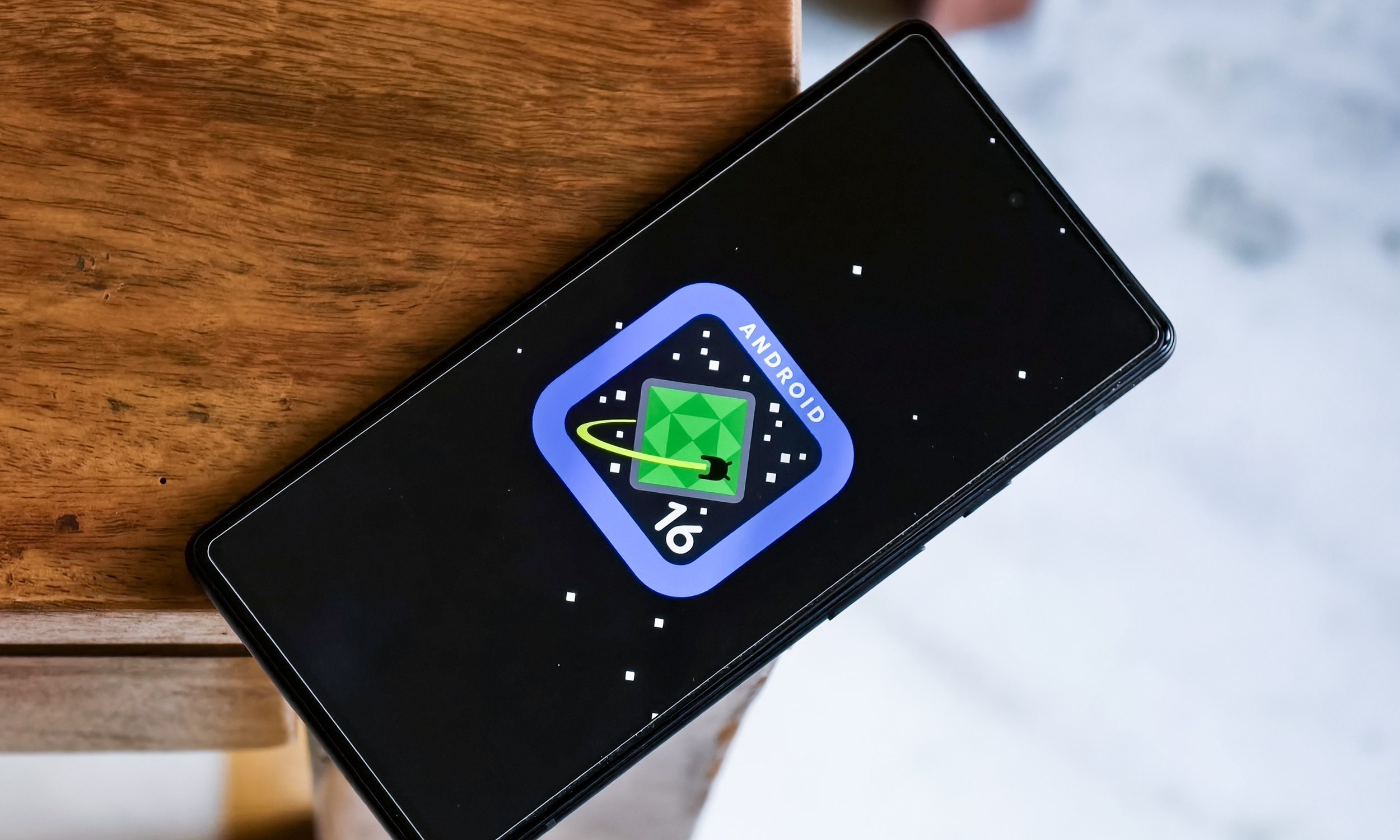
A system-level approach to app locking in Android 17

In other words, the notification’s contents should remain hidden unless you unlock WhatsApp, or any other app for that matter. While it’s not immediately clear whether the name of the locked app will appear, other OEMs do include the name, and I believe Google could follow suit.

Recommended Videos

This builds on earlier discoveries about Android 17’s native App Lock API, indicating that Google is finally working (seriously) on a system-level way to lock individual apps without installing third-party apps or custom launchers (whose implementations vary widely across devices).

As and when the feature arrives, it should be deeply integrated into the Android operating system, allowing apps to be locked manually or automatically and requiring biometric authentication for unlocking them. The native app lock should standardize privacy controls across the platform.
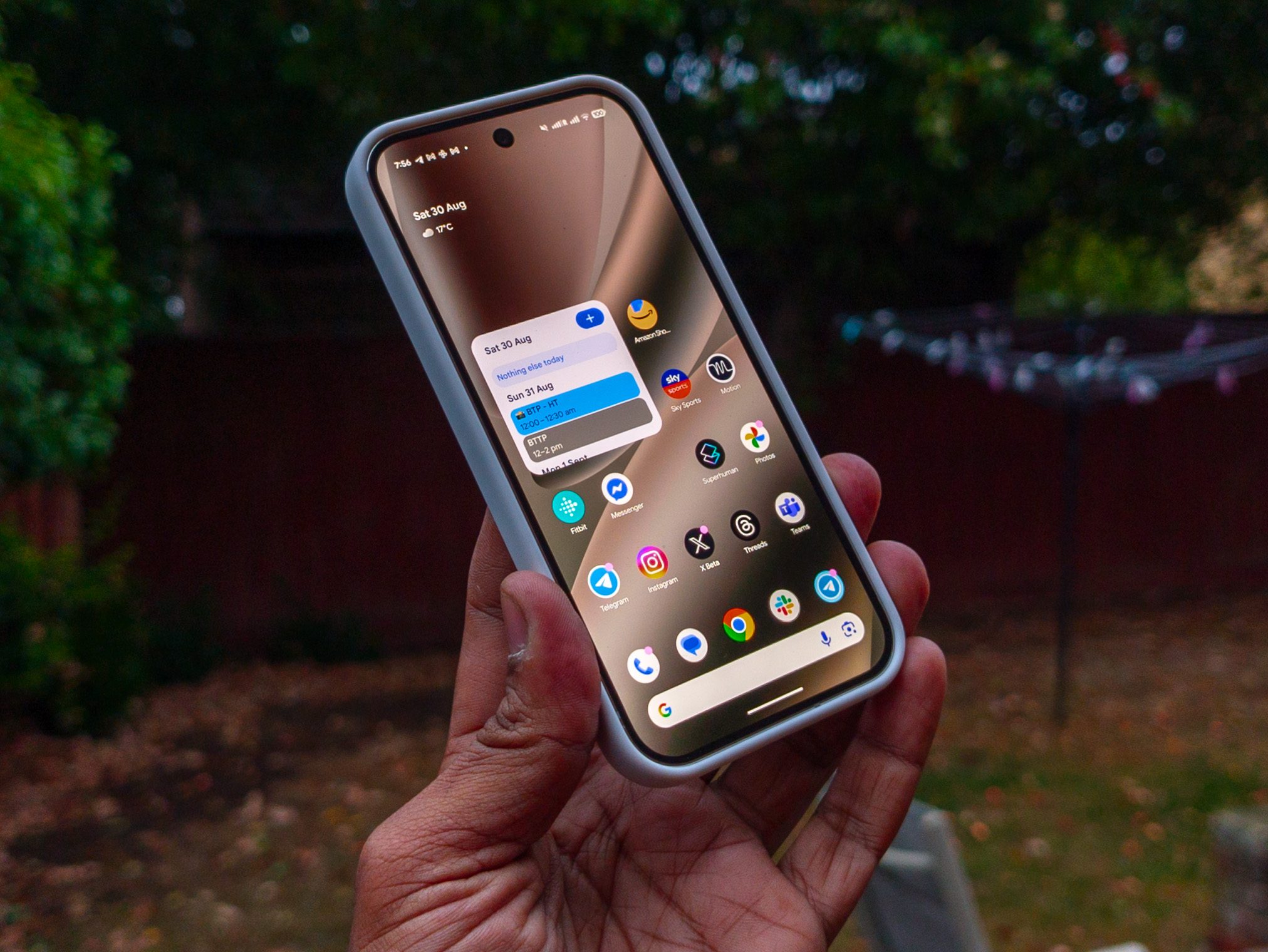
I can see the feature coming in handy for banking, messaging, or work-related apps that contain sensitive or private information. If you’ve ever handed your stock Android or Pixel phone to someone for a second and immediately regretted it, the native app lock is for you.

The App Lock API is still under development. Google has neither officially announced it nor teased the feature. However, it is evolving steadily behind the doors. If the company continues working on it at the same pace, Android 17 should have its own native app-locking system at launch for Pixel smartphones and other OEMs that equip their handsets with the operating system’s stock version.

Shikhar Mehrotra
For more than five years, Shikhar has consistently simplified developments in the field of consumer tech and presented them…
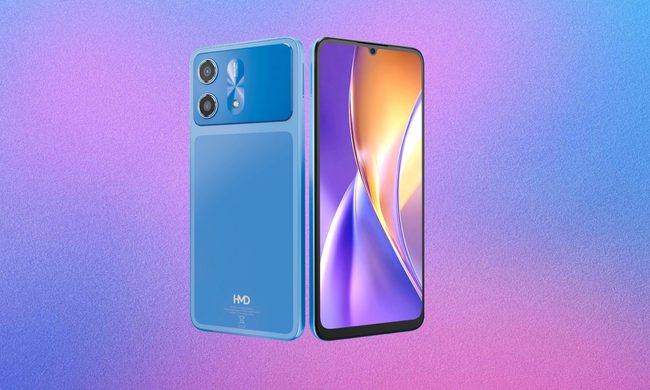
HMD’s next phone has leaked, and I’m tired of seeing the same iPhone-copycat design again and again
The specs are fine. The design brief was apparently "look at Apple's homework and get creative."
HMD Smartphone

Every few months, a new budget Android phone shows up with a design that’s either heavily inspired by the latest iPhone or a straightforward copy. 

Leaked renders of the HMD Luma 2, shared by tipster @smashx_60 on X, seem to be blurring the line between the two. 

Read more
I replaced pricey Apple extras with Xiaomi gear, and it went better than expected
These Xiaomi accessories made my iPhone setup more affordable without feeling cheap
Electronics, Mobile Phone, Phone

Xiaomi has never exactly been shy about where some of its inspiration comes from. Every now and then, the company makes something that looks at Apple’s homework, changes the font, and somehow still ends up with a pretty compelling product. That's why my recent trip to Taiwan for Computex 2026 had me buying some familiar-looking products, namely the Xiaomi UltraThin Magnetic Power Bank 5000 15W and the Redmi Buds 8 Pro.

At a glance, both neatly slot into a very familiar Apple-shaped corner. The power bank feels like a cheaper answer to Apple’s iPhone Air MagSafe Battery. The Redmi Buds 8 Pro are trying to offer some of the AirPods Pro experience without asking for AirPods Pro money. But these aren't knock-offs. They aren't even a copy. These are well-built gadgets that simply offer better value.

Read more
Apple is finally letting me rate my photos, and I can’t stop using it
After years of messy iPhone libraries, iOS 27 gives me a proper way to rate my best shots and find them in seconds.
iOS 27 new star rating feature in Photos

As a hobby photographer, I tend to take multiple shots of the same scene so I can pick the best one later. The downside is that I have to triage hundreds of photos every week. Adobe Lightroom and other popular photo editing apps let you rate photos, which makes triaging your shots a breeze. It's one of the reasons I still pay for Lightroom Classic.

While this works great for photos I take with my camera, it doesn't work for my iPhone photos, since I don't usually export them and they live in my iCloud library. That's why I was excited when I found that the iOS 27 developer beta has added a hidden setting that brings a similar feature to the iPhone Photos app.

Read more