
Apple takes pride in selling a promise of privacy to its customers, and to a large extent, it lives up to that promise. As cyber criminals devise new ways to target phones, with tools as sophisticated and virtually undetectable as the Pegasus spyware, Apple also keeps fortifying its devices.
One step in that direction is Lockdown Mode, an “extreme” safety measure that was introduced with iOS 16 last year. The feature blocks a lot of vectors through which a zero-click, zero-day spyware like Pegasus finds its way inside a phone. From phone calls and message attachments to shared albums and network profiles, Lockdown Mode limits those risk routes.
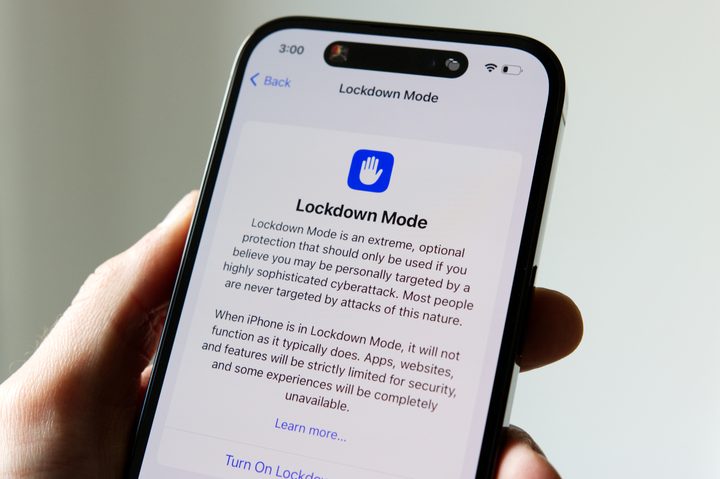
In its threat analysis report, Citizen Lab revealed that NSO Group began exploiting new zero-day vulnerabilities in iOS. Notably, Lockdown Mode thwarted at least two of those serious vulnerabilities, even though the bad actors may have eventually found their way around the shield with new flaws.
If you’re confused about what exactly Lockdown Mode is, want to know what it does, and if you should put it on your iPhone, here’s a roundup of everything you should know.
What Lockdown Mode does and how to use it
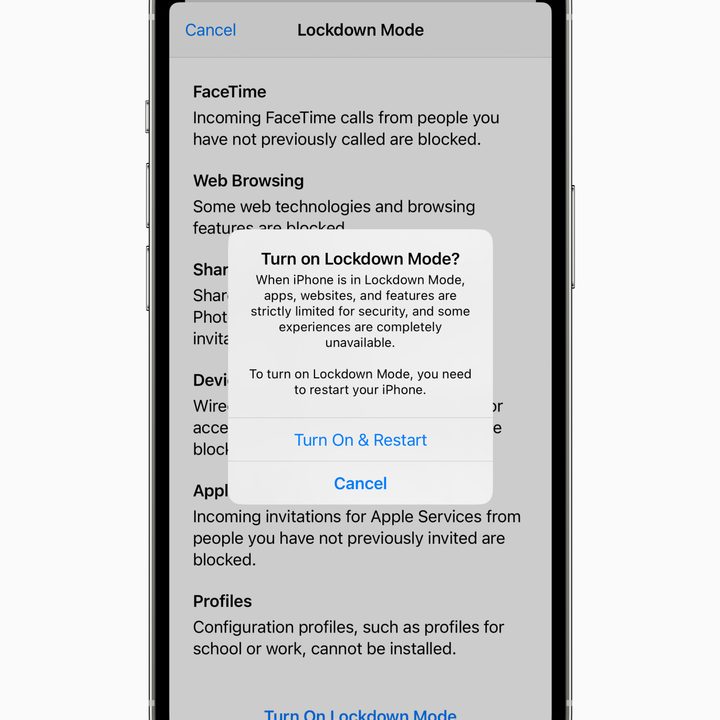
These zero-click exploits targeted by Pegasus are deemed extremely dangerous, and even experts at Google’s Project Zero described them as “a weapon against which there is no defense.” So, how does Lockdown Mode work against it? Well, to put it simply, it reduces the attack surface.
For example, when Lockdown Mode is enabled, certain attachment types in messaging are blocked, and link previews are also disabled. As a result, users are saved from interacting with malicious packages. Likewise, some web tech is blocked, which might degrade the web surfing experience, but will strengthen security.
FaceTime calls from unknown numbers will also be canceled. Locking the phone will block all wired data transfer to a connected device, and even configuration profile sharing, like that for VPN, will also be blocked.
In order to enable Lockdown Mode, follow this path:
- Open the Settings apps on your iPhone
- Scroll down to Privacy & Security
- Tap on Lockdown Mode and enable the corresponding toggle
But Lockdown Mode is not a cure-all solution to keep you safe online. Experts told Motherboard that a website can identify when you have enabled it, which could (in turn) make you a more visible target. However, it’s still a strong line of defense for people who are at risk of such protracted attacks.
Do you really need to use Lockdown Mode?
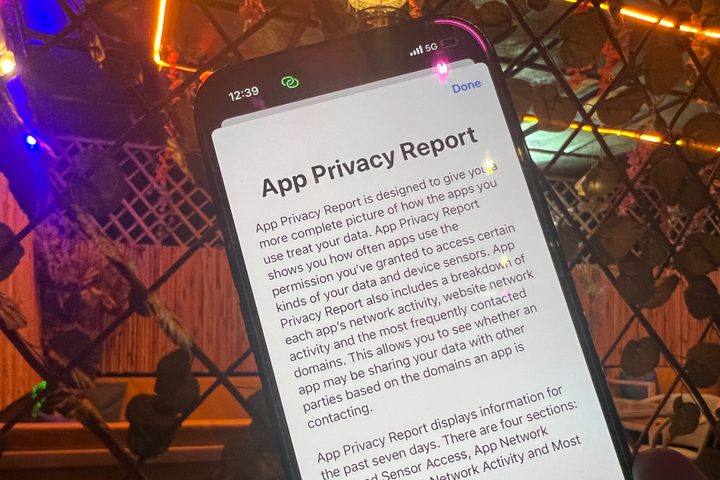
Not everyone is a high-profile target of spyware like Pegasus. As a result, they don’t need to dramatically kill some important phone features by enabling Lockdown Mode. But not doing so also means leaving oneself vulnerable to a whole bunch of exploits ready to be used by bad actors.
So, what steps should an average user take to avoid becoming the next victim? We reached out to experts at Avast and Nord for some general tips that smartphone users should integrate inyo their daily habits.
At the top of the critical importance pyramid is software updates. Earlier in March 2023, Apple patched two critical vulnerabilities targeting iOS that may have been exploited by bad actors. It is, therefore, extremely important that you download software updates as soon as they are released because they not only bring new features, but also patch critical security issues.
Take, for example, the notorious Pegasus spyware, which targeted zero-day exploits in iOS. Apple eventually fixed the flaws after being notified by hackers and also sued the spyware maker NSO Group. But despite international outcry and activism, new exploits keep popping up, which only boosts the urgency of having an extreme security measure like Lockdown Mode.
Other ways to stay safe on your iPhone
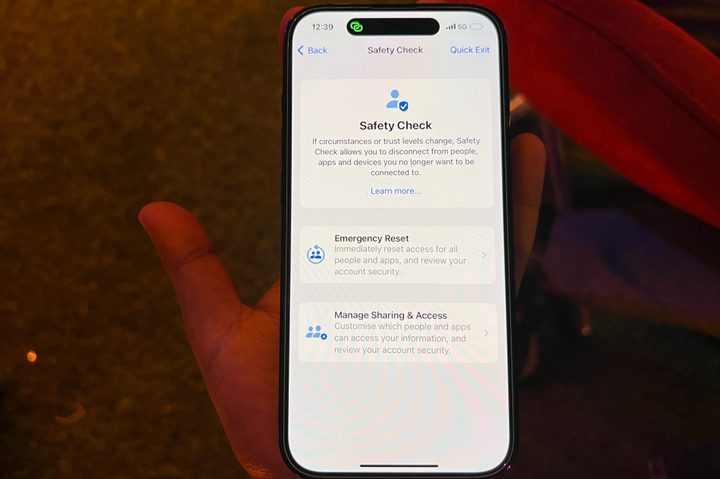
What about phishing-related scams that end up costing users millions of dollars each year? “Be cautious when clicking links in text messages, emails, or social media messages, especially from unknown senders,” Luis Corrons, an Avast security evangelist, told Digital Trends. “Always verify the source before providing personal or sensitive information.”
Adrianus Warmenhoven, a cybersecurity expert on the Nord Security team, also stresses that you should be careful about communicating with unknown numbers. Similarly, you should avoid giving your own number out randomly, especially when it comes to signing up for online services.
You should also always stick to downloading apps from official outlets like the Google Play Store and App Store. Sideloaded apps are often brimming with malware and raise hell for your smartphone systems. While iPhones don’t allow sideloading and limit app installation to the App Store, Android has the doors left open wide open.
“Avoid using unknown Wi-Fi,” Warmenhoven also warns. Bad actors often piggyback on these public networks, which often lack adequate security measures, to break into computers. This can prove to be a costly mistake, especially if you are performing sensitive tasks like online banking. But if you really have to go online, always use a VPN service, such as the one provided by Nord.

The concerns over wireless connectivity are not limited to Wi-Fi only. “Bluetooth can be exploited by hackers to gain access to your phone,” Avast’s Corrons says. Needless to say, keep the Bluetooth disabled when it’s not in active use for data packet transfer. It’s also advised that you set your AirDrop sharing to “contacts only” for that added dash of security.
In a similar vein, steer clear of public charging points. TThe FBI recently issued an advisory about “juice jacking,” which involves cybercriminals breaking into electronic devices using tampered USB cables. You should ideally stick to a power bank, but if that isn’t feasible, invest in a USB data blocker, as it only allows charging current to pass through an outlet and blocks its data transfer privileges.
Also keep an eye on the apps that have access to system privileges. For example, a calculator app has no right to access your phone’s location. “Apps always ask for permission to access your contacts, camera, microphone, or location, although some of them could do their job without it,” Warmenhoven says. These permissions are often exploited for surveillance or stealing data.
Wherever possible, try to protect your apps and other data behind a layer of biometric authentication. Biometric information is often stored in a secure vault within a phone, and it can’t be spoofed the way alphanumeric passwords can be cracked. Where biometric verification is not the option, the best way forward is enabling two-step verification for your logins in every app that doesn’t allow biometric sign-in.
Another safety aspect that often flies under the radar is creating backups of your smartphone data. “Regularly back up your phone’s data to the cloud or a local computer to protect yourself against data loss in case of theft, damage, or malware infection,” Corrons suggests. Both Android and Apple phones let users create a backup of their phone data and store it either in the cloud or locally.
If that sounds like a hassle, at least create a backup of data belonging to important communication apps like WhatsApp. Apple also lets you enable a feature called Advanced Data Protection that protects a huge chunk of your cloud backups behind a layer of encryption for added security.


