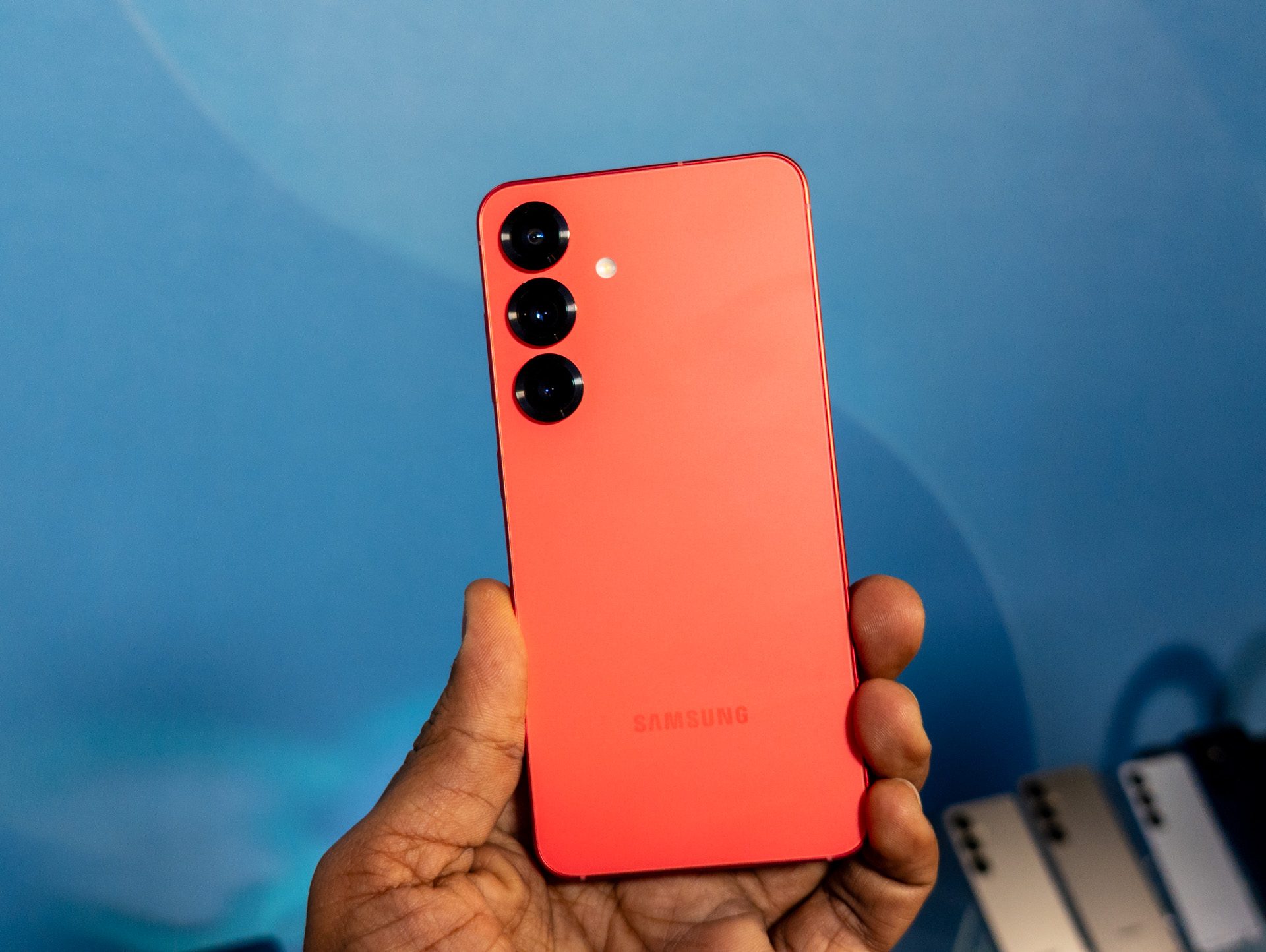
An SD card slot is really handy in a phone as a way to boost the on-board memory, but unfortunately the Samsung Galaxy S25, Galaxy S25 Plus and Galaxy S25 Ultra all miss out on physical memory card slots.
The last top-end phone from Samsung to have an SD card slot was the Galaxy S20, which came out all the way back in 2020. Since then, Samsung buyers have had to make do with the default storage, or cloud options for extra space.
While the Samsung Galaxy S25 series doesn’t have expandable memory in the form of an SD card slot, many of the phones have high-storage configurations. Plus there are ways to transfer data via a wired connection or wirelessly, so many buyers might not even feel the need for an SD card slot in the first place.
Cloud storage options
Like Apple, Samsung has its own cloud storage option in the Samsung Cloud, but this is for keeping your settings consistent across devices. It doesn’t offer proper storage for files and images, although you can sync your Samsung Galaxy device with Microsoft OneDrive for automatic backups.
Another option is to use Google Drive. Users receive 15GB for free, and upgrading to 100GB is $2 per month, 2TB is $2.50 per month, and 2TB with AI is $20 per month. There are introductory periods for each of these plans, so you can test them yourself without paying full price.
Use a USB-C cable
You can connect your Galaxy S25 device directly to your computer. It should appear under connected devices as a separate drive, and you can then transfer files by clicking and dragging them where you want. You’ll need to enable this via a prompt in the notifications bar of your phone, as by default Android phones only allow charging when you plug them in.
When your phone starts to fill up with images, video, and other applications, you can connect it to your computer and offload any unneeded or unwanted files. Of course, you can also delete them and save yourself a bit of trouble — but if you need to hold onto the files, it’s worth setting up a folder on your PC.
The Galaxy S25 series has plenty of storage

One of the major selling points for this new series of phones is their storage. The Galaxy S25 has a base storage of 128GB and a max of 256GB, while the Galaxy S25 Plus offers 256GB or 512GB. The Galaxy S25 Ultra offers three options: 256GB, 512GB, or 1TB. All three phones have the same 12GB of RAM.
With a 128GB phone, you’re likely going to run out of storage eventually — but the average person isn’t likely to fill up a 1TB phone anytime soon. Those who use their devices for work and take professional-grade images and video on it, though, might want to opt for the 1TB configuration.
Sure, the 128GB option is likely to be the most budget-friendly, but if you’re even reading this article, you’re probably a power-user — opt for higher storage capacity if you can. The high resolution of most images and videos mean they take up a significant amount of space, and AI features contribute further to that. You want as much storage as you can afford.
Will the Samsung Galaxy S26 have a microSD card slot?
It’s impossible to say for now whether the Samsung Galaxy S26 will have a microSD card slot. To know for sure, we’ll have to wait until its announcement, which could come as early as January 2026 though some rumors say it’ll come in March.
We’ve heard that the Samsung Galaxy S26 could be thicker than its predecessors but that’s probably not to allow space for a card slot. We’re expecting it to allow for more battery space or different components. Previous generations of Samsung phone have had fluctuating sizes, but that’s not to allow for SD card slots; there’s no reason to think Samsung will return the feature for the S26.
We can look at history to suggest that microSD card slots aren’t a priority for Samsung, and if that were to change, we’d probably have heard about it from leaks and rumors at this point. Sorry!