
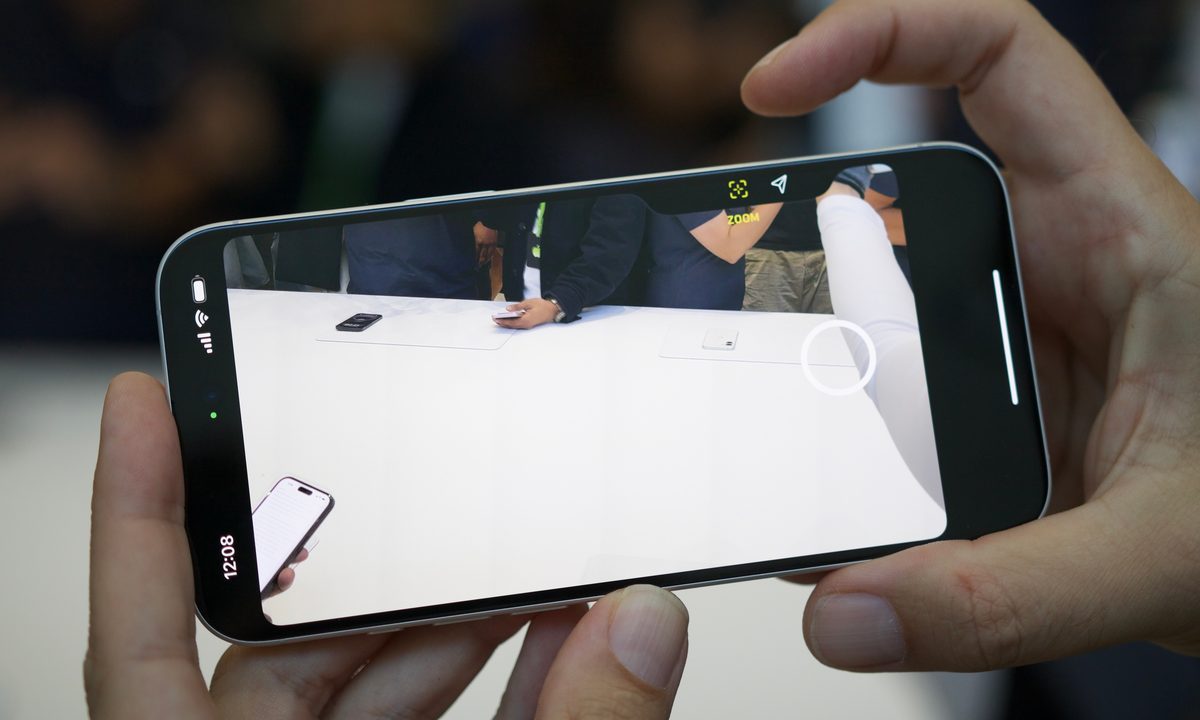
Apple has announced the iPhone 16 lineup, and it’s an exciting upgrade to one of Apple’s biggest product lines. The iPhone 16 gets the Action button that debuted on the iPhone 15 Pro models last year, and Apple is also adding a new Camera Control across the entire iPhone 16 lineup, so it’s not just exclusive to the iPhone 16 Pro models — the regular iPhone 16 models have it too.
Originally rumored to be a “capture” button, the Camera Control can do much more than just take a photo. Here are all of the cool things you can do with the Camera Control on the iPhone 16 series.
What is the Camera Control?

The Camera Control is a new button located in the lower right-hand side of the iPhone 16 frame. It sits flush with the frame, so it doesn’t stick out.
The Camera Control can be pressed like a normal button, but it also has a built-in touch sensor that lets you slide your finger across it. Thanks to the haptic engine, the Camera Control can even recognize half presses separately from regular presses. And, as mentioned above, you’ll find it on every iPhone 16 model.
Everything you can do with Camera Control
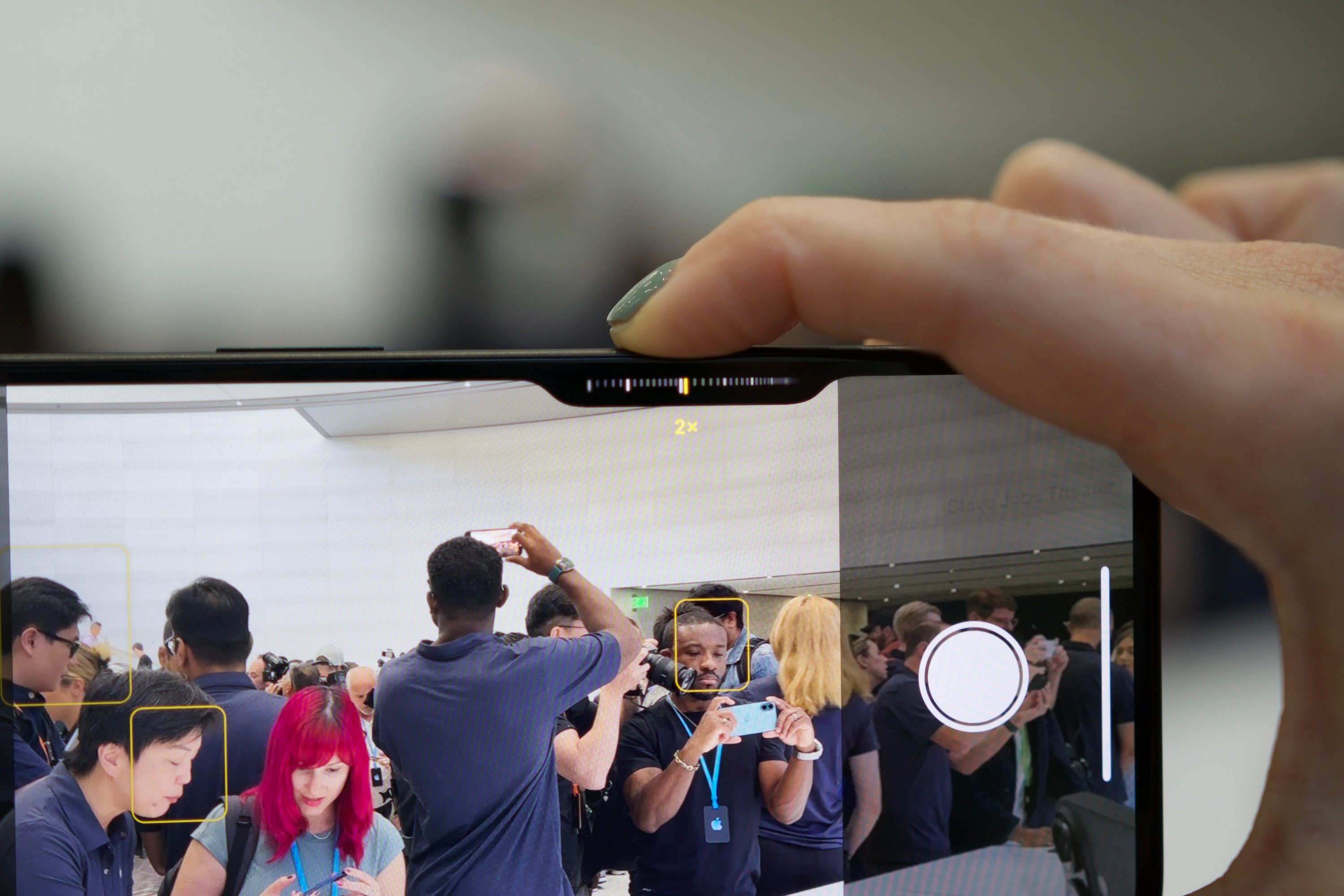
During Apple’s keynote, the company showed off what the Camera Control button can do. A single press launches the Camera app, and another press captures the photo. While in the Camera app, if you press and hold the Camera Control button, it will begin recording video. When you stop holding the button, your recording stops.
Of course, we mentioned that the Camera Control has touch sensors for detecting sliding gestures, and can also differentiate a half press from a full press. This is significant because the half press will open up various settings, like brightness, exposure, zoom, and more. You can then slide your finger on the Camera Control to fine-tune those individual settings.
Apple also mentioned that the Camera Control will be able to lock focus with a two-stage shutter, but this will be coming later in a software update.
Apple’s Visual Intelligence features
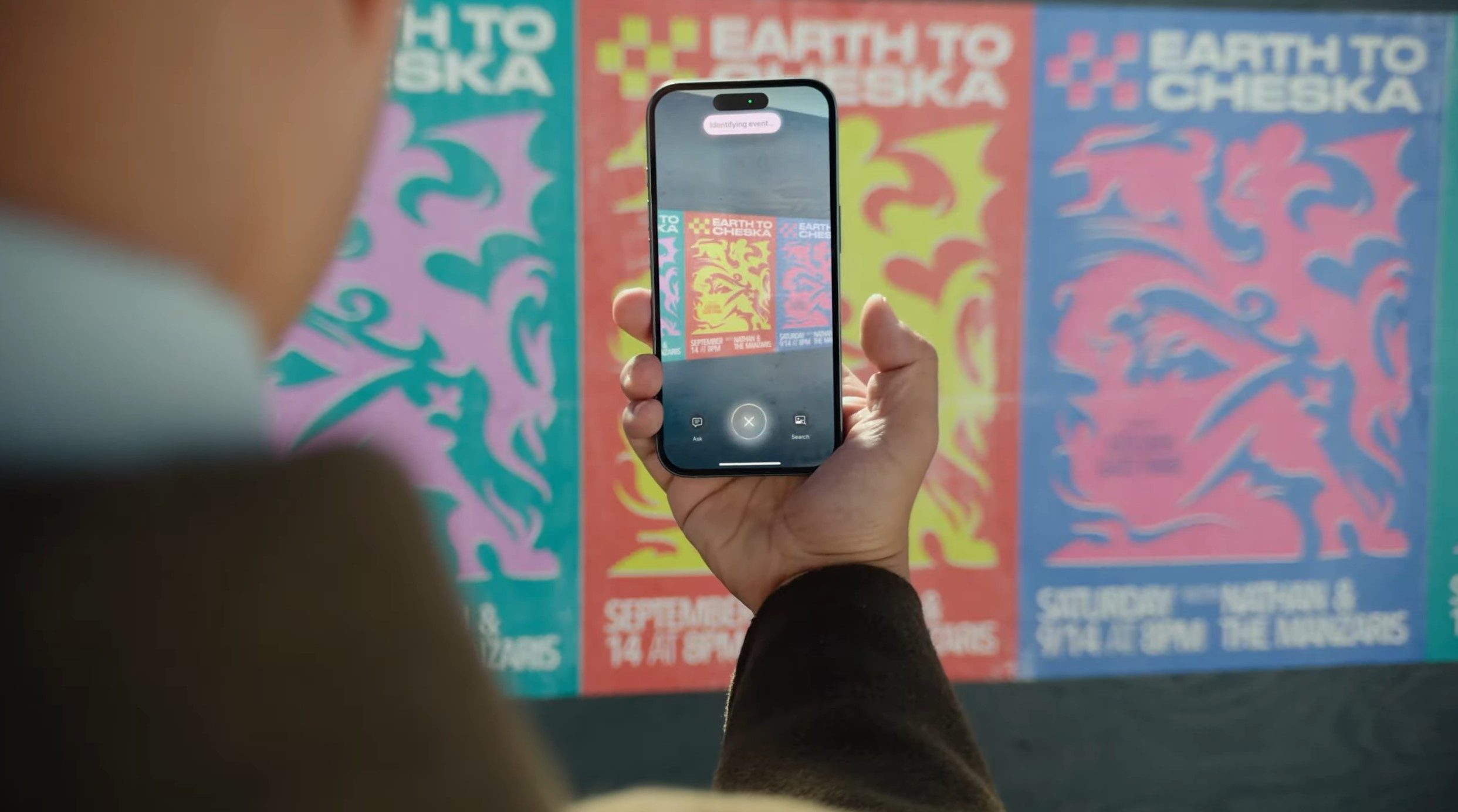
Apple also showed off a new feature for Camera Control that we weren’t expecting: Visual Intelligence.
With Visual Intelligence, you can point your iPhone 16 at something and then press the Camera Control button to identify objects in real time. Think of it like Google Lens, except that it’s using Apple Intelligence.
Visual Intelligence was demoed in the keynote to show us a few examples. One use case was a person pointing the camera at a concert poster. Once the Camera Control is activated, the iPhone then added the information from that concert poster to the Calendar app. Another example that was shown involved pointing the camera at a cool bike, with the iPhone then suggesting where you can find similar bikes to purchase.
A big step forward for the future

The Camera Control is one of the biggest hardware changes to the iPhone since the Action button and USB-C. As the iPhone has one of the most popular cameras in the world, having the Camera Control makes it feel even more like a real standalone camera.
Apple also mentioned during the presentation that the Camera Control will be able to be used with third-party apps, with developers assigning their own functions to the button. It will be interesting to see how developers will be implementing the Camera Control into their own apps, similar to when the Dynamic Island first came out.


