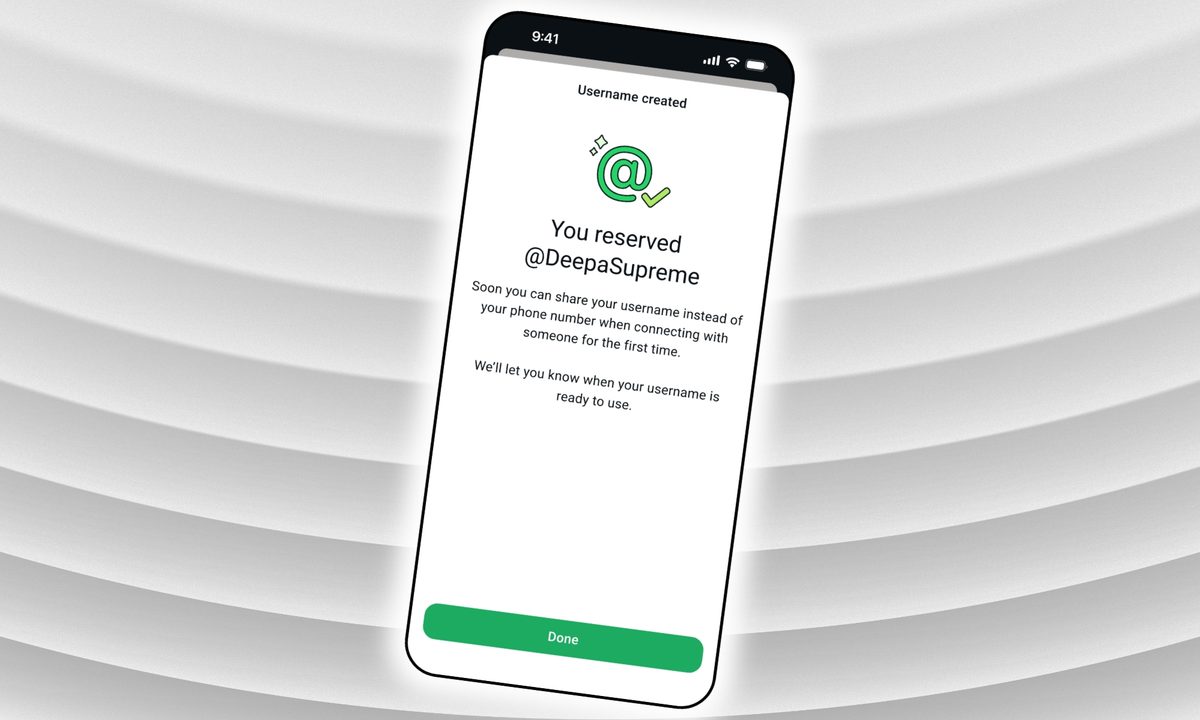
WhatsApp username reservations are now open globally. While you still need a phone number to create an account, usernames let you start conversations without sharing your phone number.
Claiming yours would take less than a minute, but only when you go in with all the details.
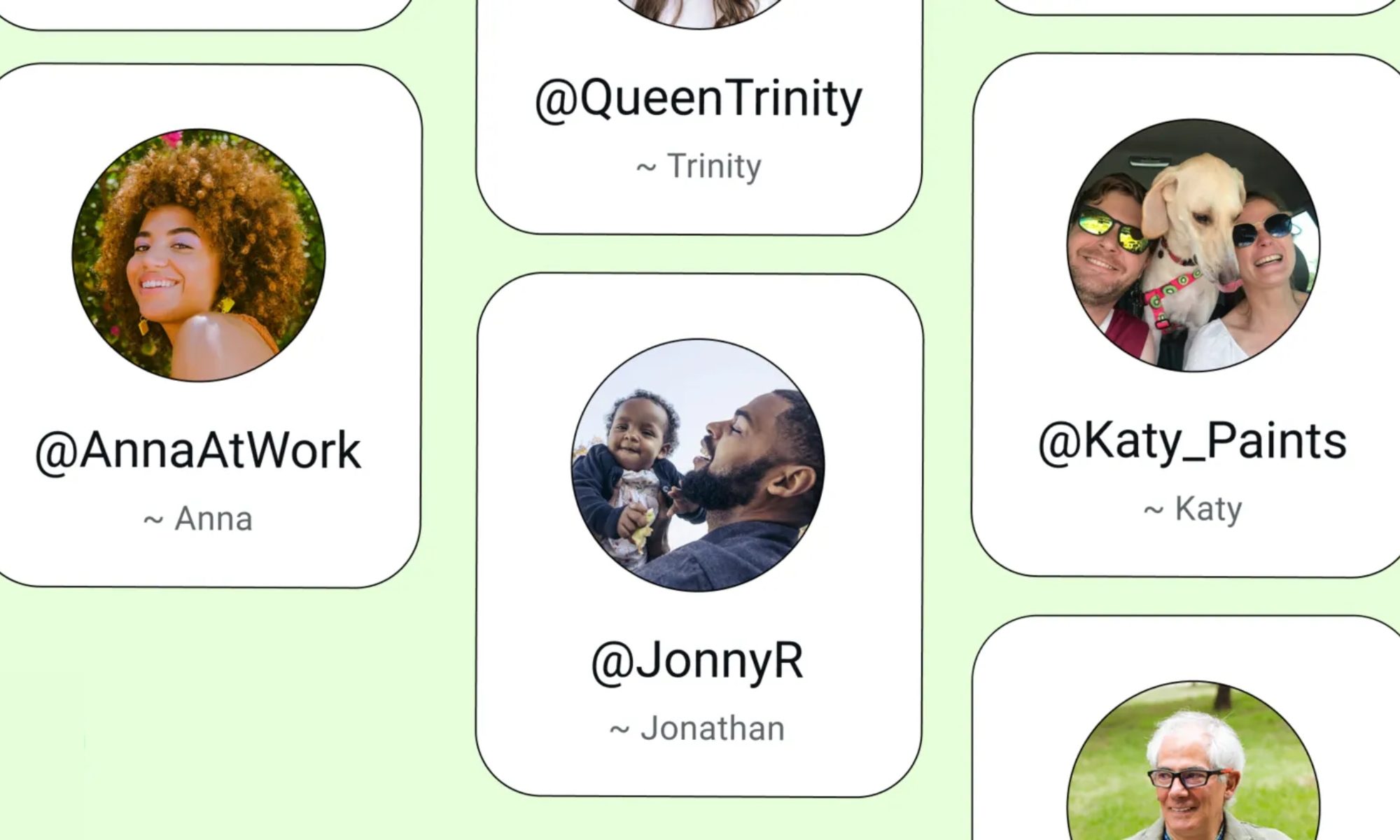
What should you know before reserving your username?
Your username must be between 3 and 35 characters and must comply with WhatsApp’s policies. Beyond those limits, you’re mostly free to choose what you like.
WhatsApp has already reserved certain handles for top celebrities, VIPs, and verified organizations, so those names are locked.
If nothing clicks, WhatsApp’s built-in generator can suggest unique handles.
How do you actually reserve your username?
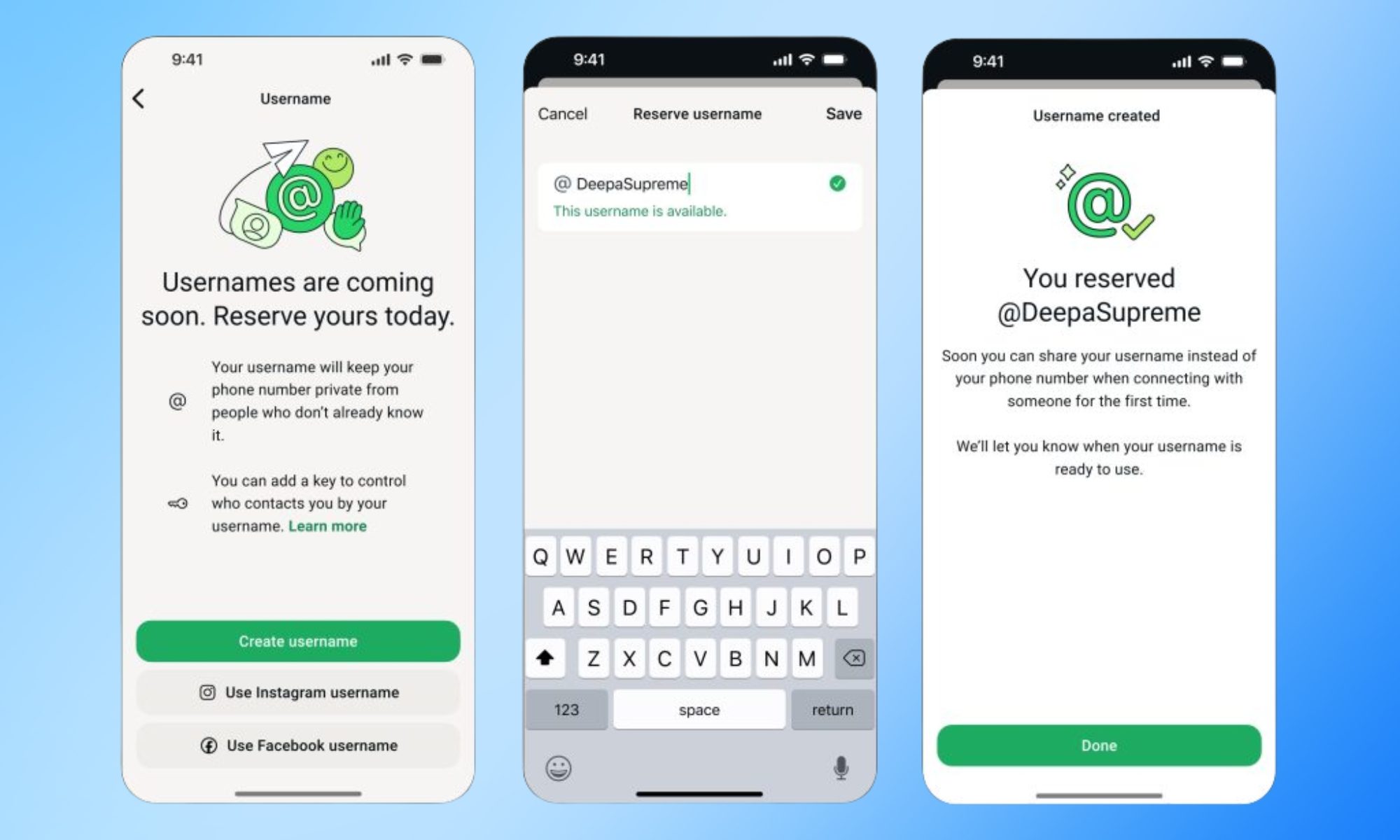
Go to Settings > Account > Username on the latest version of WhatsApp. Thereafter, you can enter your desired username, and the app will tell you whether it is available. The app will also give you suggestions regarding available usernames.
As seen in the screenshot, you can also use your Instagram or Facebook username.
Once you select one, it will be linked to your WhatsApp account and will appear when the feature goes live later this year. If the option isn’t visible, hang tight. WhatsApp is rolling this out region by region and will notify you in the app when it arrives in your country.
When it does, anyone messaging you for the first time won’t see your phone number, as long as you’ve enabled your username. For extra protection, you can also set an optional username key that contacts will need in addition to your handle to message you.
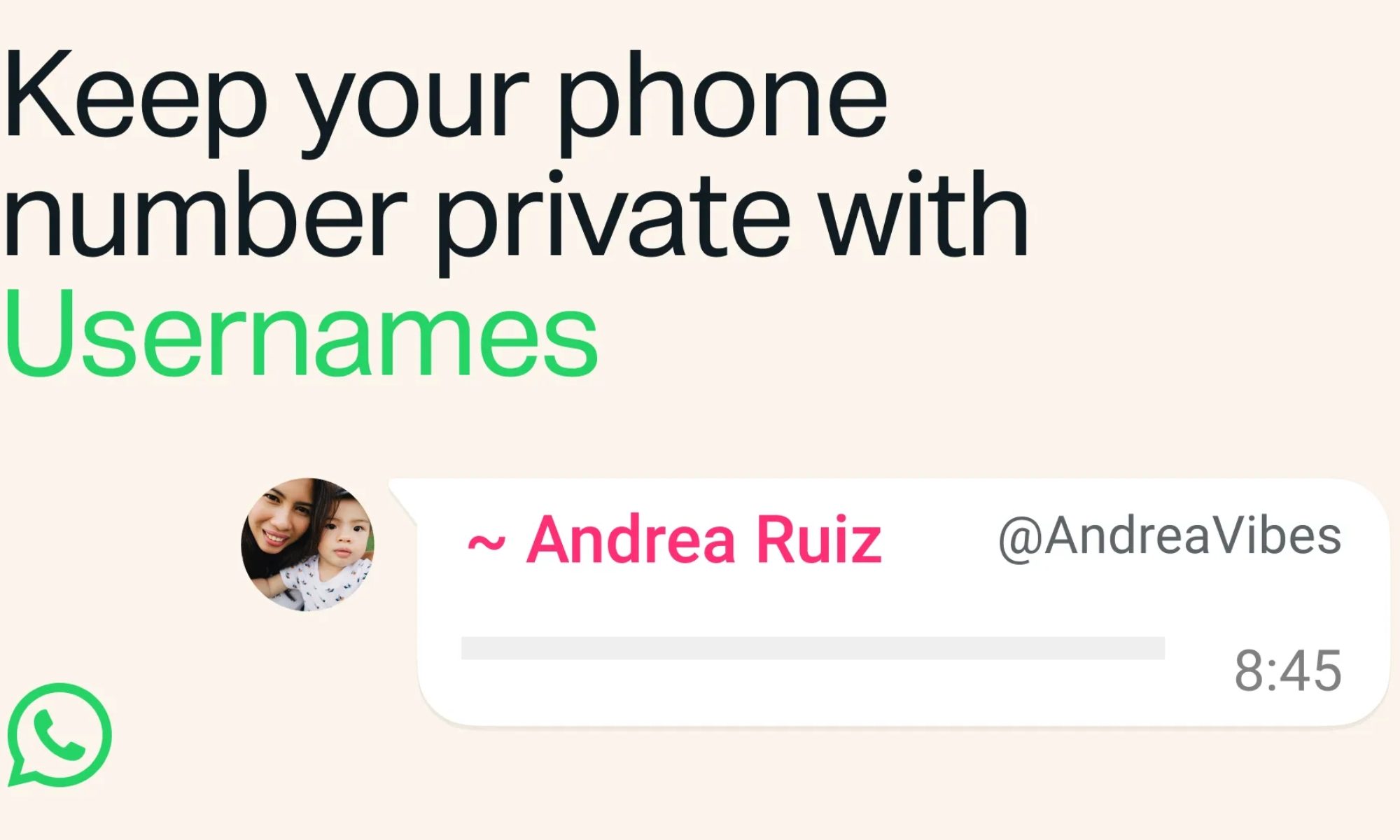
If you change your mind later, WhatsApp will also let you change or remove your username.
The importance of usernames
WhatsApp usernames follow a pattern set by Signal, which added phone-number-free contact discovery in 2024. Telegram has also had this feature for years.
The addition addresses one of WhatsApp’s longest-standing privacy gaps. Sharing your contact information in the app has always required handing over your phone number, making it harder to maintain separation among personal, professional, and public connections.