I have spoken before about how doomscrolling has completely changed the way I consume short-form content. What used to feel like a quick break to watch a couple of YouTube Shorts or Instagram Reels somehow turned into an automatic habit I barely even notice anymore. I pick up my phone for one thing, open a social media app just for a minute, and suddenly I am trapped in an endless vertical stream of videos I did not even plan to watch. And the frustrating part is that I am fully aware of it while it is happening.
I have tried almost everything to change the habit — screen time limits, app timers, turning notifications off, hiding apps from my home screen, and even forcing myself to keep the phone away while working. Some of those tricks help for a while, but the muscle memory always creeps back in. Even during work hours, I still catch myself unlocking my phone without thinking and instantly falling back into the same doomscrolling spiral. That is why one particular announcement during the Android Show 2026 genuinely caught my attention. Buried between all the announcements was an Android 17 feature that actually feels useful. And I am weirdly excited for it to arrive on my Google Pixel 10a.
My thumb has become smarter than my brain, and I hate that
The strange thing about doomscrolling is that it barely feels intentional anymore. I do not consciously sit down and think, “Perfect. I would now love to spend the next 45 minutes watching strangers reorganize kitchen shelves, and listening to Reddit confession stories.” It just happens. That is what makes the habit feel so slippery.
At some point, opening apps like Instagram or X became pure reflex. I unlock my phone to reply to a Slack message during work, check an email, or quickly search for something important, and somehow my thumb automatically drifts toward a social app before my brain even catches up. Half the time, I do not even realize I have opened Instagram until I am already several reels deep into content I never planned to watch in the first place. And honestly, I think that is the most unsettling part of modern doomscrolling.
That is exactly why Android 17’s new Pause Point feature instantly stood out to me during the Android Show 2026. Most digital wellbeing tools today rely on hard restrictions — timers, lockouts, warning screens, app limits — but the problem is that habitual scrolling usually happens before you even consciously process what you are doing. By the time the screen-time warning appears, you are already deep inside the scrolling spiral. Pause Point feels different because it seems designed to interrupt that autopilot behavior itself, and that tiny psychological shift is why I am far more excited about this feature than I expected to be.
Android is adding friction to apps designed to remove it
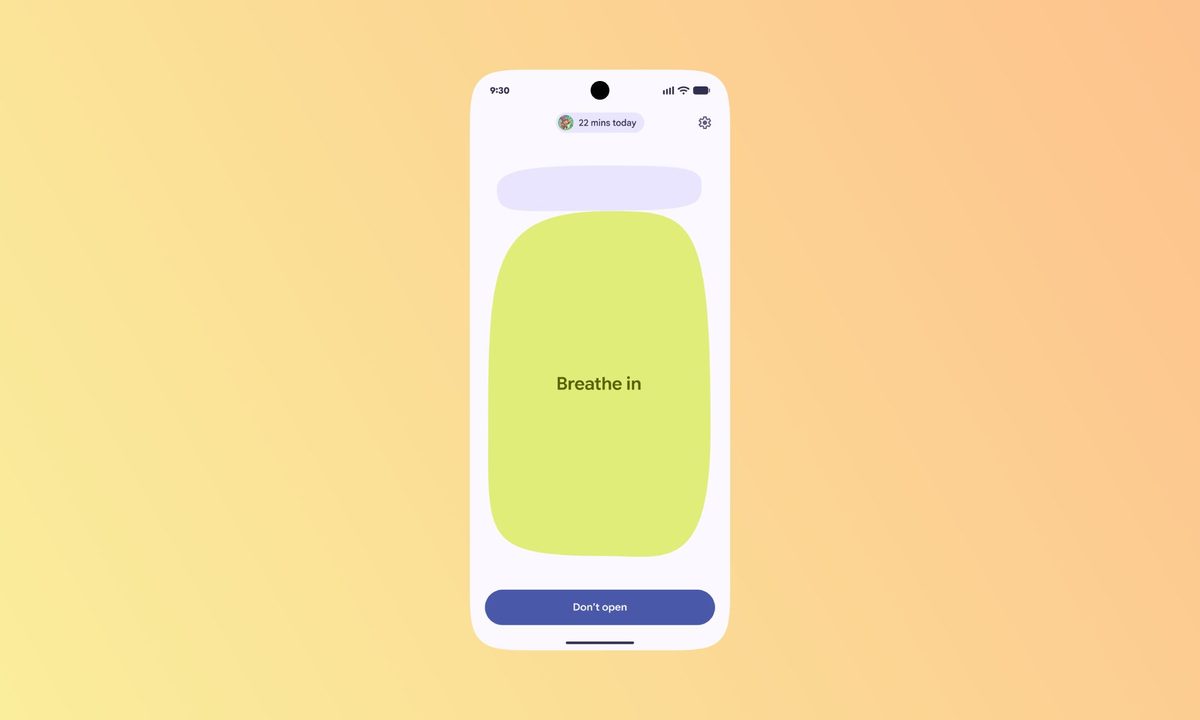
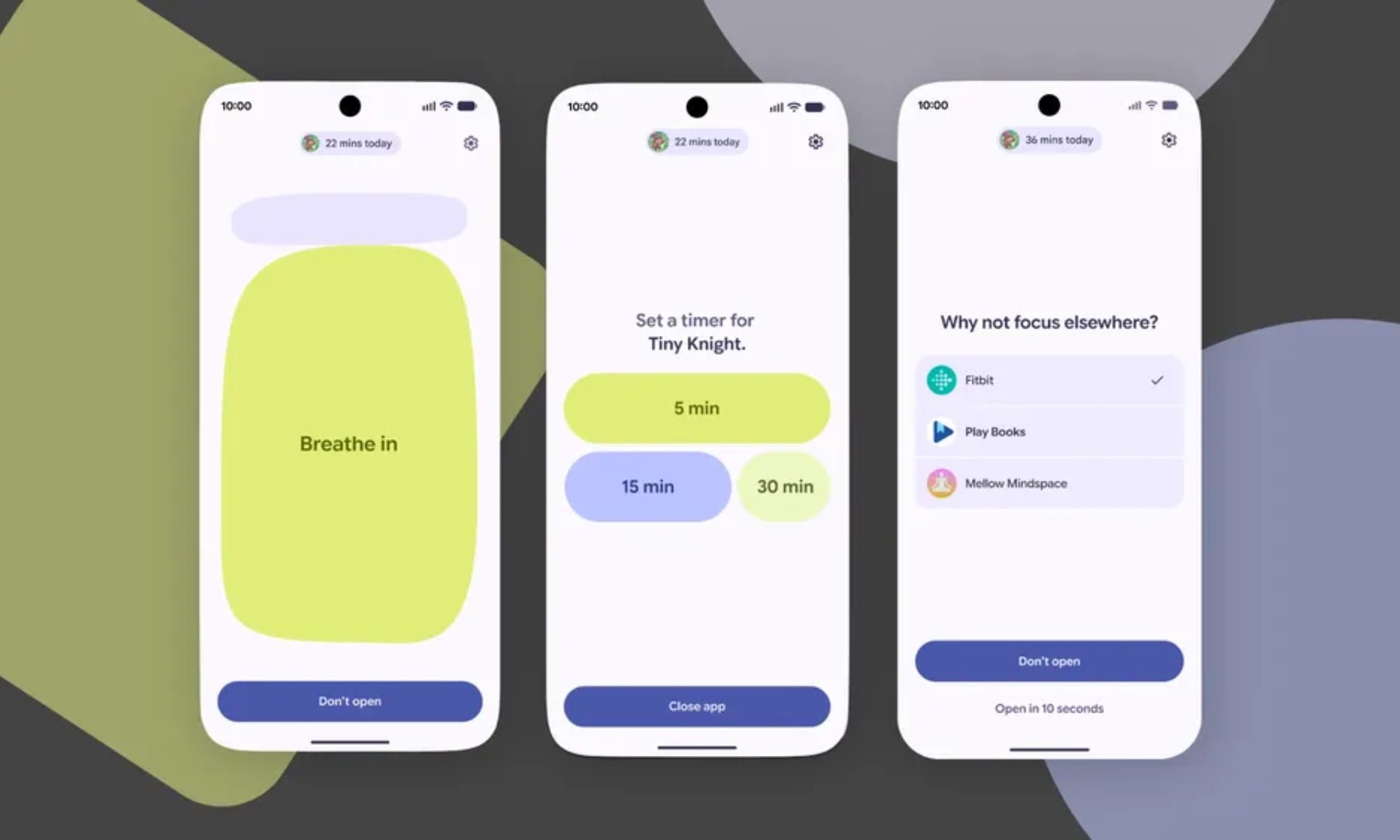
What makes Pause Point feel useful is that, instead of instantly throwing you into apps you personally marked as distracting, Android 17 deliberately creates a brief pause — a 10 second pause, before opening them. So if I tap Instagram or X out of habit, the app does not immediately throw me into an endless feed of reels, posts, and videos. Instead, I get a short breather first.
During that pause, Android can encourage you to do something else entirely. You can take a quick breathing break, set a timer so you do not accidentally scroll for an hour, look at favorite photos, or even jump into healthier alternatives like reading books, or something more productive.
Additionally, Google is deliberately making it difficult to disable the feature once you set it up. You apparently need to restart your phone to turn it off completely, which sounds slightly annoying, but I honestly think that is the point. Because if disabling it were easy, most of us would probably switch it off the first time we got impatient. I know I would.
Maybe the solution was never more discipline after all
Pause Point feels refreshing because it understands that doomscrolling is usually no longer a conscious decision. Most of the time, I am not actively choosing to spend half an hour watching reels during work. I unlock my phone for something completely unrelated, and suddenly, I am stuck in a loop I never intended to enter in the first place.
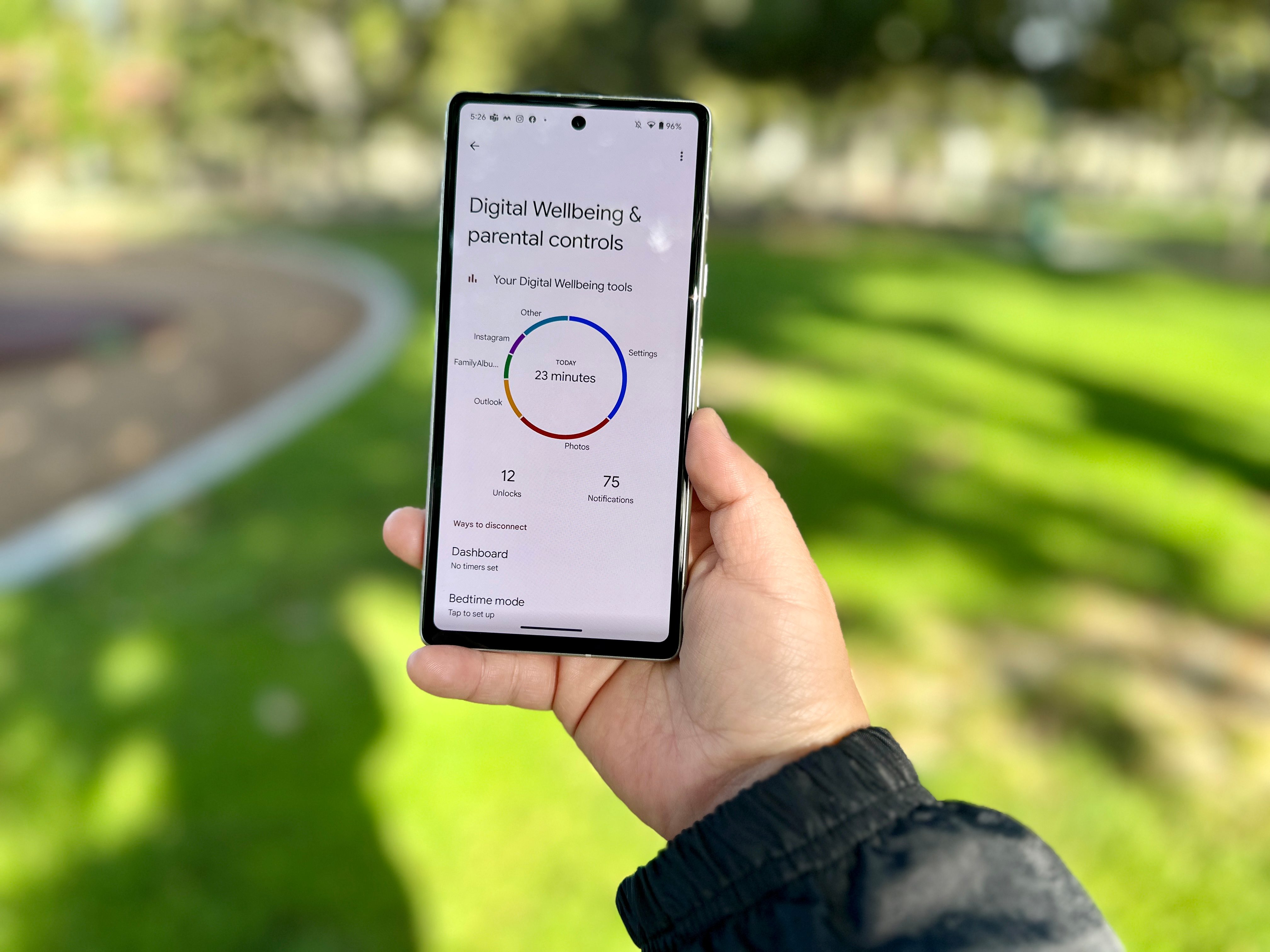
That is why this feature feels smarter than most digital wellbeing tools I have tried before. It aims to interrupt the habit before it fully takes hold. Even a small 10-second pause could be enough to make me question whether I actually want to open the app at that moment or whether I am just acting on autopilot again. And honestly, I think a lot of us need that interruption more than we realize.
Will Pause Point completely fix my doomscrolling habit overnight? Probably not. My brain and thumb still have years of social media muscle memory built into them. But if this feature can help me become even slightly more calculated about how often I open distracting apps throughout the day, that would already be a meaningful improvement. For the first time in a while, this feels like a digital wellbeing feature designed around real human behavior, and that alone makes me genuinely excited to try it.