
I’m someone who’s sworn a lifetime of allegiance to Android, but if there’s one iOS feature that can lure me into giving up my love for Google’s platform, it’s the widget stacks in iOS. It’s a seemingly small feature on paper, but widget stacks enable widgets to be markedly more useful in a way Android has yet to successfully copy.
The standoff between Android and iOS has prevailed since the beginning of the smartphone era. Fans on both sides compare the mobile operating systems fervently and claim their favorite is superior. Although Android devotees used to outsmart their opponents by bringing up widgets, the equation has reversed since Apple introduced widgets with iOS 14 in 2020.
But what is it specifically about widget stacks in iOS that make Apple’s implementation so much more useful? And how does it make iOS better than Android?
Why iOS widget stacks are so useful
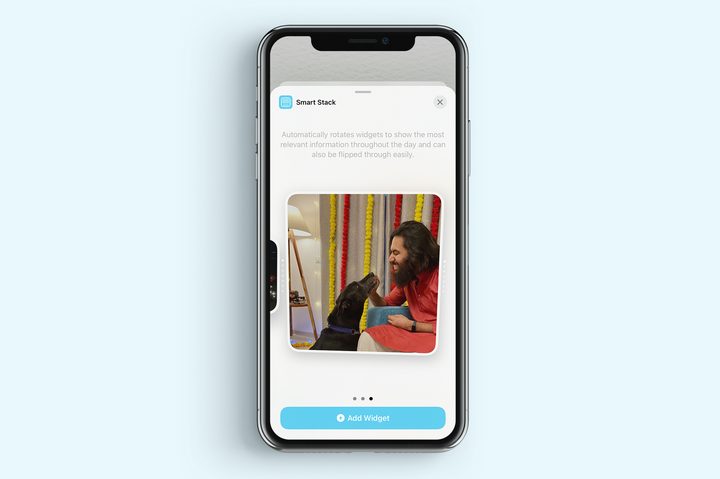
A widget stack is a group of widgets in iOS that can be layered on top of each other. You can stack widgets in iOS simply by entering the screen edit mode and dragging one widget over another or an existing stack. You can view these different widgets by scrolling upward or downward over them. It really is what the name implies: a stack of widgets that live on top of each other.
But Apple didn’t stop there. Part of what makes widget stacks so useful is the integrated “Smart Stack” feature.
Smart Stack comes into action when iOS automatically arranges these widgets based on your usage. It studies how you use your phone and the widgets you prefer to use at a particular time of the day. In doing so, widget stacks automatically cycle through different widgets.
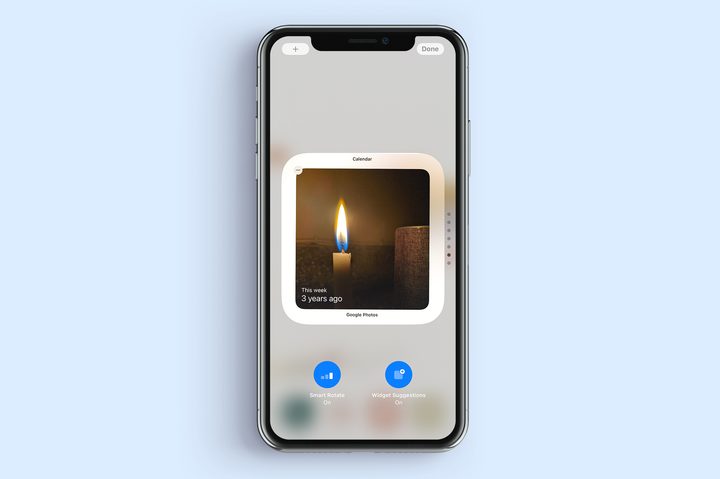
For instance, the News widget automatically shows on the top in the morning with stories for you to start your day. During the day, Smart Stack brings up the Calendar widget with an overview of your schedule. As evening creeps up, a summary of your daily activity would come up to help you unwind with a sense of accomplishment.
Besides allowing iOS to organize widgets in a smart stack skillfully, you can also swipe up or down on it to navigate through the roster of widgets like a regular stack. Not ending there, iOS also lets you convert any standard widget stack into a smart stack. All of this makes iOS widgets useful, simple, and a joy to navigate.
Android’s dynamic widgets are too little, too late
Despite Android’s substantial lead in the widgets game, widget stacks and Smart Stack help iOS surge to the front. Recognizing this setback, Google attempted to spring back into the lead by introducing dynamic widgets with Android 12 in 2021. The newer widgets permit better functionality by integrating direct controls into some of them. With this change, users can interact with several widgets directly from the home screen or by using Google Assistant. Android 12 also brought a consistent coloring scheme in widgets with the freshly baked Material You theme engine.
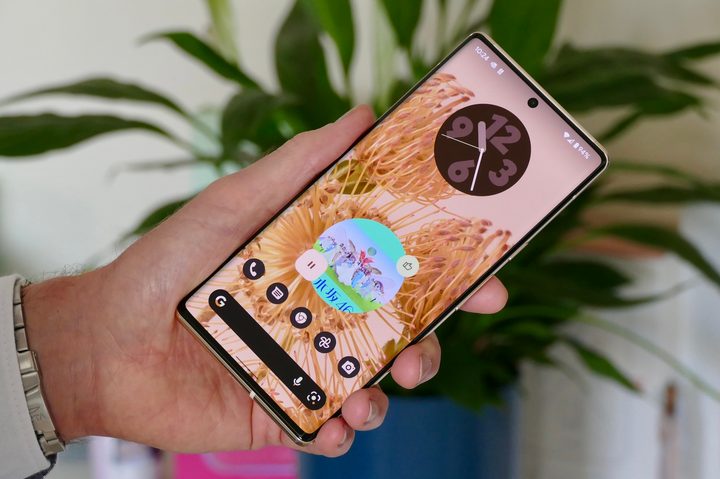
Despite these improvements, dynamic widgets in Android face one major challenge. Unlike Apple, Google does not extend much control over the functionality and aesthetics of third-party apps. Instead, it merely gives Android app developers the discretion to adopt newer design principles like Material You as long as they adhere to basic requirements. Therefore, features such as dynamic widgets are limited mainly to Google’s own apps. For any app to have dynamic widgets, it must support Android’s latest version of the Widgets API.
Simultaneously, many Android phone makers pivot to their own versions of system apps — such as calendar, clock, and even Google’s core features like Digital Wellbeing. This means these apps align more with the manufacturer’s design ethos and less with Google’s. As a result, most of the new dynamic widgets are limited to Google’s own apps or its Pixel phone lineup.
Other attempts to replicate widget stacks
While Google has yet to replicate widget stacks or Smart Stacks, other manufacturers have created their own tools for making Android widgets more practical.
One of the most notable examples is OnePlus’ Shelf, which can be accessed by swiping down from the top-right corner of a OnePlus phone. Shelf shows various widgets in a scrollable view, similar to the Today View in iOS. Because the default widgets in Shelf are designed by OnePlus itself, they cohere in terms of the design language. Unfortunately, most of these widgets only offer the ability to launch system apps instead of controlling apps from outside them.
And while Shelf is a great place for storing numerous widgets without cluttering your home screens, there’s currently no way to stack widgets on top of each other — once again missing out on what makes iOS widgets so great.

In addition to default widgets available in Shelf, OnePlus users can also add widgets from third-party apps. Companies like Vivo, Oppo, and Realme offer similar widget screens as part of their launcher experience, but none matches up to iOS’flexibility.
The closest implementation of widget stacks comes from Samsung, as shown below.
With the latest version of its Android skin — One UI 4.1 — Samsung introduced Smart Widgets. As you might expect, these are closely comparable to widget stacks in iOS.

Smart Widgets allow users to stack multiple widgets on top of each other in three different sizes. While Android limits the functionality of widgets themselves, smart widgets can comprise multiple single widgets and group them together irrespective of their make. Even in a particular shape, Samsung’s smart widgets can hold widgets of varying sizes, making this a better implementation than Apple.
While the functionality of Smart Widgets is great, the problem is that they’re only available on (edit: premium) Samsung phones with One UI 4.1 or later. If you have an older Galaxy phone or something not made by Samsung, you don’t get this functionality.
OK Google, bring on the stacks
Our smartphones are getting taller and increasingly challenging to use with a single hand. Because of our codependency on social media, vertically scrolling launchers such as Niagara have started to make much sense, and widget stacks fit right into the picture. It only makes sense for widgets to take that next step. Apple already has. It’s just a matter of time before Google does, too.


