  1. Home
  2. Phones
  3. Mobile
  4. News

iPhone 7 owners are getting $200 in class action lawsuit, and here’s how you can track yours

Add as a preferred source on Google
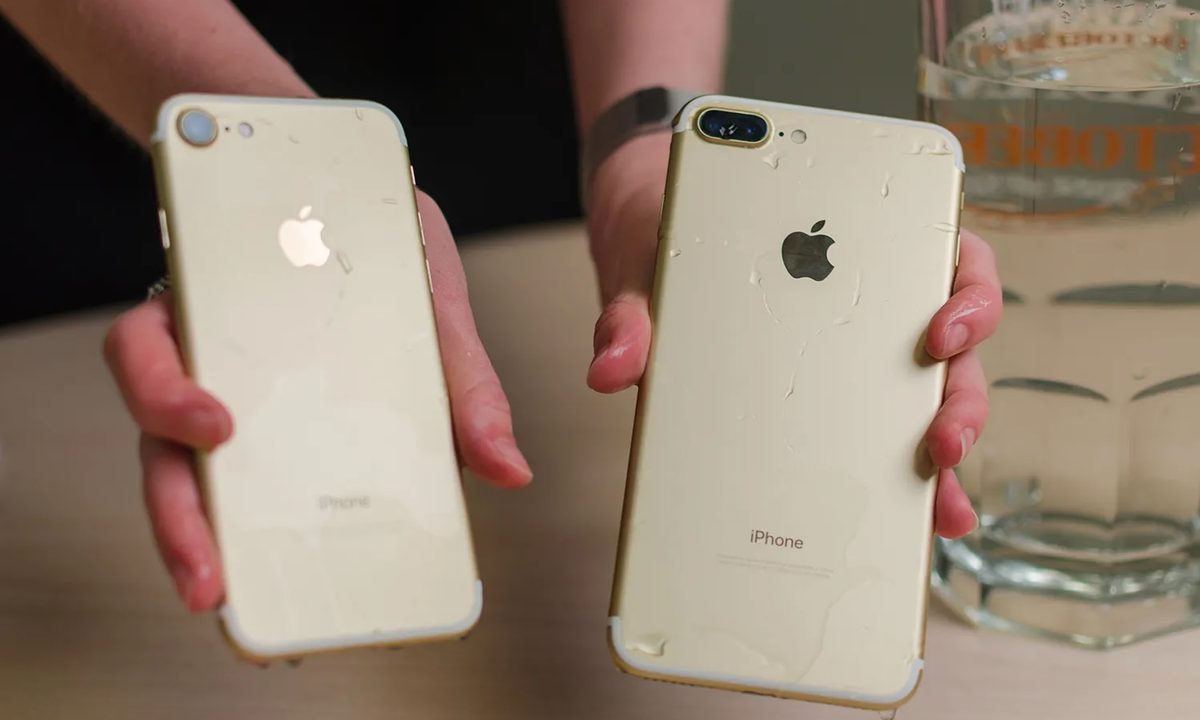
iPhone 7 and iPhone 7 Plus.
iPhone 7 and iPhone 7 Plus Julian Chokkattu / DIgital Trends

Settlement payout from the iPhone 7 class action lawsuit against Apple are starting to roll out. Those who participated in the class action lawsuit have started to receive payments, with amounts varying based on whether you spent any money on repairing the iPhone 7 or the iPhone 7 Plus.

Some of the co-applicants in the lawsuit have started to receive around $200 as part payment from the $35 million settlement, 9to5Mac reported. While the payout is less than the maximum of $350 initially approved by the court, it should still feel satisfactory to the appellants.

Recommended Videos

The report does not clarify if payment terms have been revised, but it was supposed to fall between $50 and $350 for those who paid Apple to get the “audio IC” defect rectified. Those who notified Apple but didn’t pay for repairs were eligible for compensation up to $125. The actual payouts are supposed to be split judiciously between the plaintiffs and after squeezing payments for the class representatives and attorneys from the sum of $35 million.

Members of the settlement class who have yet to receive their payments can dial 1-833-633-0343 to check the status and the exact amount of the payments. You can also visit the designated contact page to find a mail-in address where you can send your queries or fill a contact form with your details to receive a call-back.

What was the iPhone 7 class action lawsuit about?
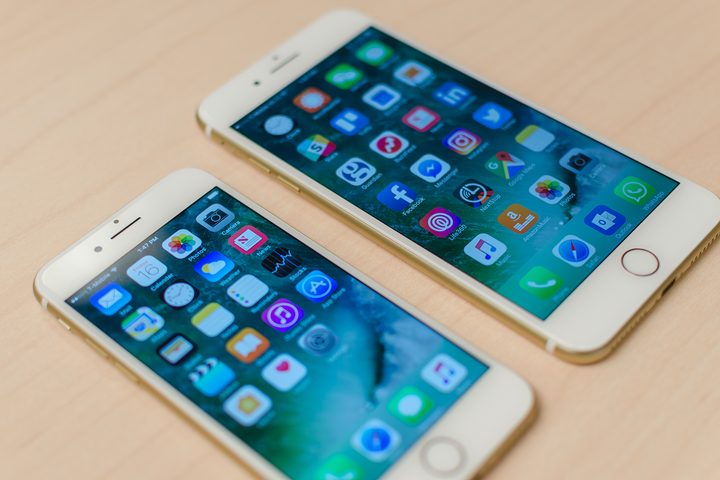
Apple iPhone 7 and iPhone 7 Plus.
Digital Trends

If you are unsure of whether you qualify for these payouts, we may have some bad news. That’s because the deadline to participate in the ended in July last year. If you missed the window, you are likely not eligible for the payouts, even if you own an iPhone 7 or 7 Plus — or did at some time between 2016 and 2023.

In case you are unaware why Apple had to part ways with such as high sum of $35 million, it is because of a widespread flaw found on the iPhone 7 and the iPhone 7 Plus. Often referred to as the “loop disease” or the “audio IC” defect that led to issues with the speaker and microphone on the specific iPhone models when subjected to pressure. Widespread outrage culminated in a class action lawsuit against Apple, which it decided to settle in 2024.

Despite agreeing to settle the class action for $35 million, Apple continues to deny the allegations. For the three-trillion dollar company, that is surely loose change and badgering itself with legal woes would probably cost more.

Tushar Mehta
Tushar is a freelance writer at Digital Trends and has been contributing to the Mobile Section for the past three years…
Android desktop mode made me miss my laptop in record time
I tried writing and publishing from Google’s phone-to-monitor setup, and the future of mobile computing immediately started sweating.
Computer, Electronics, Laptop

Android 17 desktop mode has a very simple pitch. Plug your phone into a monitor, add a keyboard and mouse, and watch the slab in your pocket pretend to be a computer. I wanted to give that pitch a fair shot, so I tried using it for an actual workday instead of a cute demo.

The goal was boring on purpose: write an article, edit it, build the page in WordPress, upload whatever needed uploading, and publish the thing without running back to my laptop like a coward.

Read more
After test-driving iOS 27, my iPhone still doesn’t feel like it has made a substantial leap
Siri learned new tricks. Safari got smarter tabs. My morning routine didn't change at all.
iOS 27 new star rating feature in Photos

Every June, after Apple wraps up its annual WWDC keynote, I install the latest iOS beta on my iPhone, watch the progress bar crawl to completion, and wait for the inevitable restart. For years, picking up my phone afterward felt almost identical to how it did before the update. 

I saw the same grid of icons, the same Control Center, and the same version of Siri until iOS 26 finally broke that pattern in 2025.

Read more
Android 17 makes a strong case for ignoring Android version numbers entirely
When the most noticeable change is a better Quick Settings button, the annual update cycle starts looking more like branding than progress.
Android 17 logo.

Android 17 finally separated the Wi-Fi and mobile data buttons, and I hate how much that improved my mood. For years, Android treated internet access like one mysterious blob, as if Wi-Fi and cellular data were emotionally codependent. In Android 17 Beta 3, Google split the old combined Internet button into separate Wi-Fi and mobile data tiles, making each connection easier to switch off with a single tap.

That’s a good change, which is also why it’s a little damning. When one of the cleanest wins in a major OS update is “the buttons make sense again,” the celebration gets awkward fast.

Read more