

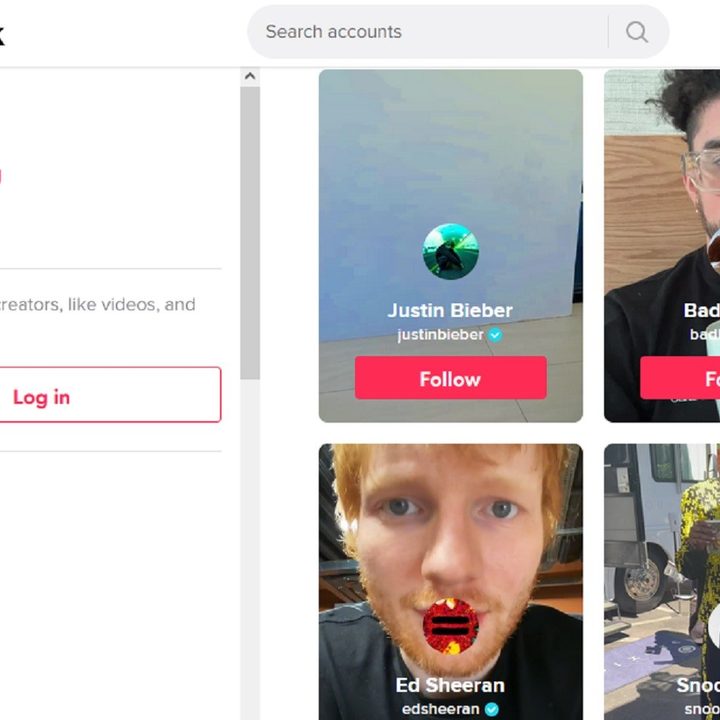
Much like other social media apps, TikTok offers those little blue verification badges for high-profile accounts. If you're looking to get one of those blue checks for your own profile, however, we're sorry to break the news to you that there's not really a set method for getting one. You can't request to be verified, like you can on other platforms. TikTok decides on its own whether or not your account is worthy of the blue check mark.
While there isn't a way to formally apply for verification on TikTok, the social networking service has laid out a few expectations accounts must meet in order to get verified on TikTok. And so, in our handy guide below, we'll go over these expectations for getting verified on TikTok to give you the best chances at getting verified.
Step 1: Be active and post consistently
TikTok only defines "active" as having logged into your account within the last six months, but that by itself can't possibly mean you'd be active enough to garner the kind of attention you'd need to be considered notable enough for a blue check. That might fly for an actual celebrity, but aspiring TikTok stars should probably expect to post content consistently to their accounts.
Part of cultivating an audience is making sure you have a steady stream of content for your fans. And when it comes to building an audience, TikTok actually recommends "posting 3-5 videos per week" to grow your audience.
Step 2: Be authentic and make sure your profile is complete
For TikTok, "authentic" just means that your account has a real person or brand behind it.
It's also important to make sure that your profile is filled out and configured correctly. Be sure to set your account to public and that your profile is fully filled out with the following: A name, a photo, a bio, and a minimum of one video.
To set your TikTok account to public:
Select the Profile icon > Choose the three horizontal lines Menu icon > Select Settings and privacy > Privacy > Turn the toggle next to Private account to the off position (gray) > Select Confirm.
Step 3: Enable multi-factor authentication and use a verified email
TikTok emphasizes that their verification badges are primarily about helping users distinguish between the official accounts of their favorite noteworthy people and fake accounts, so the platform is big on making sure that you are who you say you are, and that, as far as your account is concerned, you remain that way — which means your account needs to be secured from others who would try to access it.
TikTok prefers that you opt for multi-factor authentication and a verified email. Multi-factor authentication (MFA) just means there's an extra step for logging into your account. You'll log in with your username and password and then usually be prompted for a temporary code that only you will have access to.
That code is usually only available on a device that only you would have access to, like your phone. That way, even if someone else got a hold of your username and password, with MFA enabled, they still won't be able to access your account because they won't be able to get that temporary code.
You can access the MFA option in TikTok by: Selecting Profile > the three horizontal lines Menu icon > Settings and privacy > Security and login> Select 2-step verification. After that, just follow the onscreen instructions.
Step 4: Don't forget news coverage
TikTok actually does require you to be notable — as in, there should be news coverage about you that’s not just featured in the news one time, but multiple times. They're also clear about what doesn't count as a news source:
- Sponsored or paid content
- Press releases
This probably feels like a tough one and feels bit like you need to be a tried-and-true viral star.
Step 5: Follow TikTok's guidelines and terms of service
This one is kind of obvious. Even regular non-blue check users are expected to follow the rules. Aspiring blue check accounts are expected to comply with TikTok's community guidelines and terms of service. If you don't follow them, there's a chance you won't be considered for verification.
Step 6: Be unique
TikTok also mentions that the uniqueness of an account is one of the factors they consider when it comes to verification — but they don't give much guidance beyond that.
But when we thought of some of our favorite TikTokers with blue checks who aren't necessarily famous musicians or actors, we noticed that the content they produce is unique and memorable to them. Some TikTokers have a unique way of telling stories about their lives, (like Elyse Myers), and others create uniquely entertaining and informative videos about their interests, (like Alexis Nikole Nelson and her foraging videos).
That said, it's worth it to make sure that your videos are a reflection of what makes you unique. It might be what ends up making you stand out and be notable.



