

It's that time of year again when Apple releases its major mobile operating system updates, and alongside iOS 17 for the iPhone, we're also getting a big new release for Apple's wearables in watchOS 10 — possibly the most significant software update we've ever seen for the Apple Watch.
For one, watchOS 10 brings with it a fresh new design to the user interface that's almost like owning an entirely new Apple Watch. However, there's a lot more here than just a fresh coat of paint, including new Smart Stack widgets, more powerful workout tracking for cyclists and hikers, new mental and vision health features, and more.
The good news is that Apple isn't leaving any more Apple Watch models behind this year; if your Apple Watch is running watchOS 9, then you can update it to watchOS 10. This includes the 2018 Apple Watch Series 4 and every model released since.
There is one important catch: As with every watchOS release, your iPhone has to be running the contemporary version of iOS. This means that you will need an iPhone capable of running iOS 17. Apple is drawing the same 2018 line for that, which means that if you're toting an iPhone X or older model, you won't be able to install watchOS 10 even if you have a supported Apple Watch.
Note that you'll need to update your iPhone to iOS 17 before you can install watchOS 10 on your Apple Watch.

Back up your Apple Watch
Before installing any new OS release, it's always a good idea to have a current backup of your device. You can find the instructions on how to do this in our article on how to back up your Apple Watch.
Although you shouldn't count on being able to restore an Apple Watch to an older version of watchOS, a backup will still come in handy if something goes wrong in watchOS 10; you'll at least be able to restore things back to the way they were at the point where you installed the update, and if your wearable fails entirely, restore that backup onto a new Apple Watch.

How to install watchOS 10 on your Apple Watch
Once you've updated your iPhone to iOS 17, you can install watchOS 10 from your iPhone's Watch app or even directly through the Apple Watch Settings app.
Note that although you can start downloading and preparing the update right away, your Apple Watch will need to be on its charger and charged to at least 50% before the update will actually install.
Step 1: Open the Watch app on your iPhone or the Settings app on your Apple Watch.
Step 2: Select General.
Step 3: Select Software Update.
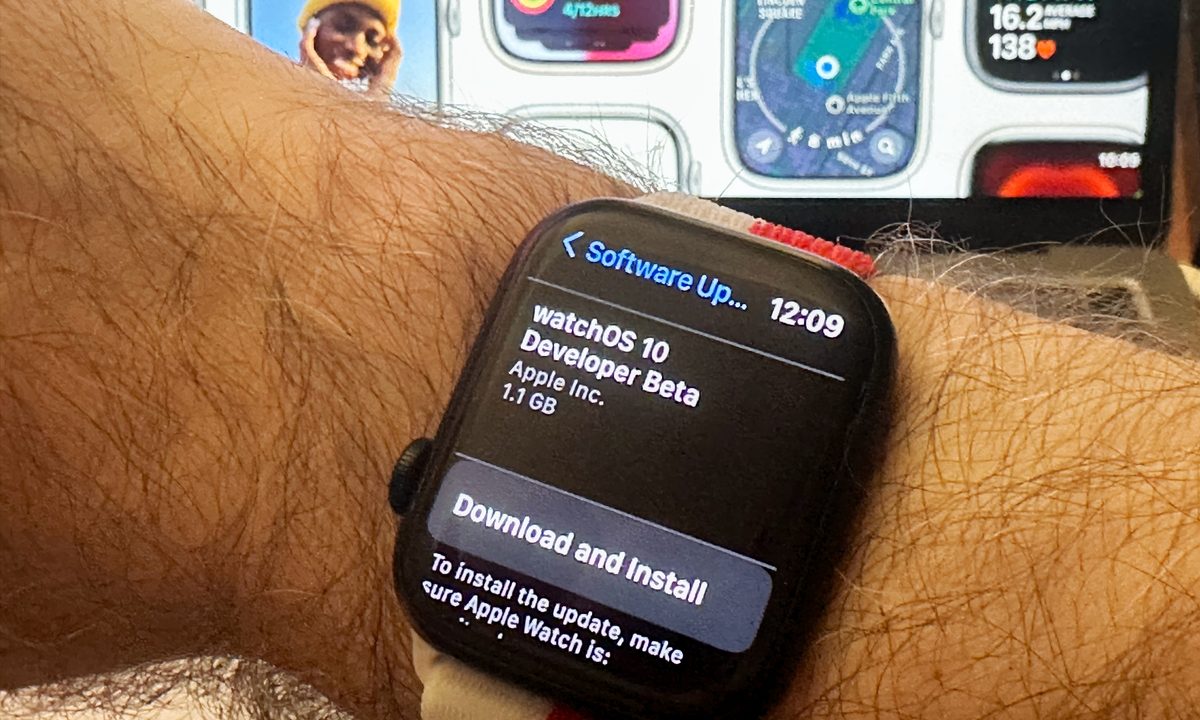
Step 4: Select Download and Install to begin installing watchOS 10.
It may take up to an hour or more to download the update, prepare it, and then install it on your Apple Watch. Once the update is downloaded, your Apple Watch has to be charged to at least 50% and remain on its charger before the install process will start.

Problems installing the watchOS 10 update?
Updating to watchOS 10 is typically problem-free. However, there are a few issues you may sometimes encounter.
Step 1: If the watchOS 10 update doesn't appear in General > Software Update:
- Make sure your Apple Watch is compatible with watchOS 10.
- Check your internet connection. Sometimes you'll need to be on a Wi-Fi or 5G connection before it appears.
- If you're enrolled in Apple's public beta or developer beta program, there's a good chance you've already installed the final watchOS 10 release, as it was sent out to beta testers on September 12 after Apple's iPhone 15 event. In that case, there's nothing new to install — you already have the latest public release of watchOS 10.
Step 2: If you see "Update Requested," it just means you need to patiently wait your turn as there are a lot folks downloading watchOS 10.

Step 3: Sometimes watchOS updates can fail due to a problem downloading the software. When this happens, you may have a partial or corrupted copy of the watchOS 10 update on your watch that you'll need to remove before you can try again. You can find this by opening the Watch app on your iPhone and selecting General > Storage. Delete the package and then try downloading it again.


