  1. Home
  2. Phones
  3. News

Digital Trends may earn a commission when you buy through links on our site. Why trust us?

Amazon has a new AI tool that can translate Kindle books

Because good books shouldn’t get lost in translation.

Add as a preferred source on Google
Amazon-new-AI-tool-to-translate-Kindle-books
Amazon

What’s happened? Amazon has introduced Kindle Translate, an AI-powered feature that helps authors instantly publish their books in new languages. So writers will no longer need to hire a translator or wait for edits. The tool is currently in beta for writers using Kindle Direct Publishing (KDP) and supports translations between English and Spanish, as well as German to English for now.

  • Authors can upload their books, pick a target language, review the translation, set pricing, and publish within a few days.
  • Kindle books translated with the tool will be eligible for KDP Select and Kindle Unlimited.
  • Amazon says all translations will be automatically reviewed by AI for accuracy before release.
  • Every translated book will show a “Kindle Translate” label so readers know it’s AI-translated.
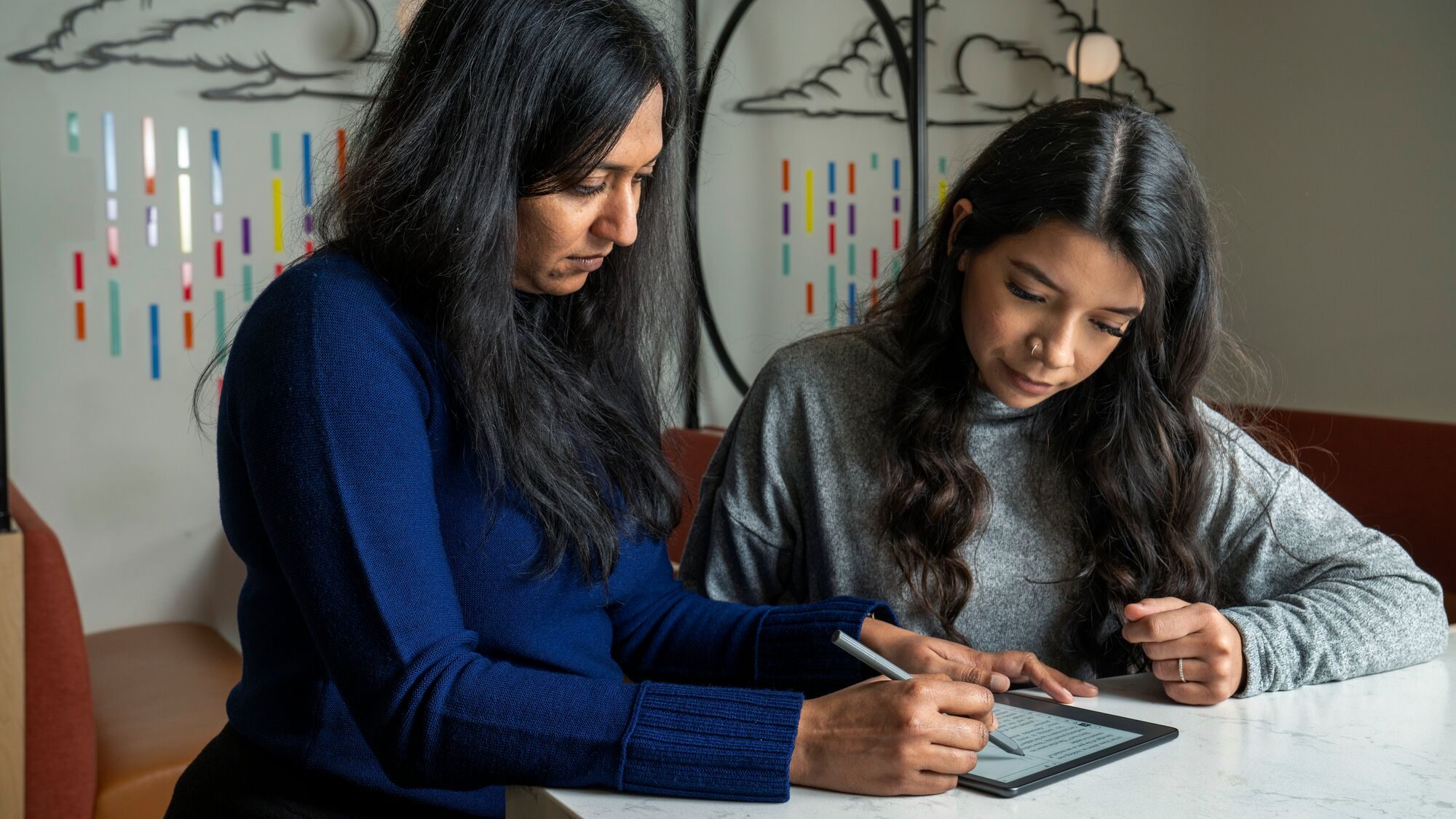
This is important because: Until now, less than 5% of titles on Amazon were available in more than one language. Kindle Translate bridges that gap by making the translation process fast, free, and built right into the platform.

  • Authors can now reach new audiences without paying for manual translations.
  • Readers get access to more Kindle books in their preferred language.
  • The service is free to use, leveling the playing field for indie authors who previously struggled to afford reliable translations.
Recommended Videos

Why this matters? This move could reshape how books travel across borders.

  • For authors and readers, this unlocks global reach and access.
  • It is also a chance for authors to expand readership and royalties without extra effort.
  • For the industry, this move signals how AI is quietly transforming creative work from writing to translating to publishing.

Ok, what’s next? The feature is rolling out gradually, starting with KDP authors in the U.S.

  • Authors using KDP should check their dashboards for Kindle Translate invitations or opt-in prompts.
  • Amazon says more language options will be added soon.
  • If you’re a reader, keep an eye out for the Kindle Translate badge on new titles.

Manisha Priyadarshini
Manisha Priyadarshini is a tech and entertainment writer with over nine years of editorial experience.
Old kindle owners are revolting against Amazon’s support shutdown with jailbreaking
Aging Kindles are still working, and some users refuse to let them die
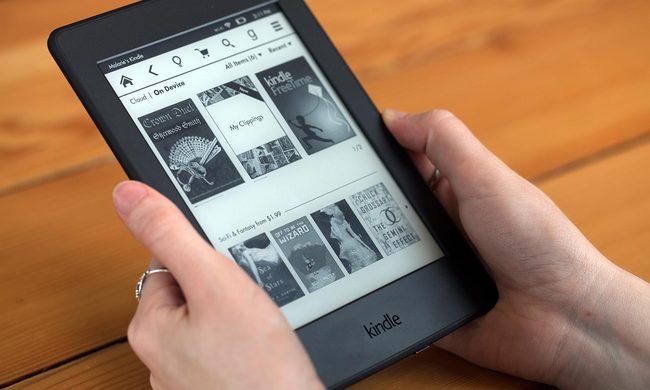
Kindle-Paperwhite

Amazon’s decision to cut support for older Kindles has pushed some longtime owners toward jailbreaking, a route many never expected to consider.

From May 20, 2026, Kindle devices released in 2012 or earlier will no longer be able to buy, borrow, or download new books directly from Amazon. Books already downloaded will still work, but the store experience is basically being switched off for these devices. Reports now suggest that some users are looking at jailbreaks as a way to keep older Kindles useful instead of replacing hardware that still works.

Read more
I’m weirdly excited about Android 17’s upcoming anti-doomscrolling feature
Android Pause Point screenshot.

I have spoken before about how doomscrolling has completely changed the way I consume short-form content. What used to feel like a quick break to watch a couple of YouTube Shorts or Instagram Reels somehow turned into an automatic habit I barely even notice anymore. I pick up my phone for one thing, open a social media app just for a minute, and suddenly I am trapped in an endless vertical stream of videos I did not even plan to watch. And the frustrating part is that I am fully aware of it while it is happening.

I have tried almost everything to change the habit — screen time limits, app timers, turning notifications off, hiding apps from my home screen, and even forcing myself to keep the phone away while working. Some of those tricks help for a while, but the muscle memory always creeps back in. Even during work hours, I still catch myself unlocking my phone without thinking and instantly falling back into the same doomscrolling spiral. That is why one particular announcement during the Android Show 2026 genuinely caught my attention. Buried between all the announcements was an Android 17 feature that actually feels useful. And I am weirdly excited for it to arrive on my Google Pixel 10a.

Read more
I use this iPhone feature every single time someone wants to borrow my device
Electronics, Mobile Phone, Phone

For me, there are basically two kinds of panic in life. The first is sending a risky text to the wrong person. The second is handing my unlocked phone to someone and instantly remembering that my entire digital life lives inside it. Unfortunately, I have experienced the second one far too many times. Most of the time, the reason is completely harmless. A friend wants to click a quick picture, my cousin asks to watch a reel, or someone just wants to place a food order or check the cricket score. But the second my iPhone leaves my hand, my brain starts speed-running through everything stored inside it — personal chats, banking apps, work emails, private notes, passwords, photos, and those screenshots I always forget to delete.

Smartphones are no longer just phones. They are essentially tiny, portable vaults that hold years of personal information, habits, conversations, and memories. Lending someone your device can feel like handing them a small extension of your brain for a few minutes. And honestly, that thought alone is enough to make me uncomfortable. That is exactly why one iPhone feature has become essential for me. It is called Guided Access, and I use it almost every single time someone asks to borrow my phone.

Read more